
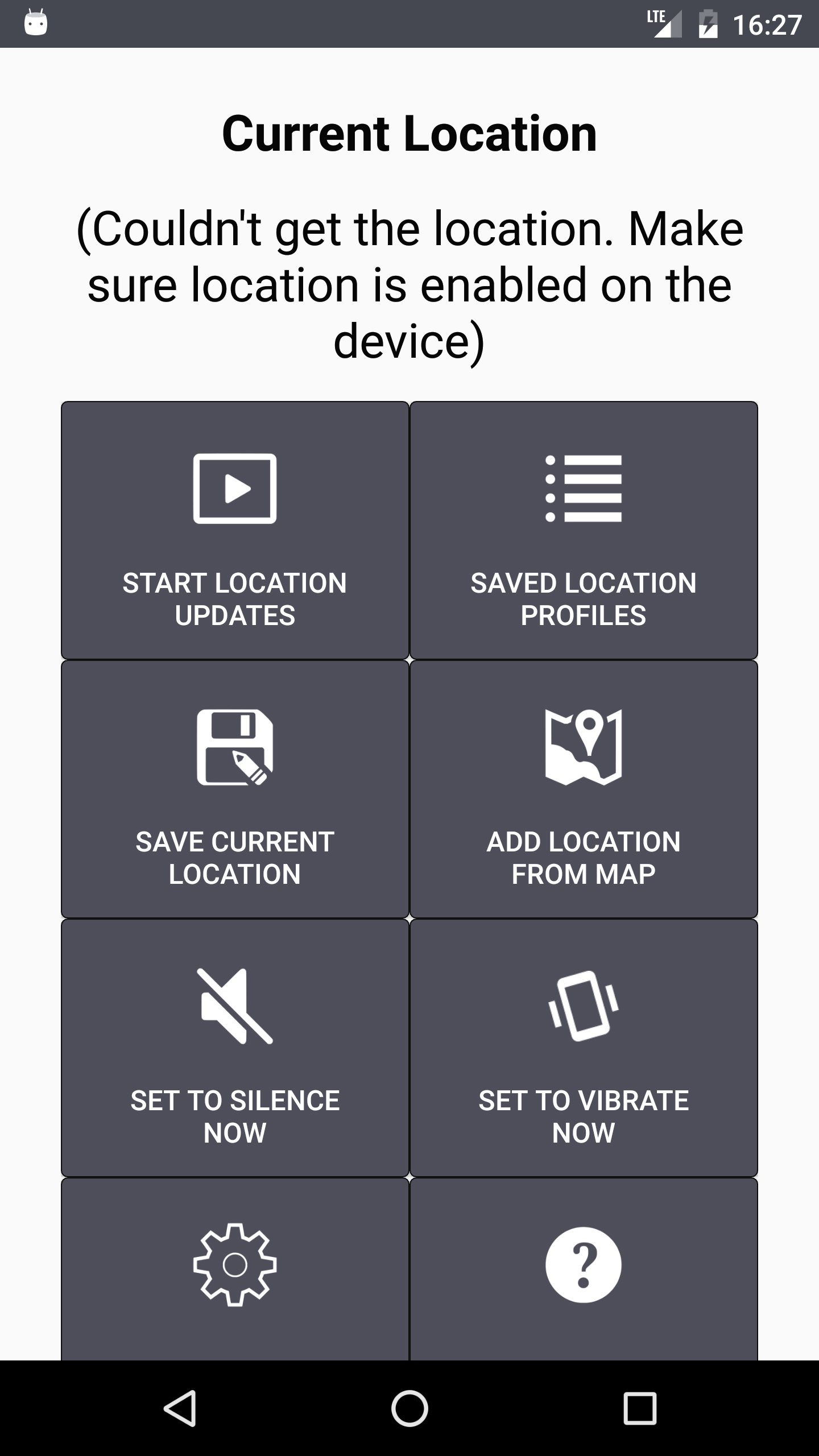
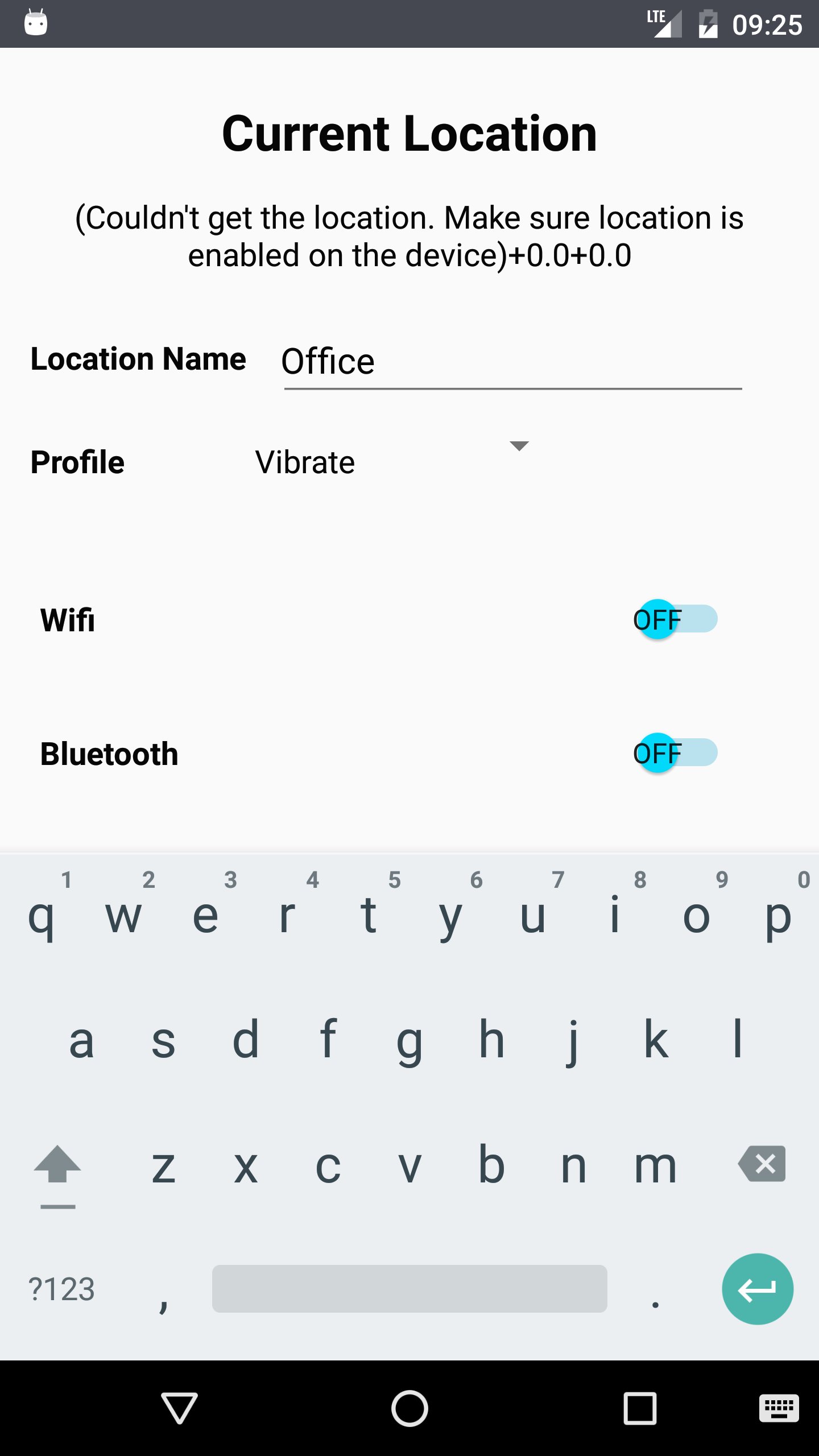
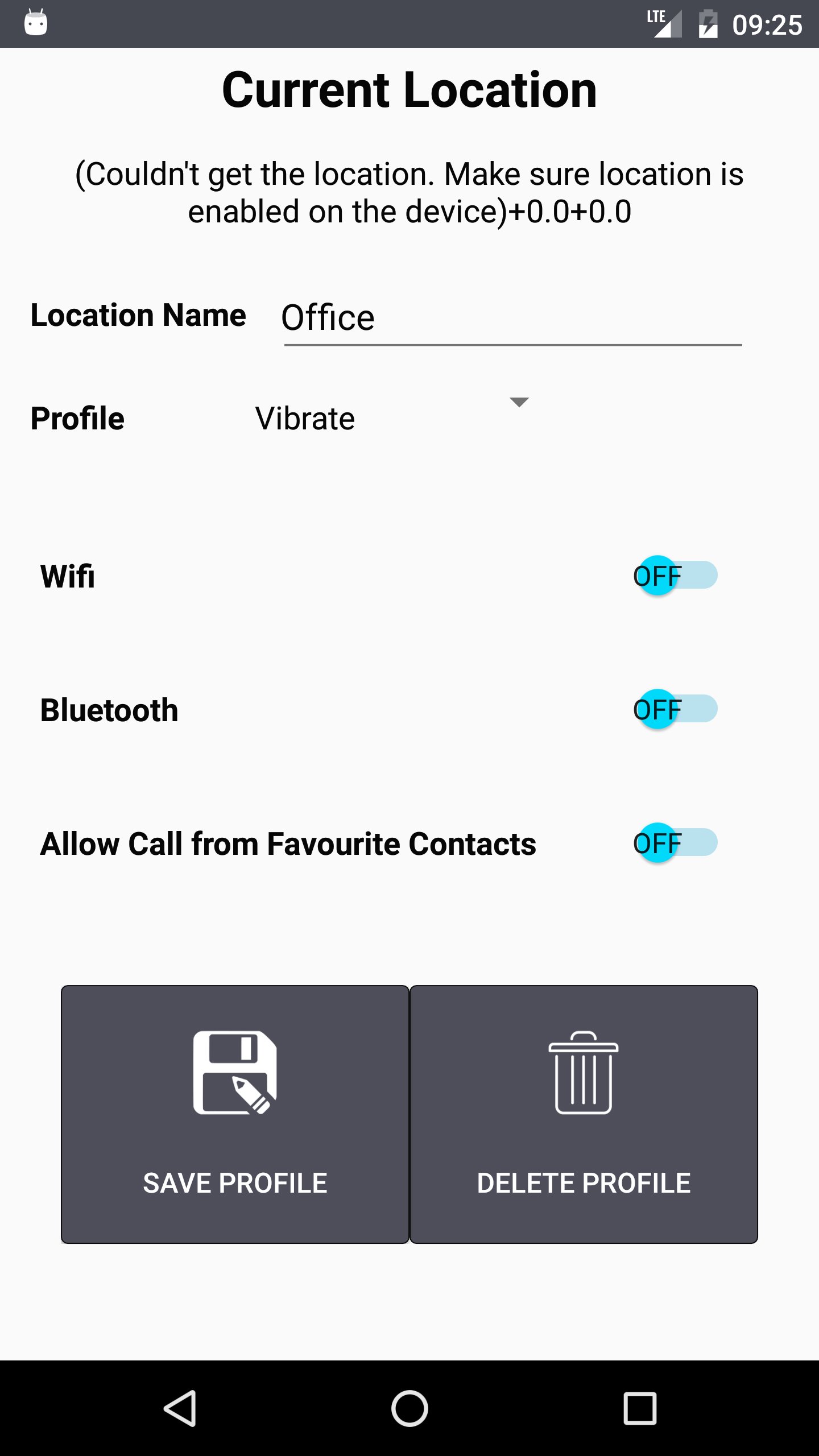
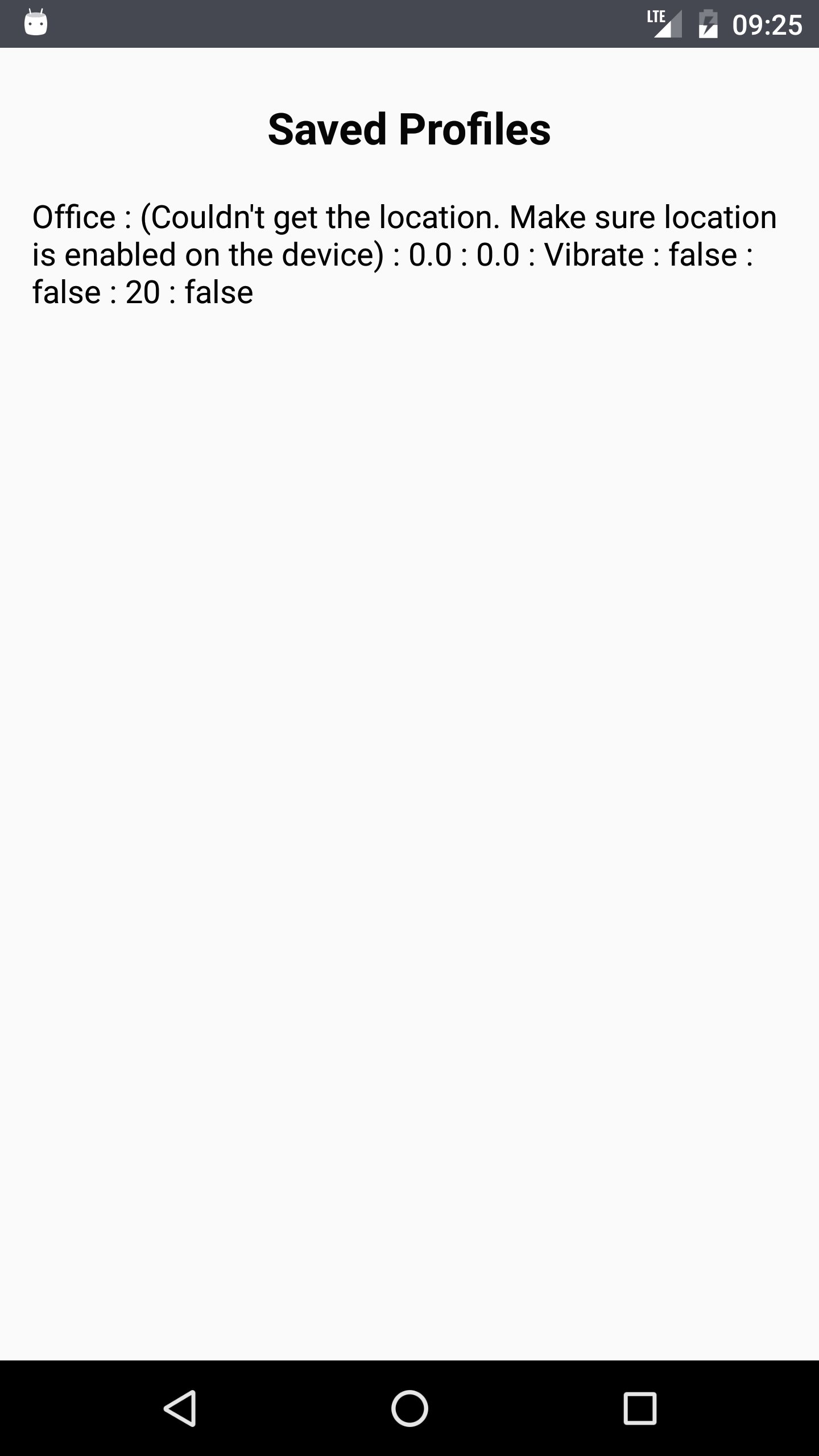
1. Save all your current locations where you want the App to set the profile with volume profile, WiFi Settings and Bluetooth settings
2. Start Application
3. App scans your location in background and starts setting the volume based on your location
Ex: You added following profiles in the application
Home: Sound profile Normal, WiFi On, Bluetooth Off
Office: Sound profile Vibrate, WiFi Off, Bluetooth Off
App sets profiles and other setting as soon as you enter saved locations Home or Office
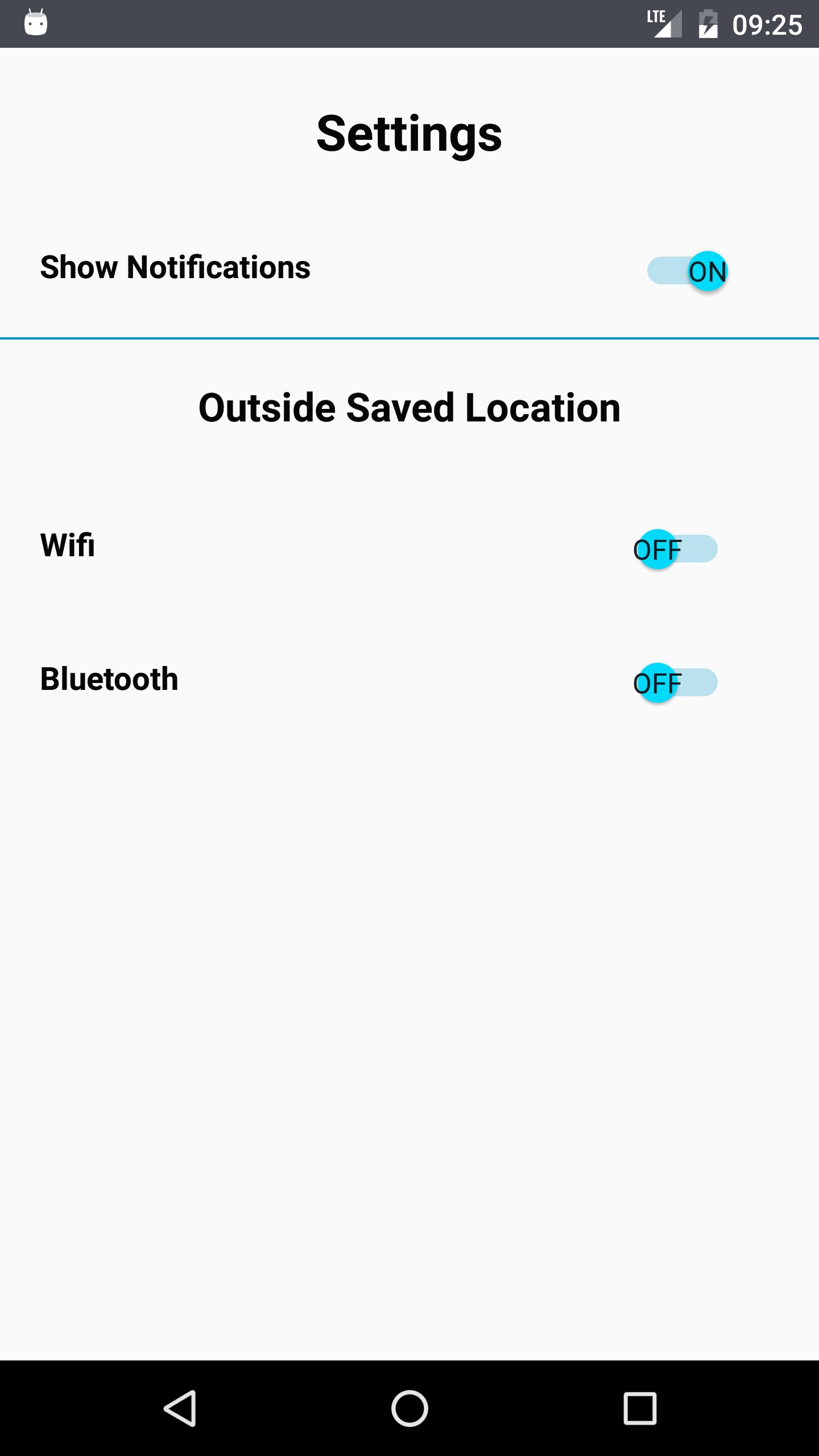
4. When you are outside the saved area, App defaults sound profile to Normal, WiFi and Bluetooth to the settings defined in App settings
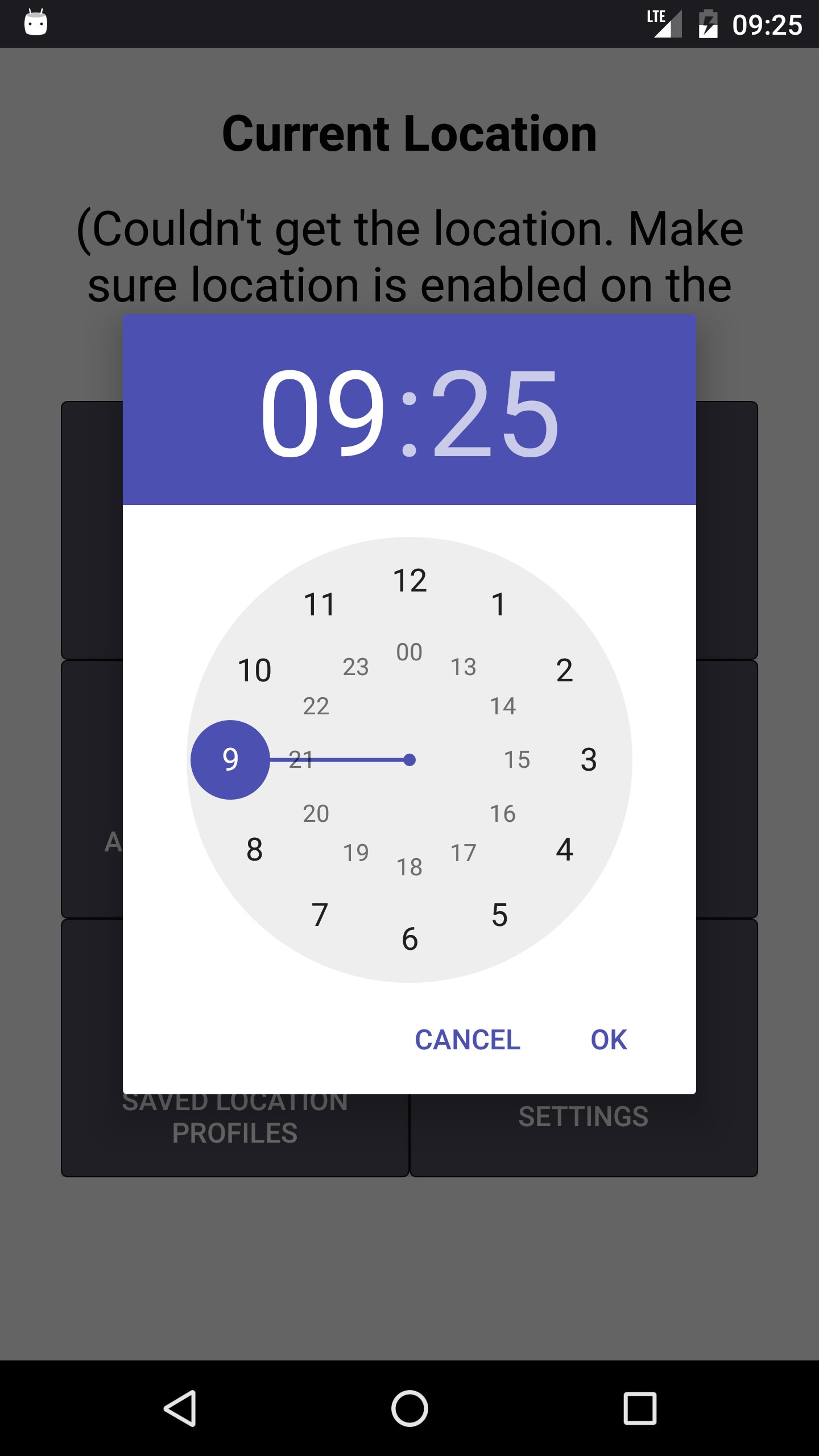
5. Set phone to Silent for specified time
6. Set phone to Vibrate for specified time
Latest Version
1.10Uploaded by
عبد الحليم العلي
Requires Android
Android 4.0.3+
Category
Free Tools AppContent Rating
Everyone
Report
Flag as inappropriateLast updated on Apr 18, 2017
- Improved display of saved location

APKPure - A multi-platform app store primarily focused on Android, providing extensive app-related content. Discover the app you want easier, faster, and safer, with quick and efficient downloads and installations.