LinkPlus suits users who live alone or care for dependents and want a simple fallback alert. It checks for regular smartphone interaction through push notifications, then sends an email to chosen contacts if no response is made in time. This approach aims to notify others when you cannot use the device. For clarity, it focuses on email messaging rather than background location sharing. Users considering LinkPlus APK can expect straightforward setup and guidance within the app.
Inactivity monitoring and email notifications
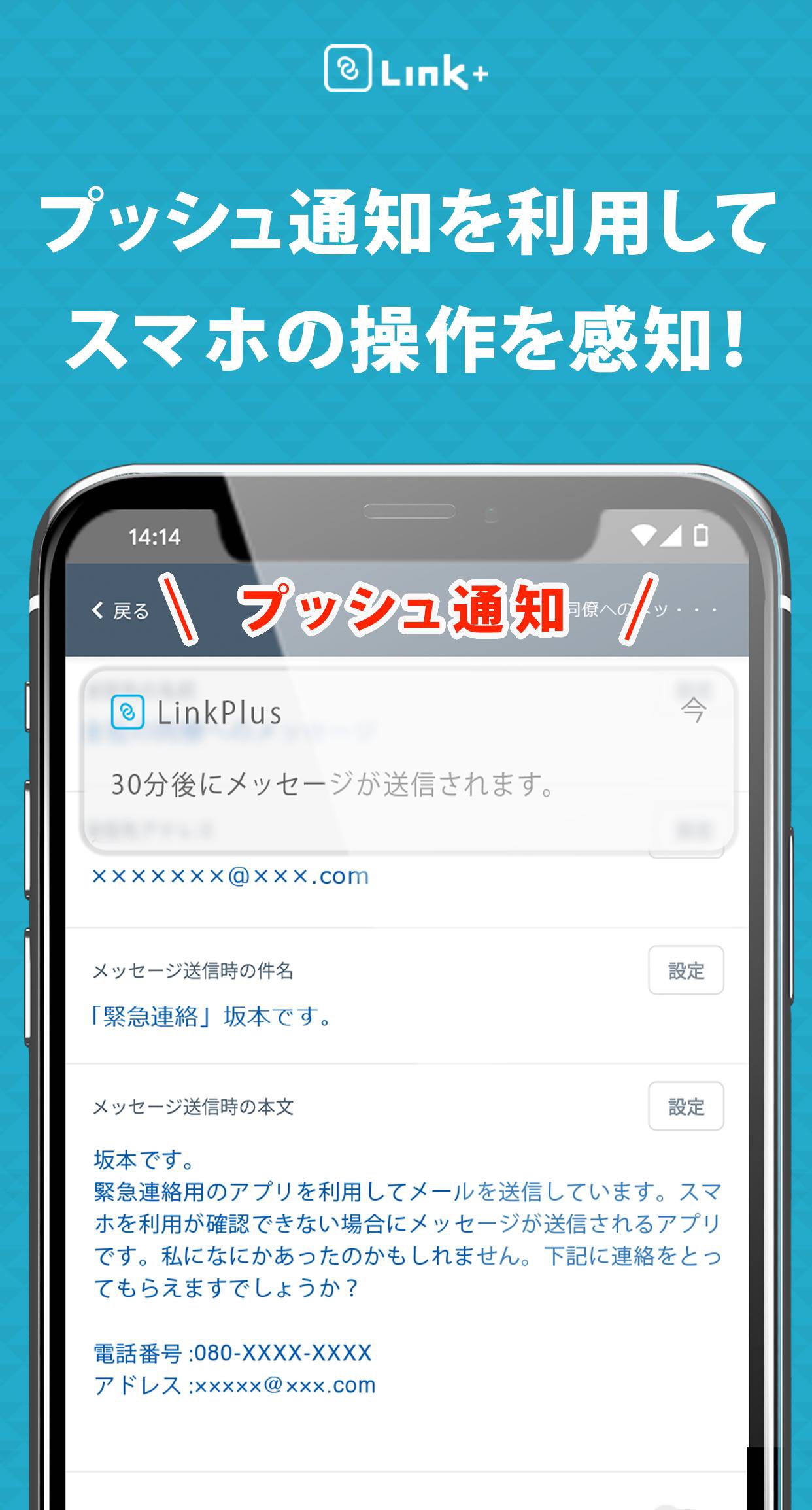
LinkPlus checks for regular phone use with push prompts. If no default operation is detected and you do not open the app to tap “Through message” before the send time, the app sends an email to your selected contacts.
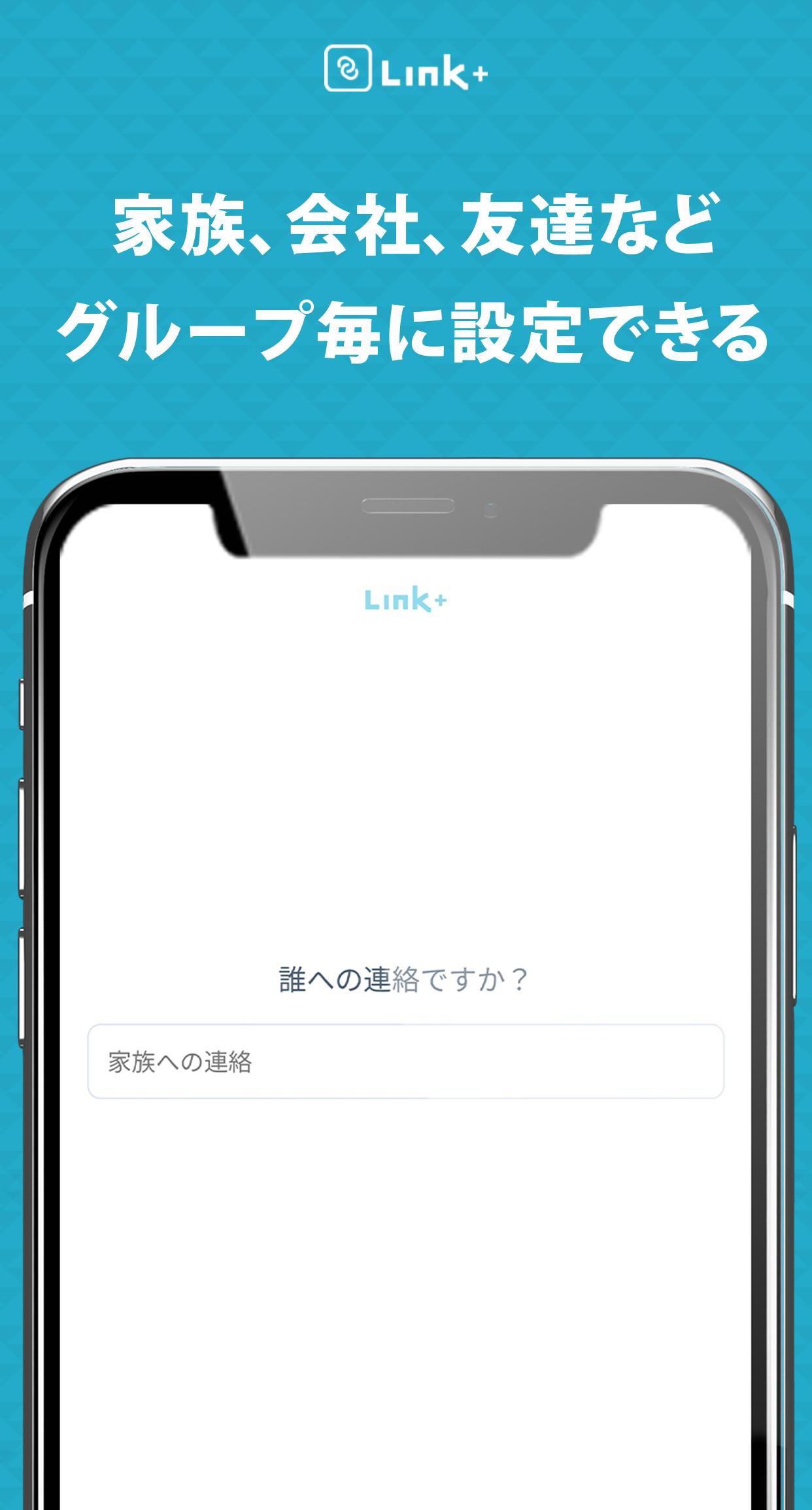
Multiple recipients and saved profiles
Account requirement and data handling
A Google account is required to use the service. If use cannot be confirmed for ten days or more, all stored data is deleted automatically and you need to set it up again.
Delivery conditions and email filtering
Delivery depends on your device, network, and the recipient’s environment. Some emails may be sorted into junk folders, so ask recipients to allow messages from the domain @linkplus-app.com. Push prompts might not arrive when the phone is off or has no signal. For best compatibility, install the LinkPlus latest version before configuring your contacts.
LinkPlus provides a clear way to alert trusted people when you cannot respond on your phone. Set recipients, review the prompts, and test message delivery before relying on it. To begin, download LinkPlus and follow the on-screen steps.
Latest Version
1.0.7Uploaded by
هوليماك عايش بلابيك
Requires Android
Android 5.0+
Category
Free Lifestyle AppContent Rating
Everyone
Report
Flag as inappropriateLast updated on Apr 29, 2023
This release includes minor bug fixes and general improvements. Update to the latest version for the best experience.




APKPure - A multi-platform app store primarily focused on Android, providing extensive app-related content. Discover the app you want easier, faster, and safer, with quick and efficient downloads and installations.