(Report issues and suggest new functions in Developer Website below: https://github.com/lifoveBible/lifovebible/issues)
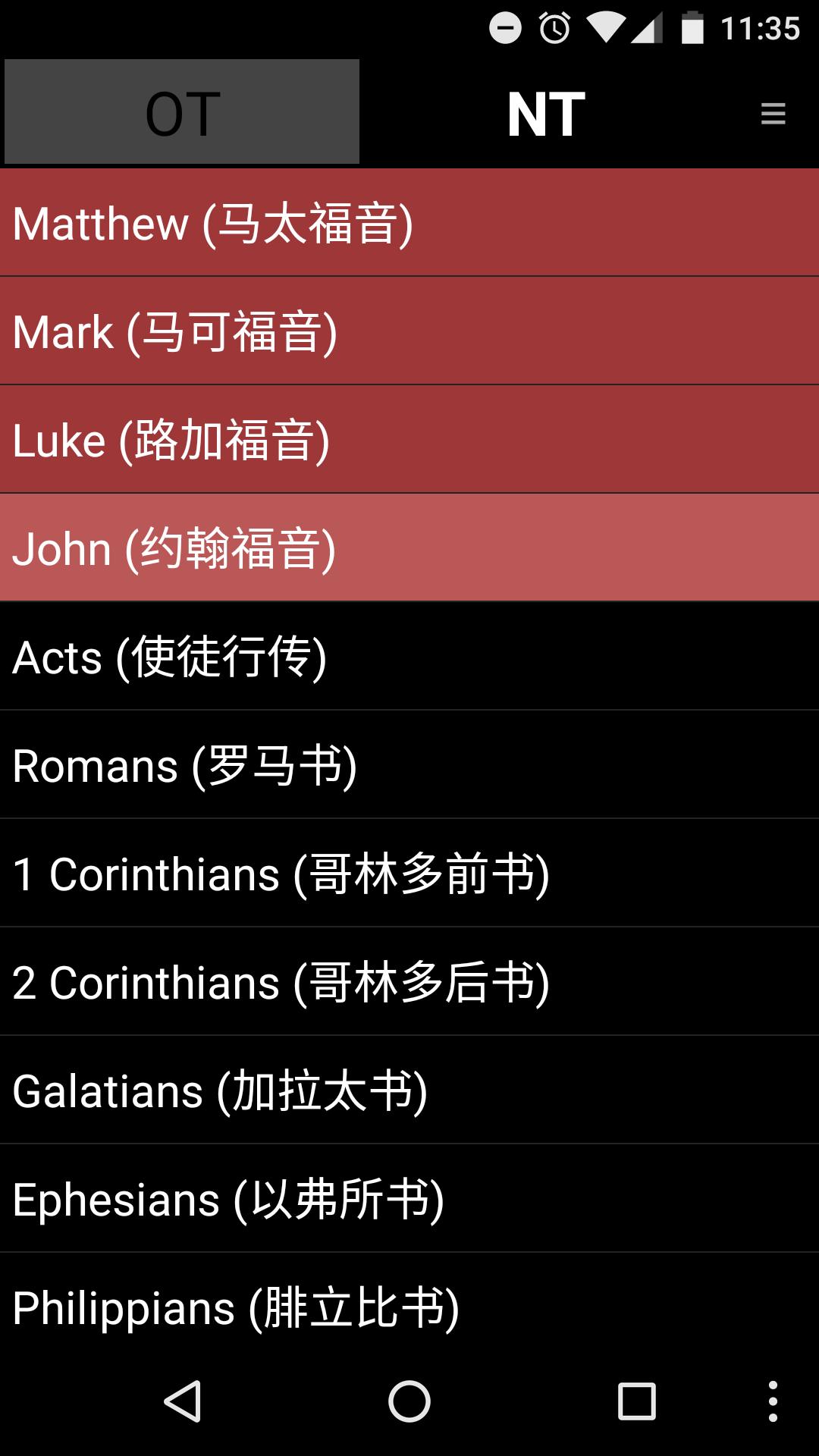
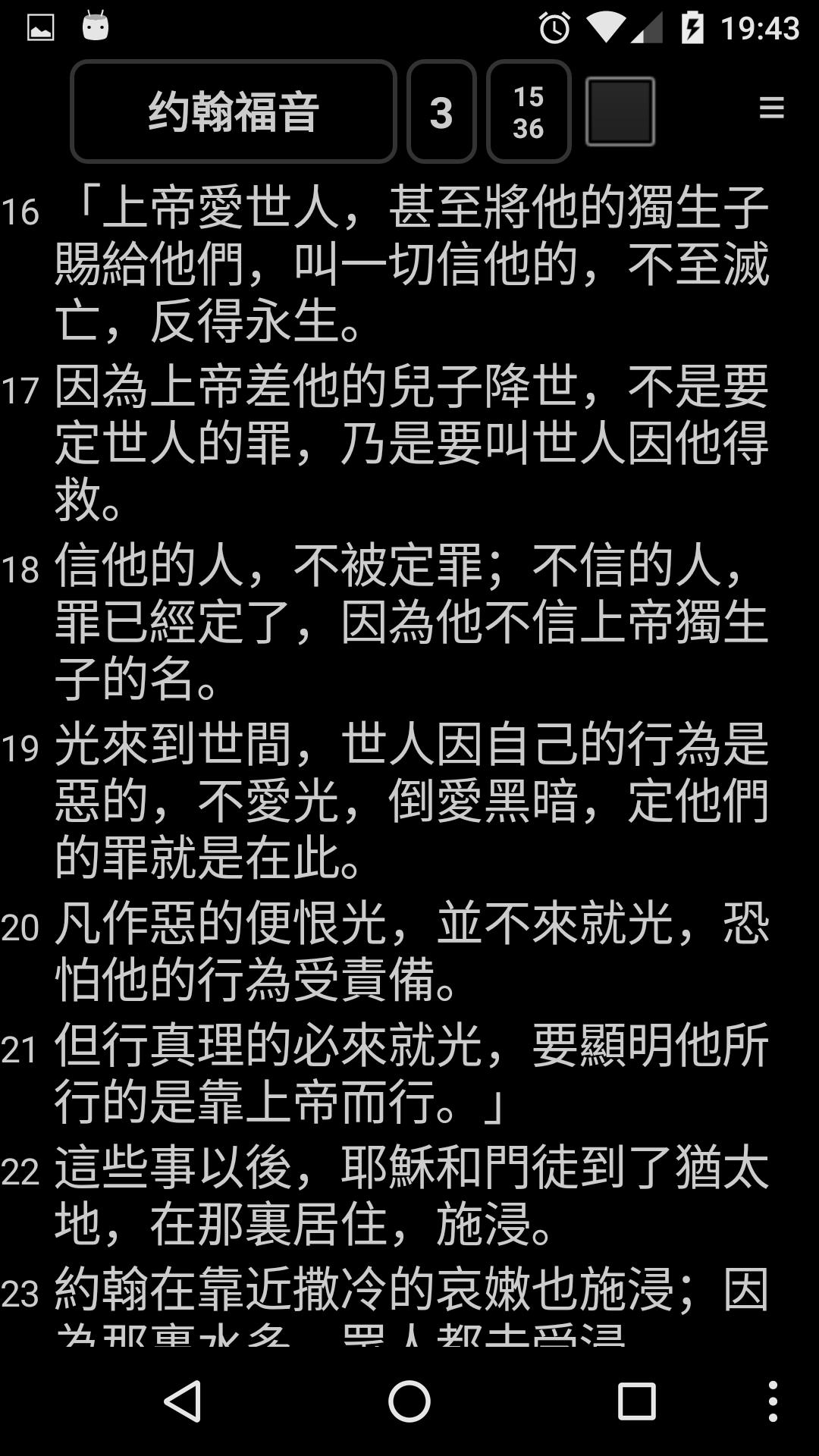
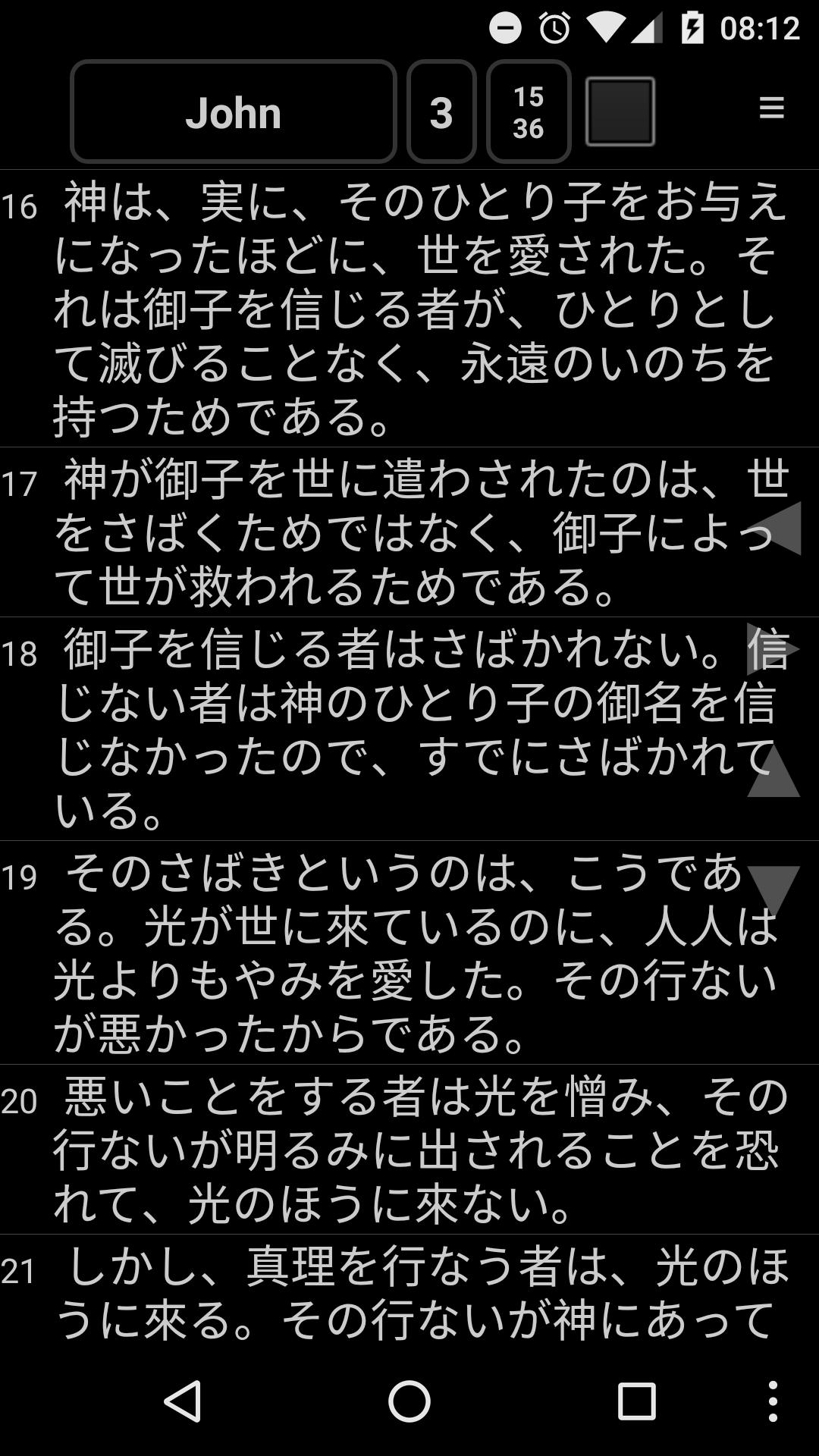
This app is a viewer to support "*.lfa" bible data files. Currently, this supports many different languages such as English (KJV, ASV, Darby, YLT) Chinese, Korean, Spanish, German, Indonesian, Finnish, Portuguese, Thai, Latin, Russian, Japanese, Tagalog, French, Hebrew, Greek, etc.
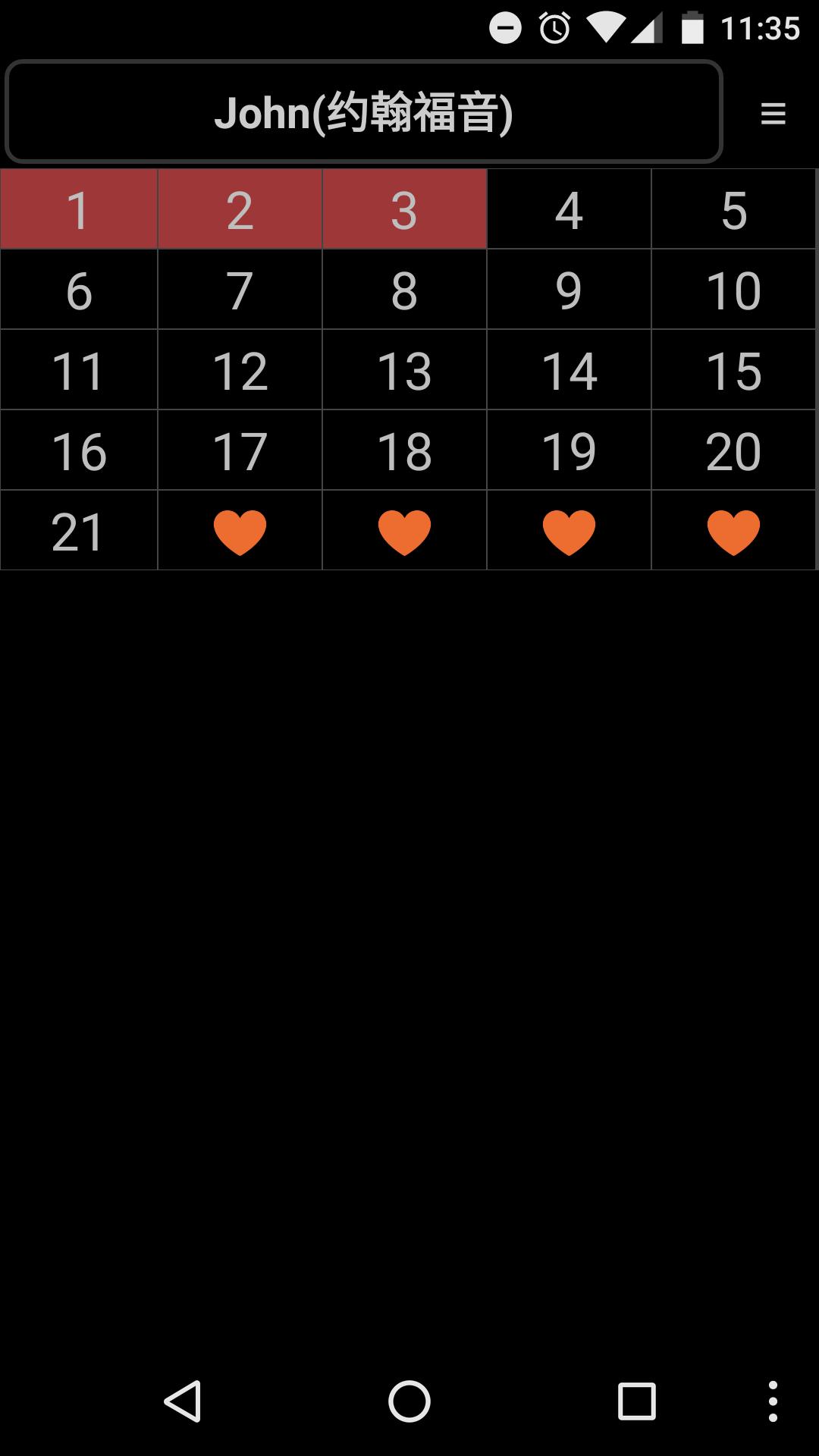
You can check the chapter you read and add home widgets with your favorite verses. If you want to write a memo for a certain verse, please, long-click the verse, then you can write a simple memo. Please, run this app and enjoy many features to help you read Bible!
Because of copyright issue, some versions are not available. If you want to see more Bible versions, please check the copyright and provide information about the version. Then, I can add more Bible versions. (bible@lifove.net)
Tags
Multilanguage Bible,Bible,성경, 성서, English, Chinese 圣经 / 聖經, Spanish, Thai, Tagalog, Indonesian, Hebrew, Suomi, Finnish, Portuguese, Germany, French, Japanese, Greek, Latin, Russian, Vietnamese, Korean Bible, Bibla e Shenjtë, БЪЛГАРСКА БИБЛИЯ, BIBLIJA, česko, Bibelen, De Bijbel, PyhäRaamattu, पवित्र बाइबिल, Biblia, Biblían, کتاب مقدس, Myanmarese
Latest Version
7.4.6Uploaded by
Андрей Лазарев
Requires Android
Android 2.2+
Category
Free Tools AppContent Rating
Everyone
Report
Flag as inappropriateLast updated on Aug 13, 2017
* 7.4.6
- Fixed a History saving issue in Android 7.0. (Note that History log of normal users may be initialized.)
- Added an option to set the memo text size. (Smaller/Larger than main text size or Same as main text size options.)




APKPure - A multi-platform app store primarily focused on Android, providing extensive app-related content. Discover the app you want easier, faster, and safer, with quick and efficient downloads and installations.