It's an easy way to send or get files, documents, or pictures from your Android to any PC nearby. Data cable is not required. You need just an internet connection and WiFi.
* Simple and easy, just scan QR-code via this app.
* Send and receive files, documents, pictures
* Once installed app - transfer files to anyone
* No USB cable
* No login and passwords during transferring
* No required to configure
* No required extra programs on PC
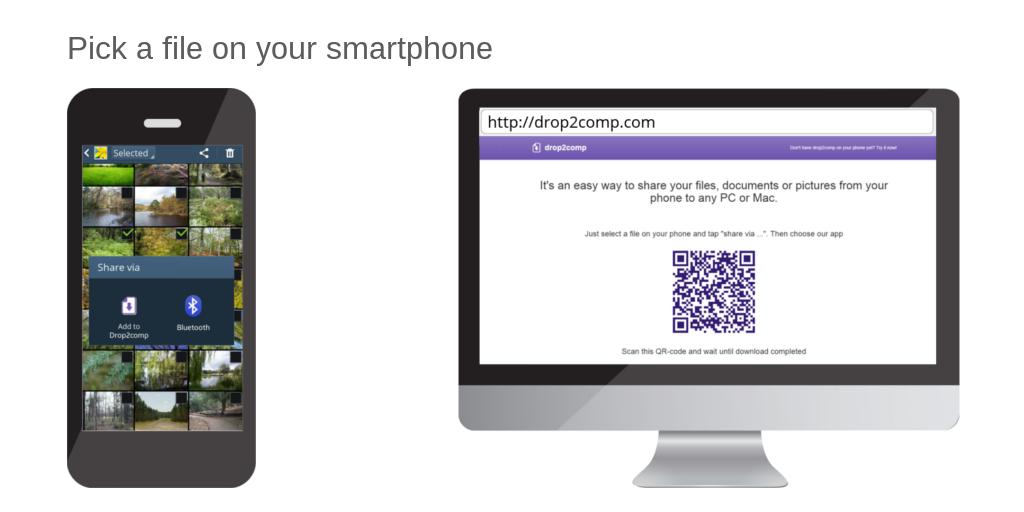
Launch an internet browser on your computer and open share2any.com
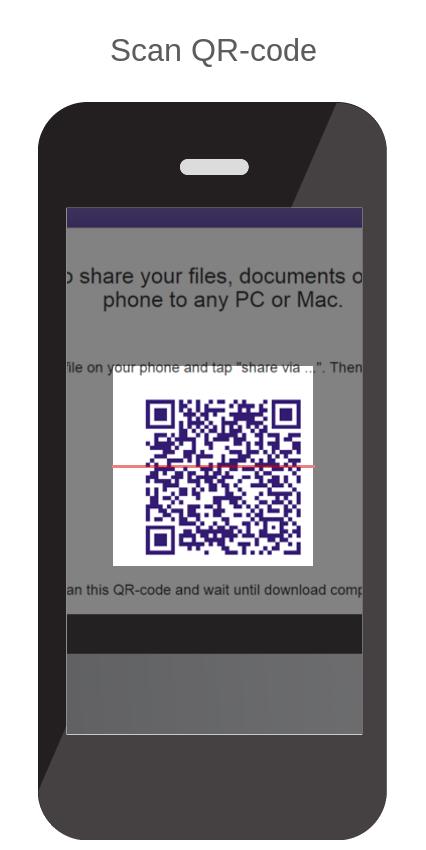
Then choose a file on your phone in any convenient way (using gallery or file manager) and tap on "Share via …". Choose "Share2any" in the opened list. Then scan QR-code from the web page you have opened yet. Wait until download will complete.
Or, launch app Share2any, tap on the "browse" button, and choose the file. Scan QR-code and wait until download will complete.
Similarly, you can get any file from your computer.
If your phone and computer included in the same local network then the size of transferring files not taken into account.
Last updated on Jul 14, 2020
Changed main site address





APKPure - 안드로이드를 중심으로 한 멀티플랫폼 앱스토어로, 다양한 앱 관련 콘텐츠를 제공합니다. 더 쉽고, 빠르고, 안전하게 원하는 앱을 찾아보세요. 빠르고 효율적인 다운로드와 설치가 가능합니다.