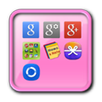
This application is a folder widget.
One folder can contain 16 Apps. and manage the screen effectively.
This color folder widget contains various colors and animations.
This App. has 10 colors and the color of text and widget folder can be changed.
This application is a folder widget.
One folder can contain 16 Apps. and manage the screen effectively.
This color folder widget contains various colors and animations.
This App. has 10 colors and the color of text and widget folder can be changed.
**[Color Folder Widget Instruction]**
1. Press the main screen during about 2 seconds.
2. Select widget menu and then select Widget App Folders2 app.
3. The widget folder is created on the screen.
**[Put the Apps. into the Folder]**
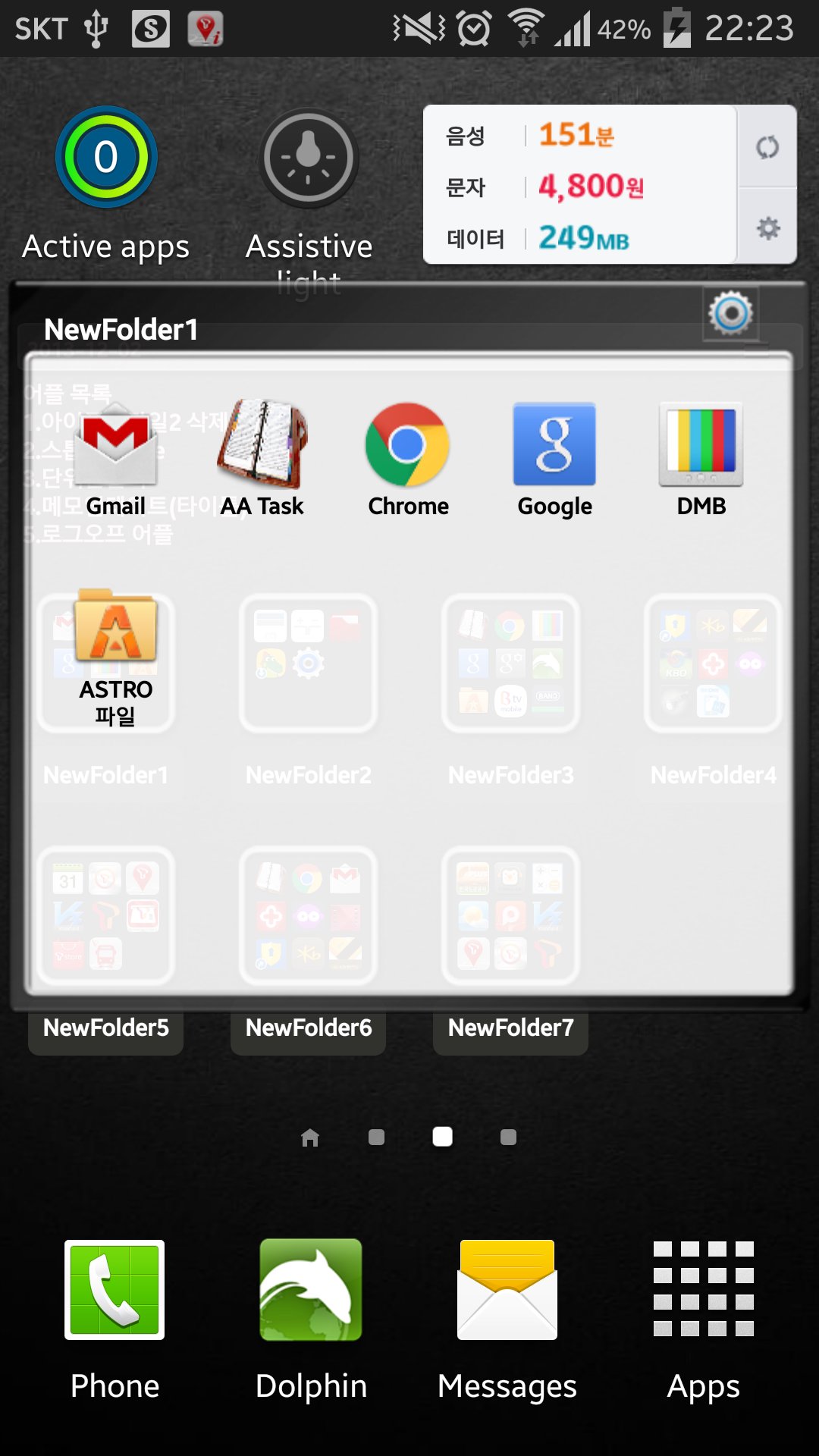
1. Select the widget folder and click the set symbol at the right upper part.
2. Select the Apps. what you want to put. Then you can check the select apps. at the upper part.
3. To cancel a selection, click the selected apps. at the upper part.
4. Click the backspace button and OK popup to finish.
**Color Folder Widget Instruction**
1. Press the main screen during about 2 seconds.
2. Select widget menu and then select PreView Folders app.
3. The green widget folder is created on the screen.
**Put the Apps. into the Folder**
1. Select the widget folder and click the set symbol at the right upper part.
2. Select the Apps. what you want to put. Then you can check the select apps. at the upper part.
3. To cancel a selection, click the selected apps. at the upper part.
4. Click the backspace button and OK popup to finish.
**Folder and Text Color Change**
1. Select the widget folder and click the circle simbol at the right upper part.
2. Click the folder setting menu at the bottom.(Star Symbol)
3. Then you can change the foler mane, foler mane color, folder color.
Last updated on Mar 22, 2017
bookmark edit





APKPure - 안드로이드를 중심으로 한 멀티플랫폼 앱스토어로, 다양한 앱 관련 콘텐츠를 제공합니다. 더 쉽고, 빠르고, 안전하게 원하는 앱을 찾아보세요. 빠르고 효율적인 다운로드와 설치가 가능합니다.