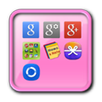
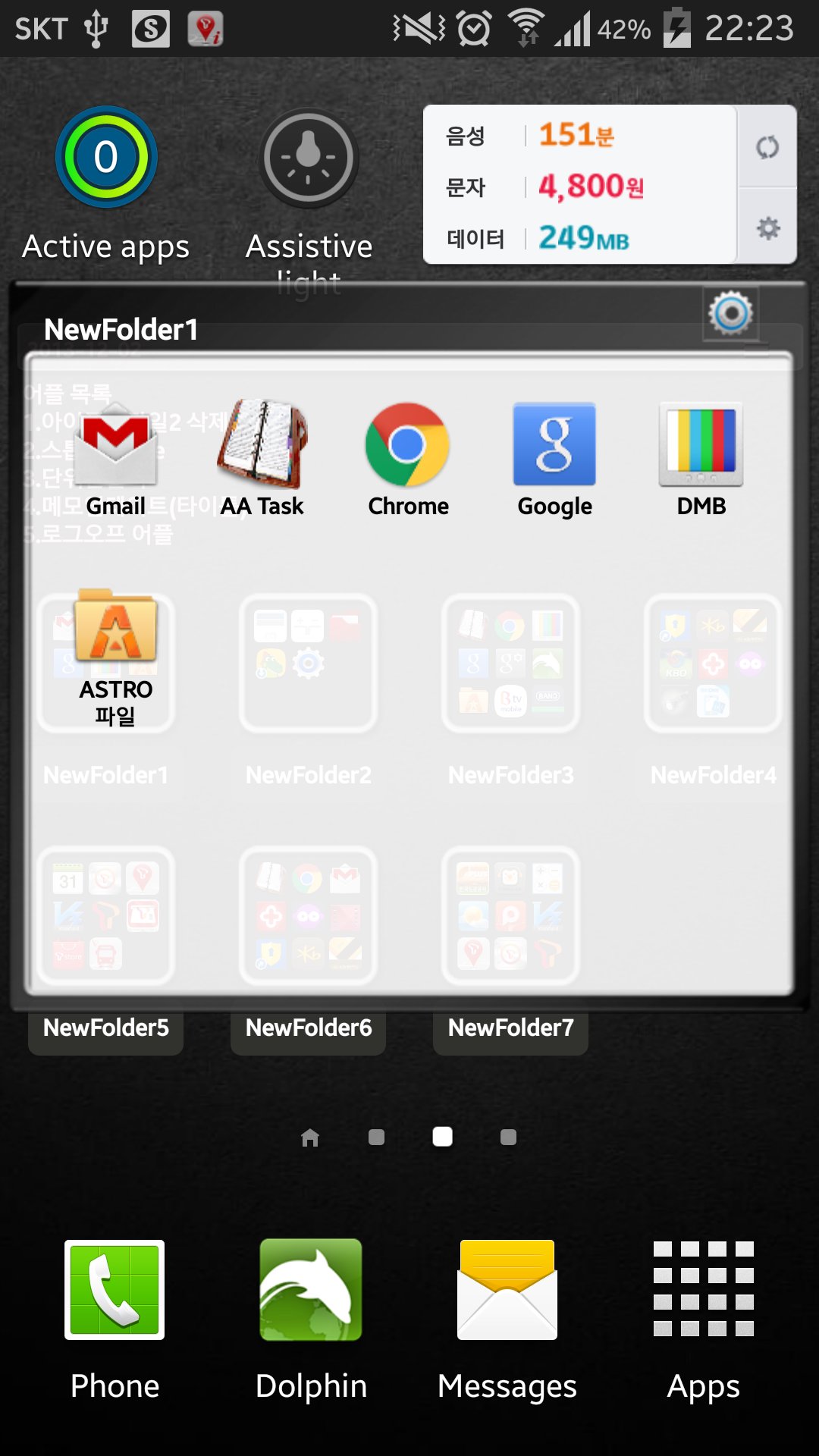
This application is a folder widget.
One folder can contain 16 Apps. and manage the screen effectively.
This color folder widget contains various colors and animations.
This App. has 10 colors and the color of text and widget folder can be changed.
This application is a folder widget.
One folder can contain 16 Apps. and manage the screen effectively.
This color folder widget contains various colors and animations.
This App. has 10 colors and the color of text and widget folder can be changed.
**[Color Folder Widget Instruction]**
1. Press the main screen during about 2 seconds.
2. Select widget menu and then select Widget App Folders2 app.
3. The widget folder is created on the screen.
**[Put the Apps. into the Folder]**
1. Select the widget folder and click the set symbol at the right upper part.
2. Select the Apps. what you want to put. Then you can check the select apps. at the upper part.
3. To cancel a selection, click the selected apps. at the upper part.
4. Click the backspace button and OK popup to finish.
**Color Folder Widget Instruction**
1. Press the main screen during about 2 seconds.
2. Select widget menu and then select PreView Folders app.
3. The green widget folder is created on the screen.
**Put the Apps. into the Folder**
1. Select the widget folder and click the set symbol at the right upper part.
2. Select the Apps. what you want to put. Then you can check the select apps. at the upper part.
3. To cancel a selection, click the selected apps. at the upper part.
4. Click the backspace button and OK popup to finish.
**Folder and Text Color Change**
1. Select the widget folder and click the circle simbol at the right upper part.
2. Click the folder setting menu at the bottom.(Star Symbol)
3. Then you can change the foler mane, foler mane color, folder color.
Última versão
6.0Enviado por
Awall Peratama
Requer Android
Android 2.3.2+
Categoria
Grátis Produtividade APPClassificação do Conteúdo
Everyone
Relatório
Marcar como inapropriadoLast updated on Mar 22, 2017
bookmark edit





APKPure - Uma loja de aplicativos multiplataforma focada principalmente em Android, fornecendo extenso conteúdo relacionado a apps. Descubra o aplicativo que você deseja de forma mais fácil, rápida e segura, com downloads e instalações rápidos e eficientes.