Scan Date:Dec 19, 2025
Show More


Kik helps you move from casual browsing to real conversations with people who share your interests. It brings one to one messaging, community chats, and real time interactions into a single, simple place so you can stay connected without switching apps. This focus suits users who want quick direct chats, open group discussions, and live rooms in a familiar chat layout. If you plan to join communities or talk with new people, download Kik to keep everything in one hub.
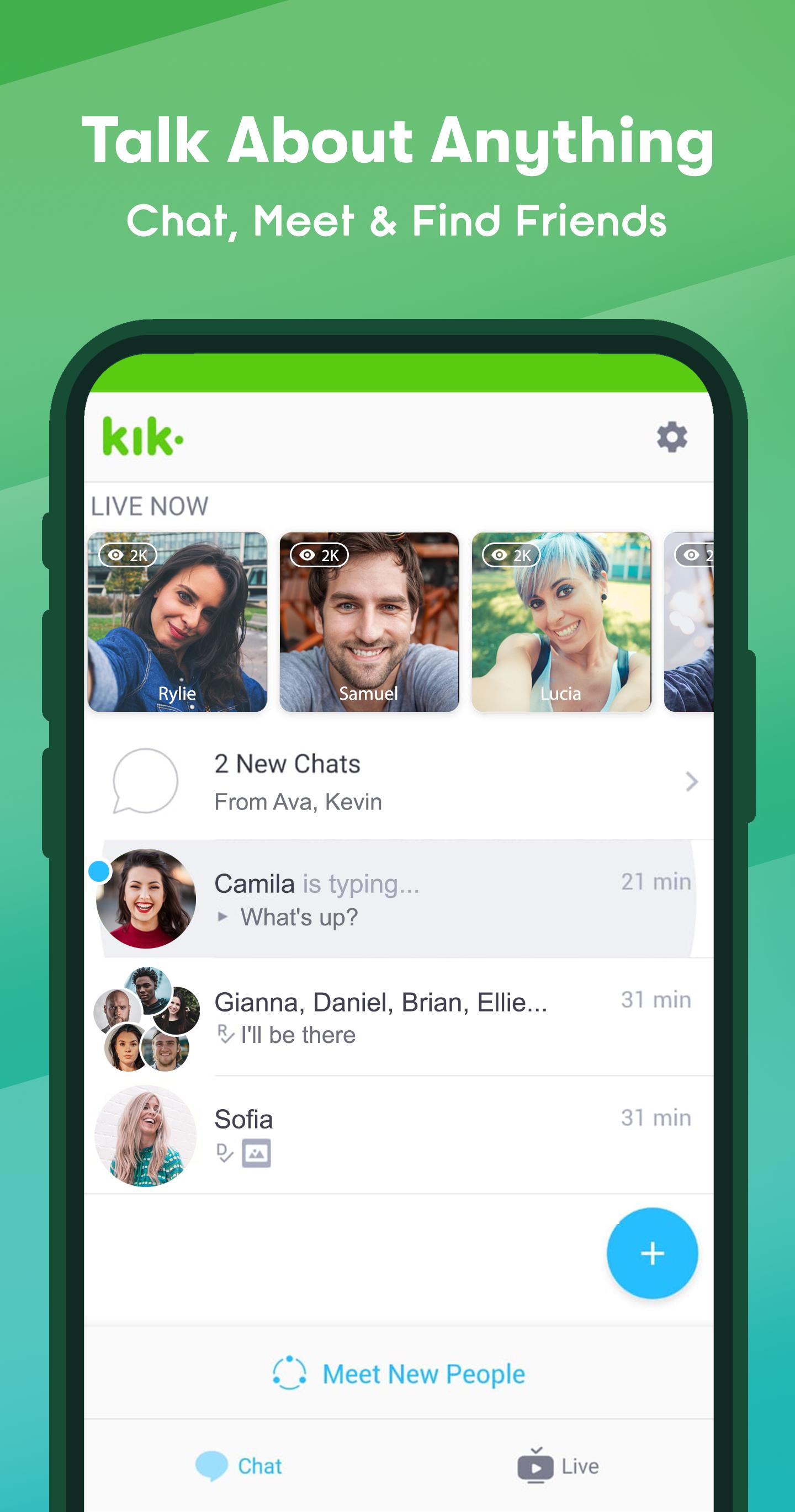
Private 1:1 chats
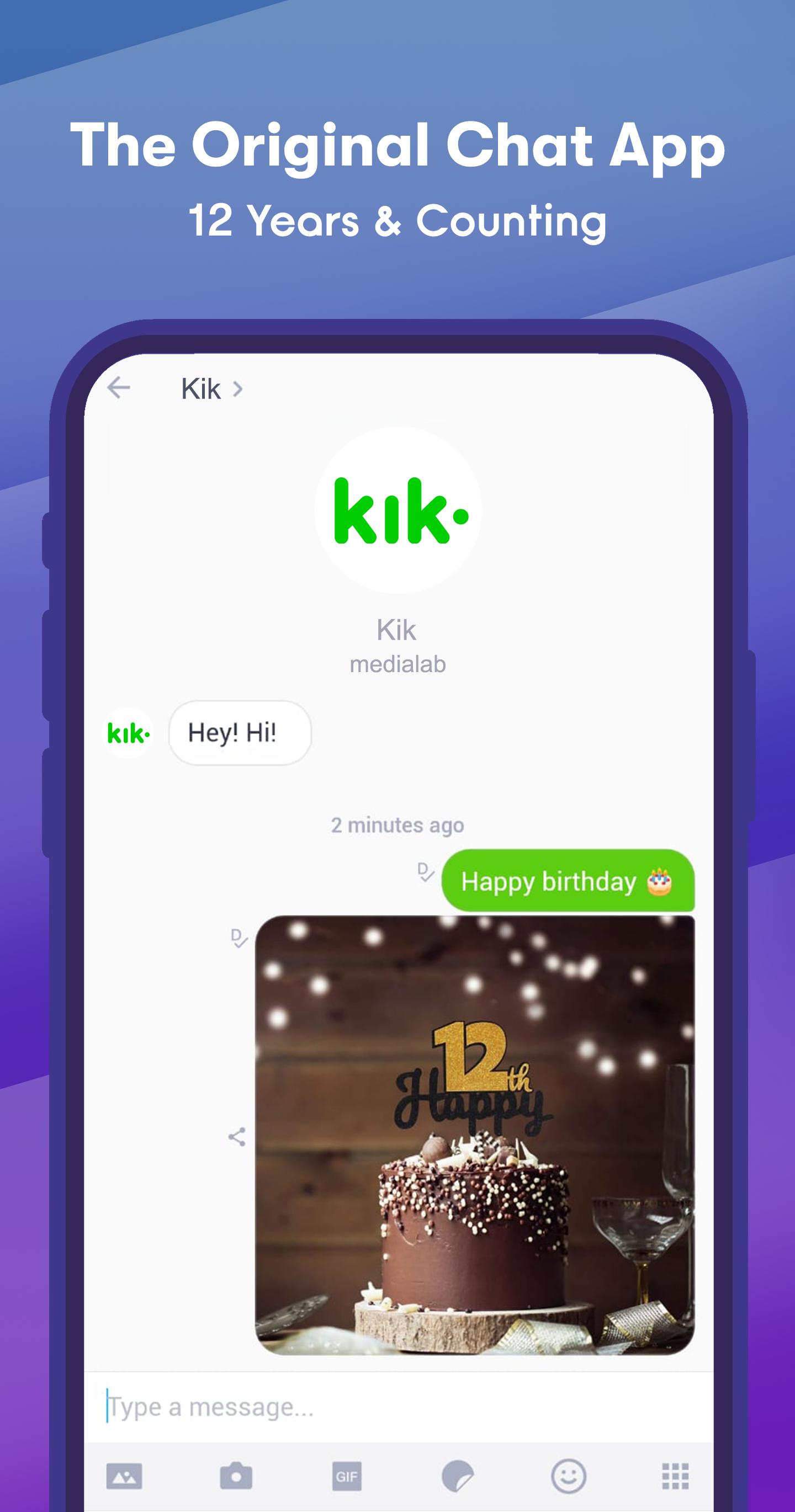
Kik makes it easy to start a focused conversation the moment you find someone interesting. You can move from a group or a profile into a direct chat and keep the discussion clear and personal. This flow reduces friction so messages stay quick and on topic.
Public Groups
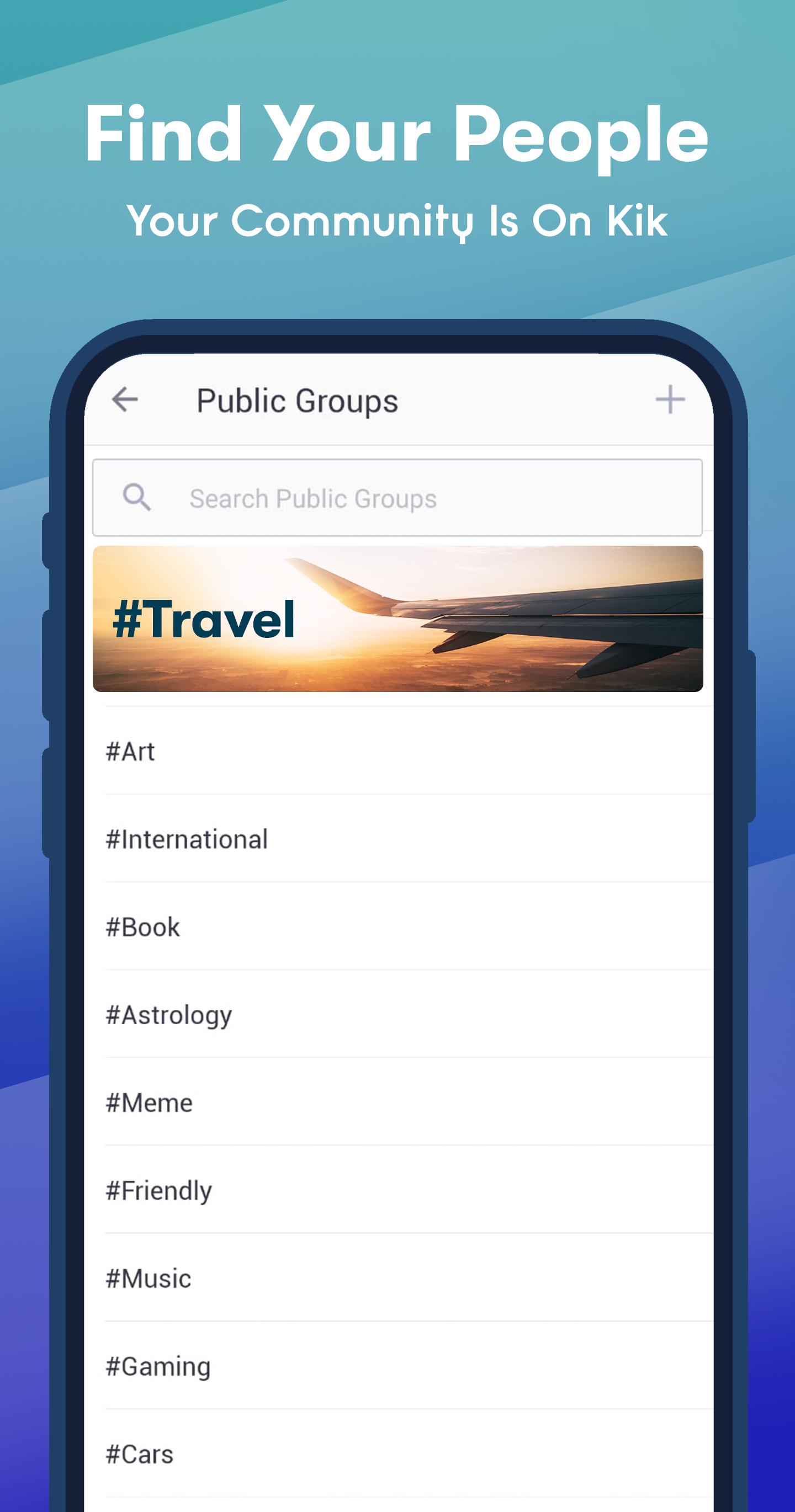
You can browse, join, or create groups built around topics, fandoms, and hobbies to meet like minded people. Whether it is anime, K pop, streetwear drops, or gaming tips, Public Groups help conversations grow without clutter. If a group matches your interests, join and then continue a promising chat privately when needed.
Kik LIVE
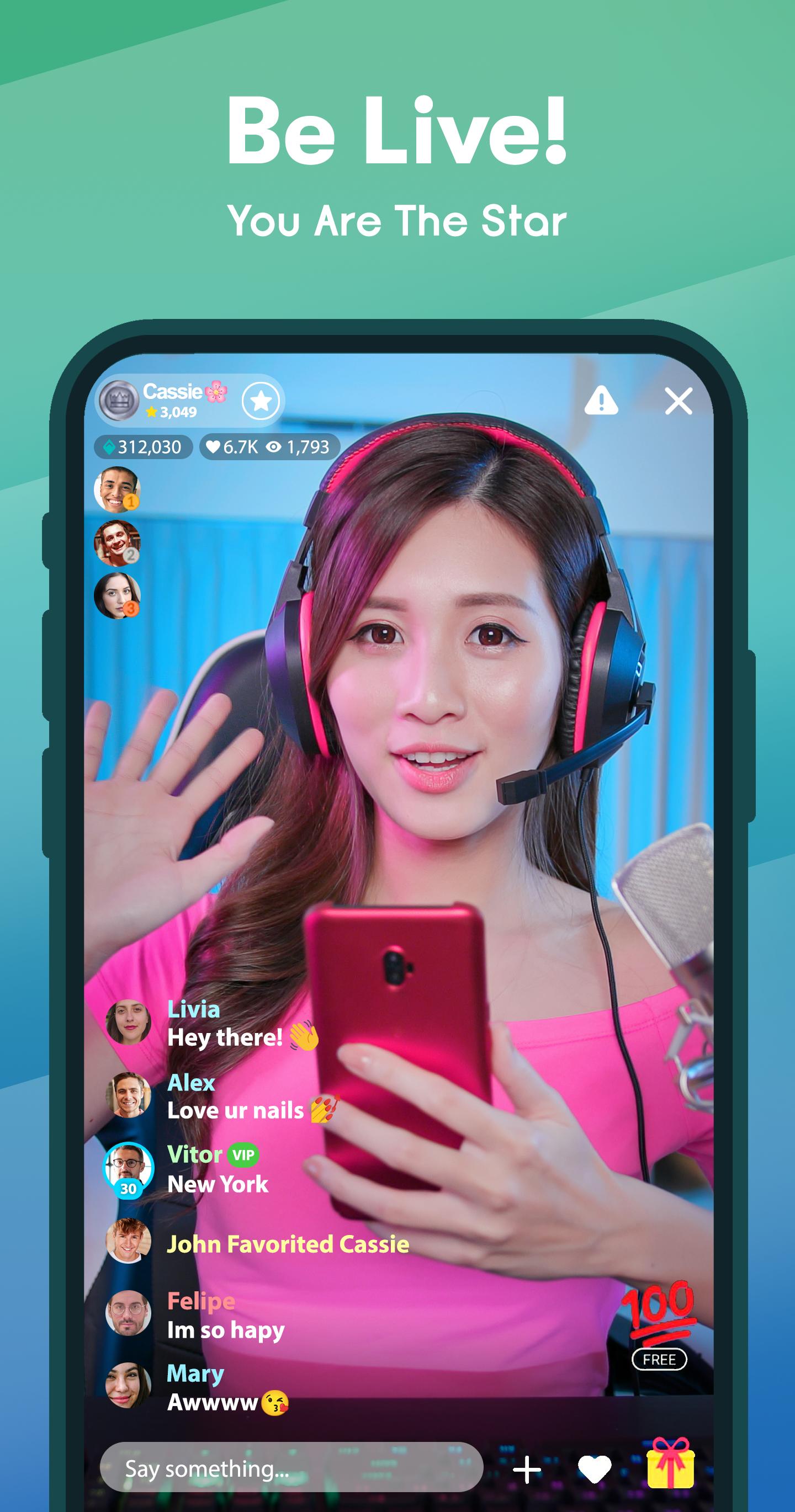
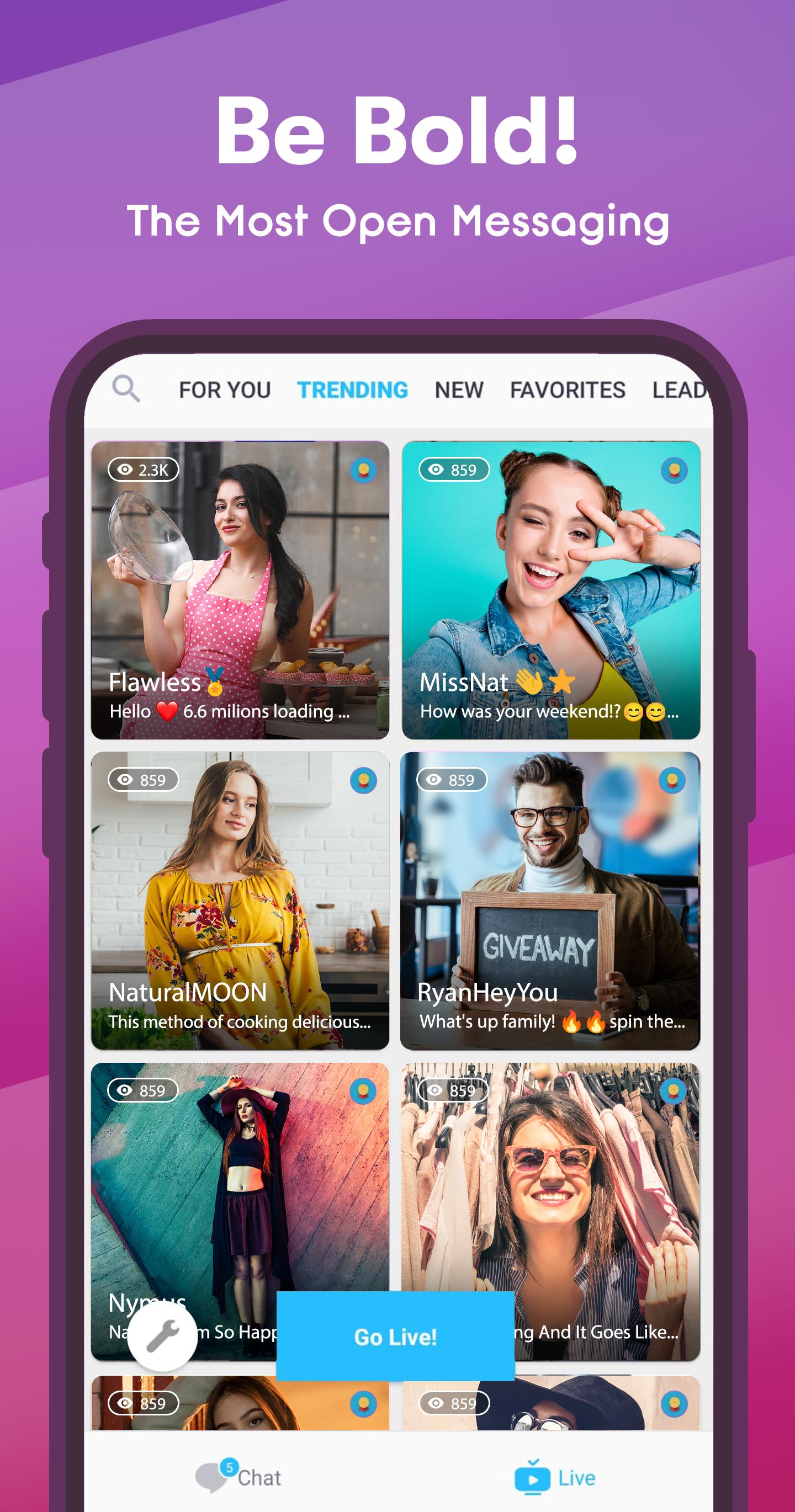
Kik LIVE adds live streaming to the same chat space for creator and fan interactions in real time. You can watch streams, send comments, and join the conversation while keeping an eye on related chats. When you want to participate, tap Go LIVE or Join a Live room to connect with people instantly.
Kik•It
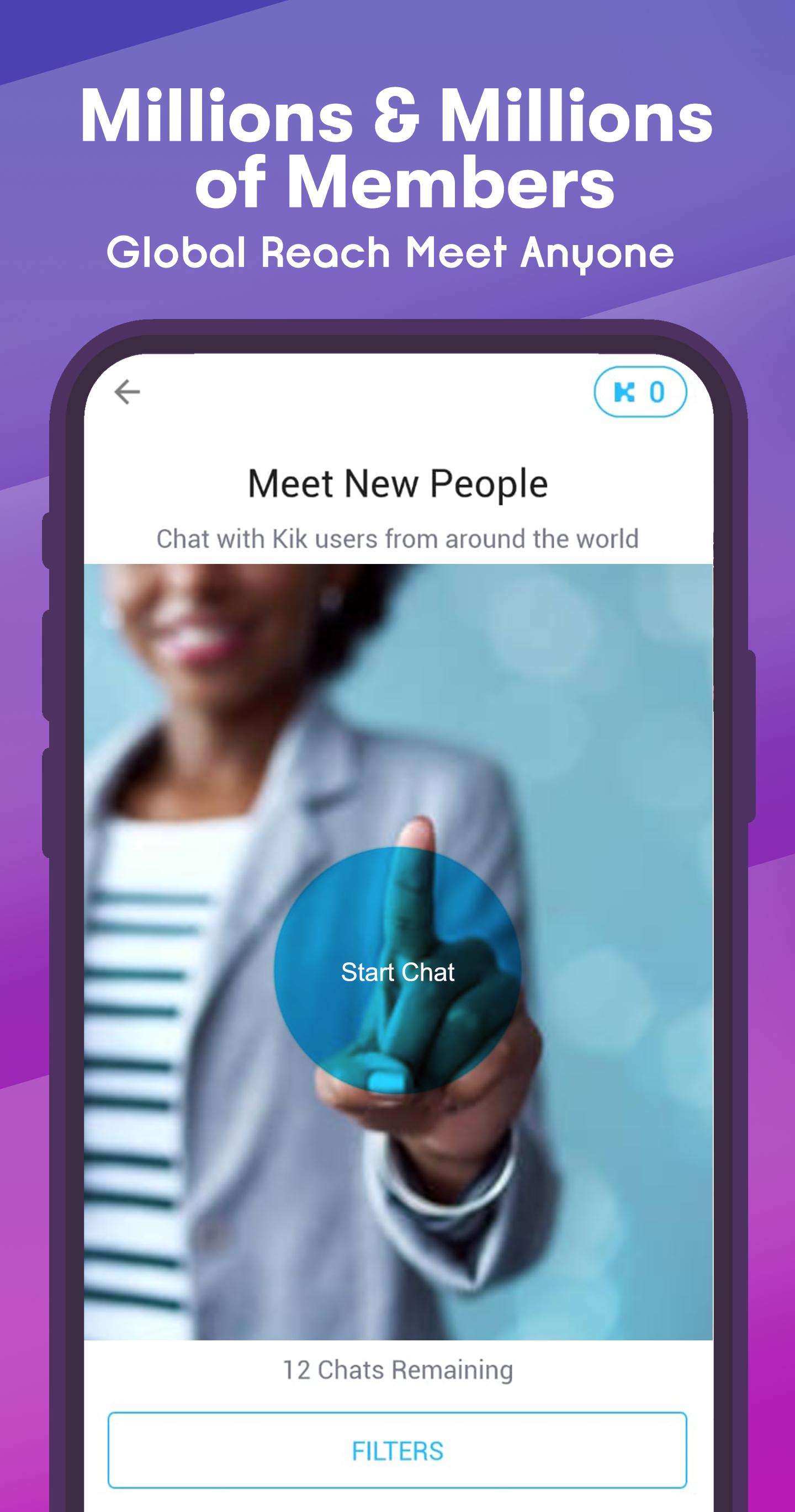
Kik•It offers instant matching for new one to one connections so you can start chatting right away. It helps you meet new people without leaving your current flow across chats and groups. When a match looks promising, switch to a direct message to keep things focused.
All in one hub
Kik keeps private chats, group discussions, and live rooms in one place so you can switch contexts without losing track. This layout supports discovery, quick replies, and ongoing live participation side by side. If you want to bring people together, start a group and build your own space around the topics that matter to you.
Getting started is straightforward and helps you reach private chats, groups, and live rooms quickly. Follow the steps below to move from setup to your first conversations in a single flow using the Kik APK.
Install the app, open it, and create an account or sign in with your existing details.
Set a display name and avatar that you are comfortable using in both private and public spaces.
Use search to find Public Groups by topic, then join a few that match your interests.
From any group or profile, start a direct chat to keep a conversation focused one to one.
Open Kik LIVE to watch, comment, and when ready, tap Go LIVE or Join a Live room.
Kik brings private messaging, community groups, and live streaming into one place so you can connect in the way that suits you. To use the newest features and improvements, install the Kik latest version and start exploring.
For official resources, visit the link below.
Website: https://kik.com/
Latest Version
17.8.3.33653Uploaded by
Tsaqif Abiyyu Santoso
Requires Android
Android 7.0+
Category
Free Communication AppContent Rating
Mature 17+
Security Report
Report
Flag as inappropriateLast updated on Dec 19, 2025
Bug fixes and minor improvements



APKPure - A multi-platform app store primarily focused on Android, providing extensive app-related content. Discover the app you want easier, faster, and safer, with quick and efficient downloads and installations.