**Requires Kustom Live Wall Paper (KLWP) Pro**
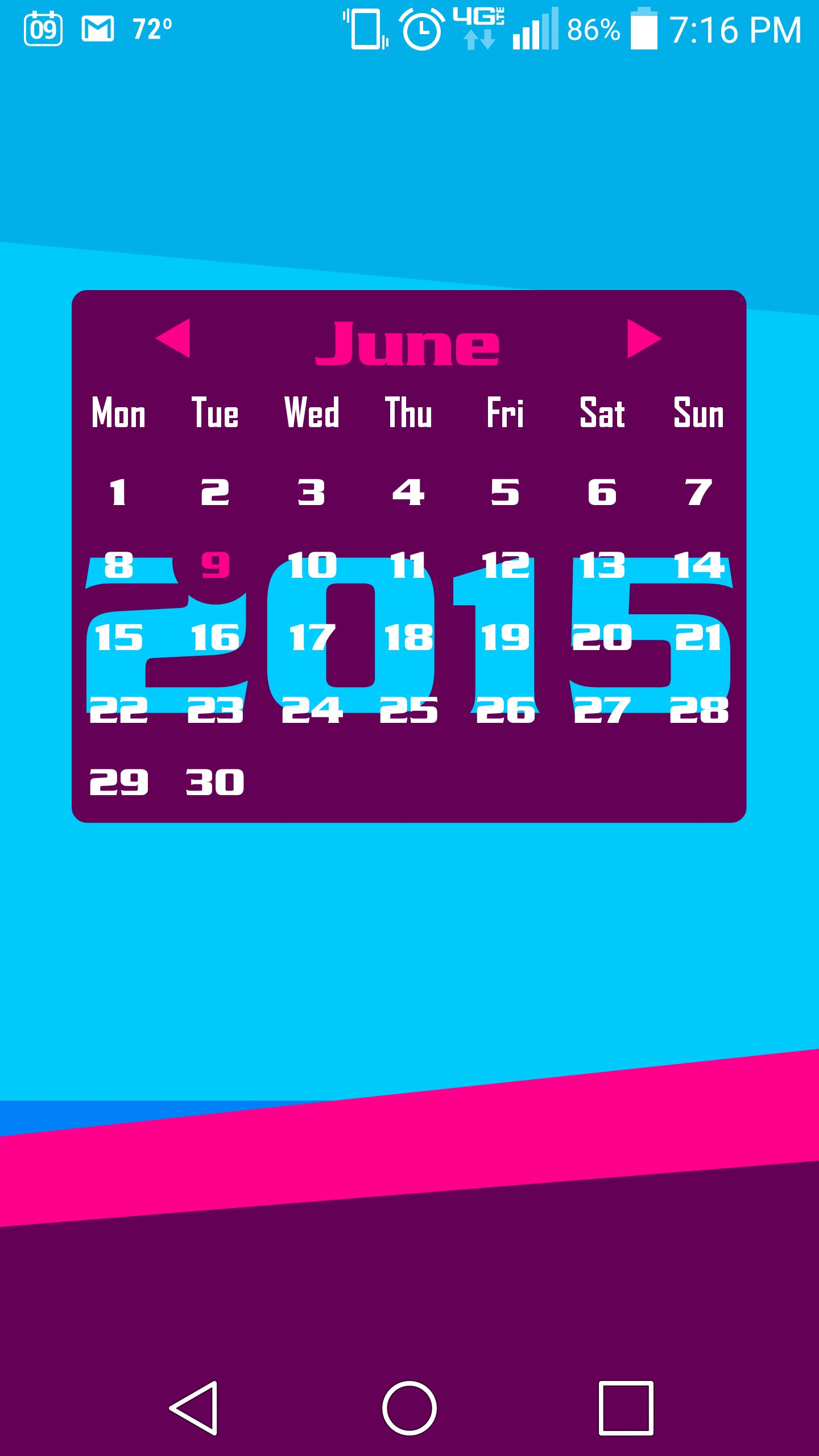
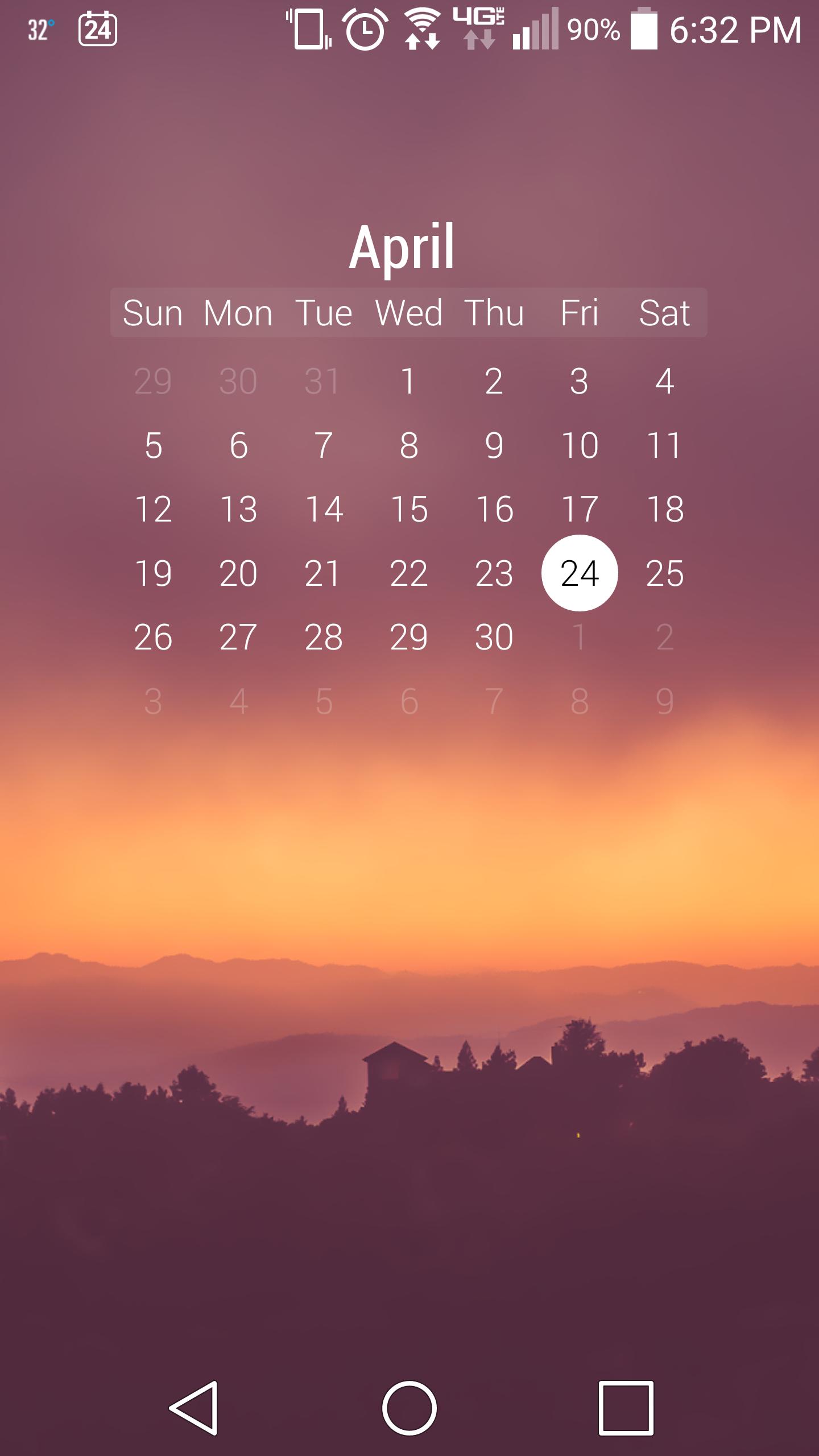
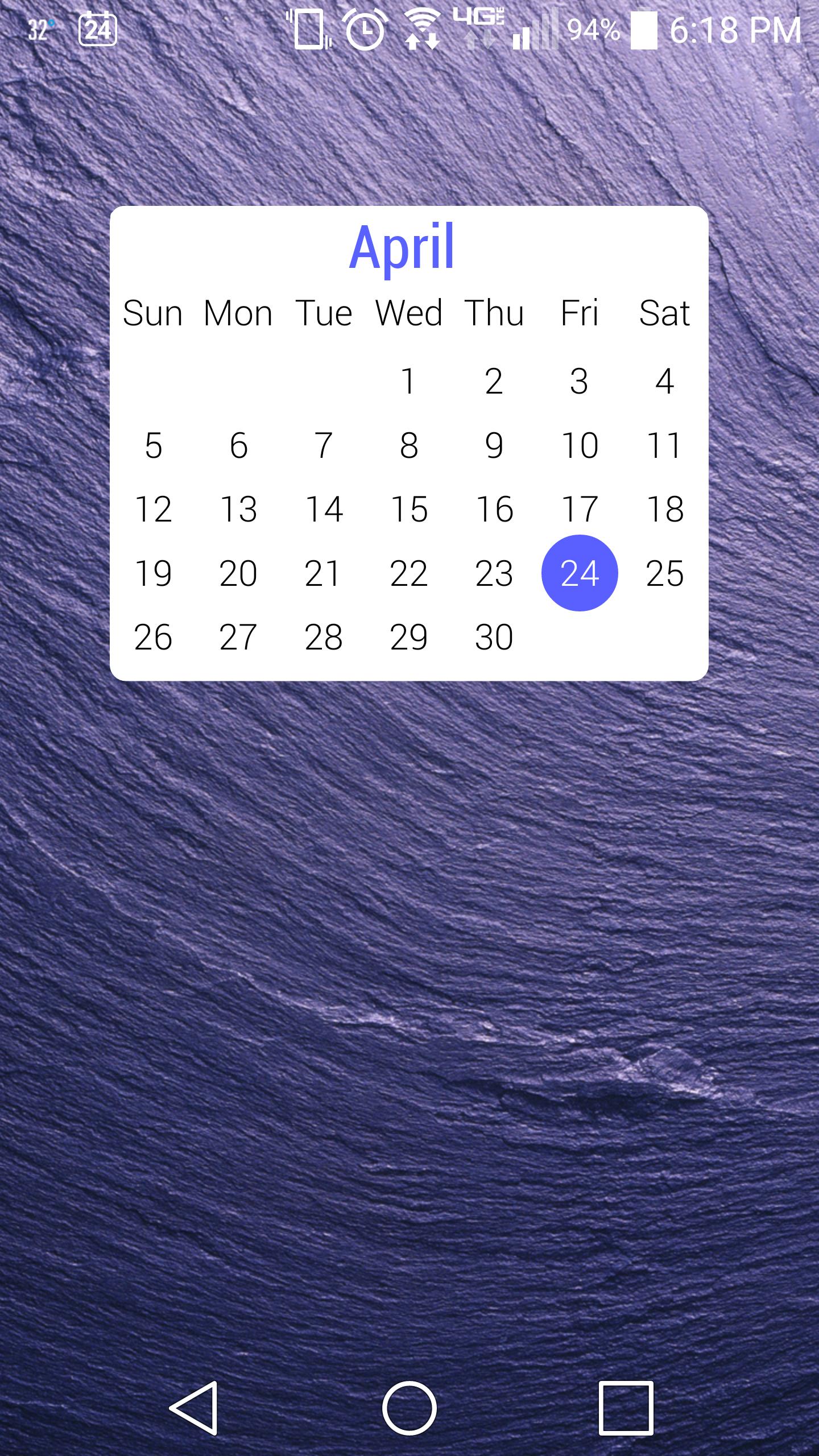
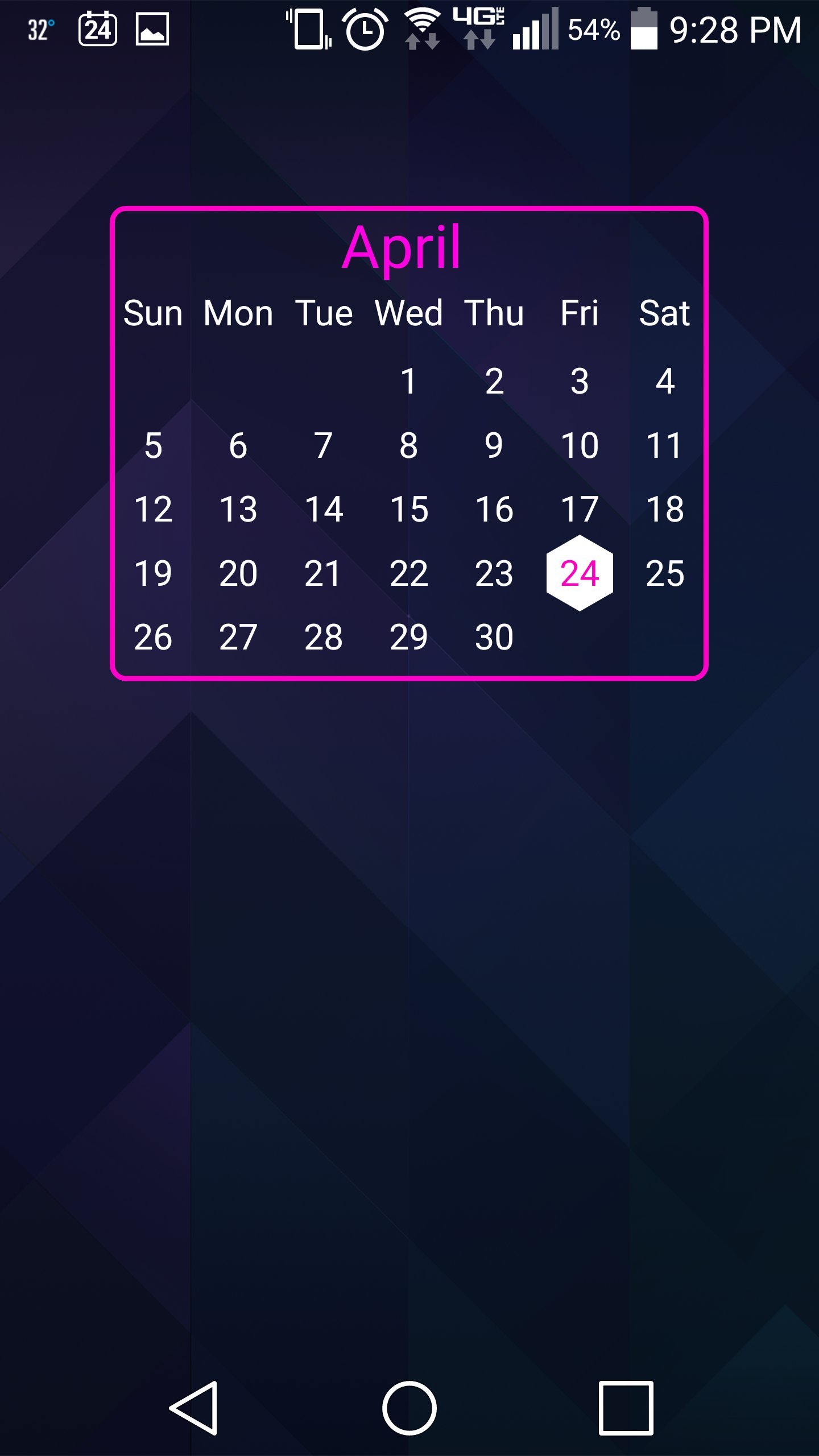
Kustom Calendar Komponent unlike any other... uses math to calculate each day's text.
Features:
- Supports Calendars with weeks starting on Mondays
- Built in language support for Month and Day text
- Supports leap year
- Includes the following configurable settings (Globals):
curDayBk - Choose the color for the shape that indicates the current day
curDaySh - Choose the shape indicating the current day (CIRCLE, SQUARE, HEXAGON)
curDayFl - Choose between Fill or Stroke for the current day shape
curDayTe - Choose the color for the current day
wkText - Choose the color of the weekday text
wkBkg - Choose the color of the background of the Week area
yrText - Choose the color for the Year text
mnthText - Choose the color for the Month text
mnthBkg - Choose the color for the background of the Month area
OutODyTx - Choose the color for the days that fall outside of the current month
Backgrou Choose the background color
Border - Choose the color of the border
DayText - Choose the color for the days of the month
NextPrev - Turn next/previous month buttons on/off
YrFont - Font for the Year
MnthFont - Font for the Month
WeekFont - Font for the Weekdays
DayFont - Font for the Days of the Month
TxSh - Color for Text Shadow. To turn off shadow set to transparent color.
TxShDir - Direction for Text Shadow - 0-359
TxShDis - Distance for Text Shadow - 0-15
TxShBlr - Blur value for Text Shadow - 0-100
TxShCurD - Choose to turn on/off Shadow for current day
Installation:
1) Download and install the Kustom app
2) Change your screen wallpaper to a Live Wallpaper
3) Select Kustom
4) Tap the + button
5) Choose Komponent
6) Tap the down arrow
7) Choose kCalendar (will need pro version to add Komponents)
8) Choose Sunday or Monday komponent
9) Configure as desired
10) Tap the save button
11) Enjoy!!!
Latest Version
1.4Uploaded by
Prashant Barman
Requires Android
Android 4.4+
Category
Free Personalization AppContent Rating
Everyone
Report
Flag as inappropriateLast updated on Jan 4, 2016
1.3/1.4
•Fixed bug that was showing current day background when scrolling through previous/next months
•Added yrFont global
1.2
•Fixed bug that caused Komponent to be hidden when added to wall for some users
•Added Minimal Sunday Start Komponent for animation heavy walls
•Added txSh globals for text shadow color/direction/distance/blur values. To turn off shadow set txSh color to transparent
1.1
•Sunday and Monday separated into two Komponents
•Added Next/Previous month buttons
•Added Year



APKPure - A multi-platform app store primarily focused on Android, providing extensive app-related content. Discover the app you want easier, faster, and safer, with quick and efficient downloads and installations.











