

Package Name:com.v2raykarkas.karkasvpn
SHA-256:868d8784d6ce49127fd63c9bd13b278326fa5c55b667168ff4a2bcfacc96e94c
Show More

Karkas VPN helps when you need extra protection on public or untrusted WiFi, such as in cafes, hotels, or airports. It focuses on simple operation, so turning on a private connection does not require complex setup. The app is designed for everyday browsing and privacy‑conscious use, and it aims to reduce exposure on open networks. For users who want a quick way to add a secure layer before going online, Karkas VPN APK offers a straightforward approach without advanced configuration.
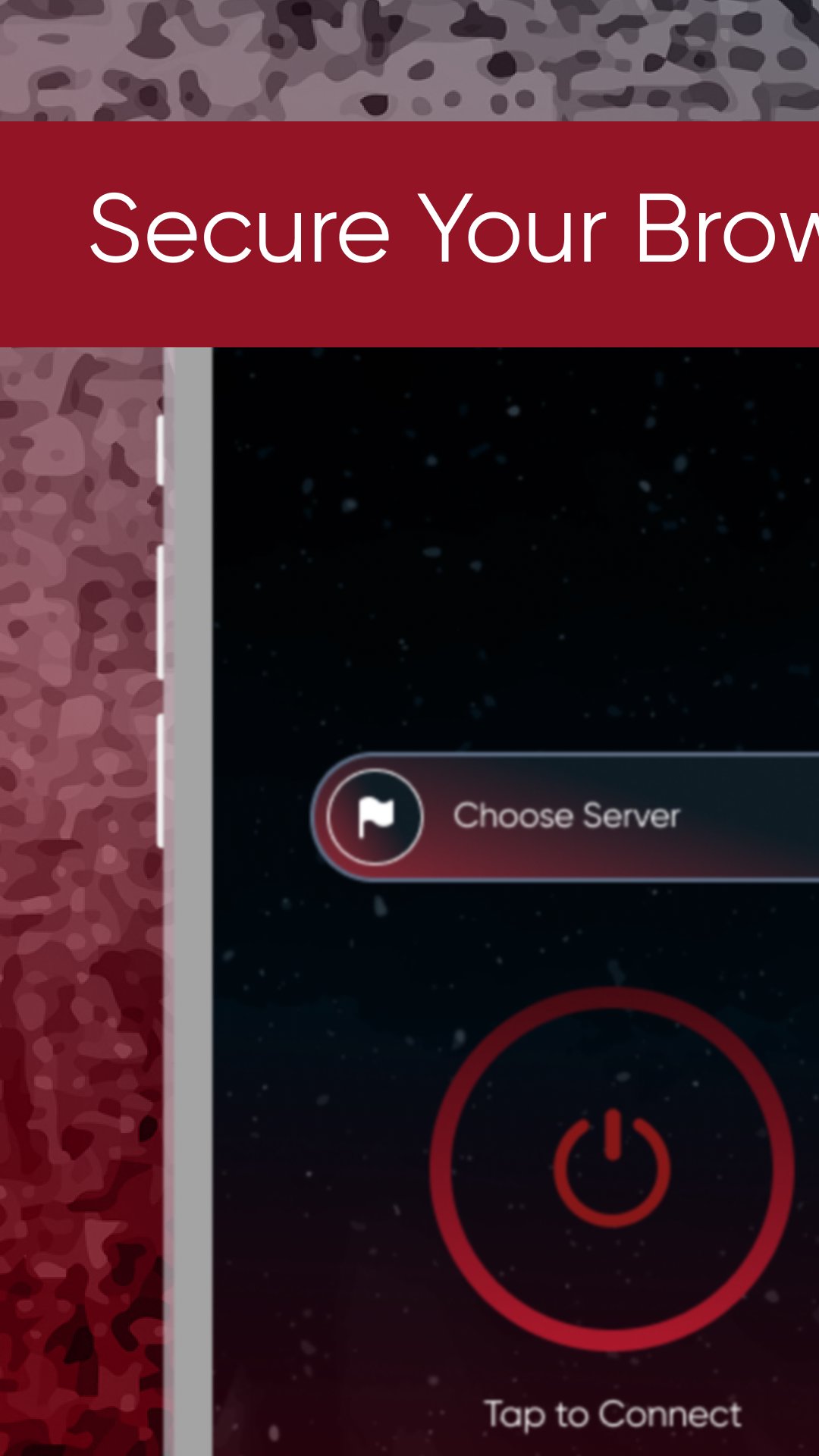
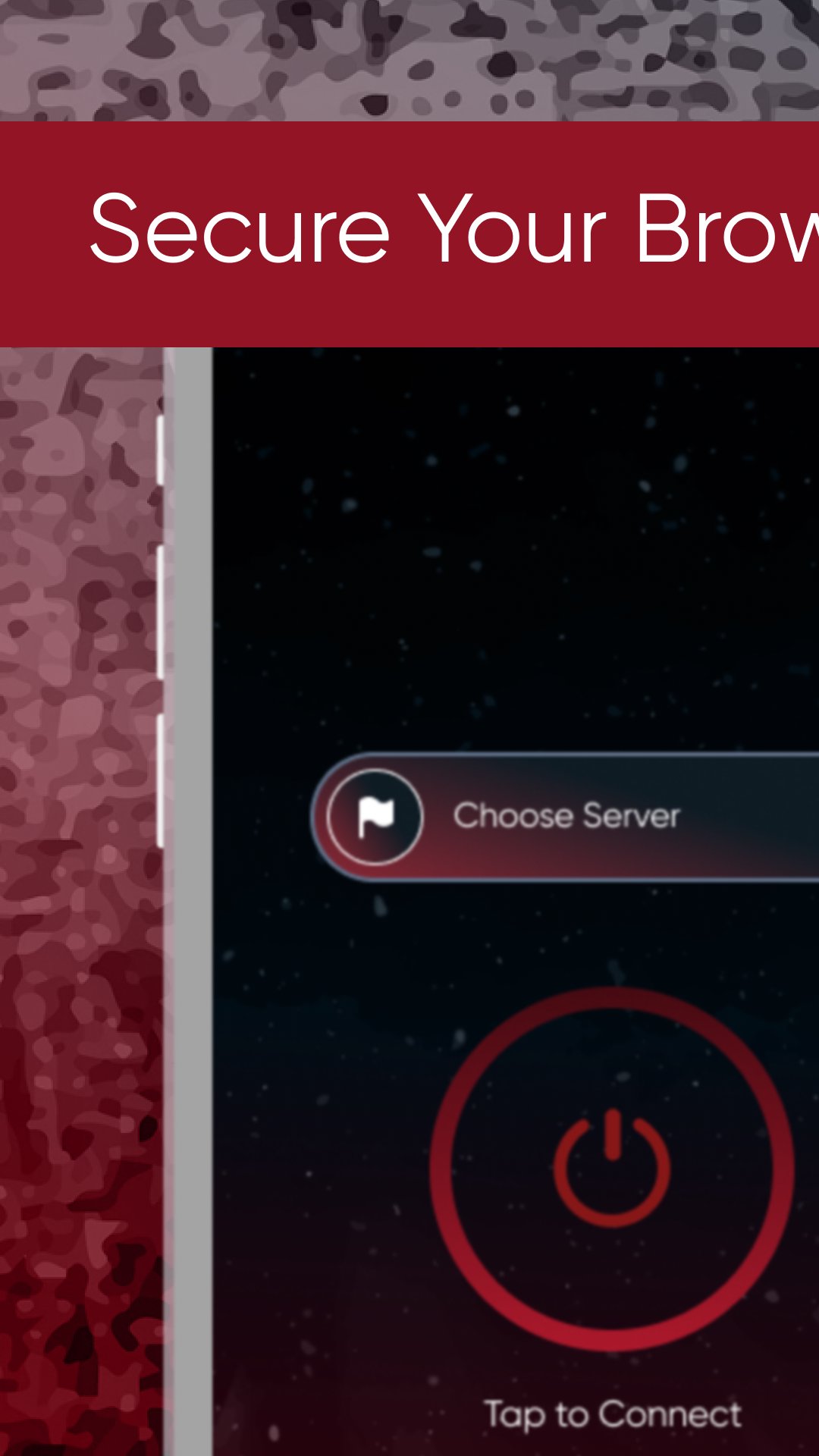
Karkas VPN provides a clear, single button to start or stop the VPN. The interface avoids unnecessary options, so you can connect when needed and disconnect just as easily. This helps you switch protection on for short sessions and turn it off when finished.
Encrypted tunnel for data in transitWhen connected, Karkas VPN routes your traffic through an encrypted tunnel. This helps protect data during transmission and can reduce the chance of interception on open networks. It is suited to basic activities like browsing and checking email on public hotspots.
Native operation on AndroidKarkas VPN is built on the Android VPN Service API. As a result, it integrates with system‑level VPN controls and runs consistently within the Android environment. You can manage the connection through the app and see the standard system VPN indicator while it is active.
Stable connectivity on supported networksThe app focuses on reliable performance for everyday use. Karkas VPN aims to maintain a stable connection on supported networks without frequent drops during normal browsing. If the signal weakens, you can reconnect with a tap to resume protection.
Practical protection on public WiFiUse Karkas VPN when signing in to accounts or handling personal information on shared networks. It adds a private layer that helps lower exposure in places like cafes, airports, libraries, and hotels. This way, you can keep basic activity more private while away from trusted home or work networks.
The service is not available in Belarus, China, Saudi Arabia, Oman, Pakistan, Qatar, Bangladesh, India, Iraq, Russia, and Canada. If you are located in any of these regions, the VPN service will not work and connections will not be established. Check your location before setting up Karkas VPN to avoid connection issues.
A VPN encrypts your browsing traffic between your device and the VPN endpoint, but it does not change how the app handles analytics or advertising data. Karkas VPN is free to download and contains ads, so you may see advertising inside the app. For privacy questions or details about data collection, review the information provided by the developer in the app and contact support if needed. Users on Karkas VPN Android can reach the developer using the support email listed below, and the official site link is provided for transparency.
Karkas VPN is designed for quick protection on shared networks. The Karkas VPN latest version keeps setup simple, so you can connect before browsing and turn it off when you are done.
Karkas VPN focuses on simple connection protection for everyday browsing, especially on public WiFi. To begin, download Karkas VPN and use it when you need a private layer for common online activity.
For official resources and support, use the links below.
Latest Version
4.0Uploaded by
Xau'ss Trai'ss
Requires Android
Android 6.0+
Category
Free Tools AppContent Rating
Everyone
Security Report
Check Now
Report
Flag as inappropriateLast updated on Dec 11, 2025
Minor bug fixes and improvements. Install or update to the newest version to check it out!






APKPure - A multi-platform app store primarily focused on Android, providing extensive app-related content. Discover the app you want easier, faster, and safer, with quick and efficient downloads and installations.