Jump VPN helps users who need a straightforward way to stay private online and keep connections stable. It focuses on simple controls so you can connect quickly and get back to browsing, chatting, or streaming without complex setup. Moreover, it is suitable for everyday use at home, on campus, or on public WiFi. To begin, download Jump VPN and follow the on-screen prompts to connect.
One tap to connect
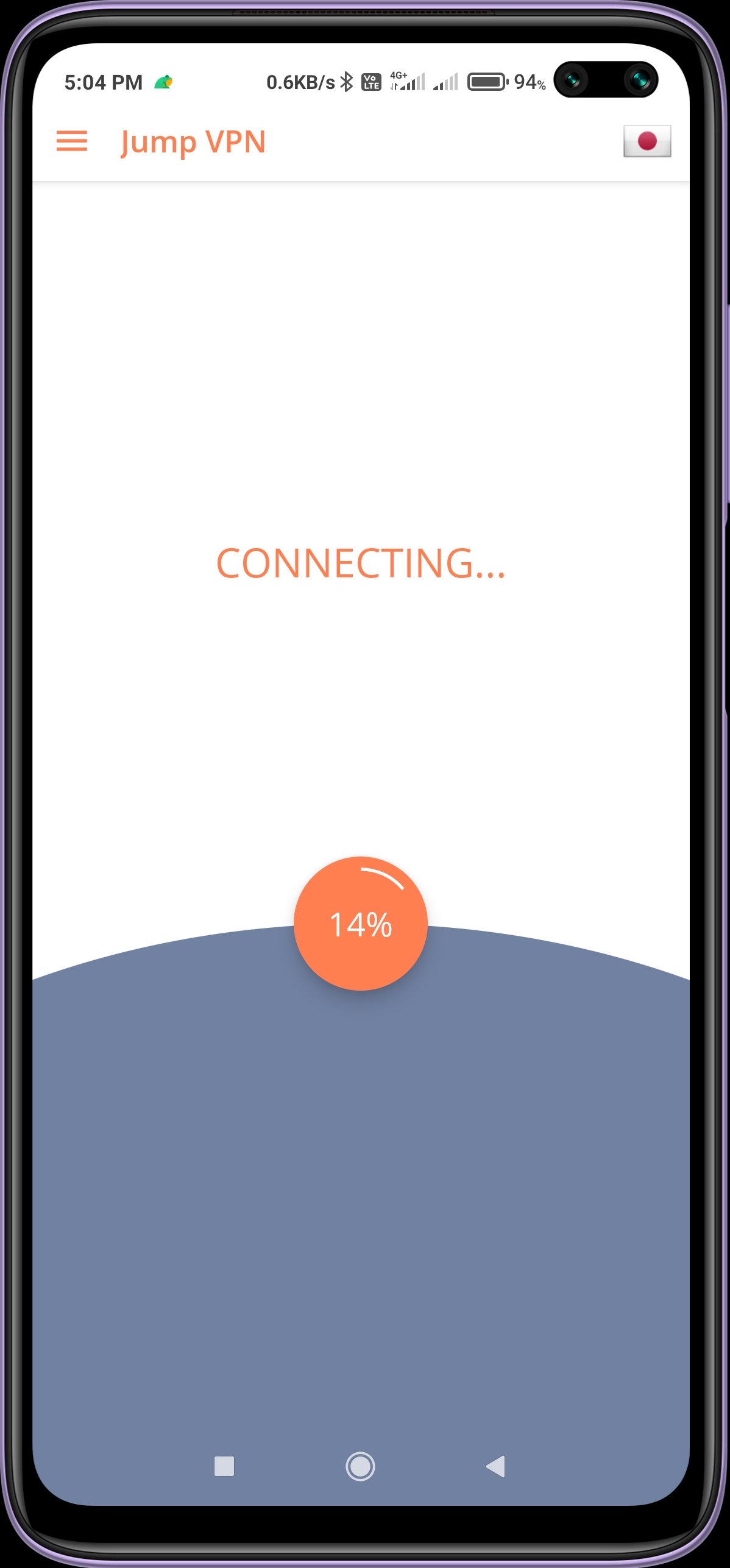
Jump VPN lets you start a VPN session with a single tap. The interface is clear and easy to follow, so you can connect without extra steps. It works with WiFi and mobile networks like 5G, LTE, and 3G, and does not set a speed cap. The lightweight design helps save storage and reduces impact on device performance.
Privacy protection
Jump VPN creates a secure connection that helps keep your activity private. It reduces exposure to third-party tracking, which is useful for everyday tasks like messaging and browsing. It requires no additional permissions, keeping setup simple.
Access restricted sites and apps
Jump VPN uses VPN proxy servers to reach services that may be blocked on certain networks. This can help when sites or apps do not load at school, work, or while traveling. Switch locations to find one that opens the content you need.
Server selection and reconnection steps
Use these steps if a connection fails or slows down.
Jump VPN offers simple controls, privacy tools, and practical server options for everyday use. Connect, browse, and switch locations when needed. For updates, check the Jump VPN latest version and keep your app current.
Latest Version
1.0.0.19Uploaded by
Ar Kar Soe
Requires Android
Android 5.0+
Category
Free Tools AppContent Rating
Everyone
Report
Flag as inappropriateLast updated on May 9, 2022
This release includes minor bug fixes and general improvements. Update to the latest version for the best experience.



APKPure - A multi-platform app store primarily focused on Android, providing extensive app-related content. Discover the app you want easier, faster, and safer, with quick and efficient downloads and installations.