
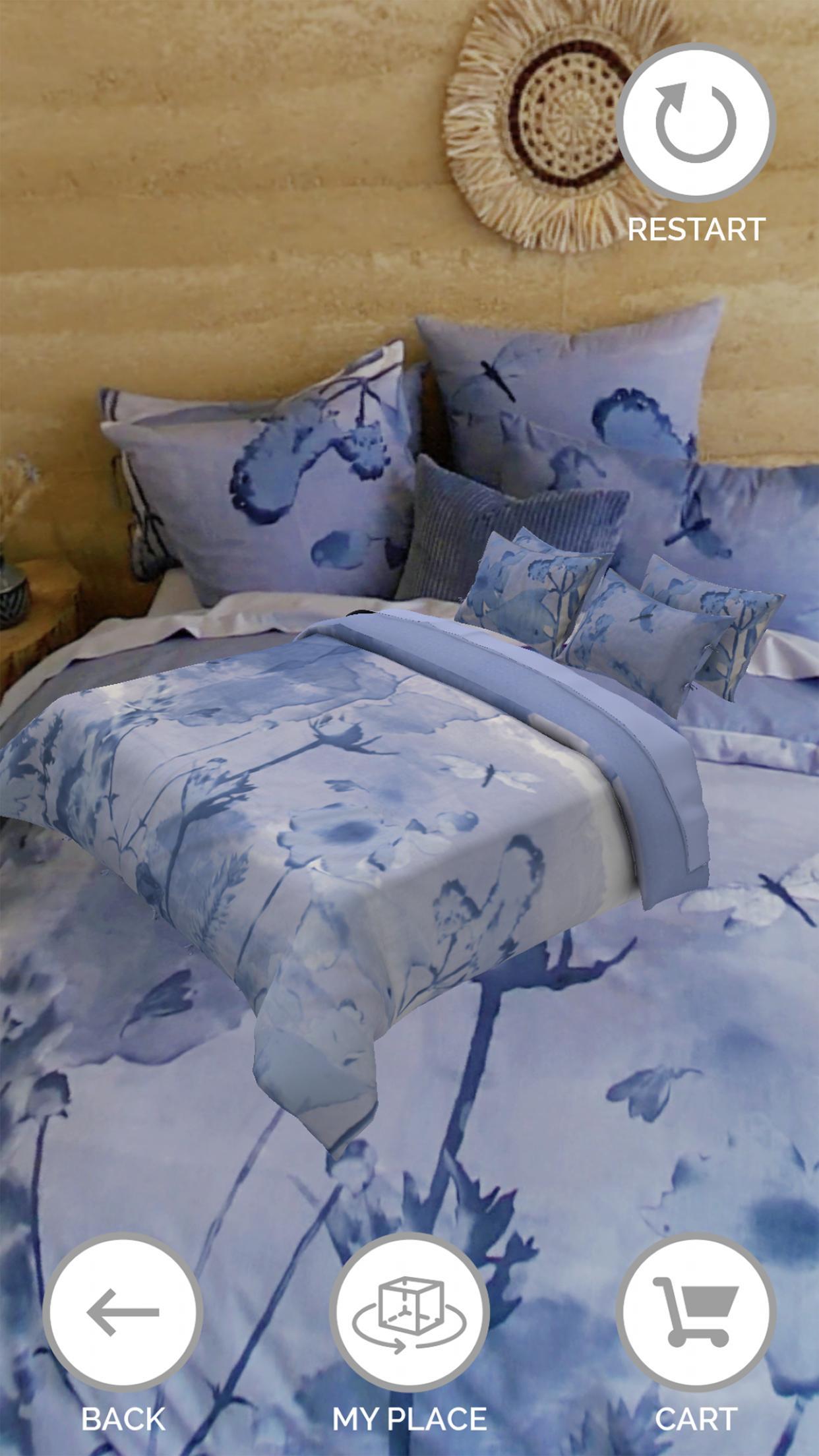
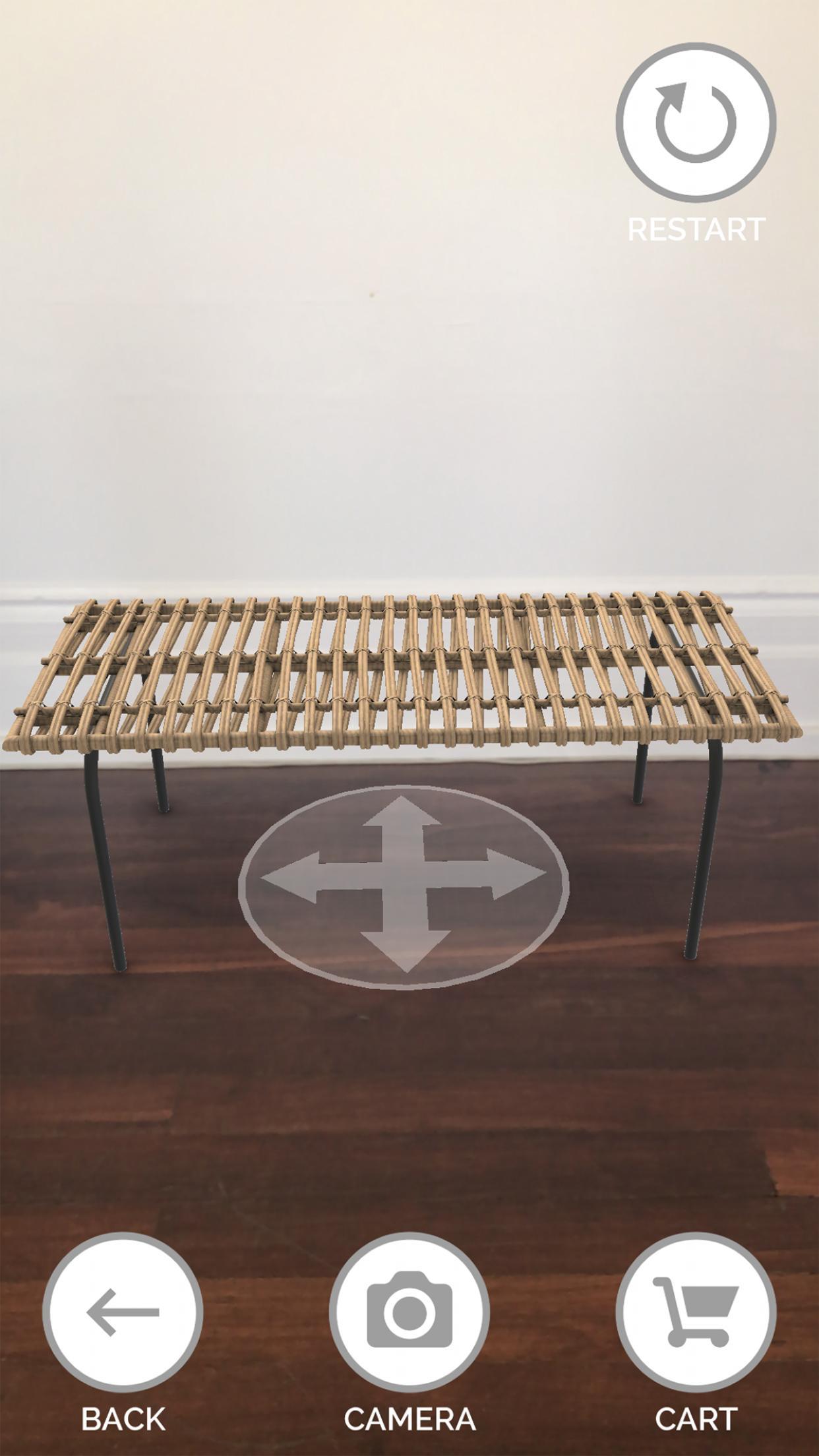
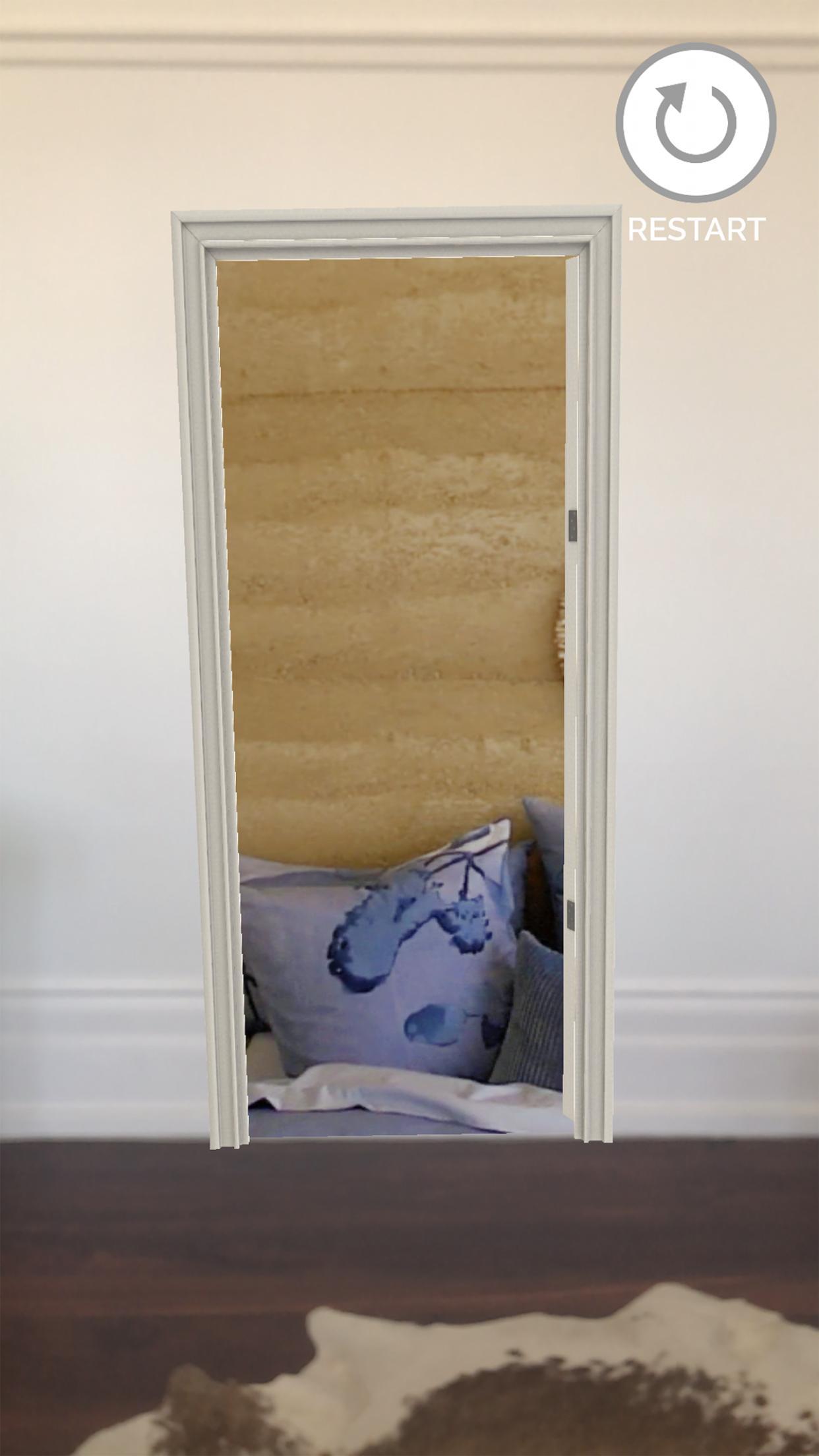
For a short time, Target shoppers can use this 3D Product Visualiser to experience Target Homeware products in their own home. Use a smartphone to open a doorway into the new Target homeware collection, walk in, view, select and virtually place Target products in your home. You can even order online or share photos.
Step 1: Download the application
Step 2: Allow access to your smartphone camera
Step 3: Scan the ground by moving your smartphone left and right
Step 4: Tag and place the doorway right where you stand
Step 5: Walk through the door and into the Target Home to view products in 360
Step 6: Select highlighted products to view & rotate
Step 7: Press ‘My Place’ to virtually place products in your home
Step 8: Press ‘Camera’ to take a photo
Step 9: Select ‘Cart’ to buy online
Step 10: Provide feedback on the experience through the App Store
Last updated on 2022年08月16日
Initial release.

APKPure - Androidを中心としたマルチプラットフォームのアプリストアで、豊富なアプリ関連コンテンツを提供しています。より簡単に、より速く、より安全にアプリを見つけることができ、ダウンロードとインストールも迅速かつ効率的です。