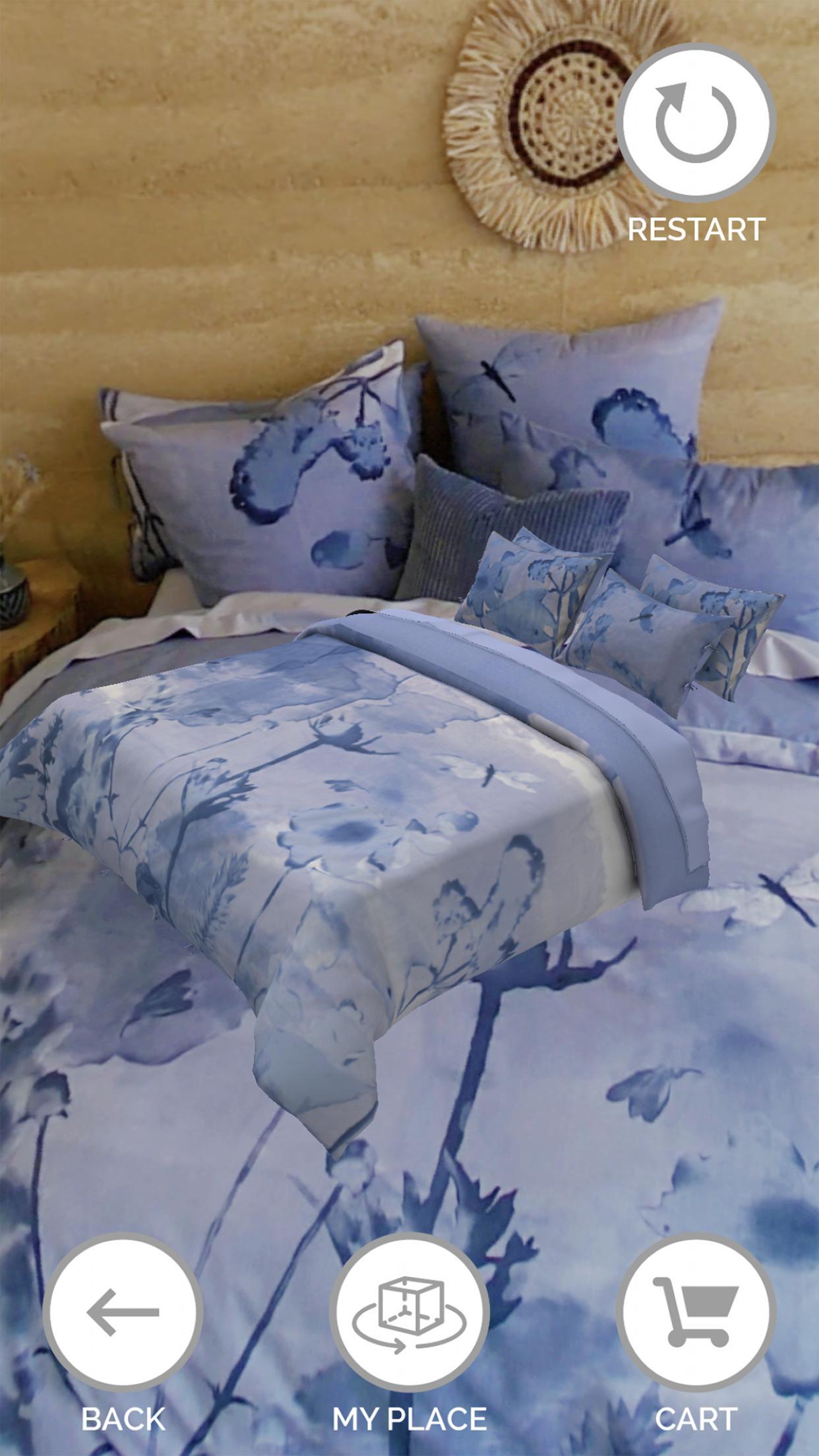
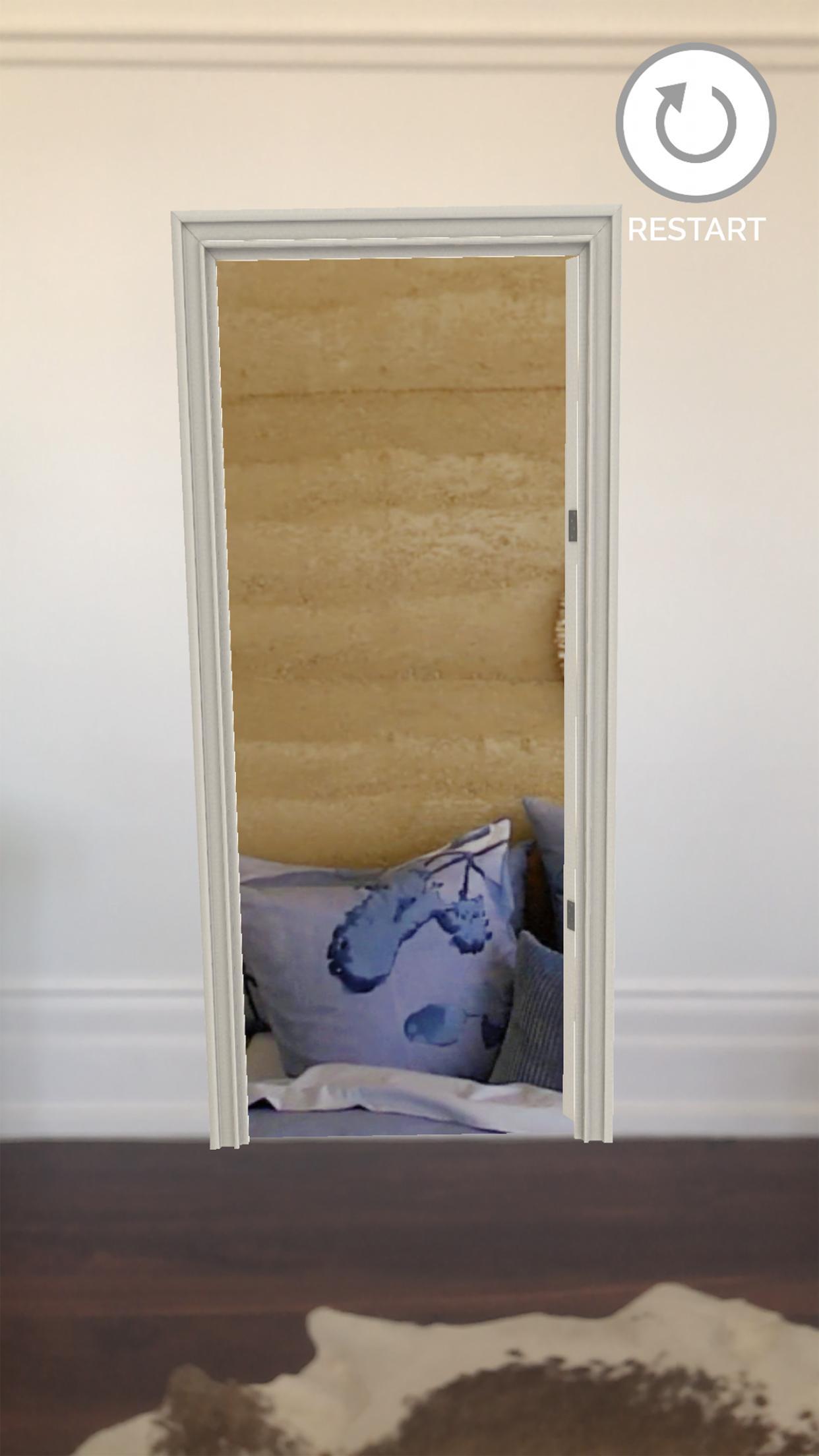
For a short time, Target shoppers can use this 3D Product Visualiser to experience Target Homeware products in their own home. Use a smartphone to open a doorway into the new Target homeware collection, walk in, view, select and virtually place Target products in your home. You can even order online or share photos.
Step 1: Download the application
Step 2: Allow access to your smartphone camera
Step 3: Scan the ground by moving your smartphone left and right
Step 4: Tag and place the doorway right where you stand
Step 5: Walk through the door and into the Target Home to view products in 360
Step 6: Select highlighted products to view & rotate
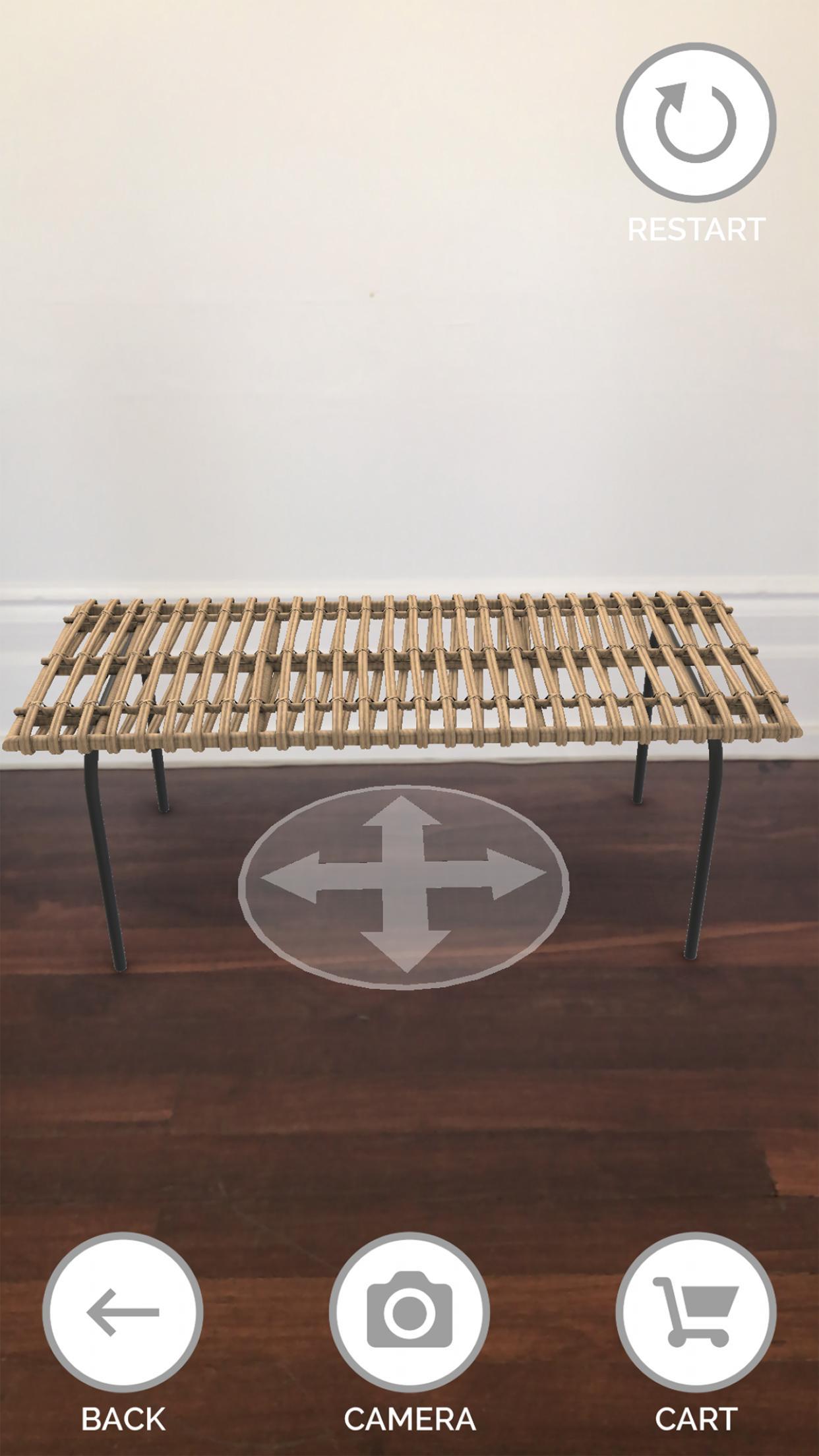
Step 7: Press ‘My Place’ to virtually place products in your home
Step 8: Press ‘Camera’ to take a photo
Step 9: Select ‘Cart’ to buy online
Step 10: Provide feedback on the experience through the App Store
সাম্প্রতিক সংস্করণ
1.0আপলোড
Willian Mattos
Android প্রয়োজন
Android 8.0+
সামগ্রীর রেটিং
Everyone
রিপোর্ট করুন
অনুপযুক্ত হিসাবে ফ্ল্যাগ করুনLast updated on Aug 16, 2022
Initial release.


APKPure - একটি মাল্টি-প্ল্যাটফর্ম অ্যাপ স্টোর যা মূলত অ্যান্ড্রয়েডের উপর ফোকাস করে, বিস্তৃত অ্যাপ-সংক্রান্ত কন্টেন্ট প্রদান করে। দ্রুত এবং দক্ষ ডাউনলোড ও ইনস্টলেশনের মাধ্যমে আপনার কাঙ্ক্ষিত অ্যাপটি আরও সহজে, দ্রুত এবং নিরাপদে আবিষ্কার করুন।