
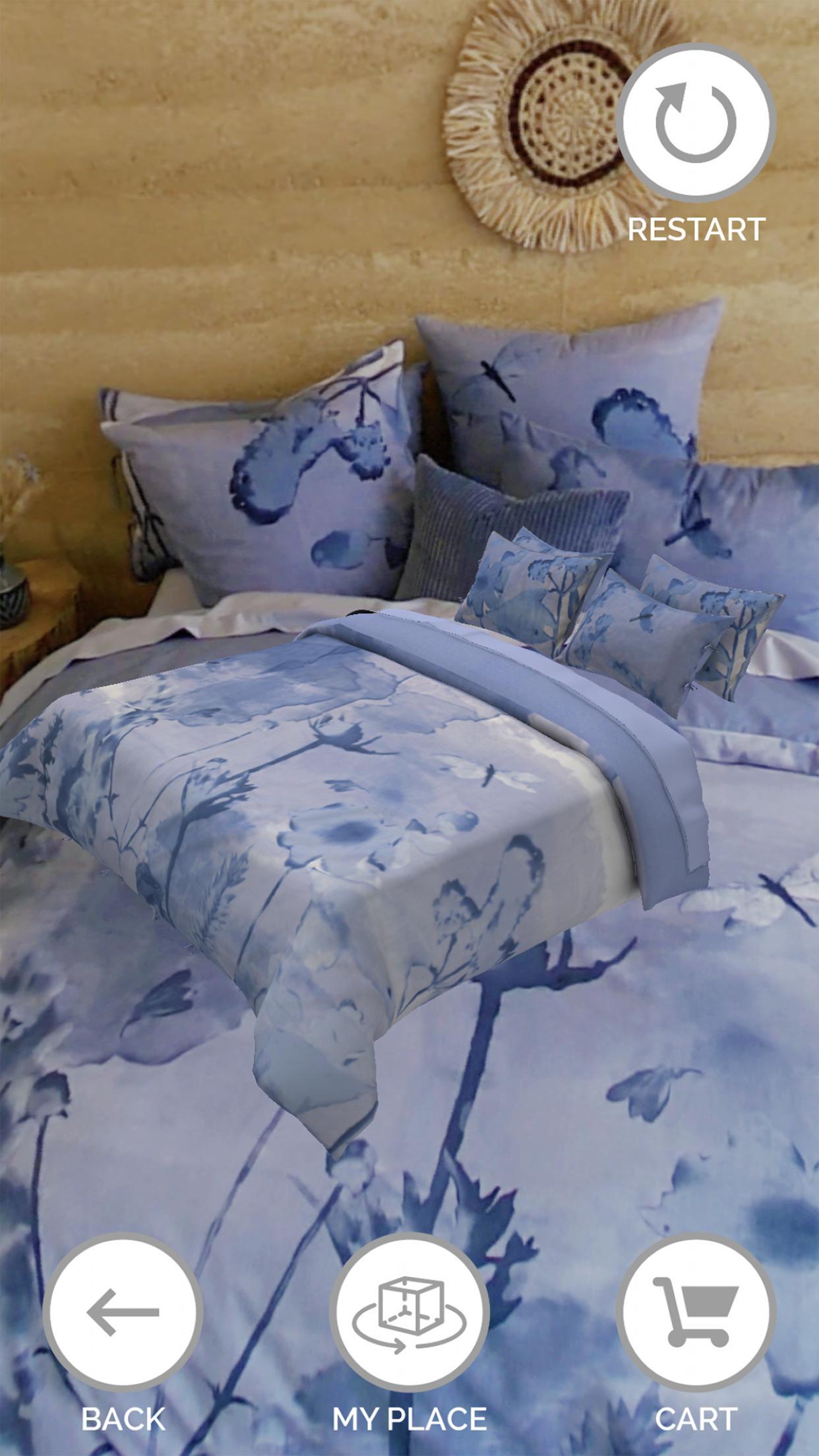
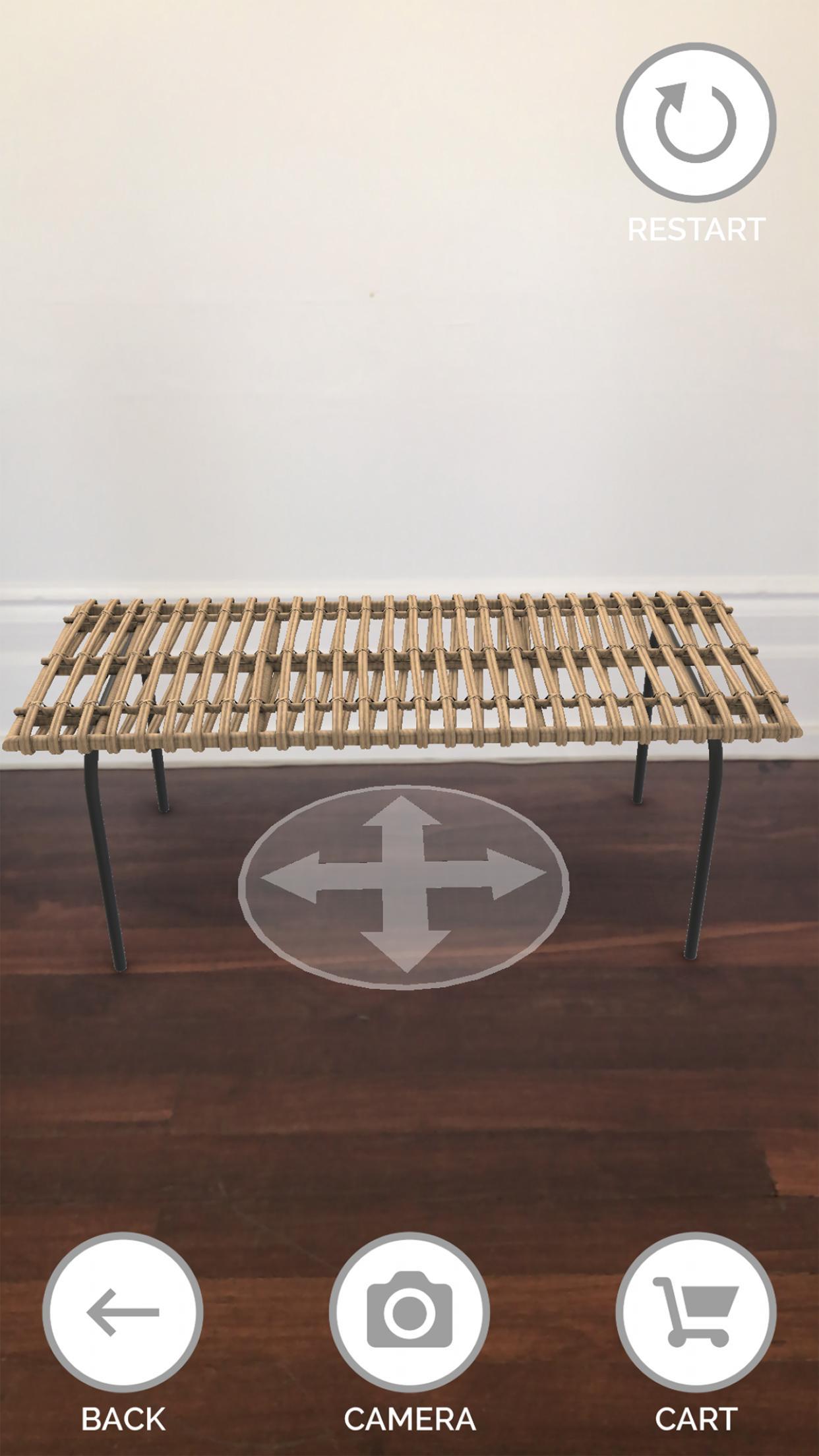
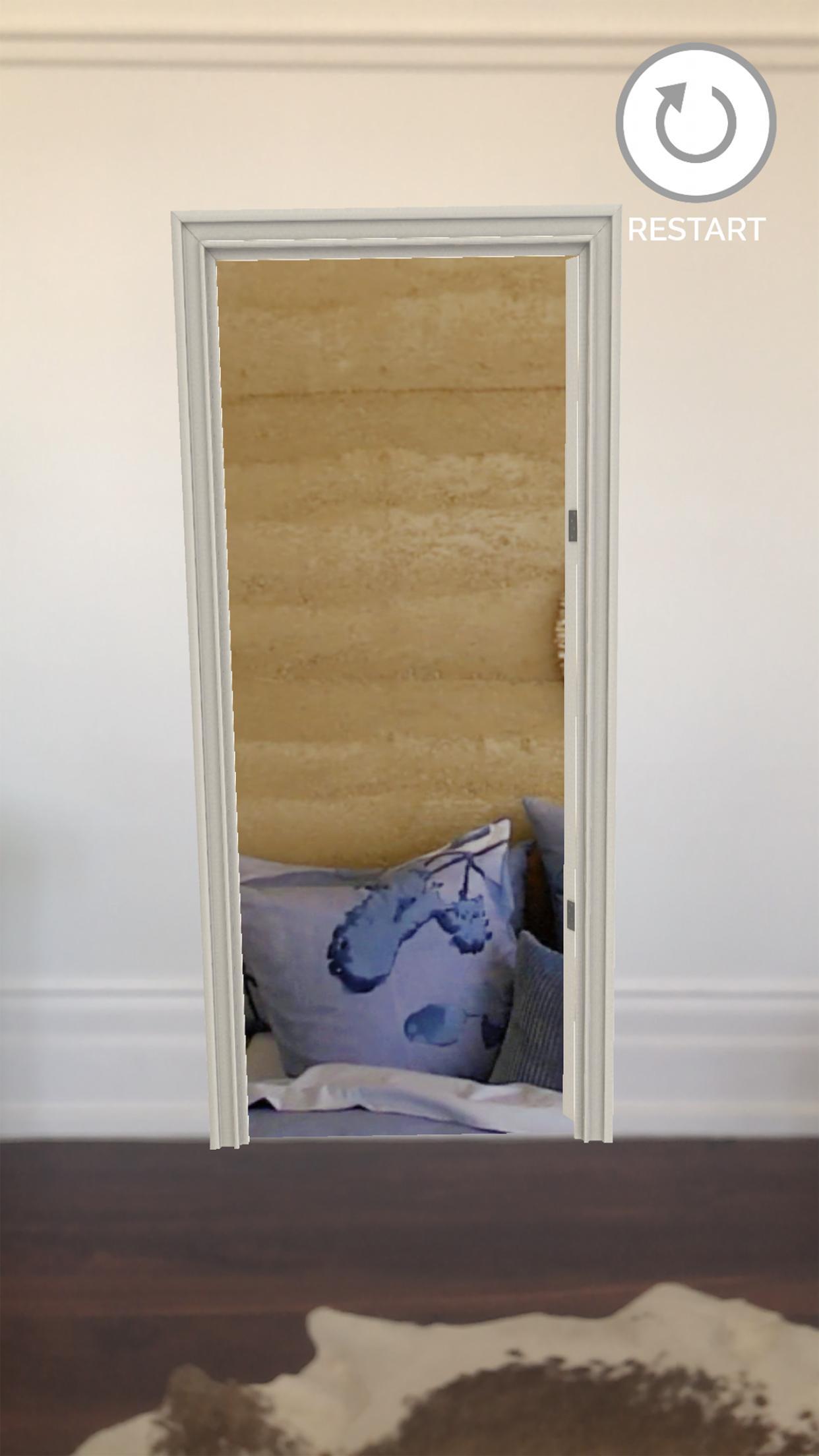
For a short time, Target shoppers can use this 3D Product Visualiser to experience Target Homeware products in their own home. Use a smartphone to open a doorway into the new Target homeware collection, walk in, view, select and virtually place Target products in your home. You can even order online or share photos.
Step 1: Download the application
Step 2: Allow access to your smartphone camera
Step 3: Scan the ground by moving your smartphone left and right
Step 4: Tag and place the doorway right where you stand
Step 5: Walk through the door and into the Target Home to view products in 360
Step 6: Select highlighted products to view & rotate
Step 7: Press ‘My Place’ to virtually place products in your home
Step 8: Press ‘Camera’ to take a photo
Step 9: Select ‘Cart’ to buy online
Step 10: Provide feedback on the experience through the App Store
Versi Terbaru
1.0Diunggah oleh
Willian Mattos
Perlu Android versi
Android 8.0+
Kategori
Gratis Rumah & Griya APLIKASIRating konten
Everyone
Last updated on Aug 16, 2022
Initial release.

APKPure - Toko aplikasi multi-platform yang terutama berfokus pada Android, menyediakan konten terkait aplikasi yang luas. Temukan aplikasi yang Anda inginkan dengan lebih mudah, cepat, dan aman, dengan unduhan dan pemasangan yang cepat dan efisien.