Jota+ Google Drive Connector is a plugin to connect Jota+ with Google Drive.
Install this plugin then you can activate the connectivity to Google Drive of Jota+.
This app only connect to Google Drive server.
----------------------------
This app needs Jota+ and Jota+★PRO-KEY.
----------------------------
Caution: You CAN'T edit Google Docs files.
----------------------------
How to use connector.
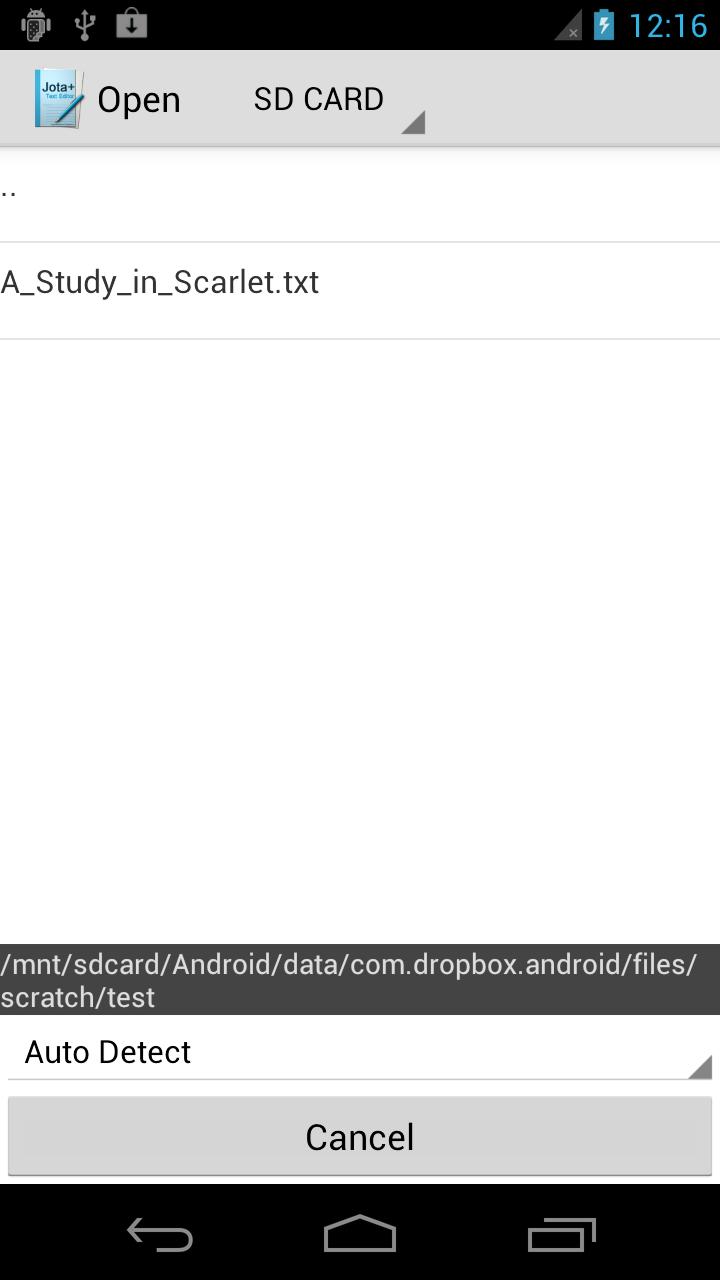
- Touch 'Open' on the toolbar then file browser will open.
- Click Jota+ icon on the top-left corner then click "Settings-Storage".
- Select one which you want and install a connector.
- Log in to the connector.
- Again open the drawer.
- Click the name of the connector.
- Browse directory on the file system.
- Open a file.
Don't use explorer apps.
Latest Version
1.07Uploaded by
Bishal Khatri Chhetri
Requires Android
Android 2.2+
Category
Free Tools AppContent Rating
Everyone
Report
Flag as inappropriateLast updated on Oct 9, 2015
[2015/03/31]
Fixed a bug.



APKPure - A multi-platform app store primarily focused on Android, providing extensive app-related content. Discover the app you want easier, faster, and safer, with quick and efficient downloads and installations.