Scan Date:Apr 12, 2026
Show More


JioTV helps when you want television on your phone without switching between several services, whether at home or on the go. It brings live viewing and recent episodes into one place, so you can watch according to your schedule. A simple program guide supports quick browsing, while language choices make it easier to find familiar channels. Many users choose to download JioTV to keep entertainment, news, and sports within easy reach on mobile.
JioTV provides 1000+ live channels across entertainment, movies, news, sports, kids, devotional, lifestyle, and infotainment. You can stream in HD where available and pick from 15+ languages to match your preference. A 7-day catch-up window is included on supported channels, which helps you revisit recent episodes at a convenient time. This breadth gives frequent viewers a single place to watch daily shows.
Popular channels across categoriesJioTV surfaces well-known options so you can start quickly. Entertainment and drama viewers can find Colors HD, SET HD, and Sony SAB HD. News followers have Aaj Tak, India TV, ABP News India, and Republic Bharat. These recognizable names help you settle in fast and reduce time spent searching for a reliable channel.
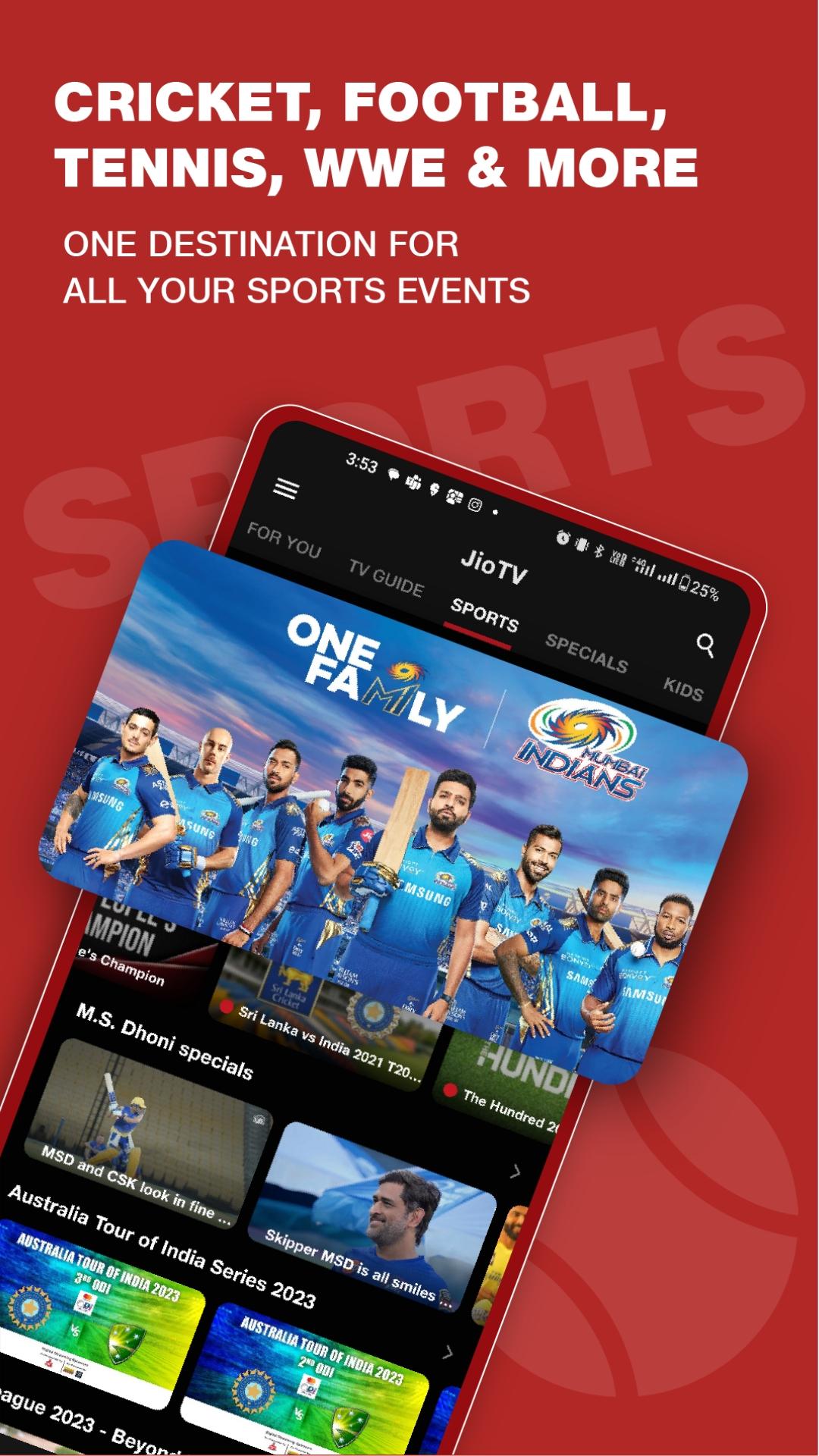
Sports coverage on dedicated channelsJioTV features sports channels such as Sports18 1 HD, Sony Ten 1 HD, Sony Ten 3 HD Hindi, Eurosport HD, and Jio Cricket English HD. You can follow cricket, football, WWE, UFC, MOTO GP, and NBA according to each channel’s schedule. Live match timing is visible in the guide, and switching channels is quick when events overlap. This setup supports regular match days as well as big tournaments.
Premium OTT hub with one subscriptionJioTV Premium brings major partner content into one place through a single subscription within the app. You can access libraries from SonyLIV, Zee5, Lionsgate Play, Discovery+, Sun NXT, Hoichoi, and more without juggling separate logins. This reduces account switching and keeps movies, web series, and documentaries together with live TV. It also helps households that prefer one consolidated plan for varied tastes.
Smart viewing tools for daily useJioTV includes a TV Guide for quick discovery, along with Set Reminder and Add to Watchlist to keep track of upcoming or ongoing programs. You can enable Picture-in-Picture on supported devices to continue watching while using other apps. These tools reduce missed episodes and make multitasking straightforward. As a result, daily viewing routines become easier to manage.
Live TV streaming is free for Jio users inside the app. If you plan to explore movies and shows from partner services, JioTV Premium combines multiple OTT catalogs under one subscription. The 7-day catch-up feature applies to supported channels only, and availability can vary by channel.
Getting started takes a few steps and works well for casual or daily viewing. For a smoother setup and the current layout, consider installing the JioTV latest version. Once open, you can browse the guide, choose a language, and begin watching without extra steps.
JioTV brings live channels, recent episodes, and a unified OTT hub into one app with practical tools for everyday viewing. Users who prefer an APK install can look for JioTV APK to set it up on Android. This page helps you decide if the channel lineup and features match your daily habits.
For official support and more details, use the resources below.
Latest Version
7.1.7Uploaded by
Deejhay Martin
Requires Android
Android 6.0+
Category
Free Entertainment AppContent Rating
Everyone
Security Report
Report
Flag as inappropriateLast updated on Apr 12, 2026
Performance improvement and critical bug fixes





APKPure - A multi-platform app store primarily focused on Android, providing extensive app-related content. Discover the app you want easier, faster, and safer, with quick and efficient downloads and installations.


















![Watch Euro 2020 on Android With These Apps [Free/Premium]](https://image.winudf.com/v2/user/admin/YWRtaW5fenRQakxpQVNBWkxqank2WVh1SG1iZi5qcGVnXzE2MjU3MTQ0NjMzNTU/image.png?fakeurl=1&w=192)