Scan Date:Oct 23, 2025
Show More


JioSphere helps users who want a single browser for phone, TV, and desktop. It keeps everyday browsing simple with clear controls and familiar layouts across screens. You can personalize the start page to match your habits and view content in your preferred language. If you look for JioSphere APK, the experience stays consistent as you move between devices.
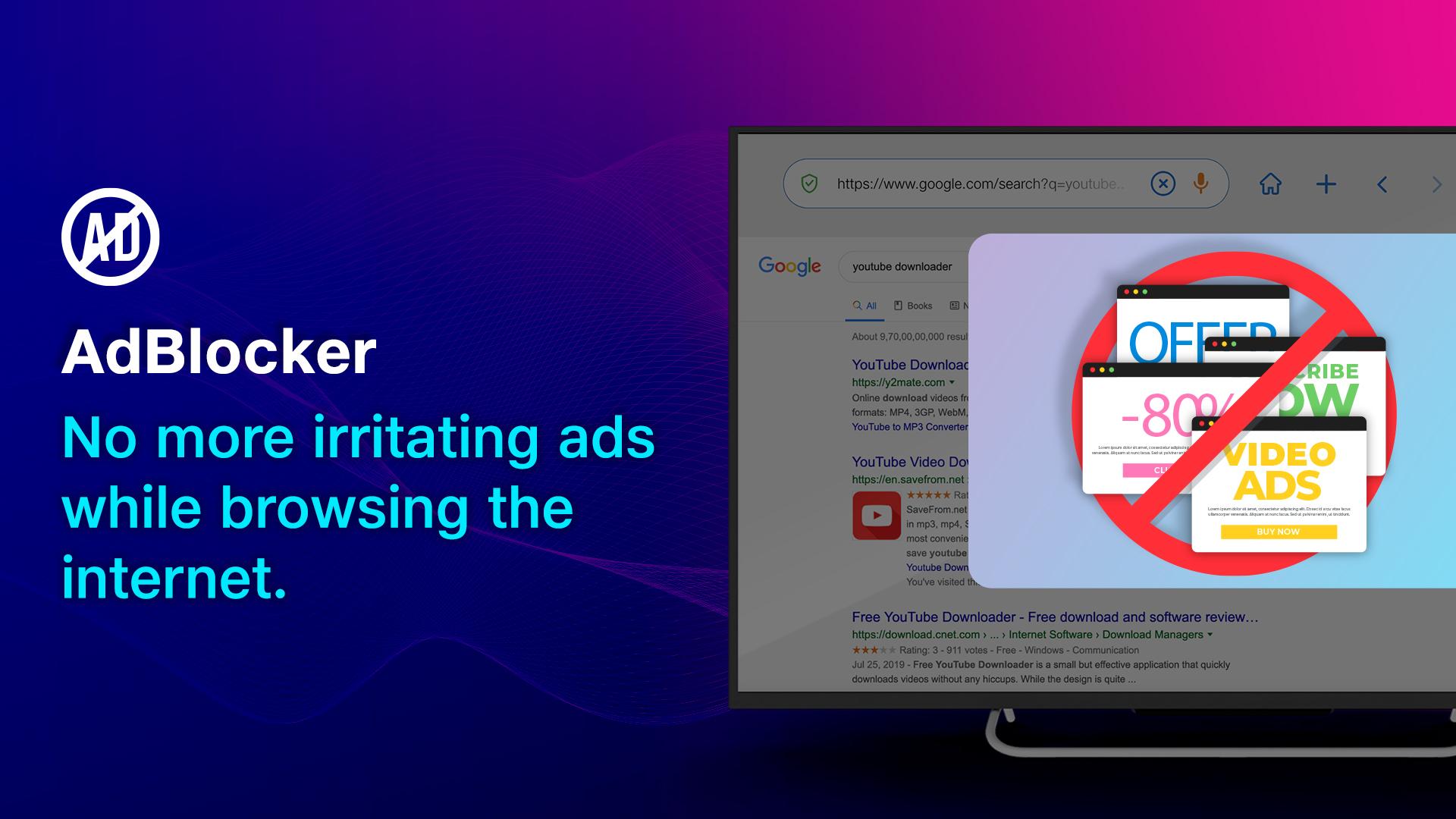
JioSphere blocks ads and trackers by default to reduce unwanted activity. Connections upgrade to HTTPS when available, and anti fingerprinting features lower online profiling. Cookie controls give you more say over site data. Incognito sessions can be protected with a PIN, and you can turn on the built in VPN for one tap secure browsing.
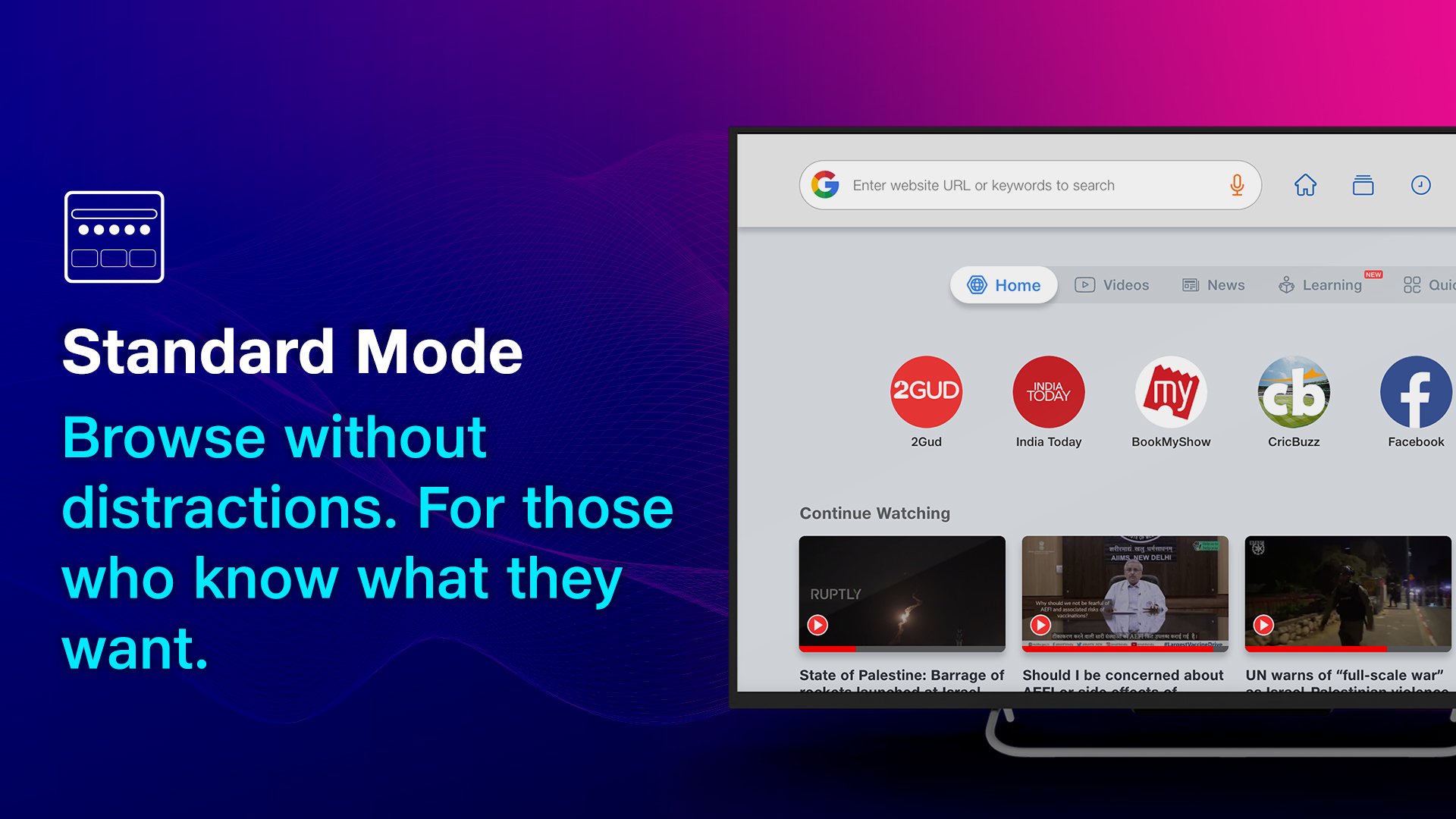
Big screen friendly browsingOn larger screens, JioSphere streamlines navigation for TV use. Voice search helps you skip remote typing, while quick links and bookmarks keep frequent sites within reach. The TV friendly interface places common actions up front, so you spend less time navigating and more time viewing content.
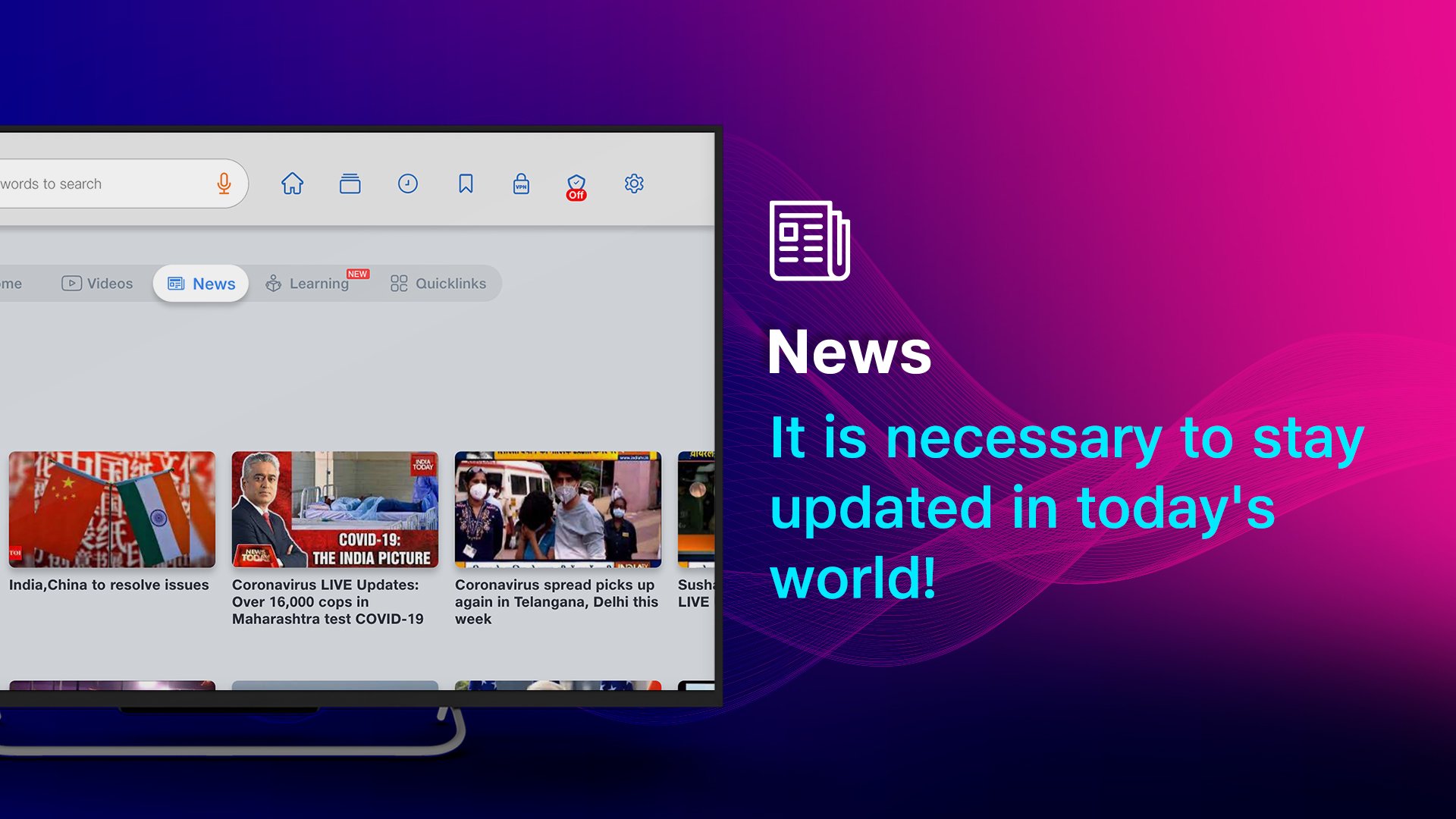
Indian language support and regional newsFor local content, JioSphere supports multiple Indian languages to match your preferences. You can follow regional news feeds to see updates that matter to your area. Language settings and content choices make the JioSphere browser feel comfortable for everyday use in your language.
Cross platform availability with syncAcross devices, JioSphere supports Android, iOS, Android TV, Windows, Mac, and Linux. When you sign in, bookmarks, passwords, and history can sync, so your data moves with you. This helps you pick up activity on another device without repeating setup.
Modes, AI assistant, and rewardsTo guide different users, JioSphere includes Kids and Education modes, including exam focused options. A generative AI assistant can summarize pages and answer questions inside the browser. JioCoin rewards are in beta, and engagement may earn coins in supported sections such as reading, watching, or news.
JioSphere is available on Android phones and Android TV, with layouts tuned for each screen. It also works on Windows, Mac, and Linux, so you can browse across home and work devices. Features and menus may vary by platform, and some tools are specific to TV or mobile. If you search for JioSphere APK for Android TV, confirm the build matches your device model.
JioCoin is in beta and may change as the program evolves. Users can earn coins through activities like reading, watching, or following news inside supported sections. Coins are held in a wallet on Polygon, and redemption options are noted as coming soon. Check in app prompts for current rules, since availability and rates may differ over time.
If JioSphere is not working, first check your network and try a different connection. Update to the JioSphere latest version, then clear cache and relaunch the app. If the VPN is on, turn it off temporarily to test site access. For sync issues, confirm you are signed in and allow time for data to update across devices.
To begin, download JioSphere and open it on your Android phone. These steps outline common setup actions and help you personalize the browser.
JioSphere brings privacy, language support, TV friendly tools, and sync into one browser. For a consistent experience, try the JioSphere latest version on your Android device.
For official information and support, use the links below.
Latest Version
8.0.2.9Uploaded by
Errijaji Errijaji Hassan
Requires Android
Android 7.0+
Category
Free Communication AppContent Rating
Everyone
Security Report
Report
Flag as inappropriateLast updated on Oct 23, 2025
Minor bug fixes and improvements. Install or update to the newest version to check it out!




APKPure - A multi-platform app store primarily focused on Android, providing extensive app-related content. Discover the app you want easier, faster, and safer, with quick and efficient downloads and installations.