

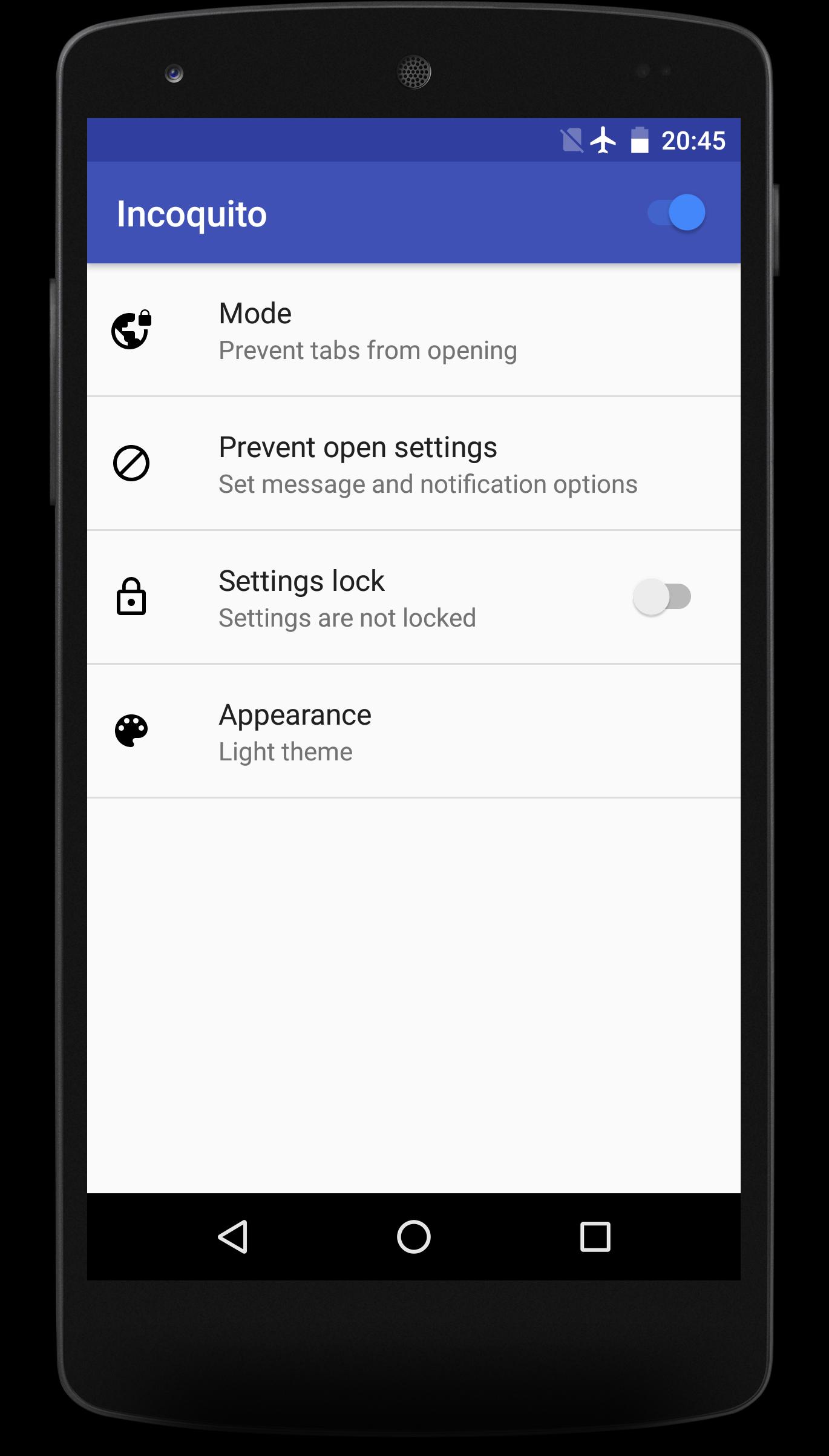
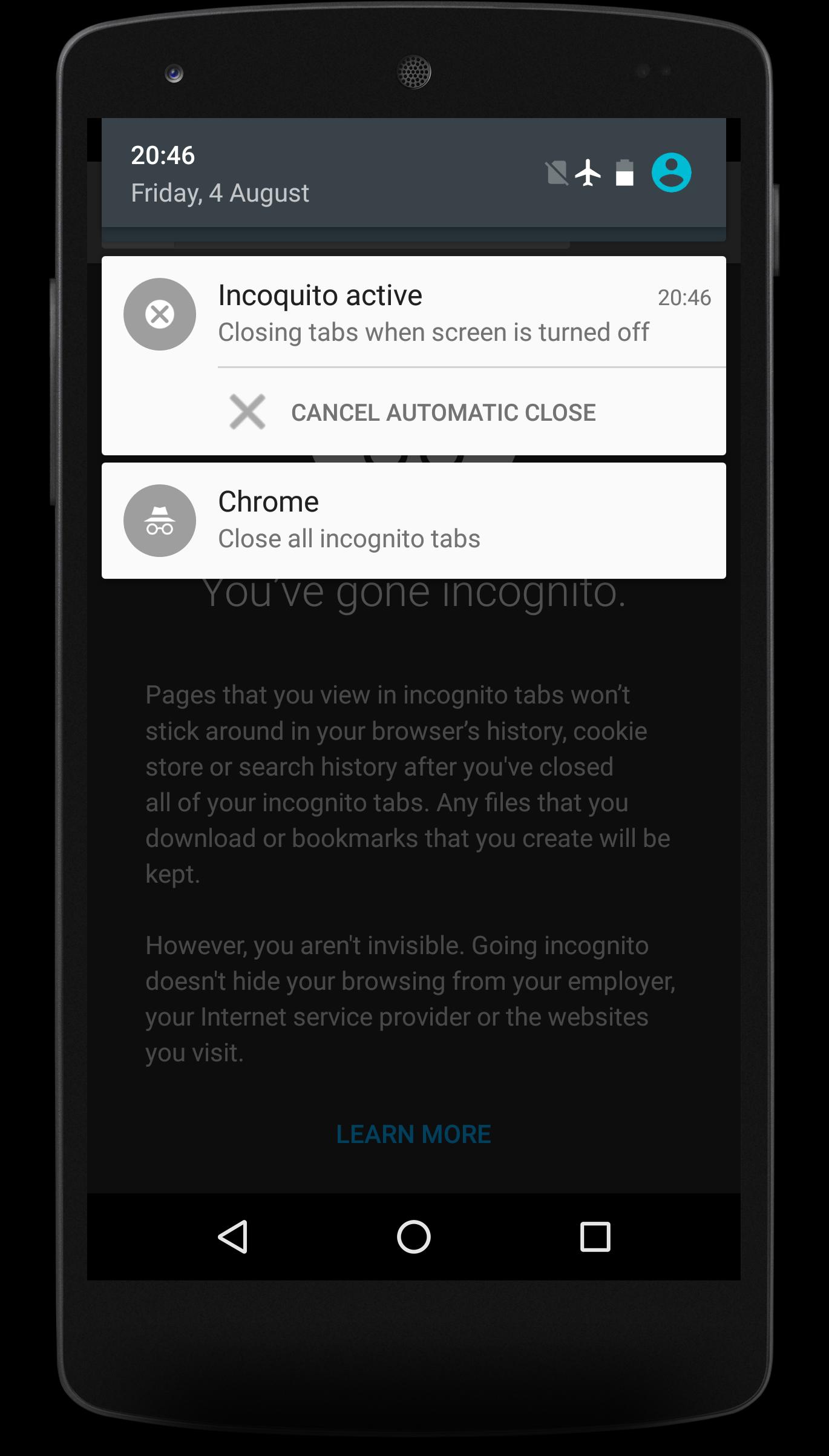
Incoquito (Free) addresses situations where you need tighter control over incognito activity on a phone or tablet. It is useful for shared devices, classrooms, or at home when you want predictable browser behavior. The app works alongside Chrome and depends on notifications to manage private tabs smoothly. Before changing settings, confirm your device supports the needed notifications to avoid issues. If you plan to get the Incoquito (Free) APK, check compatibility so setup stays quick and straightforward.
Incognito control modes
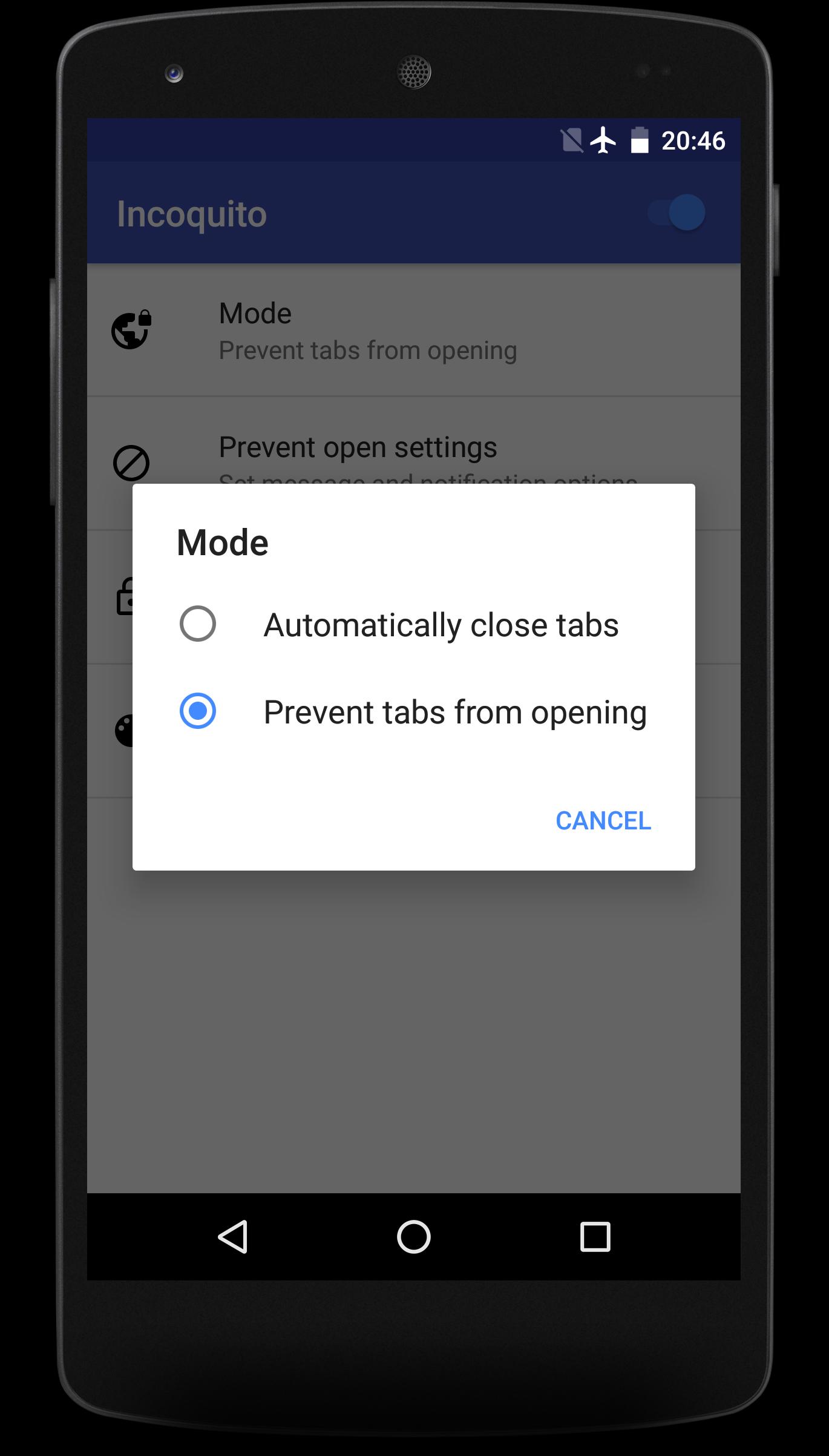
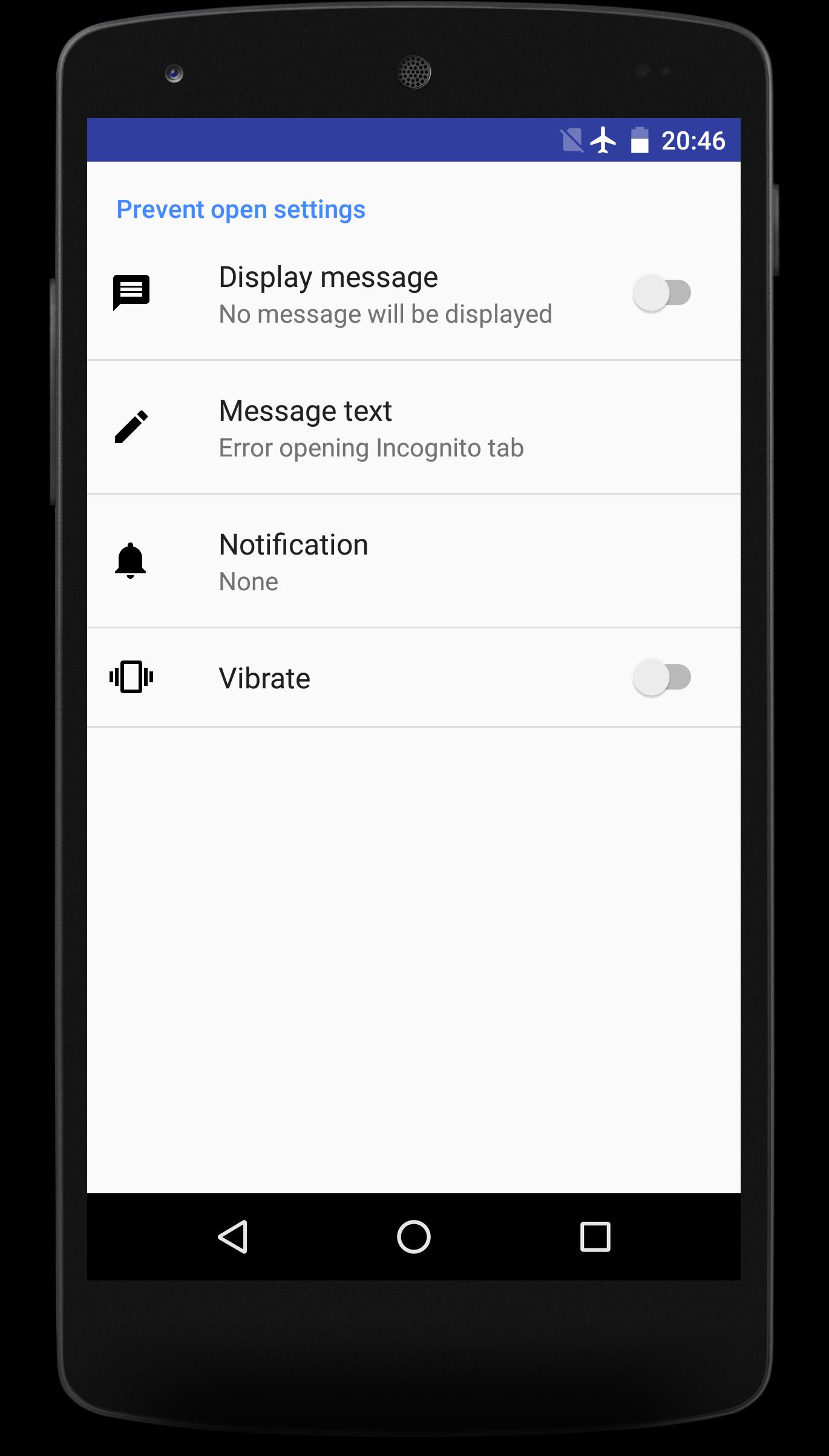
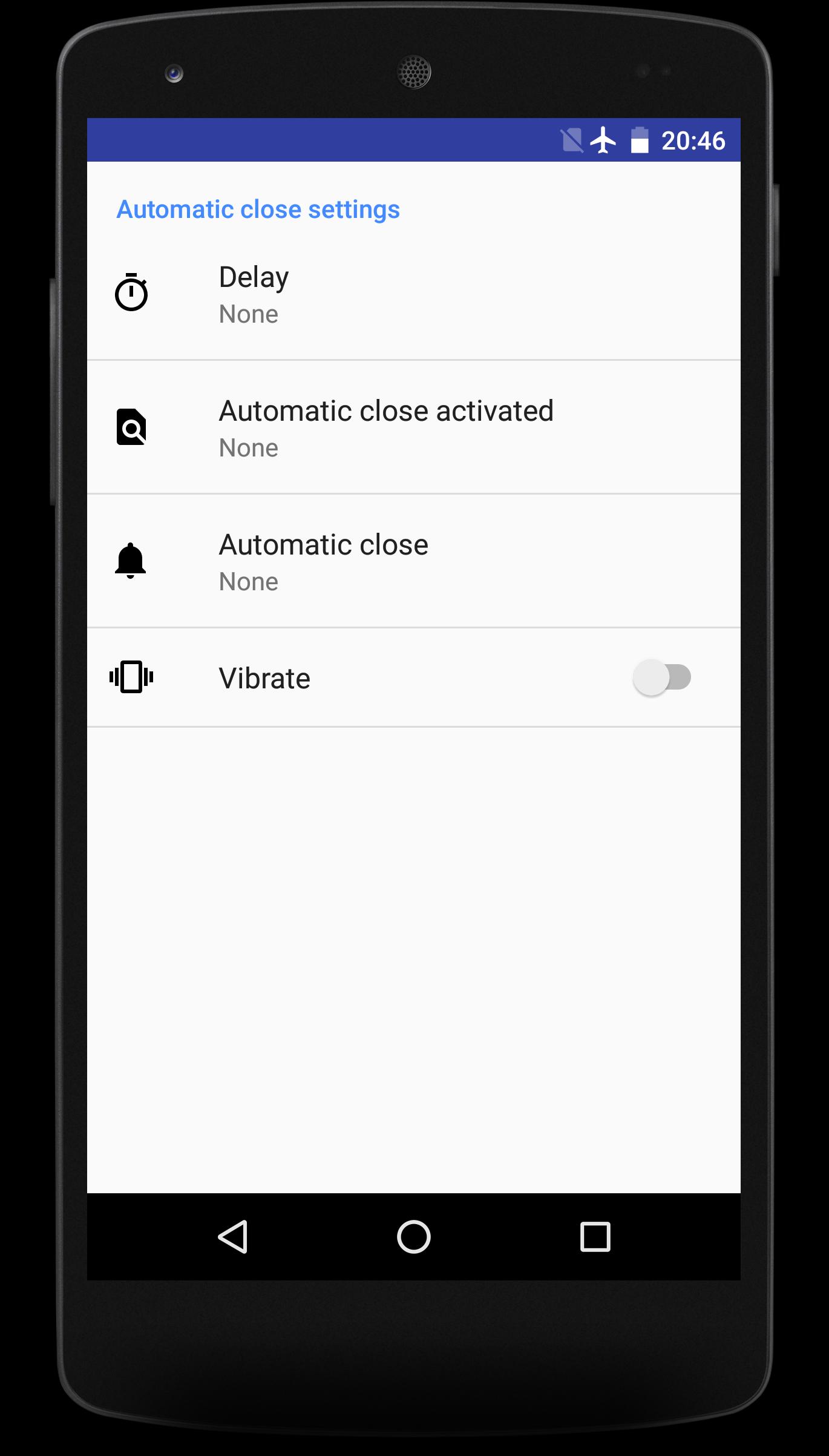
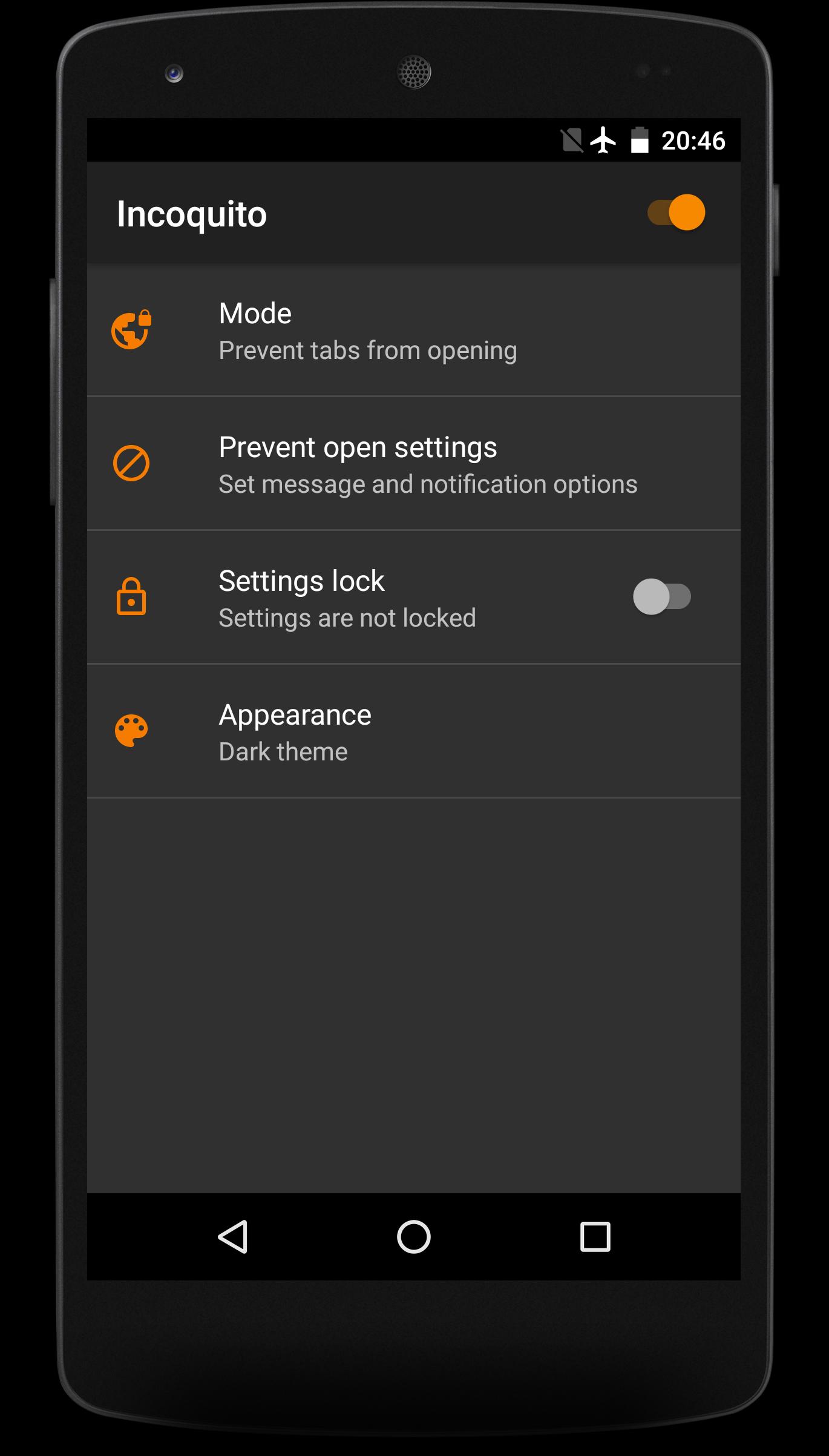
Incoquito (Free) offers two options for handling private browsing. Auto close shuts all incognito tabs when the screen turns off or after a delay you choose. Prevent blocks new incognito tabs from opening, so private browsing cannot start.
Settings lock
You can lock all Incoquito settings to stop unauthorized changes. This helps keep the selected mode in place on shared phones or tablets.
Requirements and compatibility check
Parental use considerations
If you are setting this up for a child, also secure the device so the app cannot be uninstalled and related Android settings cannot be changed. The paid version provides uninstall protection and additional parental controls, including the ability to monitor videos played in Chrome or in the YouTube app.
Choose a mode, grant notification access, and lock settings if needed to keep the configuration stable. This app focuses on managing Chrome incognito behavior with clear requirements and a simple check for support. Install the Incoquito (Free) latest version to ensure current compatibility and fixes.
Latest Version
2.0.3Uploaded by
ابو ريتاج الجبوري
Requires Android
Android 5.0+
Category
Free Tools AppContent Rating
Everyone
Report
Flag as inappropriateLast updated on Aug 7, 2017
• FINAL UPDATE OF FREE VERSION

APKPure - A multi-platform app store primarily focused on Android, providing extensive app-related content. Discover the app you want easier, faster, and safer, with quick and efficient downloads and installations.















