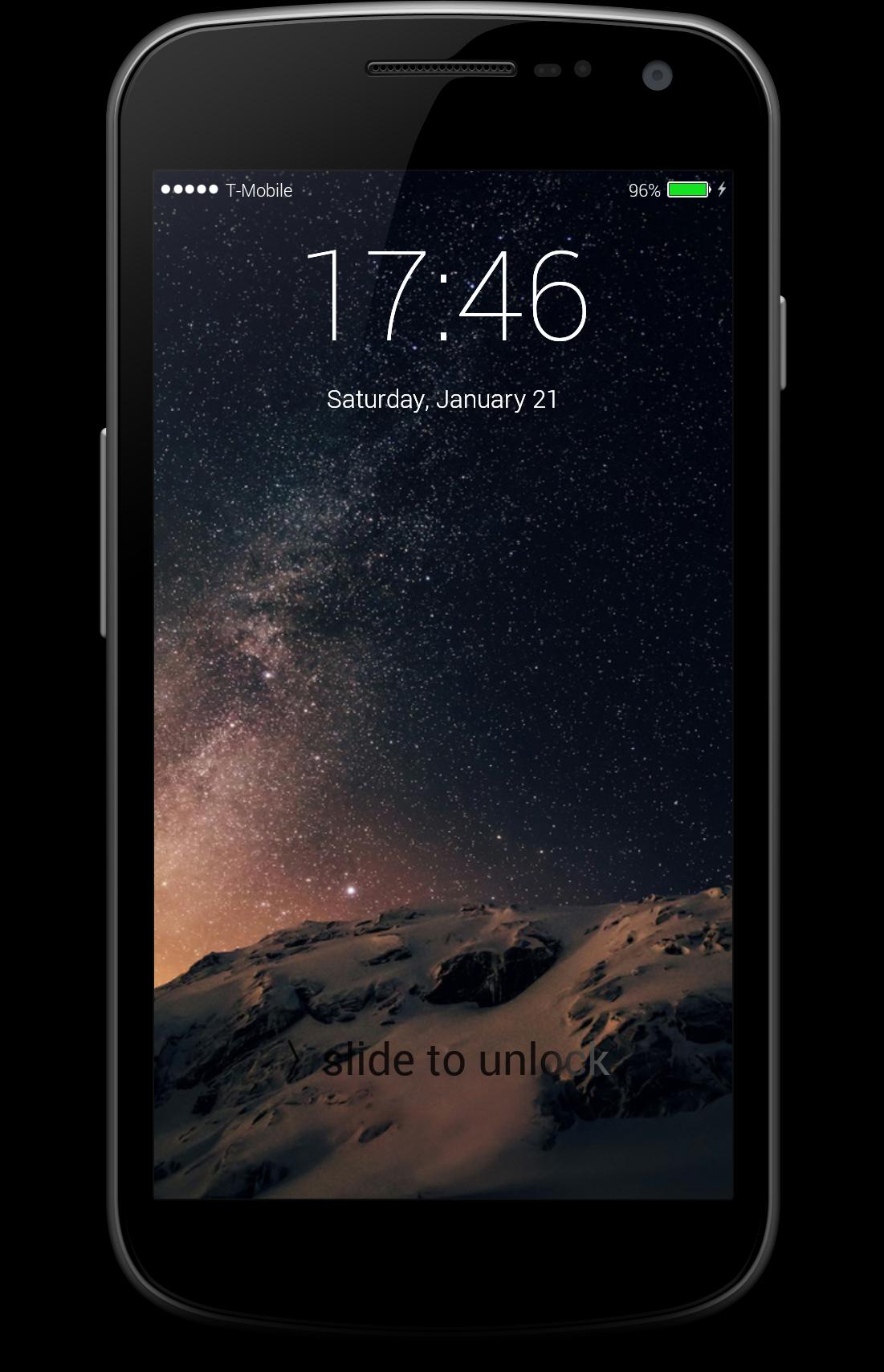
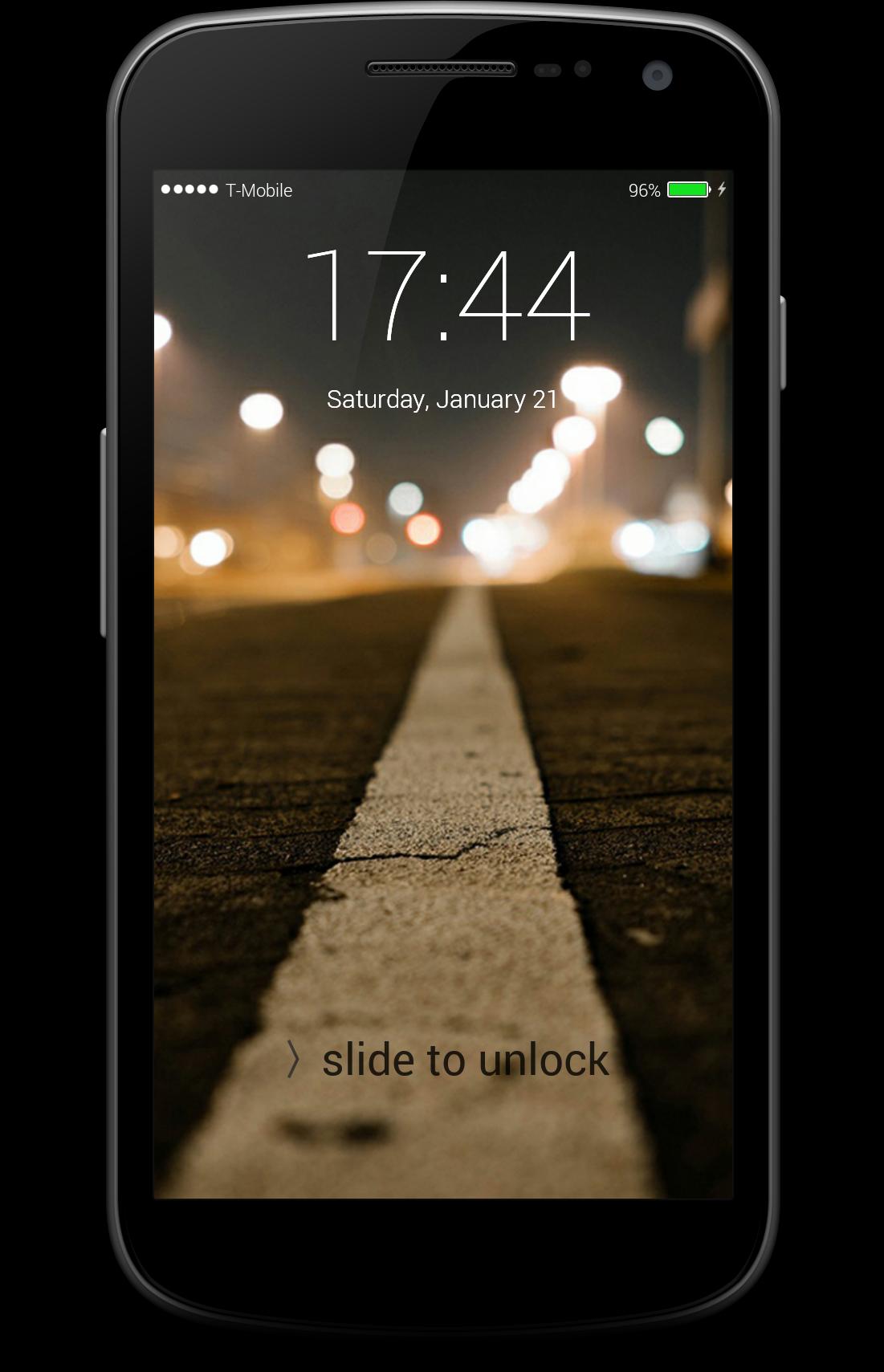
Finally Andoird users also can feel the beauty of ios lockscreen with our application Fingerprint Lockscreen OS10, enjoy the iphone lockscreen style with fingerprint unlockig methode.
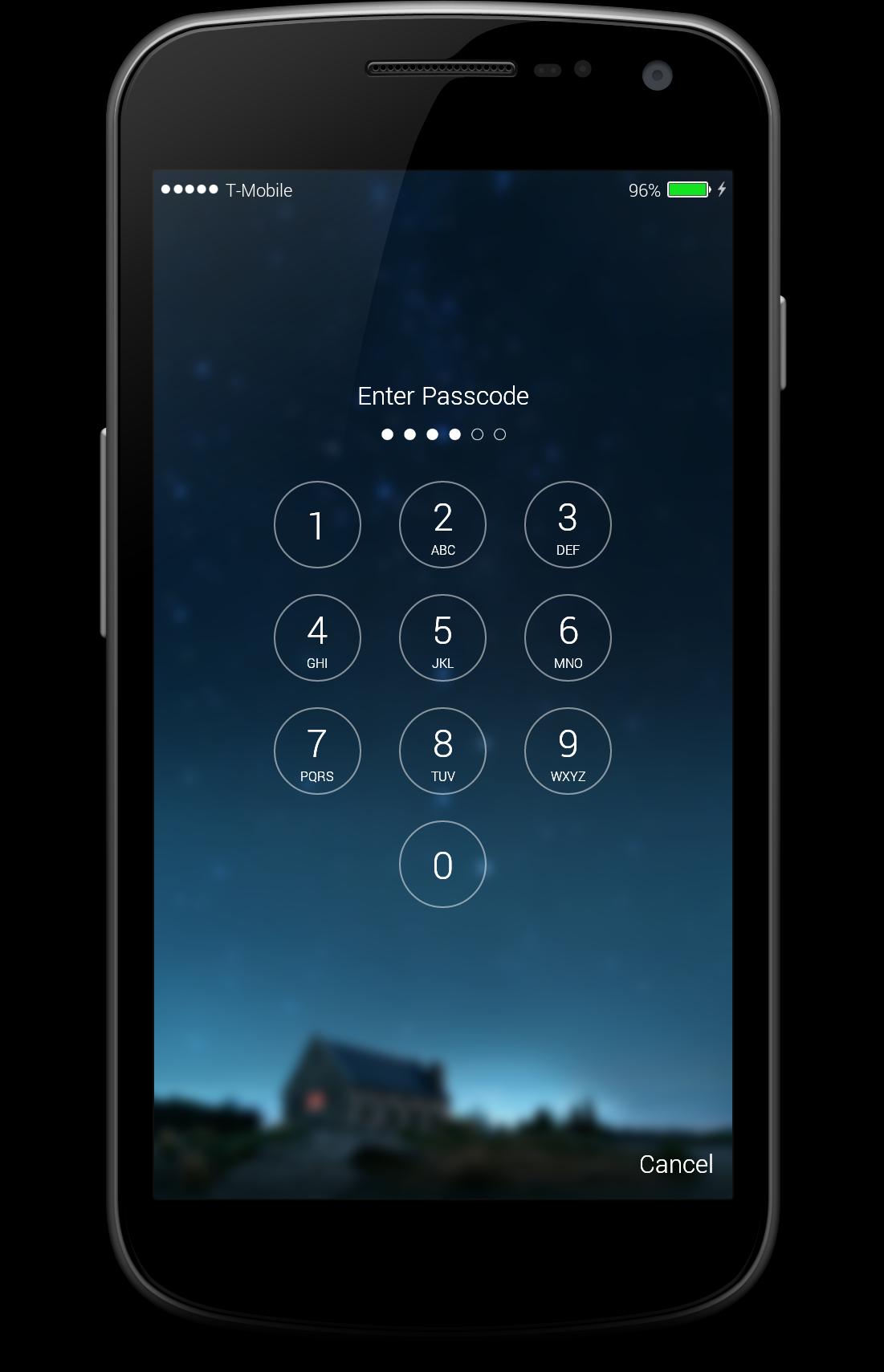
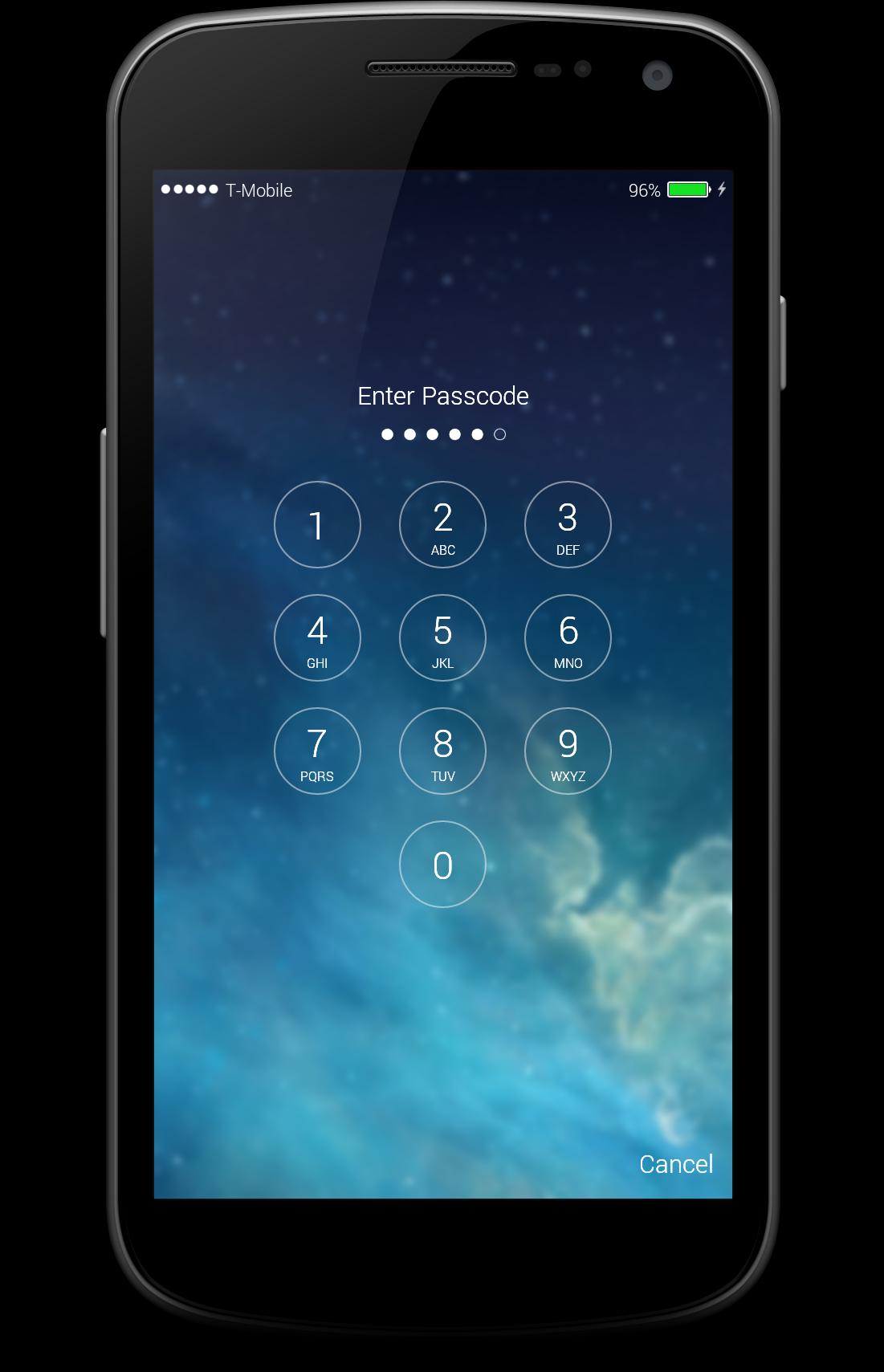
iLocker : Fingerprint Lockscreen OS10 is an application that can help you to Lock screen with passcode or schema its easy to use in simple words this app is made for those who love the i-phone but can not affod one so we developped iphone lockscreen so you can feel like you are using a real iOS device,
iLocker : Fingerprint Lockscreen OS10 protect your phone and give new life to your lock screen with high HD iOS 10 wallpapers, and with highest rated material design make your lock screen unbelievably beautiful and unique.
With professional designers, with android phone, you will be owning the display screen of the Phone 7 style with the latest version os.
You can absolutely swap your wallpaper to make it your own, but you can also disable many of the conveniences if you'd prefer your Lock screen to be on lockdown.
Features:
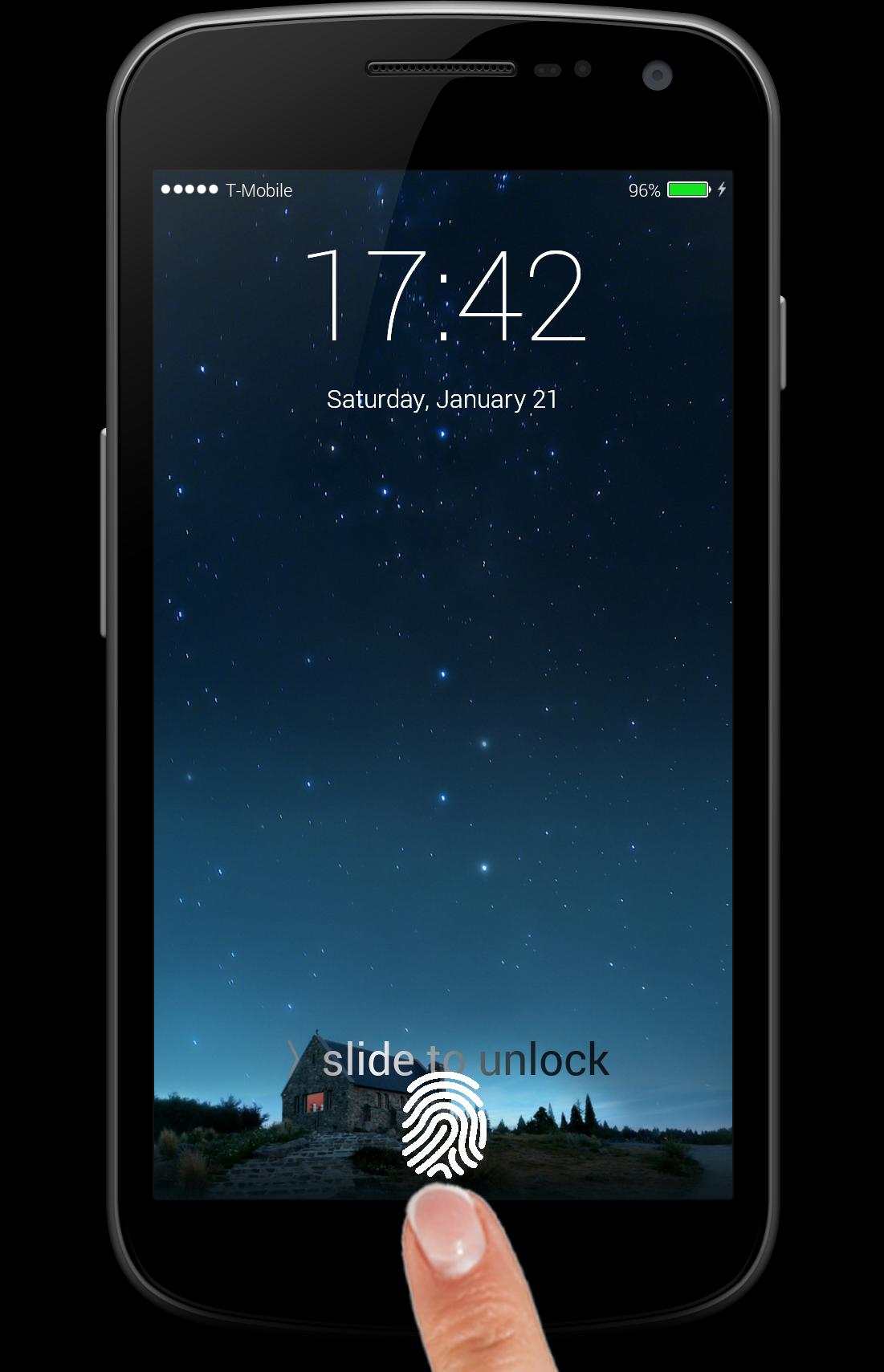
- swipe to unlock screen.
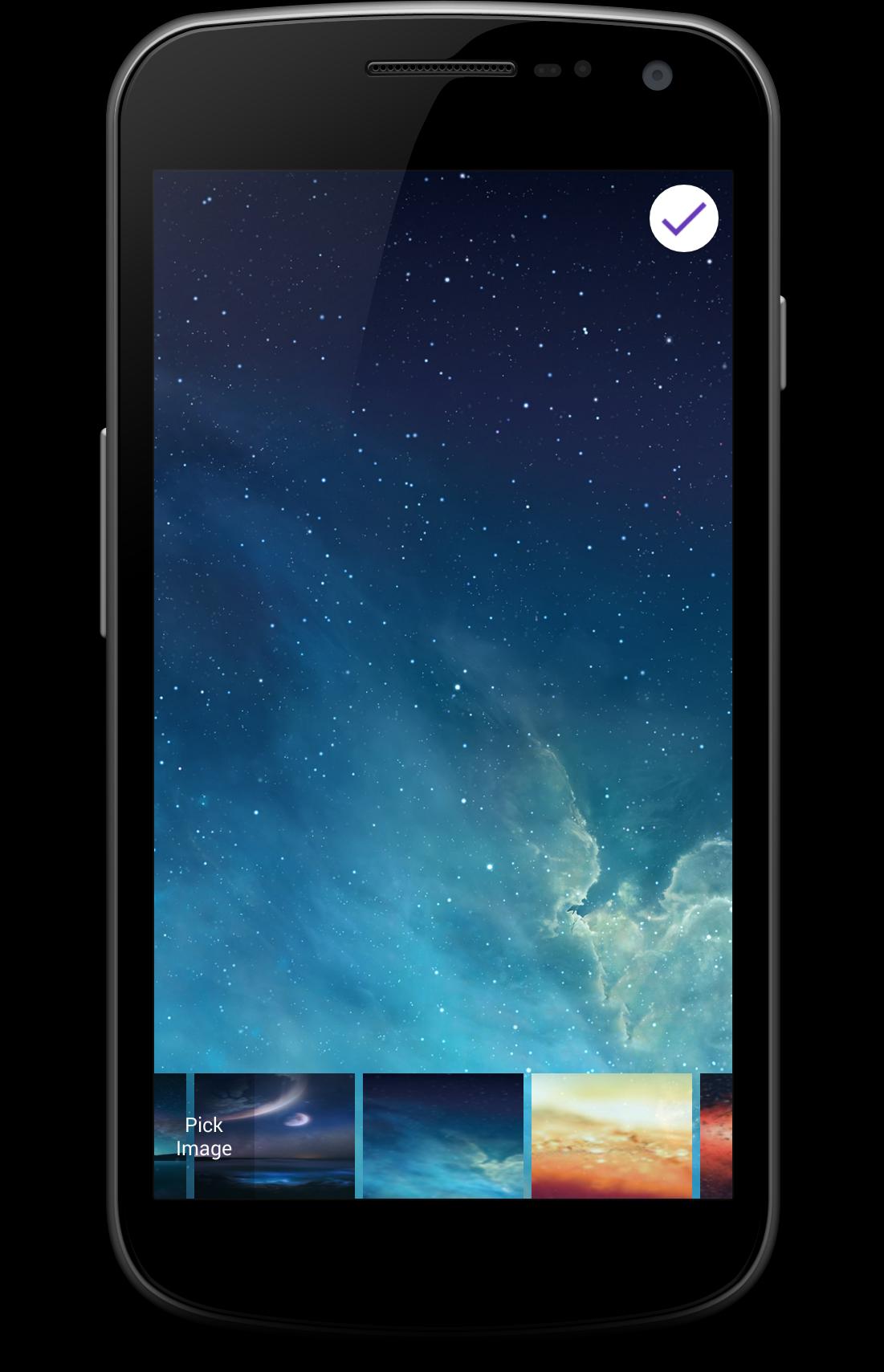
- set wallpaper from gallery and camera
- set pin password 6 numbers
- set Fingerprint Lock
- Provide multiple lastest iphone with OS10 HD wallpapers with blur
- set 12-Hours and 24-Hours format
- setting wallpaper
- multiple lock style
- displaying missed calls and unread messages
- you can customized unlock sentence(default is "> Slide to unlock"), you can design any thing you want, just like "Hello Everyday", “My Love !" , "your name" ...
- Optimized Battery Usage
- Tiny app size for low cost download over 3g/4g networks
Other functionality:
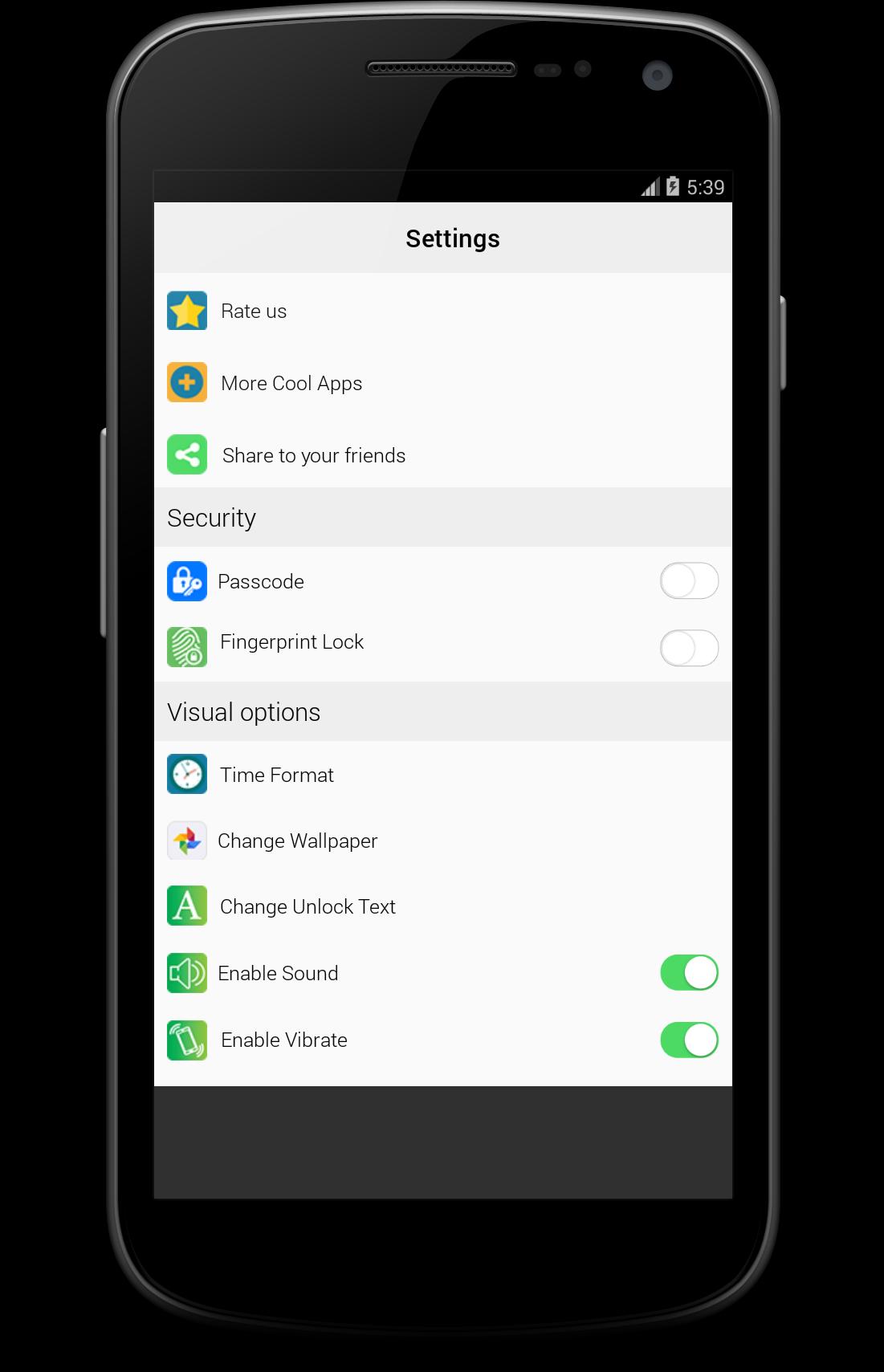
- Enable/Disable Lockscreen
- Enable/Disable Lockscreen Notifications
- Enable/Disable Lockscreen Password
- Enable/Disable Lockscreen Fingerprint
- Enable/Disable Lock Sound.
- Enable/Disable Lock Vibration.
- Choose the different time format.
FAQ :
Q : Can i use the fingerprint unlock feature with any device or android version ?
A : No, your device must have fingerprint reader that is either made by samsung or is runing Android 6.0 or higher.
Q: Does your Screen locker app work when I restart my phone?
A: Yes, our Screen locker app automatically starts up to protects your phone on restart.
Q : will you add more features in the feature ?
A :Sure we will keep updating the app by adding new wallpapers ,features and any enhances our users suggest.
Q: Can i use my picture as wallpaper ?
A: sur, you have to select pick image form change wallpaper.
Q : Do you have other cool lock screen apps ?
A : Yes,just visit our store and you will find new lock screen apps added daily.
Thanks for using our application iLocker : Finger Lockscreen OS10 you can give us your opinion to enhance it and to keep the updates on
Latest Version
4Uploaded by
Fernando Menocal
Requires Android
Android 4.3+
Category
Free Entertainment AppContent Rating
Everyone
Report
Flag as inappropriateLast updated on Dec 26, 2017
+new lock screen wallpaper
-bugs
+fix notification bug
+fix fingerprint problem


APKPure - A multi-platform app store primarily focused on Android, providing extensive app-related content. Discover the app you want easier, faster, and safer, with quick and efficient downloads and installations.