

Scan Date:Mar 1, 2026
Show More

Alfaone addresses everyday needs for Alfamart staff who handle attendance and routine updates while working in stores or on the move. It is intended for internal use, so access is limited to verified employees using official credentials. Because of this restriction, general users cannot sign in or use the service. For staff devices that need a straightforward install, Alfaone APK can be helpful when setting up or reinstalling the app. Overall, it focuses on practical company tasks and role-based access.
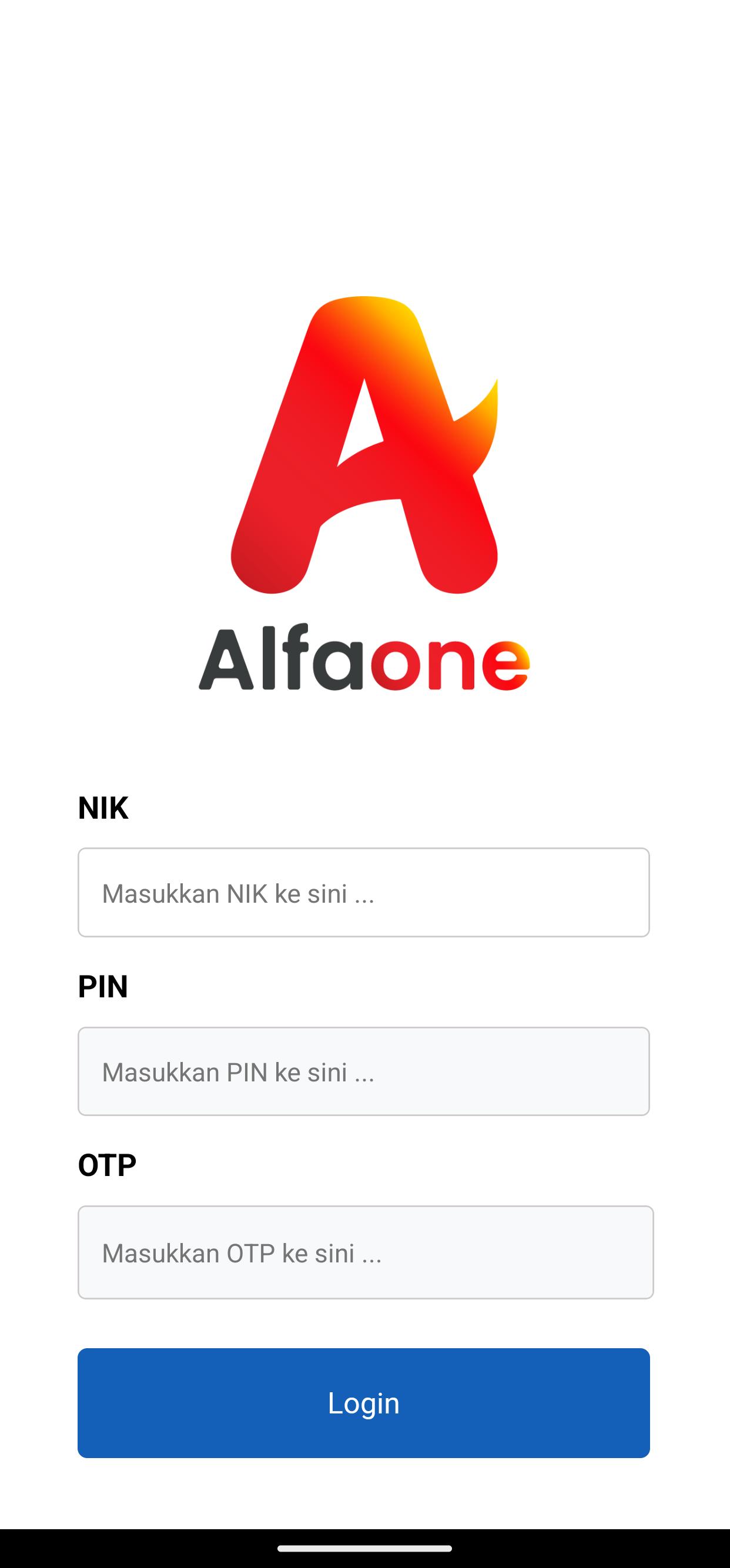
Alfaone limits access to verified Alfamart personnel. You sign in using your NIK and HC PIN, which ties usage to your official profile. This keeps actions aligned with your role and prevents any public sign ups.
Attendance and absence updatesYou can record attendance and handle absence workflows from your phone. Alfaone organizes these tasks so you can update status quickly during shifts or while on the go. This helps keep daily records consistent across teams.
Support for internal company needsAlfaone is built around the Alfamart ecosystem. It connects daily tasks to internal processes, so the functions you see match company operations. This structure keeps tools relevant for store staff and other roles.
Data practices without collection or sharingAlfaone states that it does not collect user data and does not share data with third parties. The app focuses on essential employee activity without requesting unrelated personal information. This approach suits internal use and routine updates.
Encrypted communication during transitData sent through Alfaone is encrypted in transit. This helps protect sign in steps and day to day updates from interception. Encryption works alongside credential checks to keep daily use controlled and secure.
Alfaone is for Alfamart employees only. Before you download Alfaone, confirm you have a valid NIK and HC PIN issued by the company. Without these details, sign in will not work. If your credentials are locked or expired, contact your internal support channel to reset them.
Some devices may need an earlier build due to company policy or hardware limits. Older versions of Alfaone APK are available to help with rollbacks and device compatibility. If a newer build causes issues, check version information on this page and choose the release that matches your device needs. Always review internal guidance before changing versions.
If login fails or attendance updates do not appear, verify your NIK and HC PIN first. Next, check network connectivity and try again. If the issue continues, reach out through the official channels listed below for assistance.
This quick guide covers basic sign in and attendance actions for Alfamart staff. It is intended for employees with valid credentials and stable network access. To begin with the Alfaone latest version, follow the steps below.
Alfaone provides a focused tool for Alfamart employees to manage attendance and related internal tasks. To proceed, download Alfaone and sign in using your NIK and HC PIN.
For official information or assistance, use the contacts provided by Alfamart.
Latest Version
A002Uploaded by
Simo Kinetra Kinetra
Requires Android
Android 7.0+
Category
Free Tools AppContent Rating
Everyone
Security Report
Report
Flag as inappropriateLast updated on Dec 3, 2025
Minor bug fixes and improvements. Install or update to the newest version to check it out!



APKPure - A multi-platform app store primarily focused on Android, providing extensive app-related content. Discover the app you want easier, faster, and safer, with quick and efficient downloads and installations.