
Hi folks, we made this app for you all. Now, you can hide photo/video in your mobile.
It's easy to lock your private photos and videos by a password.
How to use HT Vault - Hide your secret pictures and videos application
✔ After installed it, create a pin lock to protect the app.
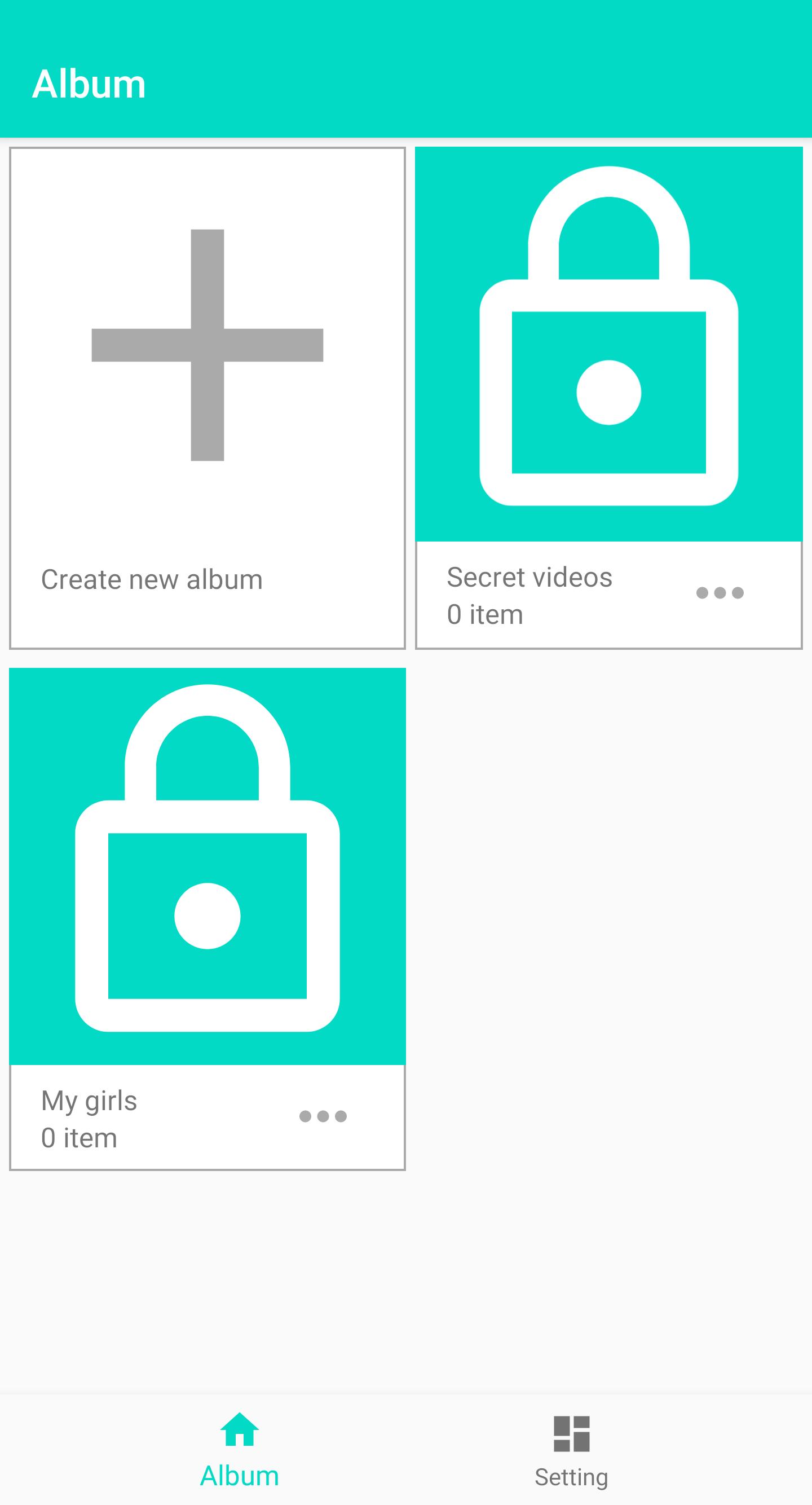
✔ Tap on default album or create a new album, then hit the plus button to add photos or videos.
✔ Create new album, set a password(optional) for it and hit “ok" button.
✔ In album interface, to edit album info or delete album, tap on the icon at the top right corner to do this.
✔ Select photos or videos in the album, then tap on the top right corner to move or copy to another album or export the photos/videos to the device gallery.
✔ Hit the plus button in album interface to take a photo or record a video immediately.
Thank you!
Latest Version
1.4Requires Android
5.0 and up
Category
Free Photography AppContent Rating
Everyone
Report
Flag as inappropriateLast updated on Feb 10, 2021
Minor bug fixes and improvements. Install or update to the newest version to check it out!




APKPure - A multi-platform app store primarily focused on Android, providing extensive app-related content. Discover the app you want easier, faster, and safer, with quick and efficient downloads and installations.










