
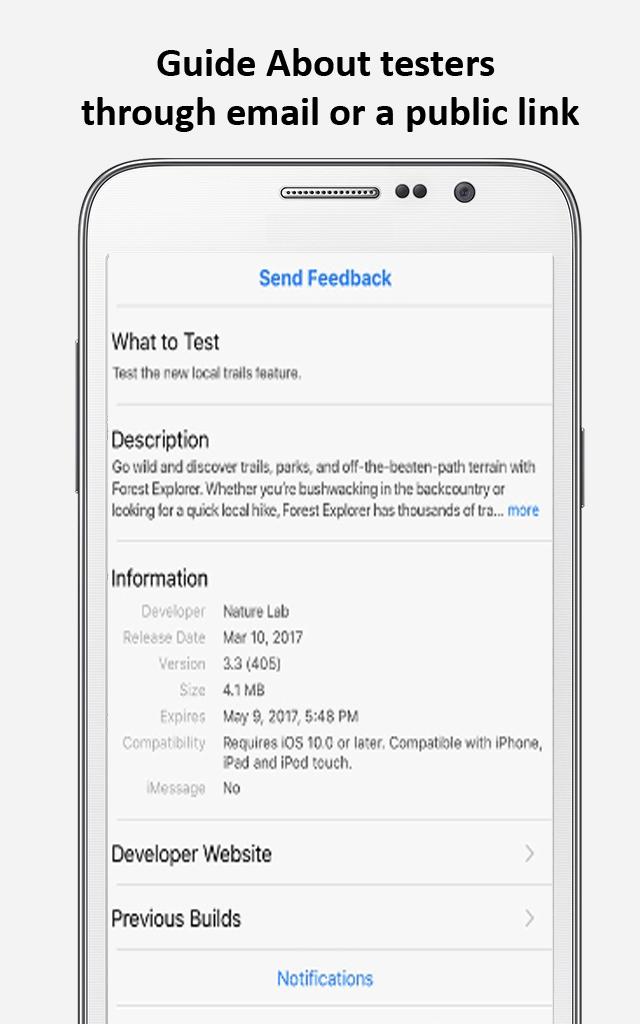
Testflight app 📱 is a free and fast testing mobile application. It makes it easy to invite users to test your iOS, iPadOS, watchOS and tvOS apps before you release them to the App Store. Testers can send feedback directly from your app simply by taking a screenshot. They can also provide additional context about an app crash immediately after it occurs. You can view this feedback by going to your app's TestFlight page in the Feedback section.
Testflight free app offers following main features:👇
When you test a beta app or App Clip, Apple collects and sends crash logs, usage information, and any feedback you submit to the developer.
1. Simply create a group of testers and add the builds you'd like them to test.
2. Limit the number of testers that can join using the public link.
3. Add either internal or external testers, organize them into groups, and assign groups to a build for testing.
4. Test up to 100 apps and unlimited builds simultaneously.
5. Evaluate the bug priority or necessity to improve the app functionality.
Download📥 testflight application for your device and start testing apps.
Please note:❗
This is an unofficial app. We just want you to be informed about the app. If you have any questions or suggestions, please leave us a comment.
Latest Version
1.0Uploaded by
Dsci Sakunbovochai
Requires Android
Android 5.0+
Category
Free Books & Reference AppContent Rating
Everyone
Report
Flag as inappropriateLast updated on Mar 28, 2023
Minor bug fixes and improvements. Install or update to the newest version to check it out!




APKPure - A multi-platform app store primarily focused on Android, providing extensive app-related content. Discover the app you want easier, faster, and safer, with quick and efficient downloads and installations.