

HFonts helps users who want a straightforward way to change how text looks across apps and design projects. It focuses on easy setup and clear steps so you can start quickly without extra technical work. This makes it suitable for personal customization or preparing assets for creative work. It is designed for selected Huawei, Honor, Oppo, and Realme devices on recent Android versions. To begin, install the HFonts APK and follow the on screen guidance.
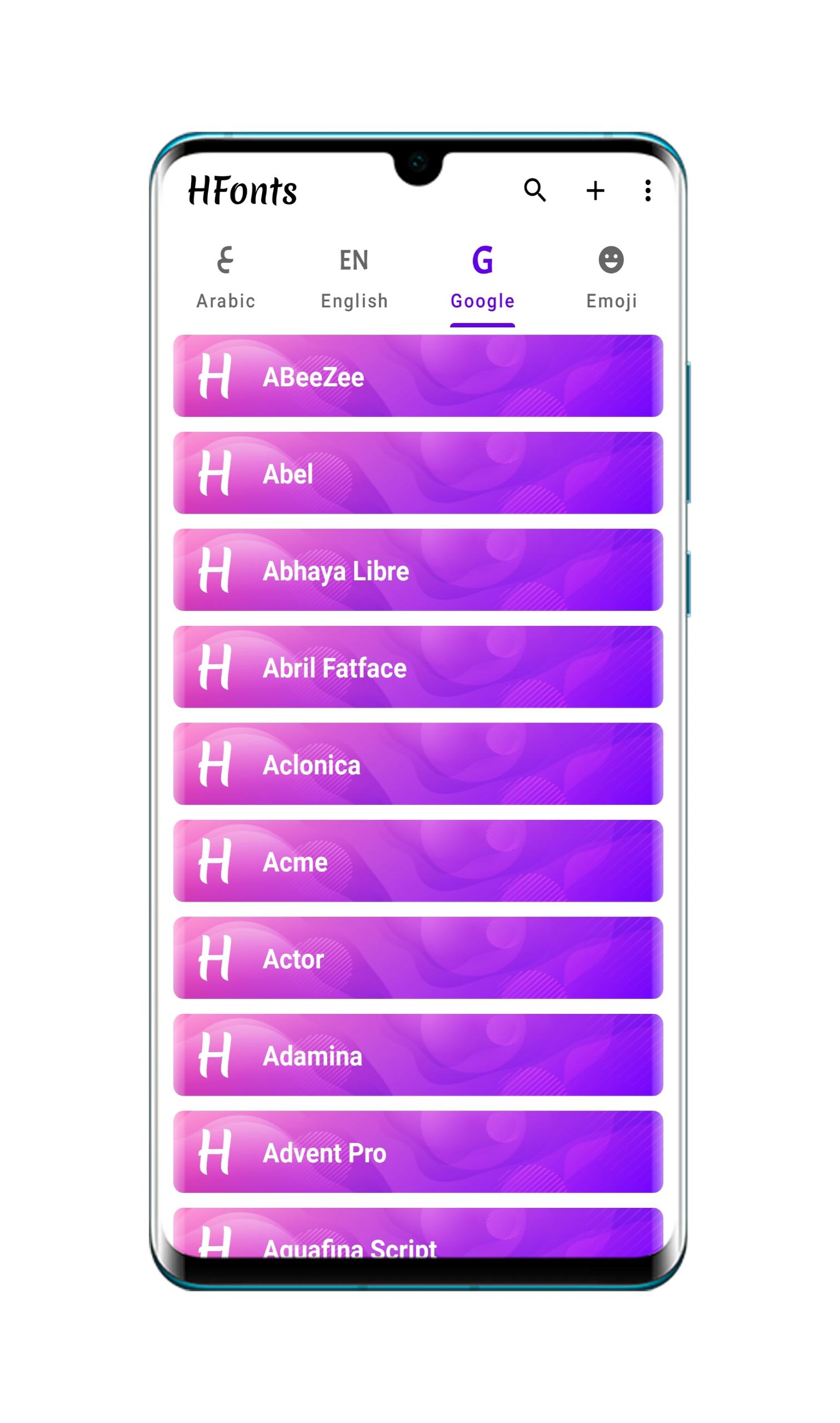
Large font and emoji collection
HFonts offers a large collection of fonts and emoji for everyday use. You can personalize chats, captions, and mockups across multiple languages. To explore the library and apply styles, download HFonts and open the app. The library helps you match regional typography needs without manual file searches.
Easy installation and design app support
Installation is simple. HFonts adds fonts to your device and makes them available for supported design apps, letting you test type choices directly in your workflow. Steps are shown in the app to reduce setup time.
Create new fonts
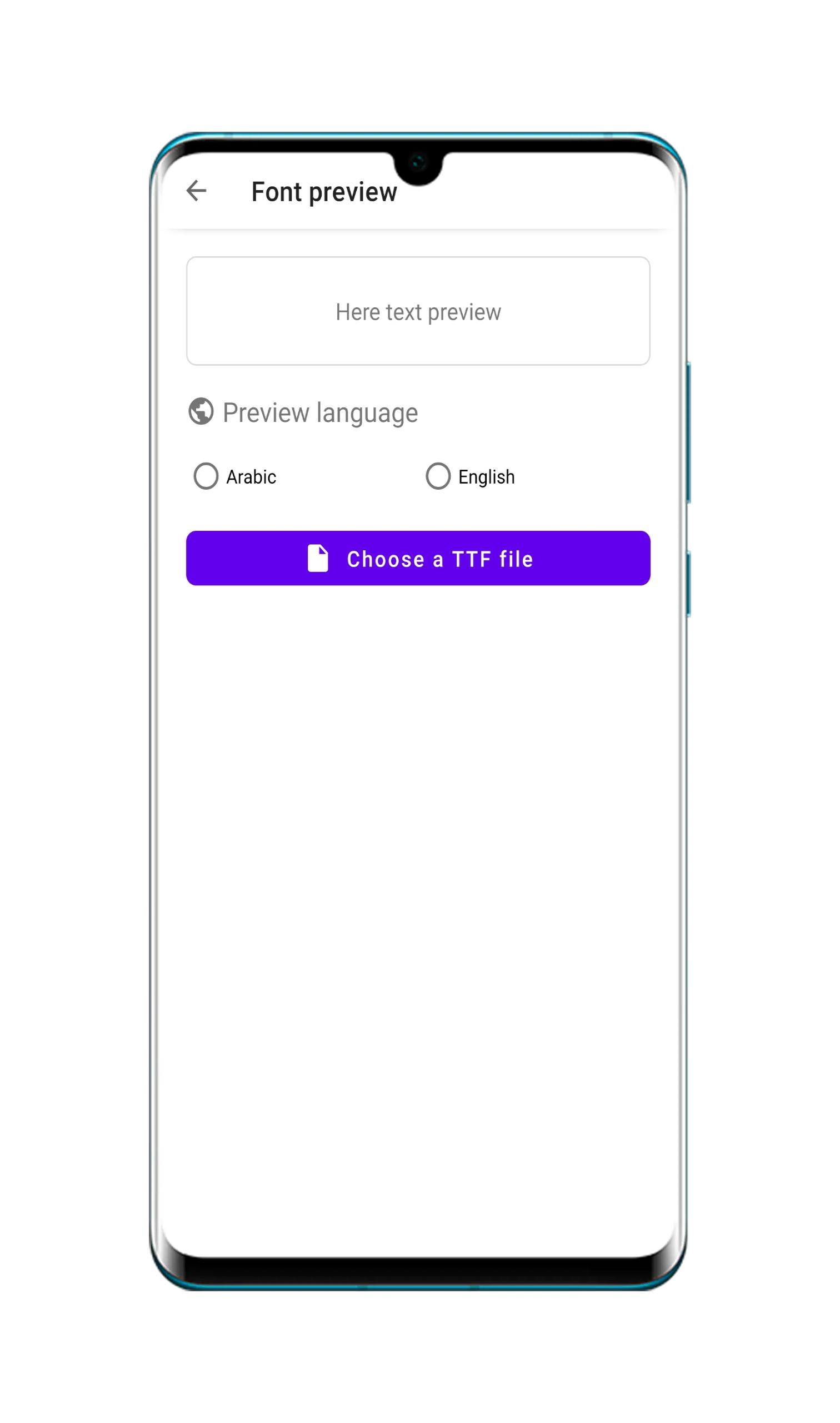
You can create new fonts for custom projects, then save and install them for use across supported apps.
No root and device support
HFonts works without root and supports selected Android builds.
HFonts focuses on simple font management for daily use and design work. Check the device support list, then install and apply fonts following the app guidance. For stability and compatibility, use the HFonts latest version before importing fonts into projects.
Latest Version
4.1Uploaded by
Rio Prana
Requires Android
Android 7.0+
Category
Free Tools AppContent Rating
Everyone
Report
Flag as inappropriateLast updated on Aug 27, 2021
- Support for Oppo and Realme devices
- bug fixes and improve app




APKPure - A multi-platform app store primarily focused on Android, providing extensive app-related content. Discover the app you want easier, faster, and safer, with quick and efficient downloads and installations.




![MiFonter - Font Chaner For MIUI 10,11,12 [BETA] APK](https://image.winudf.com/v2/image1/Y29tLmh0ZXR6bmFpbmcuemZvbnRtaXVpMTBfaWNvbl8xNTk0ODkxOTY0XzAxMw/icon.png?w=102&fakeurl=1)











