HappyMod is built around a community that uploads, verifies, and votes on working mods, so you can find options that match your needs. The interface focuses on simple browsing and quick access to information; therefore, decision-making is easier. HappyMod APK can also be used on Windows through Android emulators, and it supports many languages for global users. It prioritizes fast servers and safe files to make APK download straightforward. Download HappyMod on APKPure and start with community-validated content.
Extensive mod library
HappyMod gives you a wide selection of modded apps and games. You can discover versions that unlock coins, items, characters, and premium options. Moreover, listings often include multiple builds of the same app, so you can compare.
Community-tested mods and version details
It relies on user ratings, comments, and votes to surface working mods. You see reported changes and version history before you install. In addition, feedback helps you decide which HappyMod APK download best fits your device.
Fast APK download and file safety
HappyMod uses globally distributed servers to improve download speed and reliability. It claims safe, virus free files, and you can reduce ads with a subscription if needed.
Clear navigation and search
The app organizes content with categories, search, and filters that simplify discovery. You can scan change information without leaving the listing.
Request mods and stay updated
HappyMod lets you request specific mods when they are not available. You receive content recommendations and can share links with friends for easy access. Next, you can follow update cadence and see new builds as they appear.
Mobile and PC access
The HappyMod app works on Android phones and tablets, and it can run on Windows via emulators such as BlueStacks, Nox, or Gameloop. You keep the same marketplace experience across devices. In addition, multilingual support and Night Mode improve usability at any time of day.
HappyMod APK can be installed inside an Android emulator to run on a Windows PC. This approach gives you access to mod APK download with a desktop screen and keyboard, while keeping the same community features and version details.
HappyMod supports multiple languages, which helps you navigate content in your preferred locale. Night Mode reduces glare for late use. Ads appear in the free version, and you can choose a subscription to minimize ads.
HappyMod surfaces recommended content based on trends and community activity. You can copy links to share specific apps or mods with friends, so discovery continues outside the app.
This short guide focuses on finding, selecting, and installing a working mod. Follow these steps to complete a safe and clear APK download.
Open APKPure and download HappyMod APK latest version, then install it on your device.
Launch HappyMod and use search or categories to find the app or game you want.
Open the listing, review version notes, comments, and ratings, then choose a build that suits your needs.
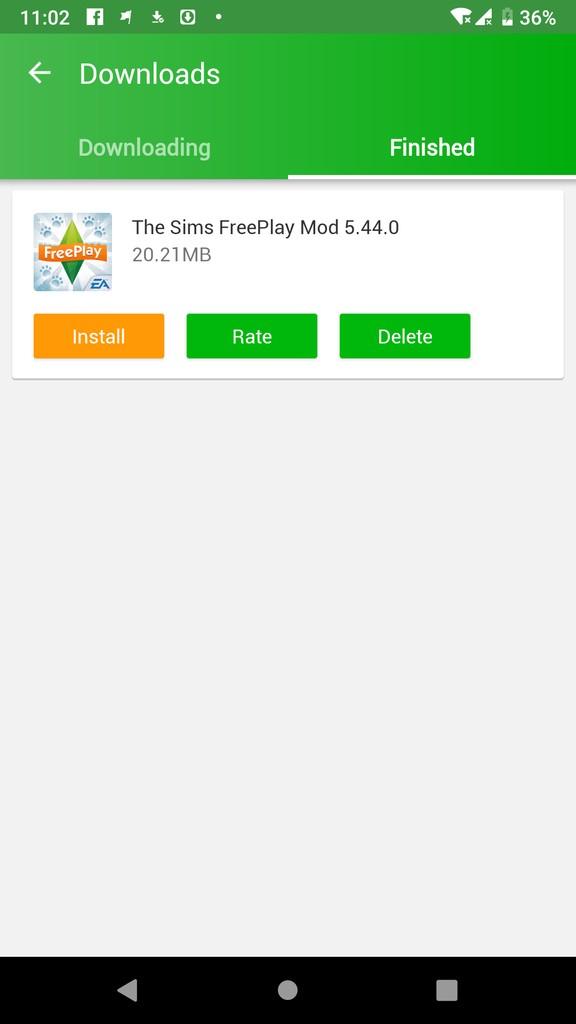
Tap Download, wait for the file to finish, and install the mod when prompted.
After installation, open HappMod and confirm the changes work, then follow update prompts when new versions appear.
You can run HappyMod on a PC by importing the APK into an Android emulator. This method keeps the same interface and features.
Install an emulator such as Gameloop on your PC, then open it.
Download HappyMod APK latest version to your computer.
Import the APK into the emulator, then install HappyMod inside the emulator environment.
Search for apps, review version details, and install mods as you would on mobile.
Then, update mods through HappyMod when new builds are available to keep content current.
HappyMod focuses on community validation, clear version information, and fast servers. Download HappyMod APK latest version on APKPure and begin your mod APK download with trusted guidance from ratings and change notes.
Latest Version
3.4.0Uploaded by
happymod1
Requires Android
Android 5.0+
Available on
happymod1Category
Free Tools AppContent Rating
Everyone
Report
Flag as inappropriateLast updated on Jun 29, 2026
This release includes minor bug fixes and general improvements. Update to the latest version for the best experience.







APKPure - A multi-platform app store primarily focused on Android, providing extensive app-related content. Discover the app you want easier, faster, and safer, with quick and efficient downloads and installations.