
guide for DiskDigger best app for androide 2017
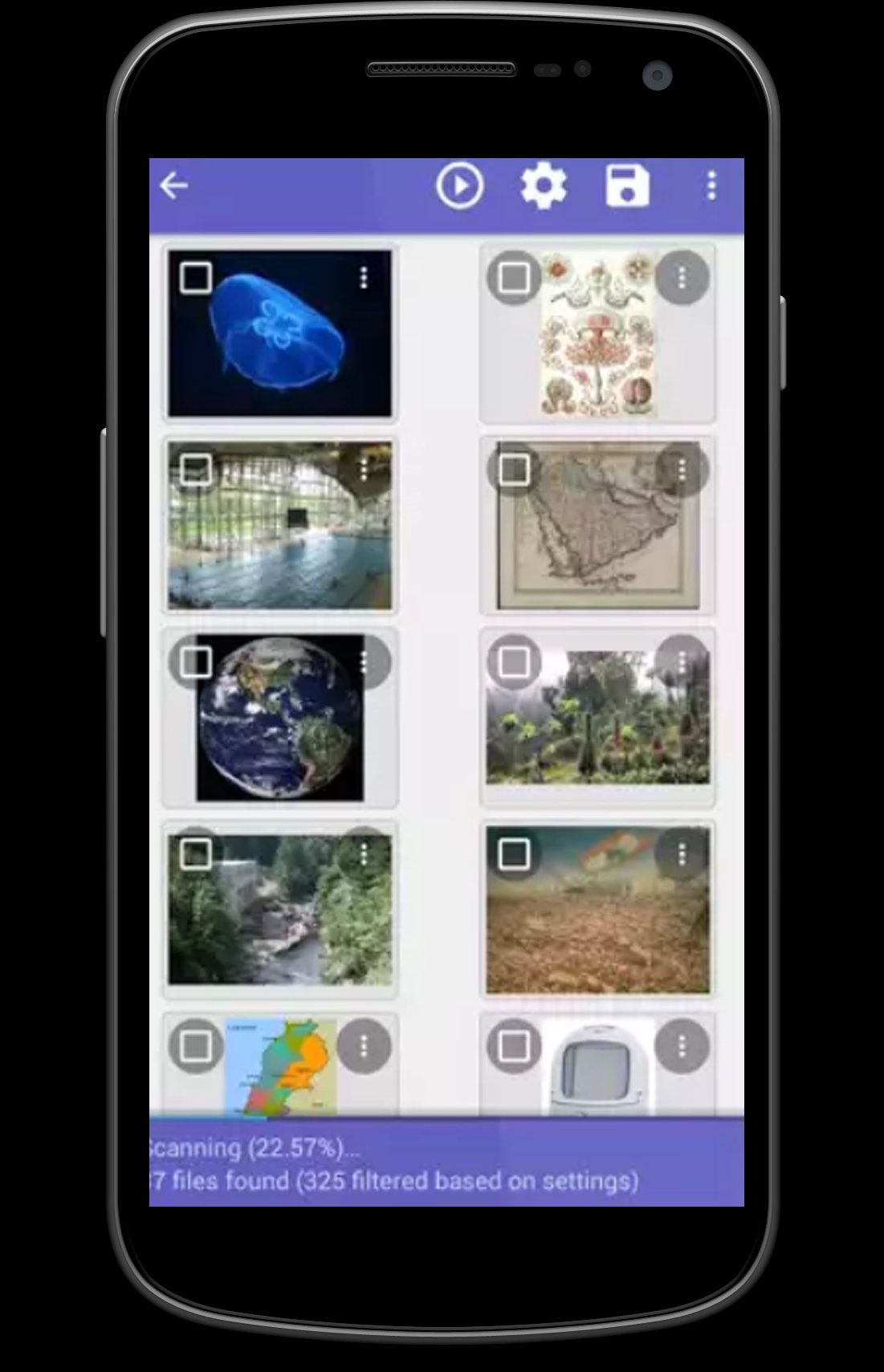
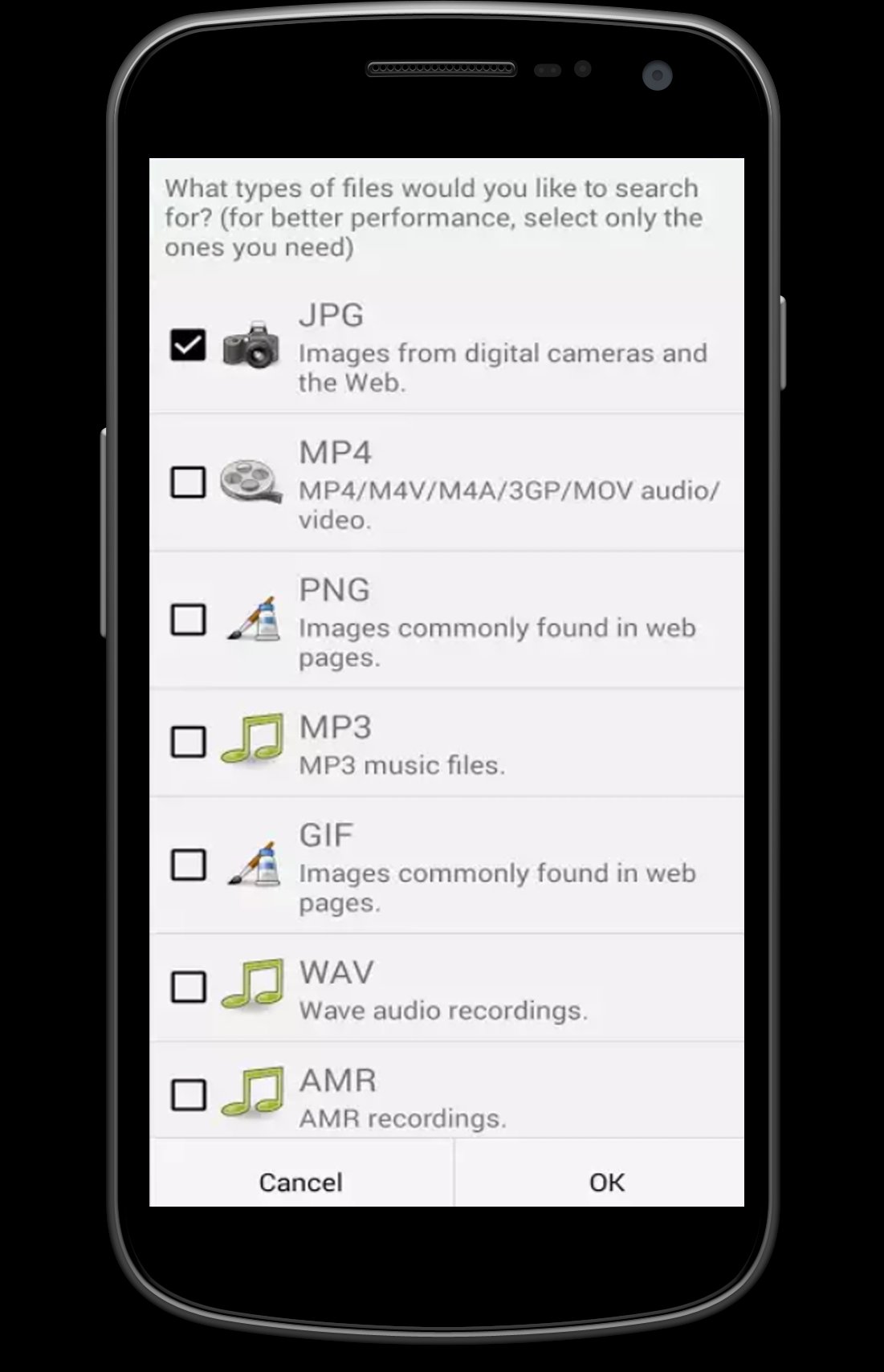
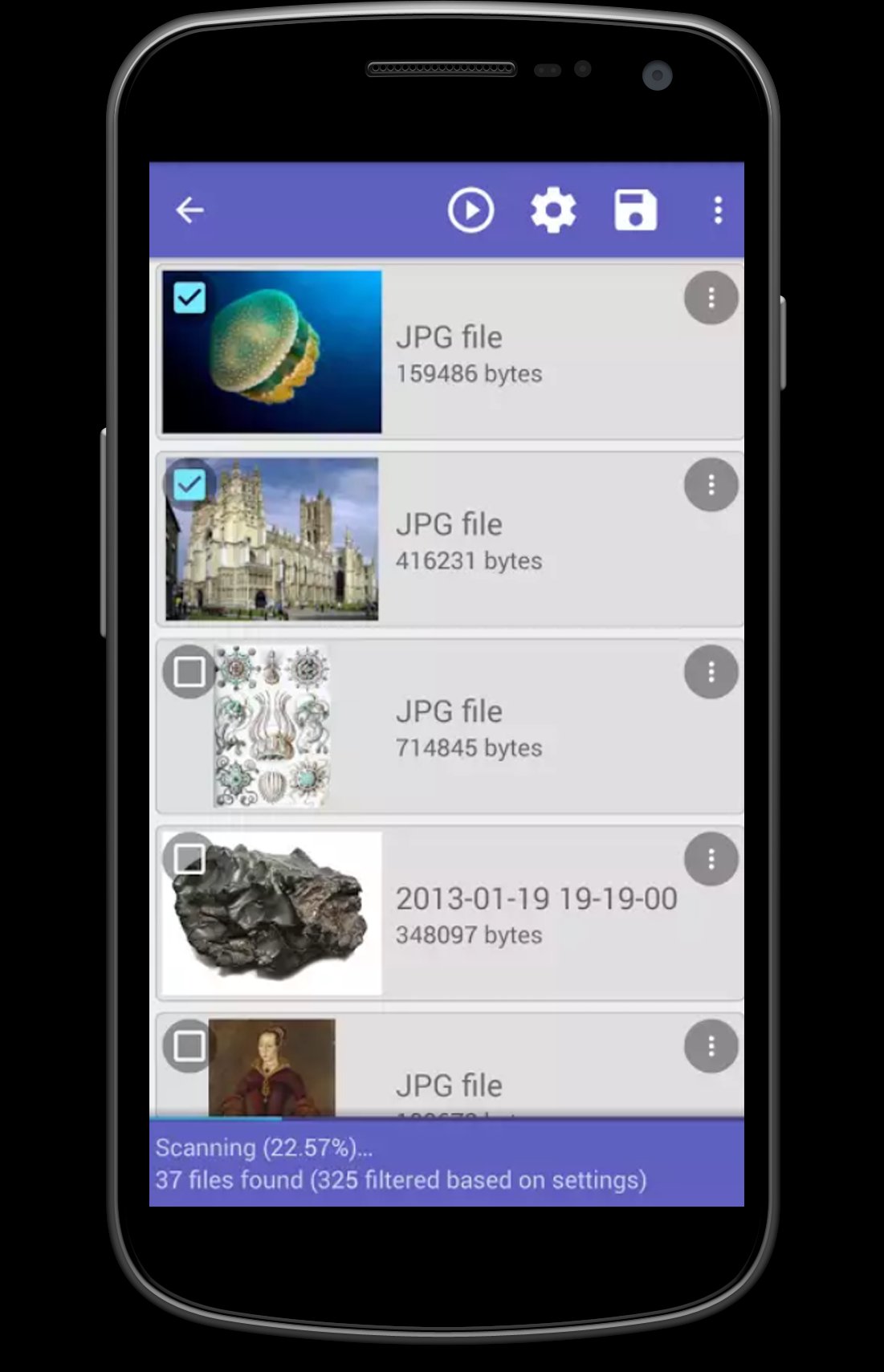
DiskDigger can undelete and recover lost photos and images from your memory card or internal memory. No rooting necessary!* Whether you accidentally deleted a photo, or even reformatted your memory card, DiskDigger's powerful data recovery features can find your lost pictures and let you restore them.
You can upload your recovered files directly to Google Drive, Dropbox, or send them via email. The app also allows you to save the files to a different local folder on your device.
+If your device is not rooted, the app will perform a "limited" scan for your deleted photos by searching your cache and thumbnails.
+ If your device is rooted, the app will search all of your device's memory for any trace of photos, as well as videos
Latest Version
1.0Uploaded by
Sozari Liparteliani
Requires Android
Android 3.0+
Category
Free Tools AppContent Rating
Everyone
Report
Flag as inappropriateLast updated on Feb 28, 2017
Minor bug fixes and improvements. Install or update to the newest version to check it out!

APKPure - A multi-platform app store primarily focused on Android, providing extensive app-related content. Discover the app you want easier, faster, and safer, with quick and efficient downloads and installations.