
Scan Date:Jul 28, 2026
Show More
Use as/for:
• Tool for Sound Design
• Experimental Musical Instrument
• Fun
Key Features:
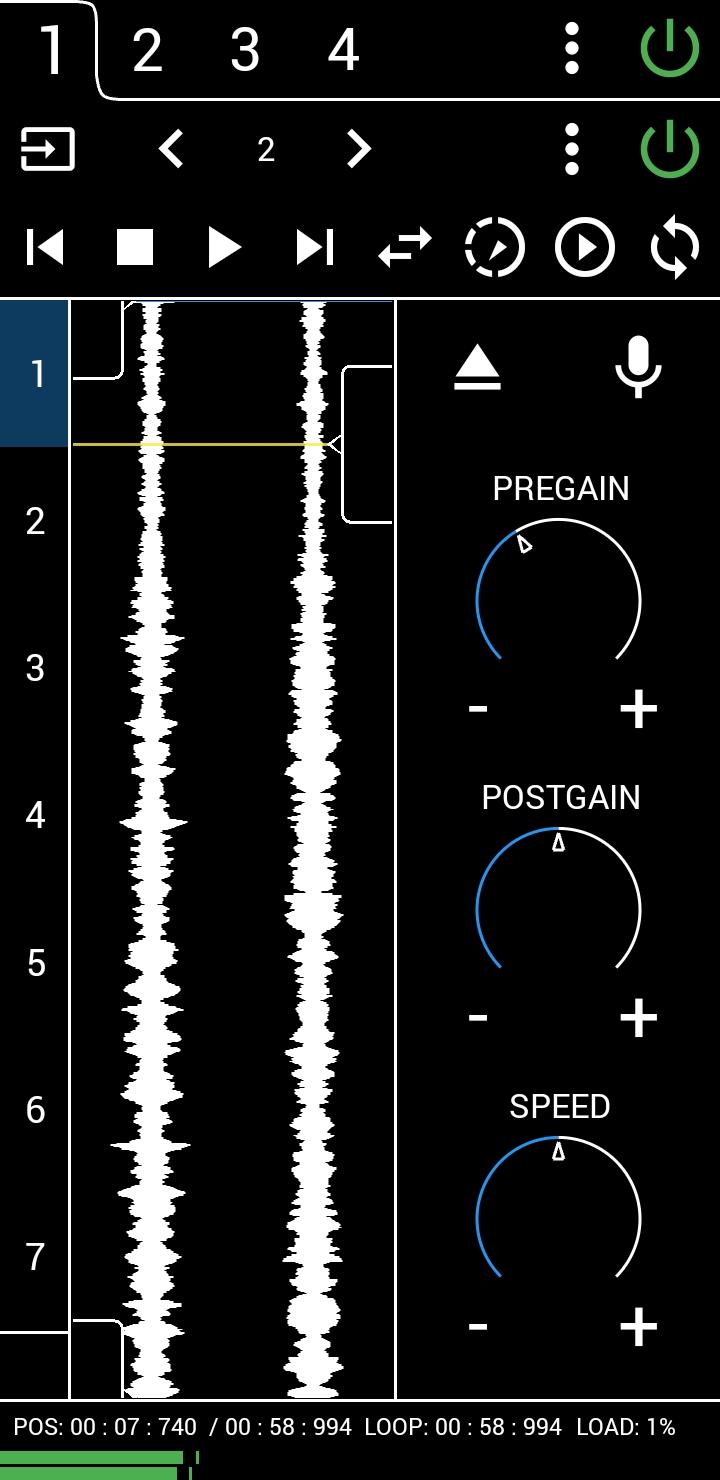
• Fast and lightweight
• Four tracks
• Stereo Mode
• Loads sound files of up to seven minutes length in any audio format
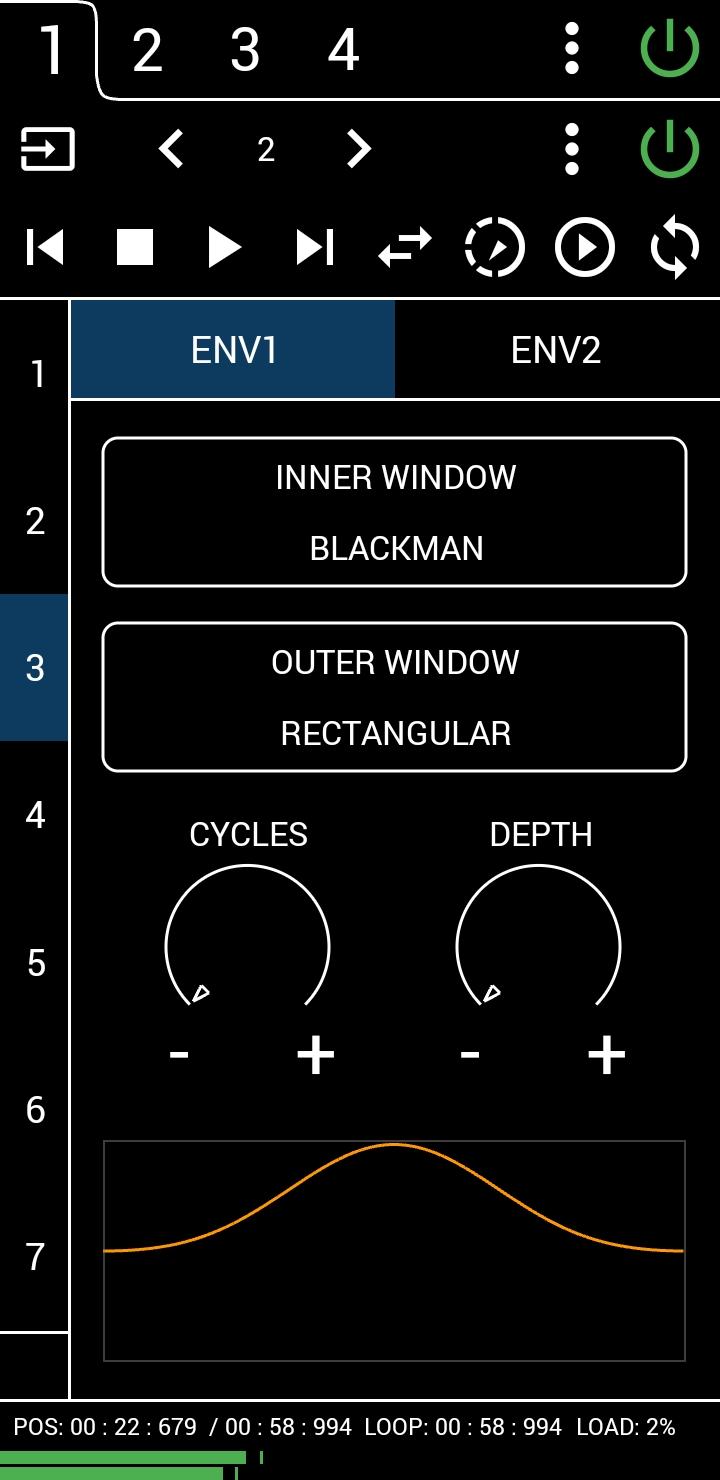
• Effects like Convolution Reverb, Channel Vocoder, Phase Vocoder
First use instructions:
1. Press POWER. Upper right power button turns on audio engine which is TURNED OFF on startup to save battery.
2. Press EJECT. Load a sound file.
3. Press PLAY.
A manual can be found here: https://grainstorm.rocks.me
There is an In-App-Purchase which among other things lets you record the output. Please consider the free version as a demo version.
Latest Version
1.9.5Uploaded by
Rupaaq Abdi
Requires Android
Category
Free Music & Audio AppContent Rating
Everyone
Security Report
Report
Flag as inappropriateLast updated on Jul 28, 2026
This release includes minor bug fixes and general improvements. Update to the latest version for the best experience.




APKPure - A multi-platform app store primarily focused on Android, providing extensive app-related content. Discover the app you want easier, faster, and safer, with quick and efficient downloads and installations.