Scan Date:Jun 30, 2025
Show More


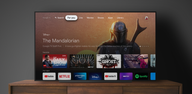
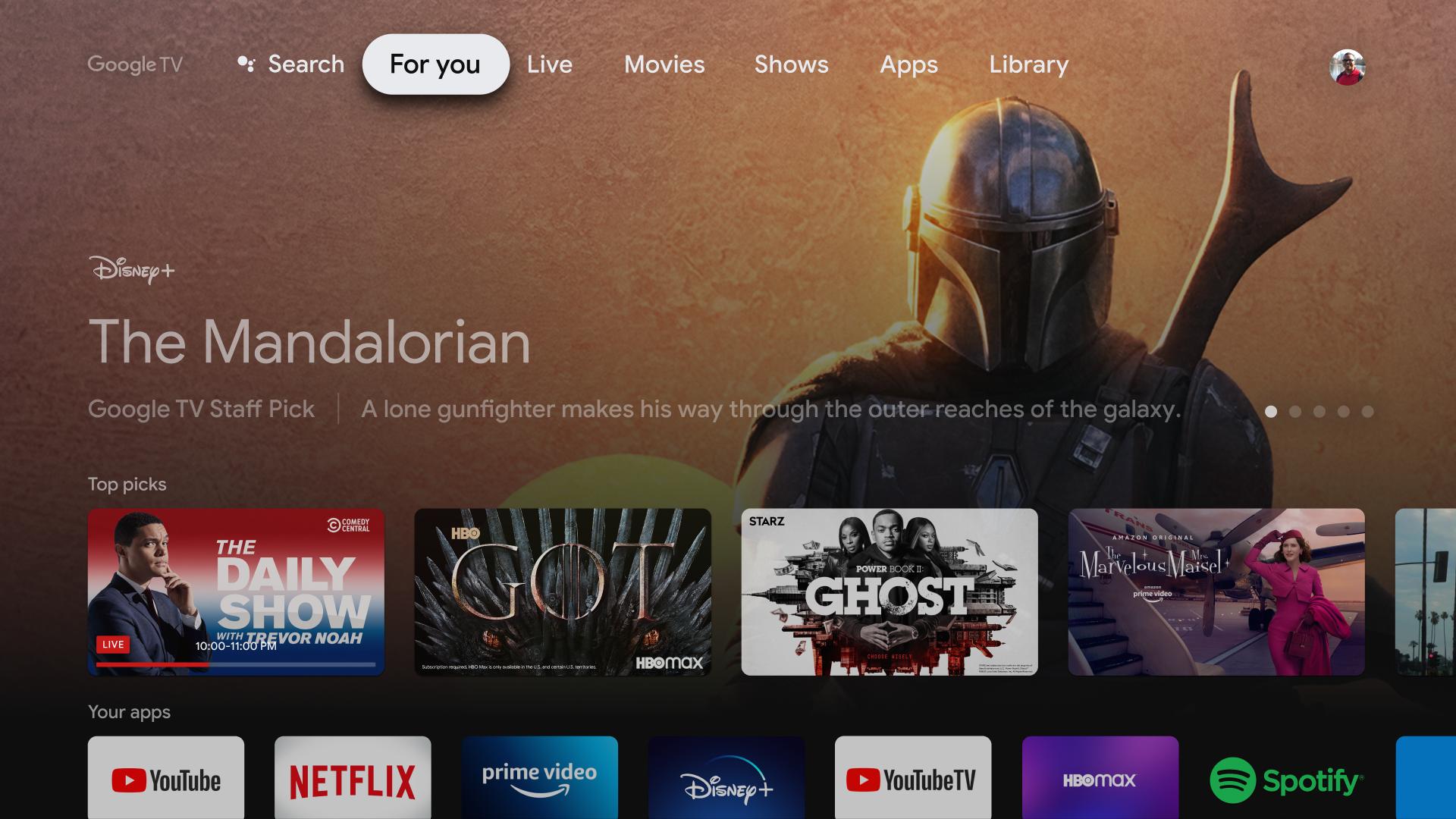
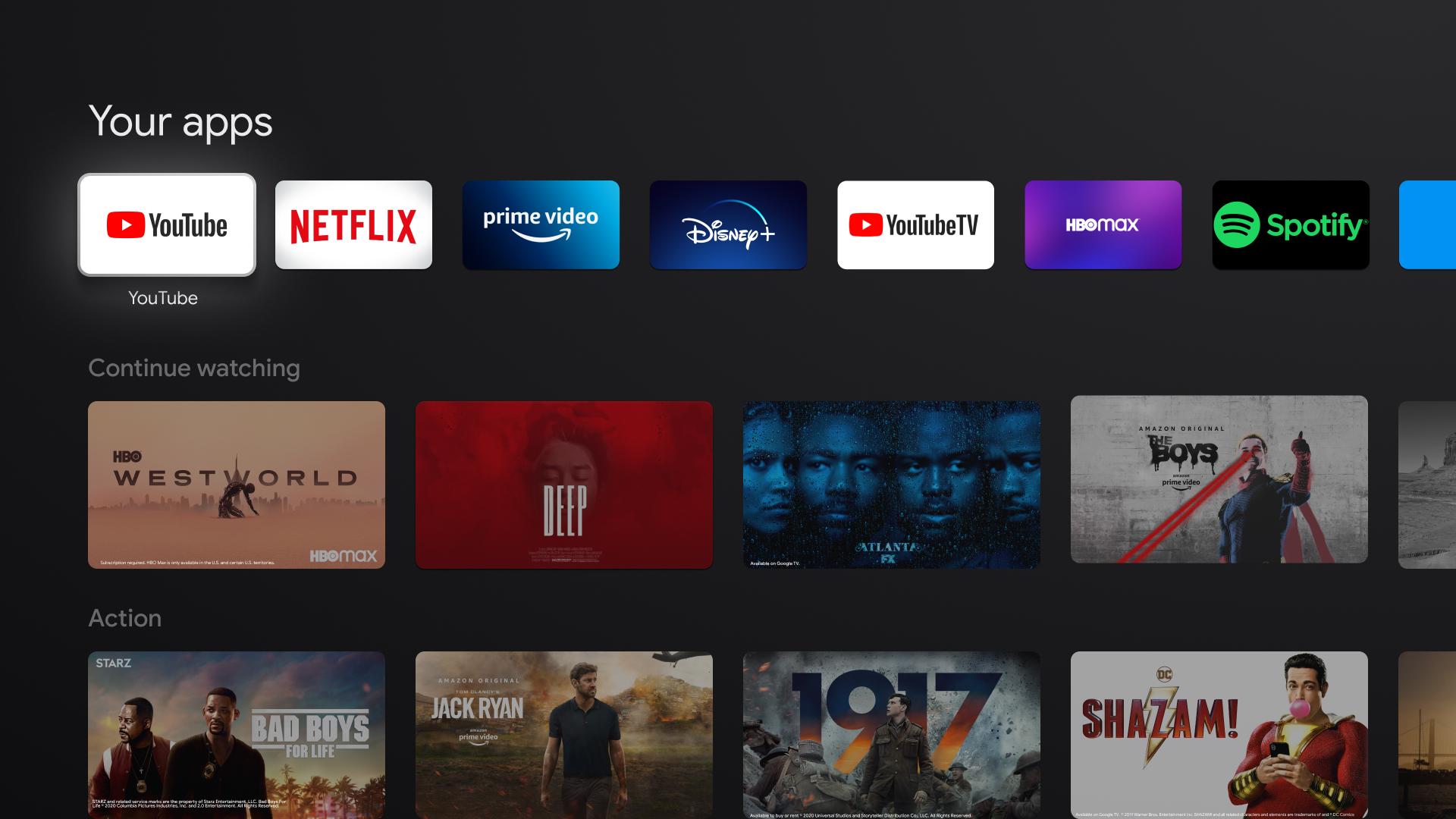
Google TV Home helps users who want one place to start, browse, and continue watching across services on a television. It serves as the official interface for Google TV devices so you can find movies, shows, and live TV in a single view instead of switching apps. Recommendations adapt to your profile over time, and you can use your remote to search, open content, and control your TV. For users looking for the Google TV Home APK, the goal is a consistent, convenient TV experience built around what you watch.
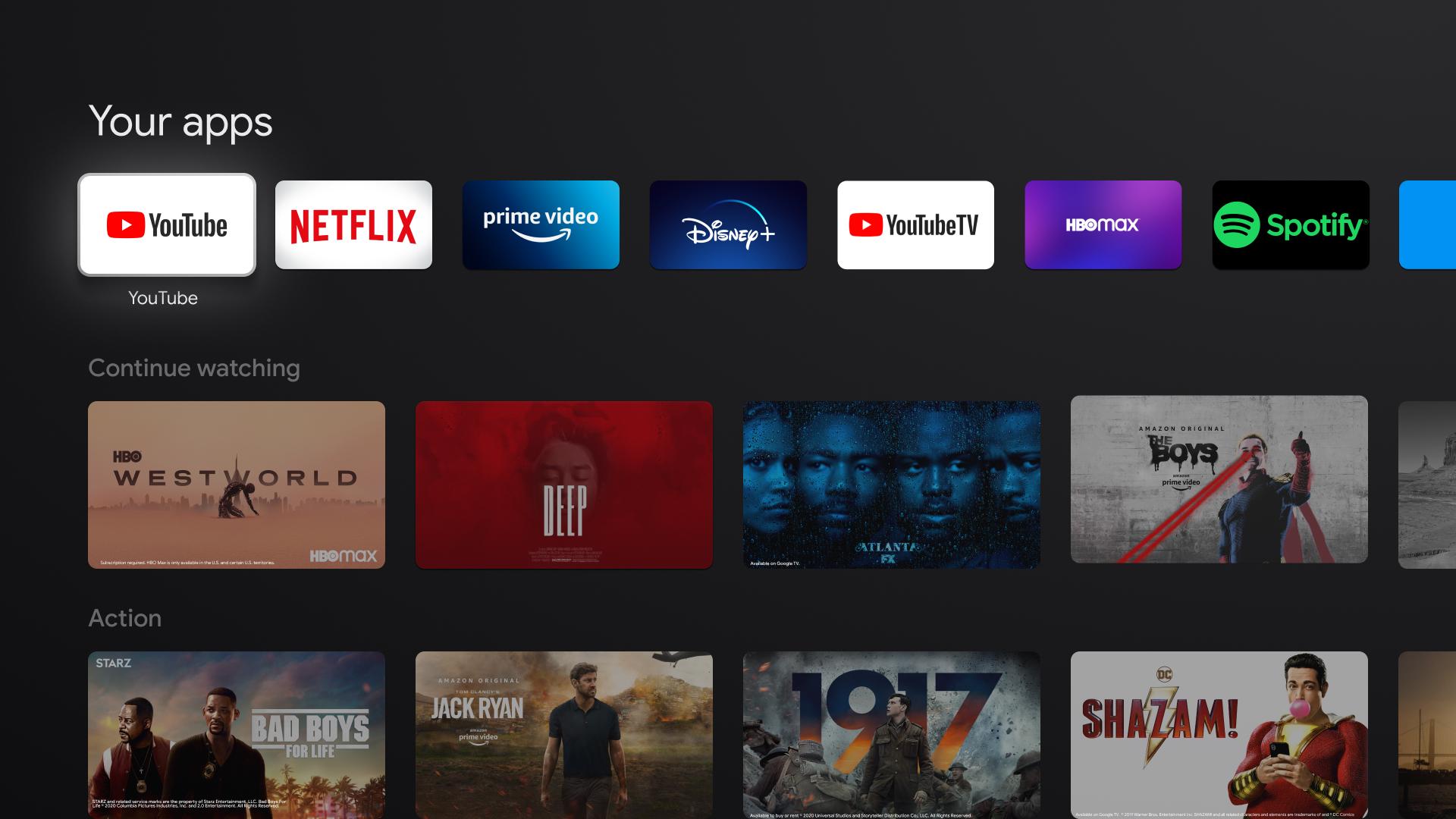
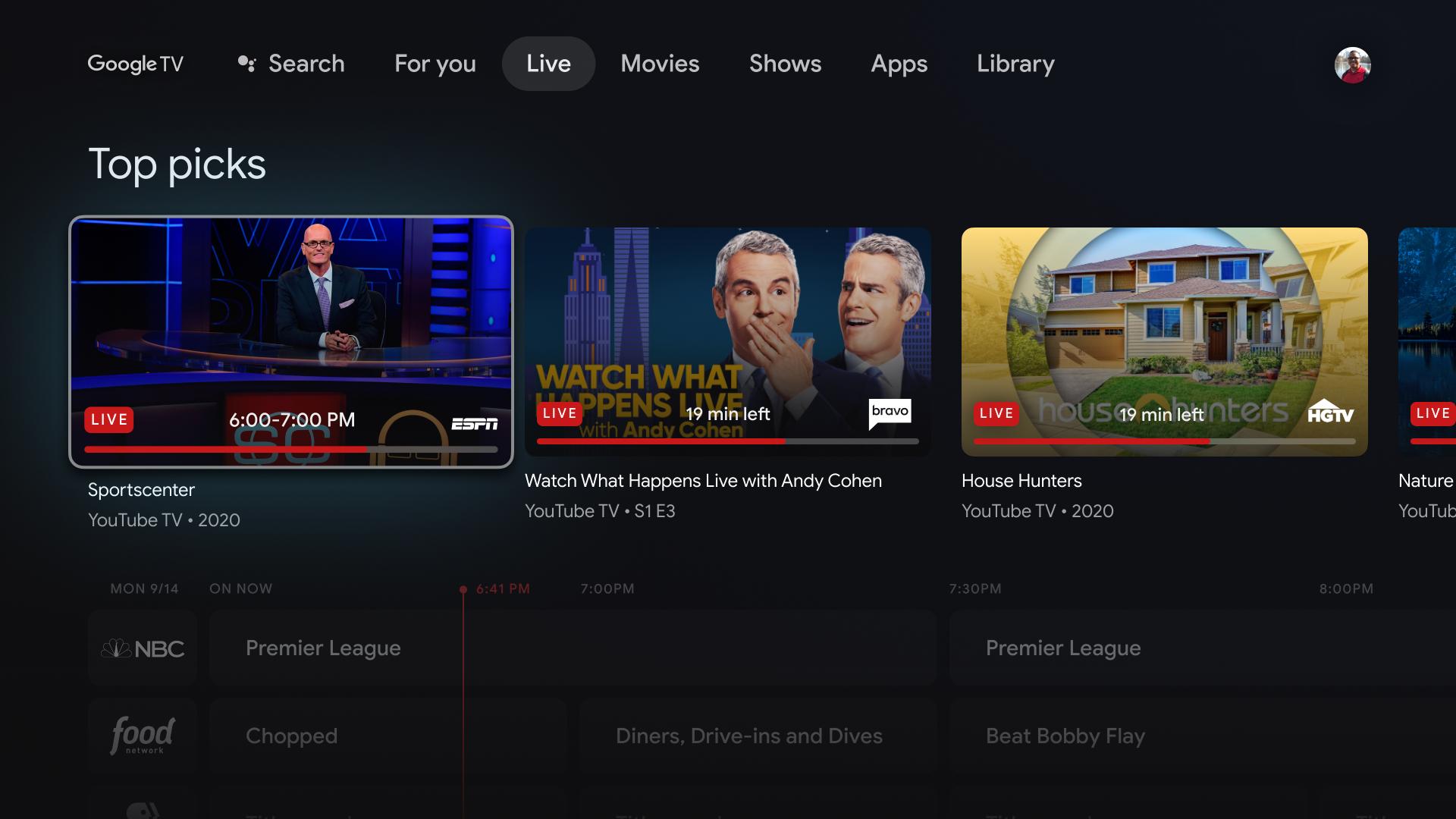
Google TV Home organizes streaming apps and live TV into one home screen, so you browse without jumping between apps. You can explore catalogs across thousands of apps and hundreds of thousands of titles, then open content directly from rows and tabs. When needed, use Google Assistant on your remote to search across apps and live TV, including results from YouTube.
Personalized recommendationsYou get suggestions shaped by your profile and viewing history, which helps surface relevant movies and episodes. These recommendations refresh as you watch so the home screen changes with your tastes. This approach helps you decide faster and spend more time watching and less time searching.
Watchlist and profiles for householdsGoogle TV Home lets you keep a unified Watchlist that follows you across devices, which makes it easy to remember what to watch next. Personal profiles, including Kids, keep preferences, watch limits, and bedtimes separate. Families can switch profiles to get age-appropriate suggestions and maintain individual progress without mixing results.
Smart home panel and camera views on your TVYou can open a home panel on the TV to control compatible lights, thermostats, and locks from the couch. Doorbell notifications appear on screen, and camera feeds can expand to full screen for a quick check. This turns the TV into a simple control point for common smart home actions while watching.
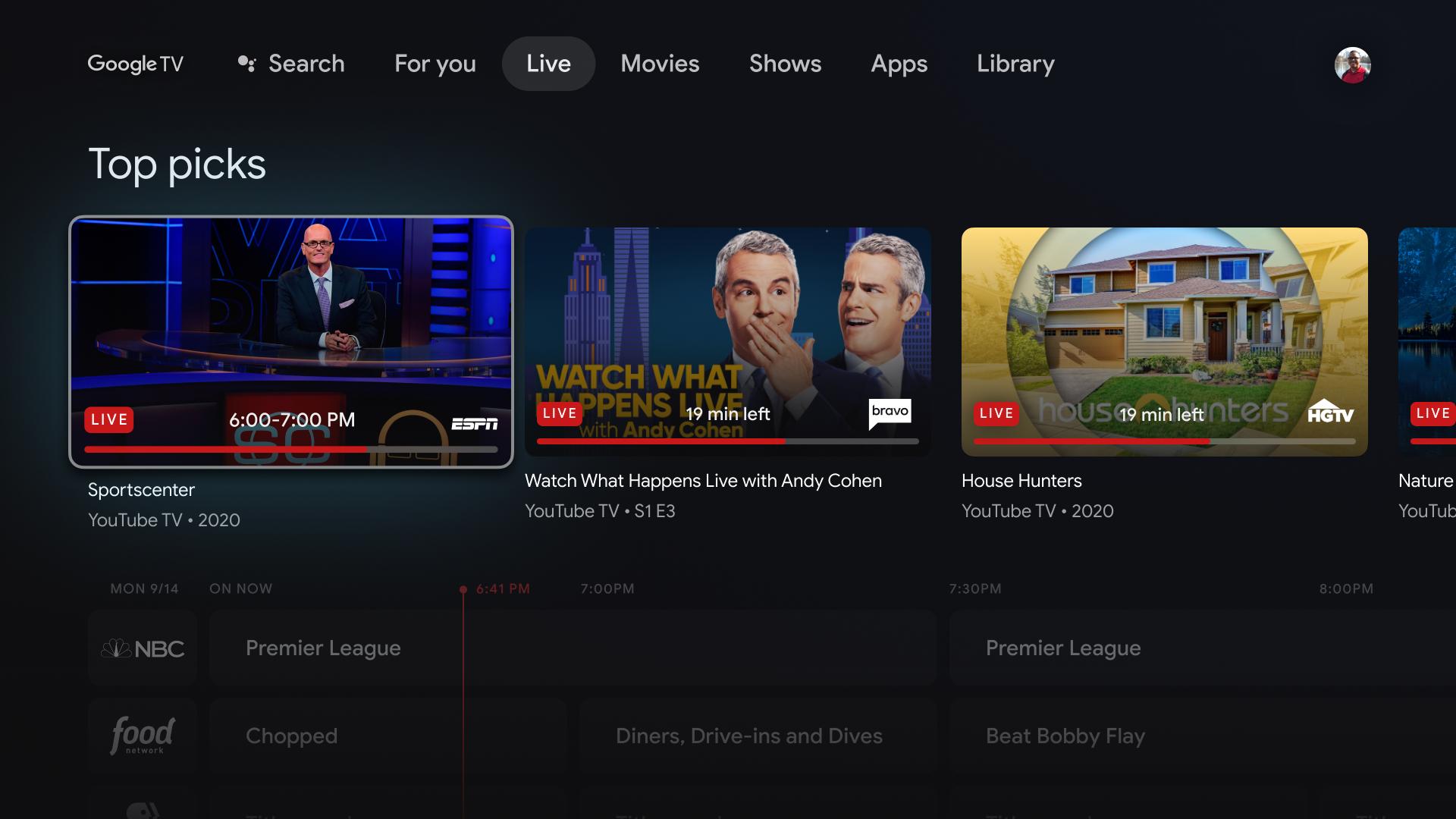
Free live TV channels with no extra sign-upGoogle TV Home surfaces Freeplay channels so you can browse and watch live TV at no cost. These channels appear in the Live tab and can also show up in recommendations when relevant. There is no additional app or subscription required to start watching Freeplay programming.
Google TV Home is the launcher interface for Google TV devices, which is different from the Google Home mobile app. The TV launcher manages content discovery, profiles, and TV controls, while the Google Home app focuses on setting up and managing smart home devices on a phone. If you want to control the TV from a phone, use the Google TV mobile app that includes a remote.
Google TV is a content-forward experience that runs on devices powered by Android TV OS. In practice, Android TV is the underlying platform, and Google TV Home is the layer that organizes content and recommendations. Devices branded as Google TV ship with this launcher, which brings together apps, live TV, and profiles into one home screen.
Using Google TV Home on supported devices is included with the TV experience. Freeplay channels provide live TV with no extra app, sign-up, or subscription. Premium streaming apps still require valid accounts and subscriptions where applicable, and availability can vary by region and service.
You can manage and navigate the TV from an Android phone using the Google TV mobile remote. If you plan to download Google TV Home, these steps show how to control the interface and keep your Watchlist updated from a phone.
Google TV Home brings apps, live channels, and profiles into a single TV interface for everyday viewing. To stay current, look for the Google TV Home latest version when updating the launcher on supported devices.
For official information and support resources, see the link below.
Latest Version
1.0.775915464Uploaded by
Google LLC
Requires Android
Android 10.0+
Category
Free Tools AppContent Rating
Everyone
Security Report
Report
Flag as inappropriateLast updated on May 1, 2026
Minor bug fixes and improvements. Install or update to the newest version to check it out!




APKPure - A multi-platform app store primarily focused on Android, providing extensive app-related content. Discover the app you want easier, faster, and safer, with quick and efficient downloads and installations.