Package Name:com.global.modsmaps.maxminedev
SHA-256:2503a699fff08115c0983473c091d84dbdb21ebdd444ae11de3fea13ce32c6cf
Show More

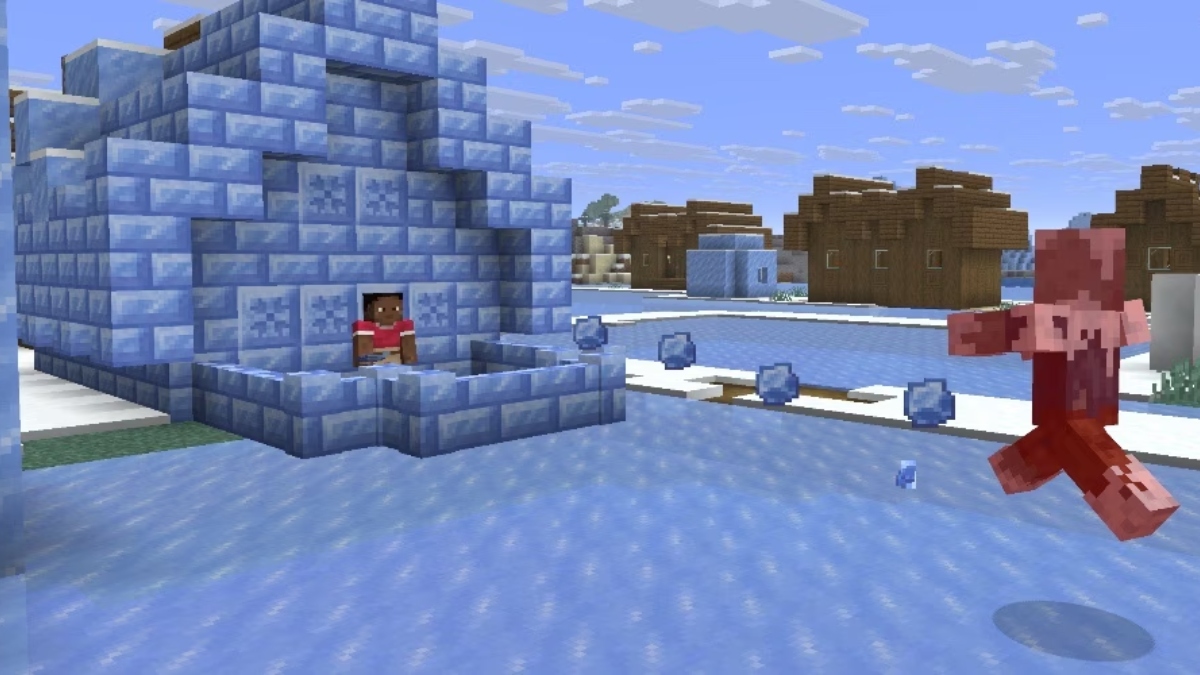
Discover Minecraft mods, addons and downloadable maps for your next adventure. Explore horror content with Verity, decorate builds with furniture and find new worlds to explore. Browse a catalog for Minecraft PE and Bedrock Edition on Android, preview content and follow the steps to import it into your game.
Horror mods and Verity
Explore horror mods for Minecraft PE when you want a different atmosphere and unexpected encounters. Find the Verity addon, read its description and check the listed versions before downloading. Browse the Horror category to choose content for your next survival session.
Furniture mods for Minecraft
Give your builds more character with furniture addons. Decorate a modern house, furnish a room or add detail to a creative project. View available screenshots and descriptions to find furniture mods that suit your building style.
More ways to play
Explore MCPE mods across categories that change different parts of your game:
- PvP addons for players interested in combat and competitive gameplay.
- Mob mods that add variety to the creatures and encounters in your world.
- Vanilla+ addons that build on the familiar Bedrock experience.
- Food mods for bringing more food-themed content into your game.
Search the catalog for a name or browse by category. Read what each pack offers and choose the changes you want to bring into your world.
Maps for Minecraft PE
Start somewhere different with survival maps, parkour challenges, adventure worlds and creative builds. Browse Minecraft maps to find a setting for the way you like to play:
- Survival maps: gather resources, explore and take on new challenges.
- Parkour maps: practice your jumps and work through different routes.
- Adventure maps: discover places and experiences beyond your usual world.
- Creation maps: explore custom builds and find inspiration for your own projects.
Switch between addons and maps as you plan your next session. Choose a world for a fresh start or look for content to change your existing gameplay.
Preview, download and import
Find Minecraft Bedrock mods and maps with information to help you decide what to try. Read descriptions, view screenshots where available and check the listed game versions before selecting a file.
The app works as a Minecraft mod installer and map downloader, with guidance to help you get started:
1. Browse a category or search for the mod, addon or map you want.
2. Open its details and review the available files and version information.
3. Download your chosen file and open it in Minecraft.
4. Follow the installation guidance and activate the content in your world settings where required.
You can discover content, inspect the available files and start the import process from one app. Setup steps can vary between add-ons and maps.
Find your next Minecraft adventure
Explore addons for Minecraft PE, choose furniture for a build, discover a horror mod or try a new parkour map. Bring together the content that matches your interests and enjoy more ways to customize your worlds.
Minecraft for Android (Bedrock Edition) must be installed separately to use the downloaded content. Compatibility depends on the individual pack and game version.
NOT AN OFFICIAL MINECRAFT PRODUCT. NOT APPROVED BY OR ASSOCIATED WITH MOJANG OR MICROSOFT.
Latest Version
1.0.1Uploaded by
Talib ALhmmami
Requires Android
Category
Free Entertainment AppContent Rating
Everyone
Security Report
Check Now
Report
Flag as inappropriateLast updated on Oct 23, 2026
first release



APKPure - A multi-platform app store primarily focused on Android, providing extensive app-related content. Discover the app you want easier, faster, and safer, with quick and efficient downloads and installations.