

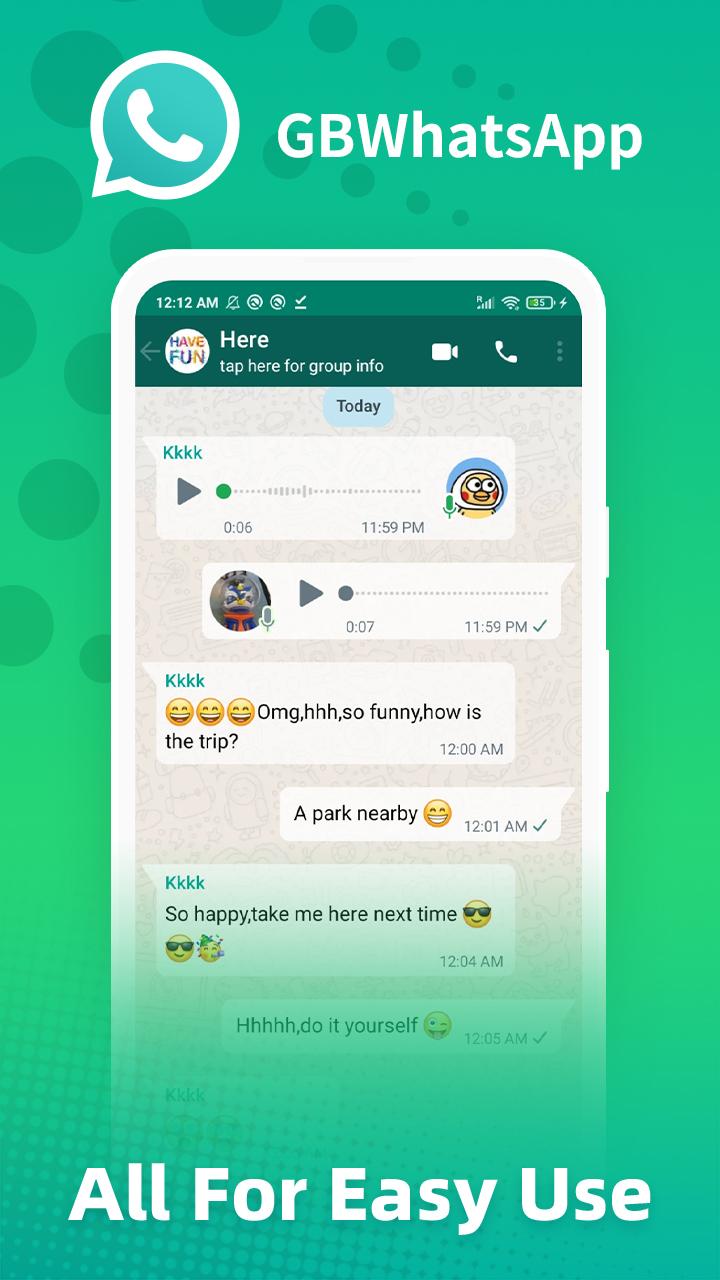
GbwhatsApp suits users who want more control over chats without changing the familiar interface. It keeps regular messaging, calls, and media sharing, while expanding what you can manage inside conversations. As a third-party build, it focuses on privacy options, larger sharing limits, and visual personalization so daily chats feel tailored to your needs. Moreover, it includes automation and safety tools that help with busy schedules. If you prefer manual installs, the GbwhatsApp APK offers an Android-first way to try these options.
Privacy controls and Ghost Mode
GbwhatsApp lets you manage how you appear to others. You can hide online status, last seen, blue ticks, second ticks, and even typing or recording indicators. Ghost Mode helps you appear offline while you read or reply on your own time. You can also adjust who can call you and view statuses anonymously for added discretion.
Anti-delete and status management
With anti-delete tools, you can read messages that were removed by the sender. You can also see edited messages to track changes in a conversation. Status tools let you view deleted or expired updates and save any status to your device without extra apps. These options help you stay informed when chats move fast.
Bigger sharing and bulk messaging
GbwhatsApp raises file and media limits for everyday sharing. You can send up to 90 photos at once, share larger videos, and attach bigger audio files. For announcements or groups, broadcast and bulk messaging help deliver the same message to many contacts at once. You can also remove the forwarded tag when sharing, which keeps forwards cleaner.
Deep interface customization
You can personalize almost every part of the app. Choose themes, emojis, and fonts to match your style, and adjust the app icon if you prefer a different look. The home and chat screens can be reorganized for faster access to what you use most. Light and dark themes are included for comfortable viewing at any time.
Productivity and security tools
GbwhatsApp supports Auto Reply and message scheduling so you can respond or plan messages when busy. Do Not Disturb mode pauses network access for the app to prevent interruptions. For safety, you can run multiple accounts in one app and lock the app with a PIN, pattern, or fingerprint. Extra options include self-destructing messages, live location sharing, and a chat-level language translator.
GbwhatsApp is a third-party modification and is not an official WhatsApp release. Using a mod can violate WhatsApp Terms and may lead to temporary or permanent bans. To reduce risk, avoid spam or mass messaging, keep the app updated, and limit switching between the official client and GbwhatsApp. This mod targets Android devices, and there is no secure iOS version from the developer of this build.
Privacy-conscious users should enable two-step verification on their accounts for extra protection. Turning on the built-in app lock adds an extra layer if someone uses your phone. You can also fine-tune privacy settings to hide online status, read receipts, or typing indicators based on your comfort level.
Some users look for an old version when a familiar layout or behavior changes. Older builds may lack new privacy patches or features and can stop working when messaging policies change. If you need an earlier release, choose carefully and back up chats before switching. For consistency, consider the same release line when updating to avoid unexpected behavior.
The setup follows a simple process and works on most Android phones. To keep your messages safe, plan a backup before making changes. If you want the GbwhatsApp latest version, check in app options first, then use a manual package if needed.
First, prepare your phone. Open Settings, find the option to allow installation of unknown apps for your browser or file manager, and enable it. This lets the system accept an APK install.
Next, install the package. Download the file to your device, tap the APK, then follow on-screen prompts. After installation, open GbwhatsApp, verify your number, and restore any found backup so your chats and media return.
Then configure privacy and notifications. Open GB Settings and set your online visibility, read receipts, typing indicators, and call privacy. Adjust notification tones and vibration so alerts match your routine.
After that, personalize the interface and organize chats. Apply a theme, pick fonts and icons, and reorder home or chat screens as needed. Use message filters to surface unread or important conversations, and turn on Do Not Disturb mode when you need quiet time.
Finally, protect your data and keep the app current. Go to GB Settings > Universal > Backup > Chat Backup to save chats and media before any update. Then open GB Settings > Updates > Check for Updates. If no update appears, install the newer package over your current build to retain data.
GbwhatsApp adds flexible privacy controls, larger sharing options, and useful automation on top of a familiar chat experience. For a manual setup, you can download the GbwhatsApp latest version APK from APKPure and follow the steps above to install, back up, and customize safely.
Latest Version
2.22.10.73Uploaded by
Hong Kong Weifeng Technology Co Limited
Requires Android
Android 6.0+
Available on
Hong Kong Weifeng Technology Co LimitedCategory
Free Communication AppReport
Flag as inappropriateLast updated on Nov 30, 2023
Updated version




APKPure - A multi-platform app store primarily focused on Android, providing extensive app-related content. Discover the app you want easier, faster, and safer, with quick and efficient downloads and installations.