FRP Bypass, designed for users locked out after a reset, addresses the Factory Reset Protection screen when account details are missing. It focuses on cases where the linked account password is forgotten, changed, or unavailable. The app guides you back into the initial setup so you can continue using the device. Many users choose to download FRP Bypass when verification cannot be completed and the phone stays stuck after wiping. Additionally, it targets devices on Android 5.0 or later, where FRP is active.
Bypass FRP lock
FRP Bypass helps you move past the Factory Reset Protection introduced with Android Lollipop. After a reset, devices usually require the original account to proceed. This tool focuses on that verification screen so you can continue setup when the credentials are not available.
Device access after reset
Once the lock is addressed, you can reach the setup screens and prepare the device for regular use. This is helpful when a password is forgotten, when the linked account has changed, or when a second hand phone shows the FRP prompt during activation.
Simple recovery steps
Responsible use and setup
FRP Bypass focuses on passing the FRP screen after a reset when account credentials are not available. Confirm device compatibility and follow a suitable guide, using the tool only when authorized. For best results, install the FRP Bypass latest version.
Latest Version
1.0Uploaded by
FRP Bypass
Requires Android
Android 4.0.3+
Available on
FRP Bypass
Category
Free Tools AppReport
Flag as inappropriateLast updated on Dec 2, 2022
Minor bug fixes and improvements. Install or update to the newest version to check it out!

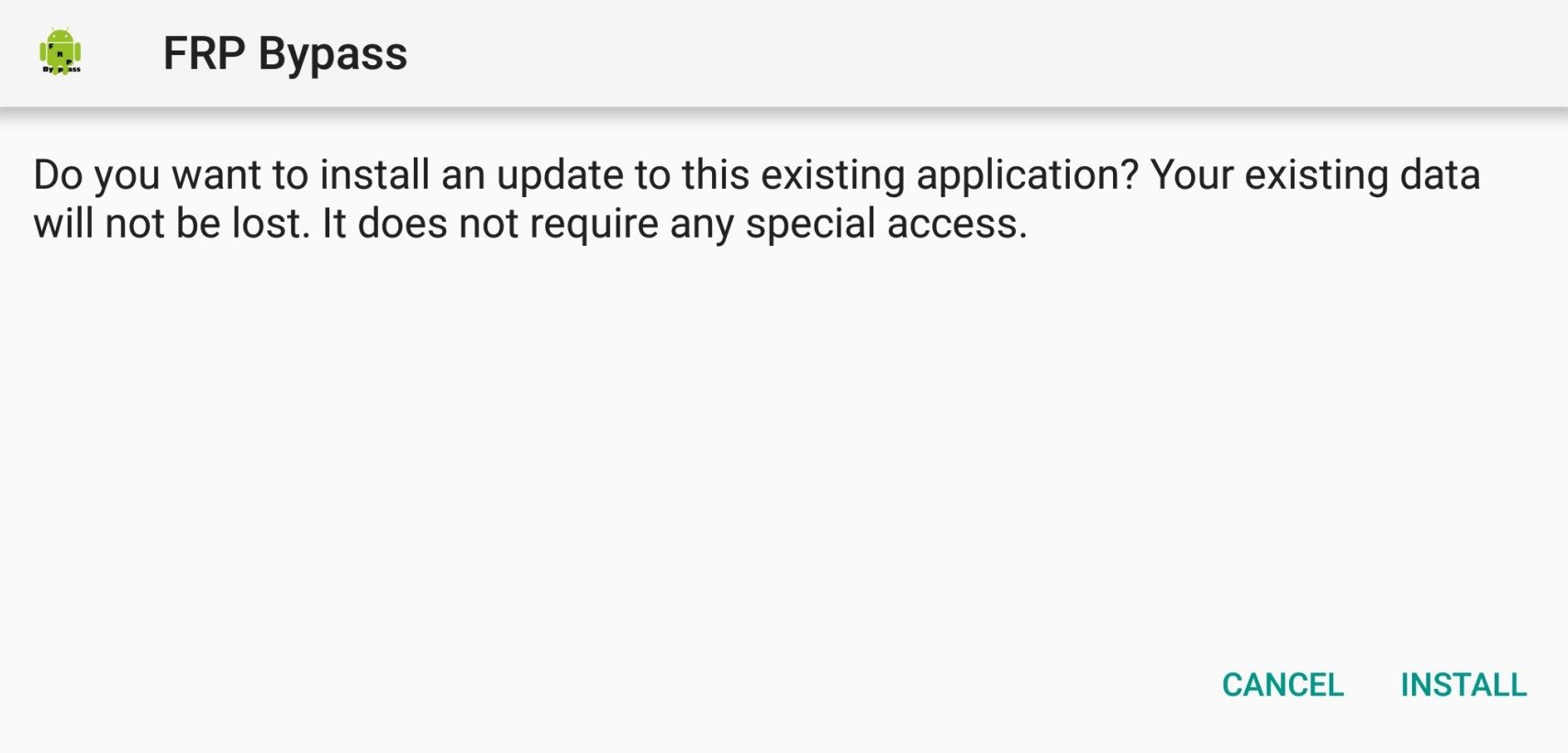



APKPure - A multi-platform app store primarily focused on Android, providing extensive app-related content. Discover the app you want easier, faster, and safer, with quick and efficient downloads and installations.