Best Finger Print2017 Protects applications using password
Finger Print protects your applications by locking and closing applications and programs and protecting applications on your mobile so that no one can enter and enjoy your privacy. Among the most important of these applications, Photos, videos, messages, contacts, and other important applications that you need to "lock applications and protect applications from the designed program" and programs a secret number.
Finger Print
finger print sensor lock
finger print lock screen
lock finger print
finger print to unlock phone
real fingerprint lock
optical finger print sensor
finger print sensor smartphone
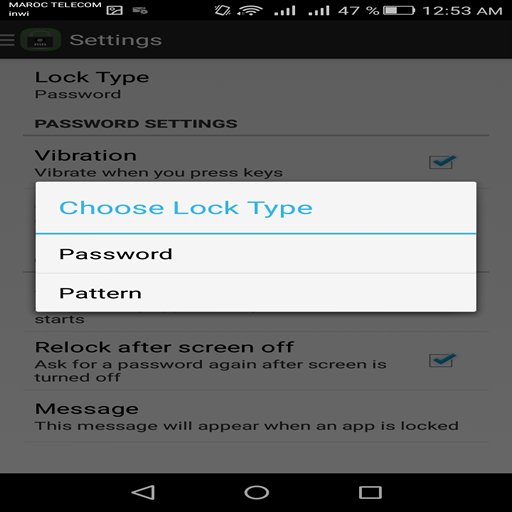
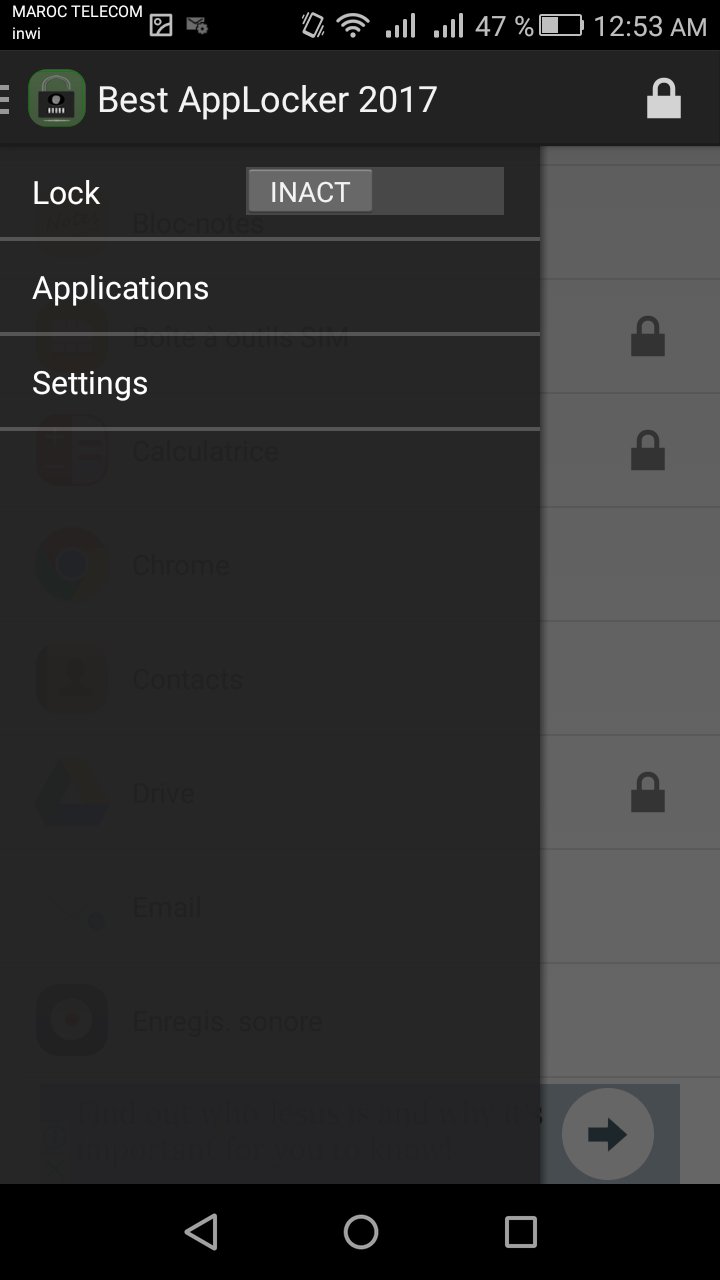
- Choose a secret number exceeds solid 8 digits (of course, if you wish)
- Operation of the lock and deactivate the service whenever you want
- Auto-run after restarting the phone manually or Aotomatkia
- Dial the password after exit and re-entry of a closed application
- Determine time in minutes to re-lock
Action Locking Method Application:
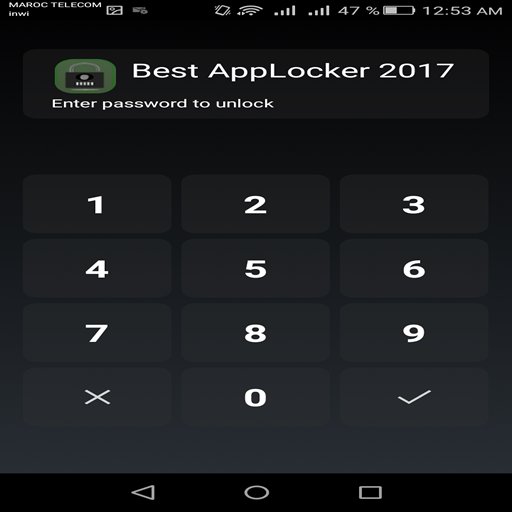
When you open the application for the first time are required to enter a password
After selecting the secret number you want
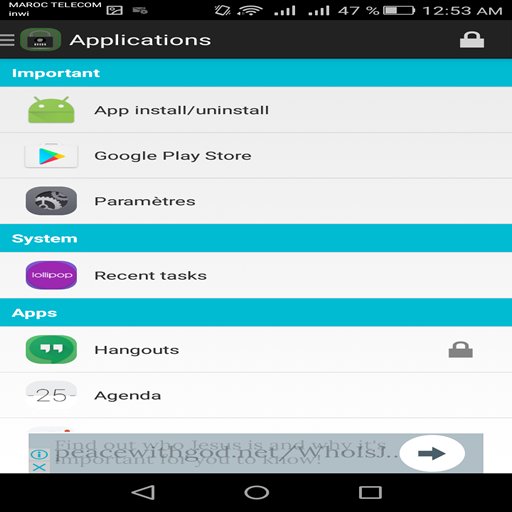
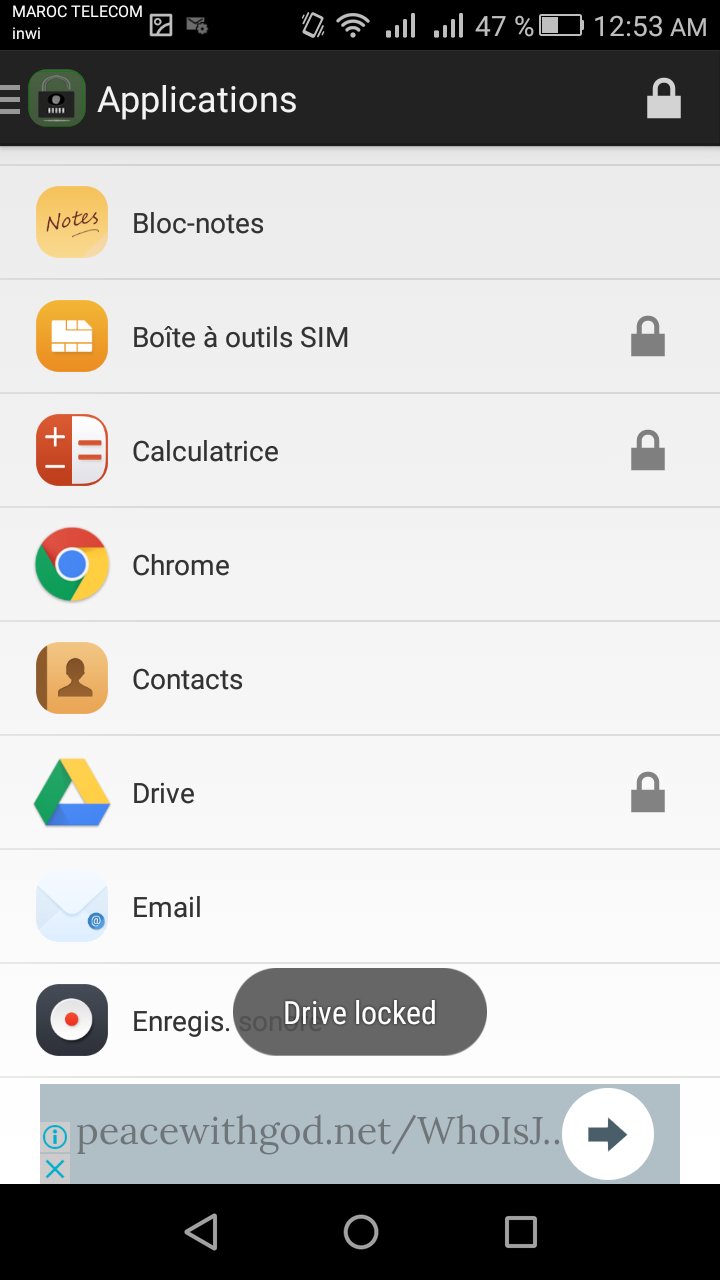
Go to the list of applications and select the applications you want to lock a secret number
Secure your messaging and social apps
Lock Facebook Messenger
Totally free
Lockscreen
Locker
App lock
app locker
android
best app locker
best applocker for android
app lock free
lock apps
lock app for gallery
lock app for kids
Latest Version
1.2Uploaded by
Ahmed Waleed
Requires Android
Android 2.2+
Category
Free Tools AppContent Rating
Everyone
Report
Flag as inappropriateLast updated on May 30, 2017
Dial the password after exit and re-entry of a closed application
- Determine time in minutes to re-lock
Action Locking Method Application:



APKPure - A multi-platform app store primarily focused on Android, providing extensive app-related content. Discover the app you want easier, faster, and safer, with quick and efficient downloads and installations.