Package Name:vasithwam.filemgr
SHA-256:459cf3c94f3a8f3207650b8fc141b96560a31a339a090abd9ef98827d8a7d961
Show More

Vasithwam Files is a free file manager for Android that works fully offline. There is no account and no server: your files are handled on your device, only in the places you allow.
Browse and organise
• Internal storage, SD cards and USB drives, in list or grid view
• Copy, move, rename and delete, with multi-select
• Clear choices when names clash: skip, replace or keep both
• Large copies run in the background with a progress notification and can be cancelled
• Interrupted transfers resume without creating duplicates
• Free space is checked before a copy starts
Find files fast
• Search by name, type, size and date
• Categories for images, videos, audio, documents, archives, APKs, downloads and recent files
• Favorites, bookmarks and recently opened files
• Sort by name, size, date or type, with numbers in natural order (file2 before file10)
Recycle Bin
• Deleted files go to the Recycle Bin first, so mistakes can be undone
• Restore to the original folder, even if that folder was deleted, or to a folder you choose
• Optional auto-empty, off by default
Clean up storage
• Storage analyzer shows what uses your space, by file type and by folder
• Large-file finder
• Duplicate finder that compares file contents and never deletes anything on its own
Archives
• Create ZIP and TAR.GZ archives
• Extract ZIP, TAR, TAR.GZ, TAR.BZ2, TAR.XZ, 7z, GZ, BZ2 and XZ
• Protection against harmful archives and a free-space check before extracting
Private Vault
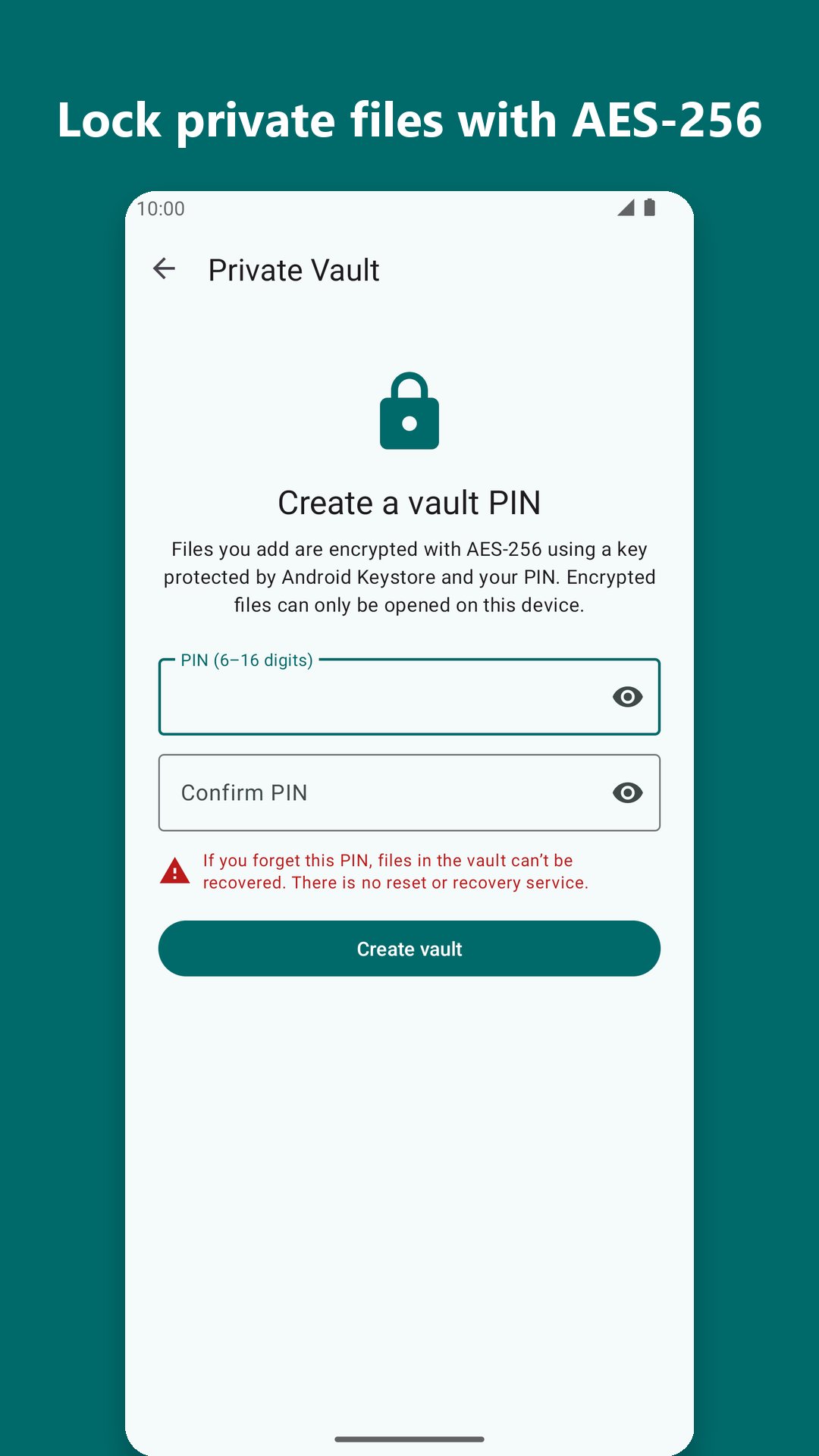
• Encrypt photos and documents with AES-256, using a key protected by Android Keystore and your PIN
• Optional fingerprint or face unlock
• Originals are removed only after the encrypted copy has been verified
• Vault screens can't be captured in screenshots, and the vault locks when you leave it
Built-in viewers and details
• Images with pinch zoom, text files, PDF, audio and video
• File properties with folder sizes and MD5, SHA-1 and SHA-256 checksums
Backup
• Back up your settings, favorites and bookmarks, and optionally one folder, to a location you pick, such as Google Drive
Your privacy, your choice
• No account, no sign-in, works offline
• You decide what the app can see: all files, or only the folders you pick
• Your files are never uploaded or sold
• A small banner ad appears on two screens only, Home and Storage analyzer. Never during file operations, in previews or in the vault. Manage ad privacy choices in Settings.
Works on Android 8.0 and later, with dark theme and Material You colours on Android 12 and later.
Latest Version
1.0.0Uploaded by
Frans Yozar
Requires Android
Android 8.0+
Category
Free Productivity AppContent Rating
Everyone
Security Report
Check Now
Report
Flag as inappropriateLast updated on Oct 29, 2026
First release of Vasithwam Files: a free, offline file manager.
• Browse internal storage, SD cards and USB drives
• Copy, move and rename in the background, with resume after interruptions
• Recycle Bin to undo deletes
• Storage analyzer, large-file and duplicate finders
• Create and extract ZIP, TAR, 7z and more
• Private Vault with AES-256 encryption and PIN or fingerprint unlock
• No account needed; ads on two screens only





APKPure - A multi-platform app store primarily focused on Android, providing extensive app-related content. Discover the app you want easier, faster, and safer, with quick and efficient downloads and installations.