Thank you for using Epson iLabel.
We kindly inform you that this app will be removed from the Google Play on March 31, 2025.
Therefore, we recommend that you promptly switch to 'Epson Label Editor Mobile'. Epson Label Editor Mobile offers increased flexibility and functionality for intuitive label design.
**************************************************
Smarter labelling…
Epson iLabel makes it easy to create, store, and print labels from your iOS devices.
Use your smart device's functionality, including voice transcription, contacts and image gallery, to add a new dimension to your labelling experience. Users can easily share label makers with the Epson iLabel app.
The Epson iLabel app works with the Epson LabelWorks wireless printers. To buy one of these label makers or LK/ PX tapes, please visit www.epson.com or contact your local supplier.
[Main Features]
- Create, edit, and print labels wirelessly
- Generate and print QR codes
- Barcode printing: eight types supported
- Support creating multiple length labels at once on Mix Length function.
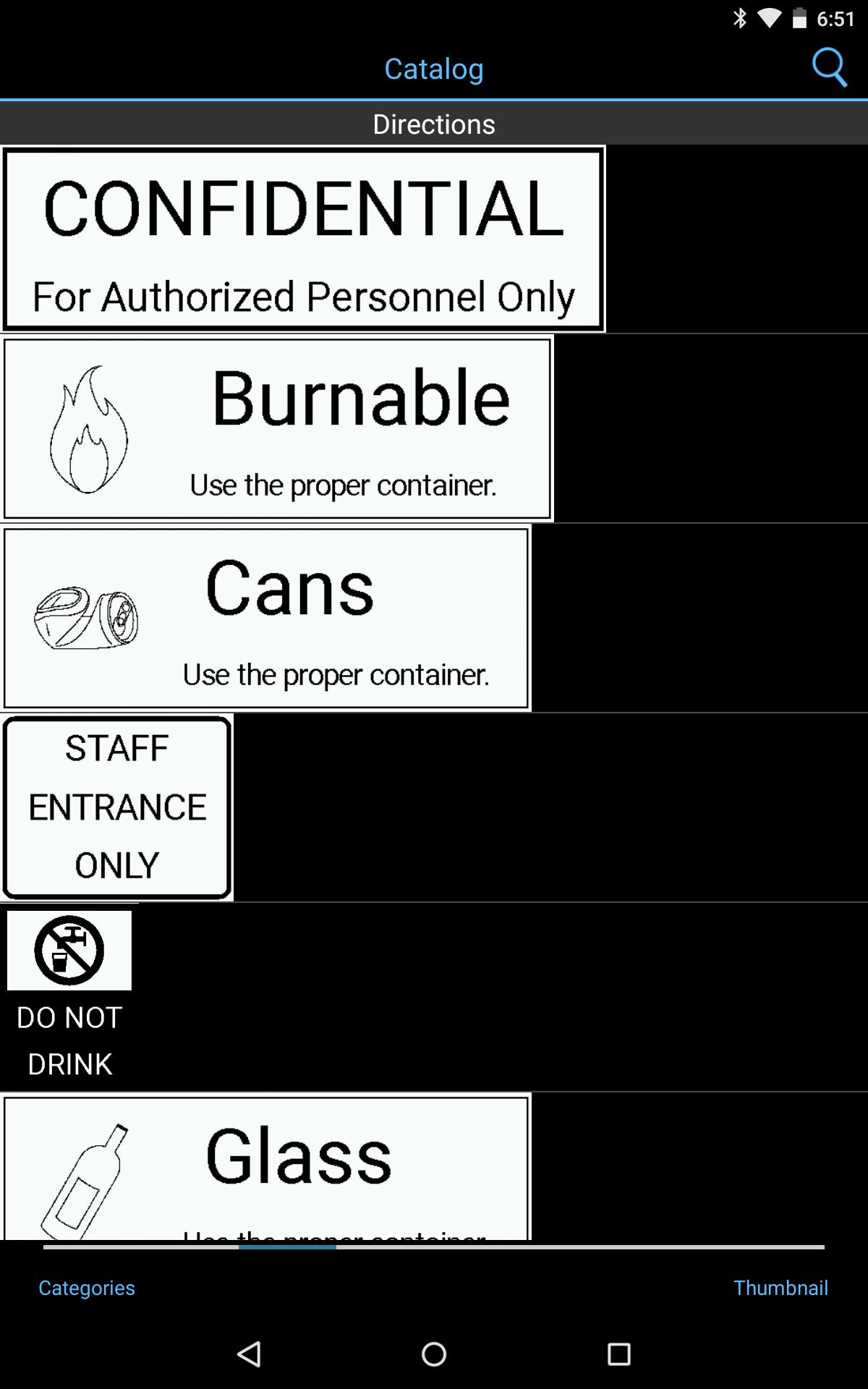
- Select and print from a variety of pre-defined, commonly used labels
- Quick timestamp function
- Store label data on Dropbox or Google Drive for sharing with other smart devices.
- Up to 100 created labels can be saved and reused.
- Up to 100 printed labels can be automatically saved and reused.
[Additional Features]
- The status of your label printer can be checked on your smart device (set tape width, errors, and connection status)
- Three original fonts for ribbon tape creation, Algiers Medium L1, URW Chancery L1 and URW Coronet L1.
- Voice transcription (enabled by your iOS) *1
- More than 100 label design templates and over 400 symbols are available
- Insert images from your camera roll (two-tone image conversion)
- Drawing tool; sketch labels using the device's touch interface
- Camera-based preview tool: digitally see your label on an item before printing *2
- Data can be shared with other smart devices through email or AirDrop
- Support to import and edit the label file(s) created on Label Editor for Windows (v1.70 or later)
*1 If your device supports it, you can use voice transcription to input text into the Epson iLabel app.
*2 If only front camera is available, camera-based preview tool cannot be used.
[Supported Models]
LW-C410 / LW-600P / LW-1000P / LW-PX400 / LW-PX800 / OK600P / OK1000P/ LW-Z5000 series/ LW-Z5010 series
(Actual product name may differ across regions.)
*Note: More information about Epson iLabel and LabelWorks solutions is available on Epson’s website.
Latest Version
1.8.0Uploaded by
Thet Paing Hmue
Requires Android
Android 10.0+
Category
Free Tools AppContent Rating
Everyone
Report
Flag as inappropriateLast updated on Aug 29, 2024
- Improving user experience



APKPure - A multi-platform app store primarily focused on Android, providing extensive app-related content. Discover the app you want easier, faster, and safer, with quick and efficient downloads and installations.