Scan Date:May 19, 2026
Show More

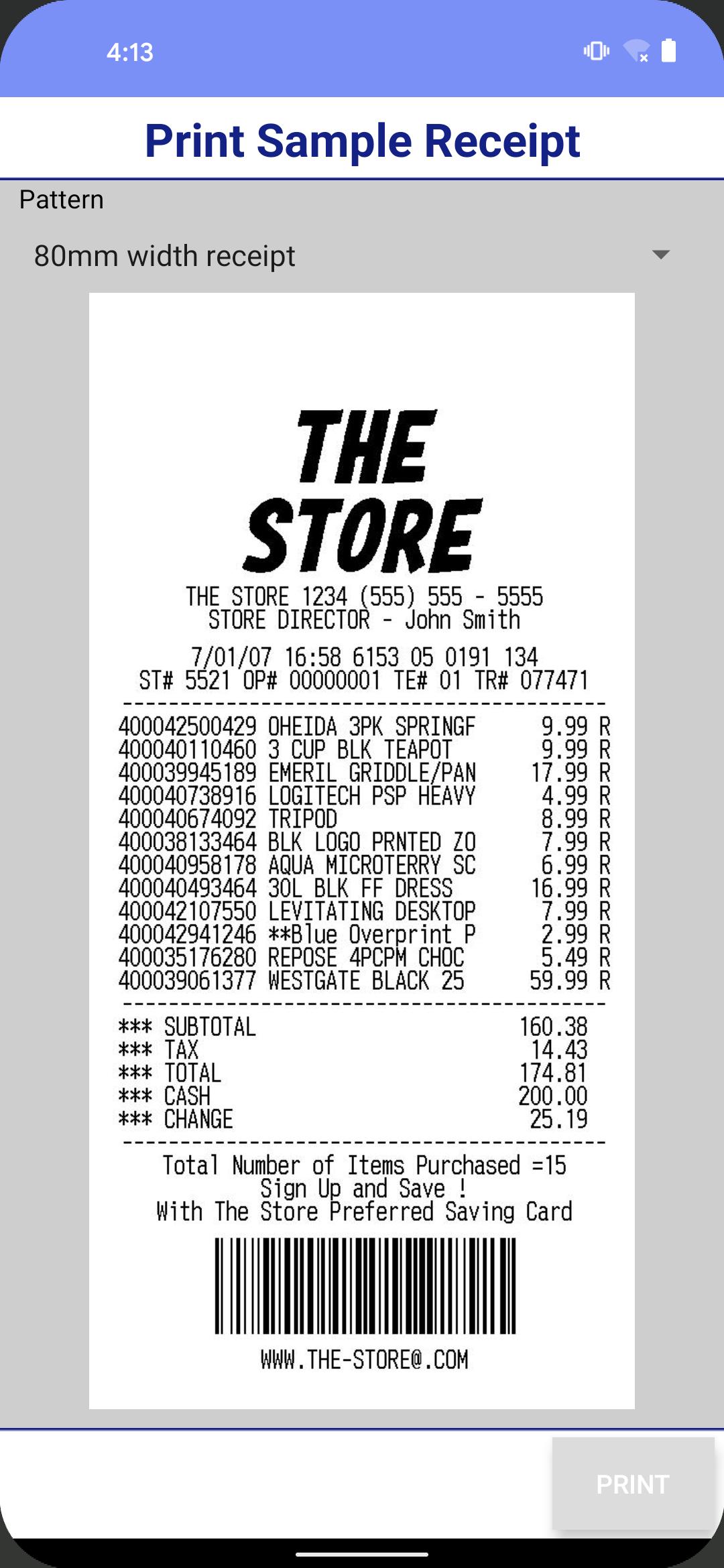
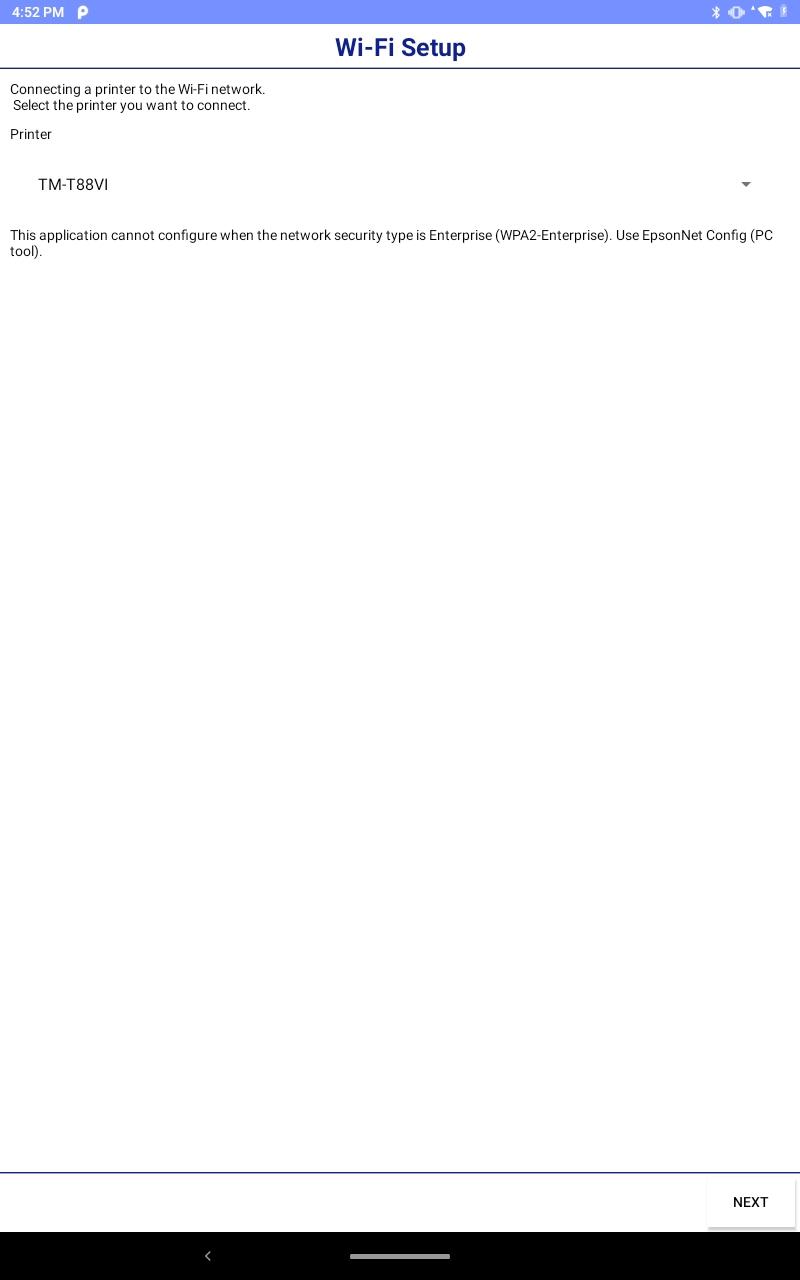
This app enables you to setup wireless connection, configure printer settings and print sample receipts from your Android phone or tablet to a Epson receipt printer.
Features
-Print sample receipt
-Print customized receipt
-Observe printer status
-Configure printer settings
-Quick pairing by NFC/QR code
-Easy print by NFC/QR code
-Printer Settings Backup/Restore(TM-T20IV/TM-T20IV-SP/TM-T82IV/TM-T88VII/TM-L100/TM-P20II/TM-P80II/TM-m30III/TM-m30III-H/TM-m50II/TM-m50II-H/TM-U220II)
-Setup wizard (Wireless LAN / Bluetooth)
-Firmware update
Supported Printers
-TM-H6000V
-TM-L90 Liner-Free Label Printer Model
-TM-L100
-TM-m10
-TM-m30
-TM-m30II
-TM-m30II-H
-TM-m30II-S
-TM-m30II-SL
-TM-m30II-NT
-TM-m30III
-TM-m30III-H
-TM-m50
-TM-m50II
-TM-m50II-H
-TM-P20
-TM-P20II
-TM-P60
-TM-P60II
-TM-P80
-TM-P80II
-TM-T20II
-TM-T20II-m
-TM-T20III
-TM-T20IV
-TM-T20IV-SP
-TM-T70II
-TM-T82III
-TM-T82IV
-TM-T88V
-TM-T88VI
-TM-T88VI-iHUB
-TM-T88VII
-TM-U220 Wi-Fi
-TM-U220II
-EU-m30
Supported Customer Displays
-DM-D30
-DM-D70
Interface
-Wireless LAN
-Bluetooth
Revision History
Ver.3.42.0
- Renamed the setting item "Timeout" to "Protocol".
- Added setting items
TLS RAW(Port9143) (Protocol)
IPP (Protocol)
Top Priority Protocol (Bonjour)
Ver.3.41.0
- The server used for firmware updates has been changed.
Ver.3.40.1
- Fixed minor bug.
Ver.3.38.0
- For Users in Europe, the Middle East and Africa European Radio Equipment Directive.
Changes in the enhanced security specifications.
Ver.3.37.0
- Fixed minor bug.
Ver.3.36.0
- Added the support printer. (TM-T20IV, TM-T20IV-SP, TM-T82IV)
- Fixed minor bug.
Ver.3.35.0
- Added setting items
Bluetooth Low Energy (Bluetooth)
Auto Connection (Cloud Service)
- Improved firmware update function. (Cloud Service)
Ver.3.32.0
- Added the support printer. (TM-U220II)
- Added setting items
Roaming Setting (Wi-Fi)
Ver.3.30.2
- The software license agreement has been updated.
Please check the software license agreement from the license menu on the information screen.
Ver.3.30.0
- Added the support printer. (TM-m50II-H)
Ver.3.28.0
- Added the support printer. (TM-m50II)
Ver.3.27.0
- Added the support printer. (TM-m30III, TM-m30III-H)
Ver.3.26.0
- Fixed minor bug.
Ver.3.25.0
- Added the support printer. (TM-P20II, TM-P80II)
Ver.3.23.0
- Added the support printer. (TM-L100)
Ver.3.22.0
- Added the support printer. (TM-T88VII, TM-L90 Liner-Free Label Printer Model, EU-m30)
Ver.3.19.0
- Added the support printer. (TM-m30II-SL)
Ver.3.18.0
- Added the support customer display. (DM-D70)
Ver.3.17.0
- Added the support printer. (TM-m50)
Ver.3.16.1
- Added the support printer. (TM-m30II-S, TM-m30II-NT)
Ver.3.14.1
- Fixed minor bug.
Ver.3.14.0
- Added the support printer. (TM-m30II, TM-m30II-H)
Ver.3.13.0
- Improved firmware update function.
- Support Android 10.
Ver.3.12.0
- Support OT-WL06. (TM-H6000V, TM-T20III, TM-T82III, TM-T88VI, TM-T88VI-iHUB)
Ver.3.11.0
- Added the support printer. (TM-T20III, TM-T82III)
Ver.3.10.0
- Support the setting of 'Desktop Mode' for TM-P20.
Latest Version
3.42.0Uploaded by
Ha Nafi
Requires Android
Android 5.0+
Category
Free Business AppContent Rating
Everyone
Security Report
Report
Flag as inappropriateLast updated on May 19, 2026
- Renamed the setting item "Timeout" to "Protocol".
- Added setting items
TLS RAW(Port9143) (Protocol)
IPP (Protocol)
Top Priority Protocol (Bonjour)






APKPure - A multi-platform app store primarily focused on Android, providing extensive app-related content. Discover the app you want easier, faster, and safer, with quick and efficient downloads and installations.