
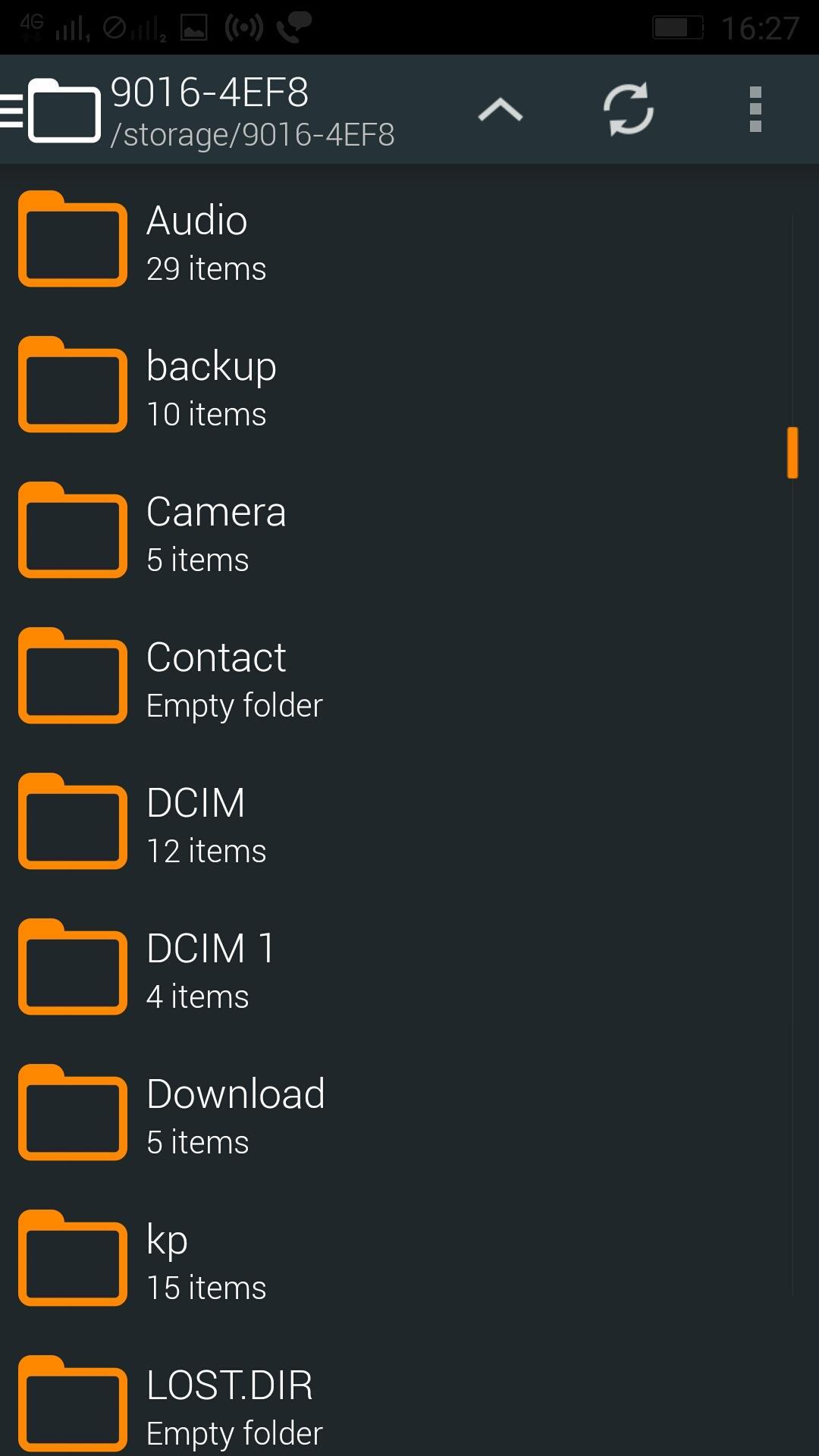
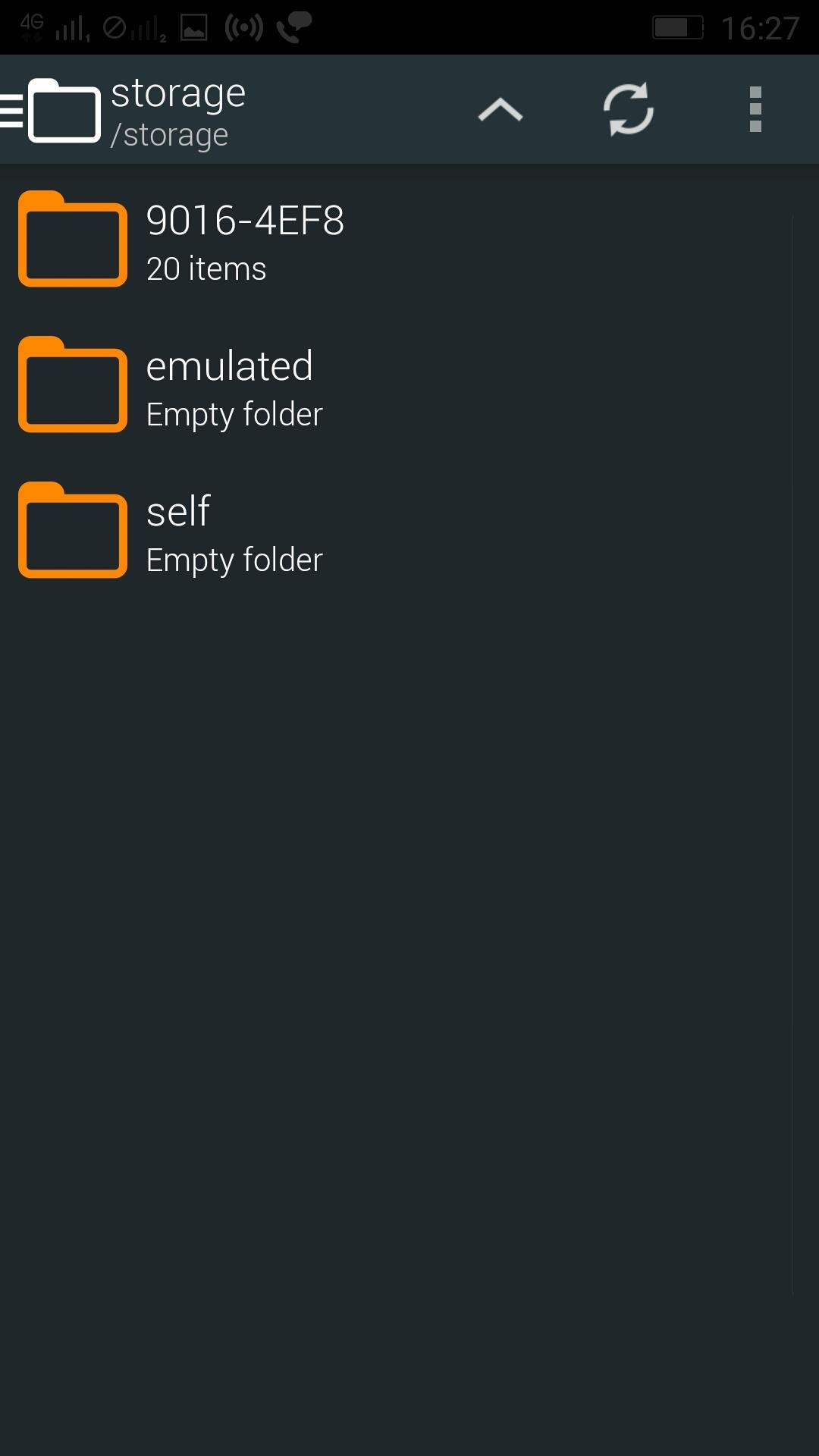
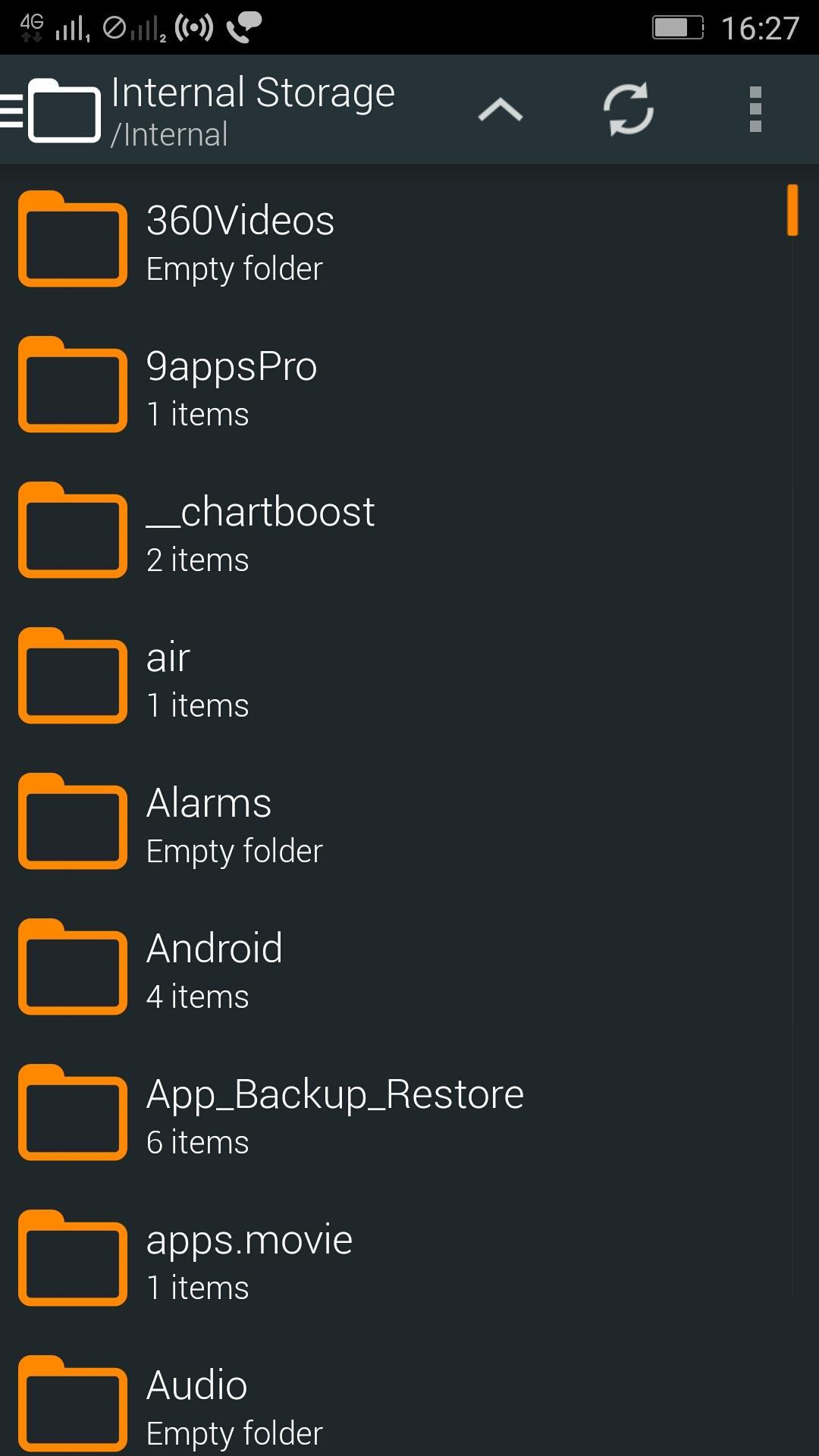
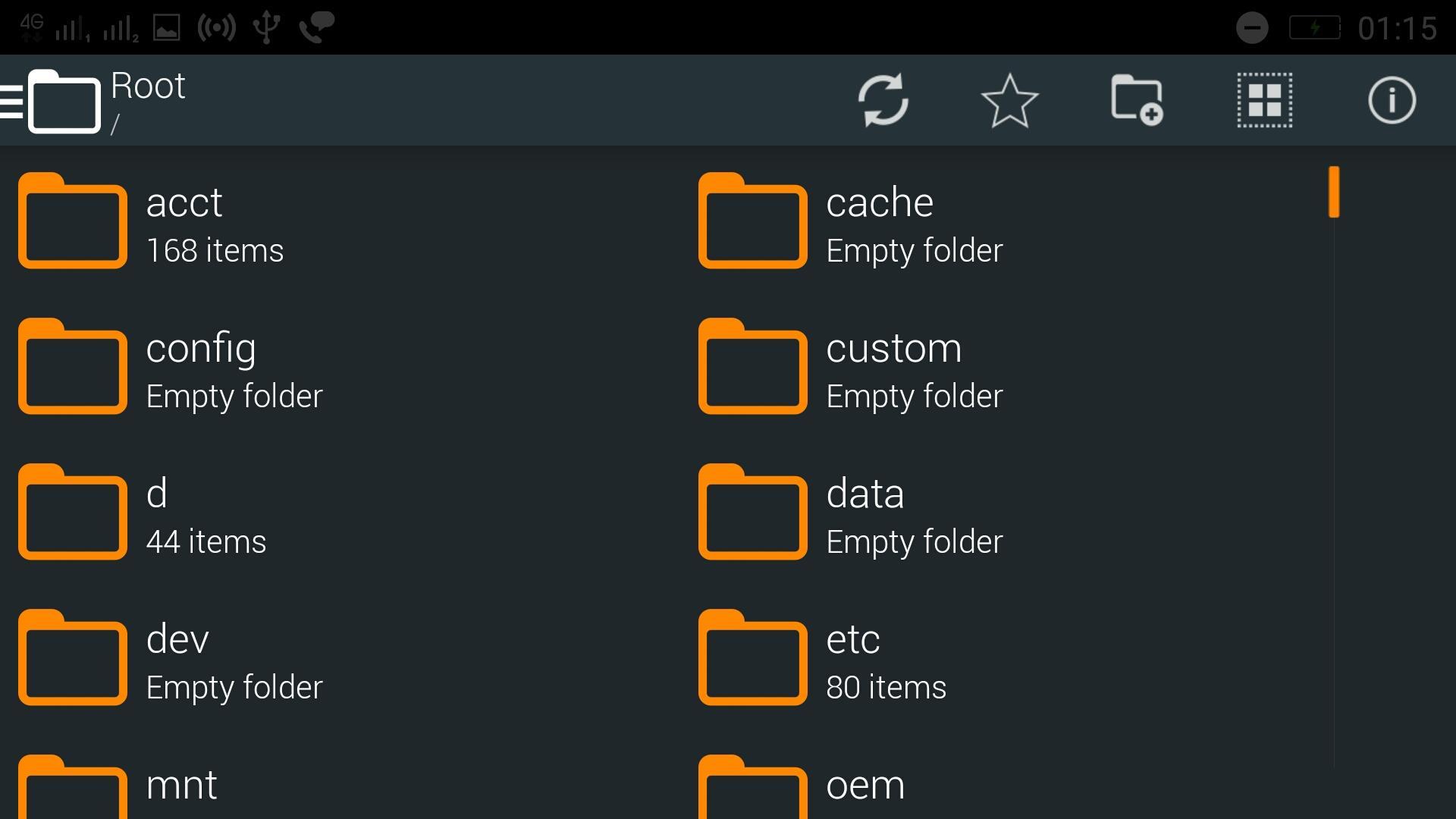
Ekstar File Manager designed for ease of use and beautiful interface. It boasts the ability to bookmark folders, add file and folder shortcuts to home screen.
Features of Ekstar File Manager:
* Easily bookmark important folders
* Add shortcuts to folders and files to home screen
* Easily select and share your files
* Windows-style icons show icon of the app that opens the file
* Card layout shows previews for file and folder contents
* Nice and flat design makes the app intuitive and pleasant to use
Latest release includes:
1. Browse Files
2. Open Files
3. Delete Files
4. Rename Files
5. Copy Files
6. Move Files
7. Copy Files
8. Multiple File Operations
9. Favorite Folder Selection
Ekstar File Manager is the fifth product of Ekstar Compmay.
Latest Version
5.0Uploaded by
Efe Bayık
Requires Android
Android 4.1+
Category
Free Productivity AppContent Rating
Everyone
Report
Flag as inappropriateLast updated on Mar 3, 2018
Better Manage your files on your Phone
Easily bookmark important folders



APKPure - A multi-platform app store primarily focused on Android, providing extensive app-related content. Discover the app you want easier, faster, and safer, with quick and efficient downloads and installations.