Scan Date:Jan 17, 2025
Show More


Easy Uninstaller helps when your phone feels crowded with apps and storage is tight. It focuses on making app removal straightforward so you can clear space without digging through menus. As a result, you spend less time hunting and more time deciding what stays. Due to Android limits, it cannot remove preinstalled system apps without root. If you prefer a simple tool for routine cleanups, installing the Easy Uninstaller APK offers a light, direct approach.
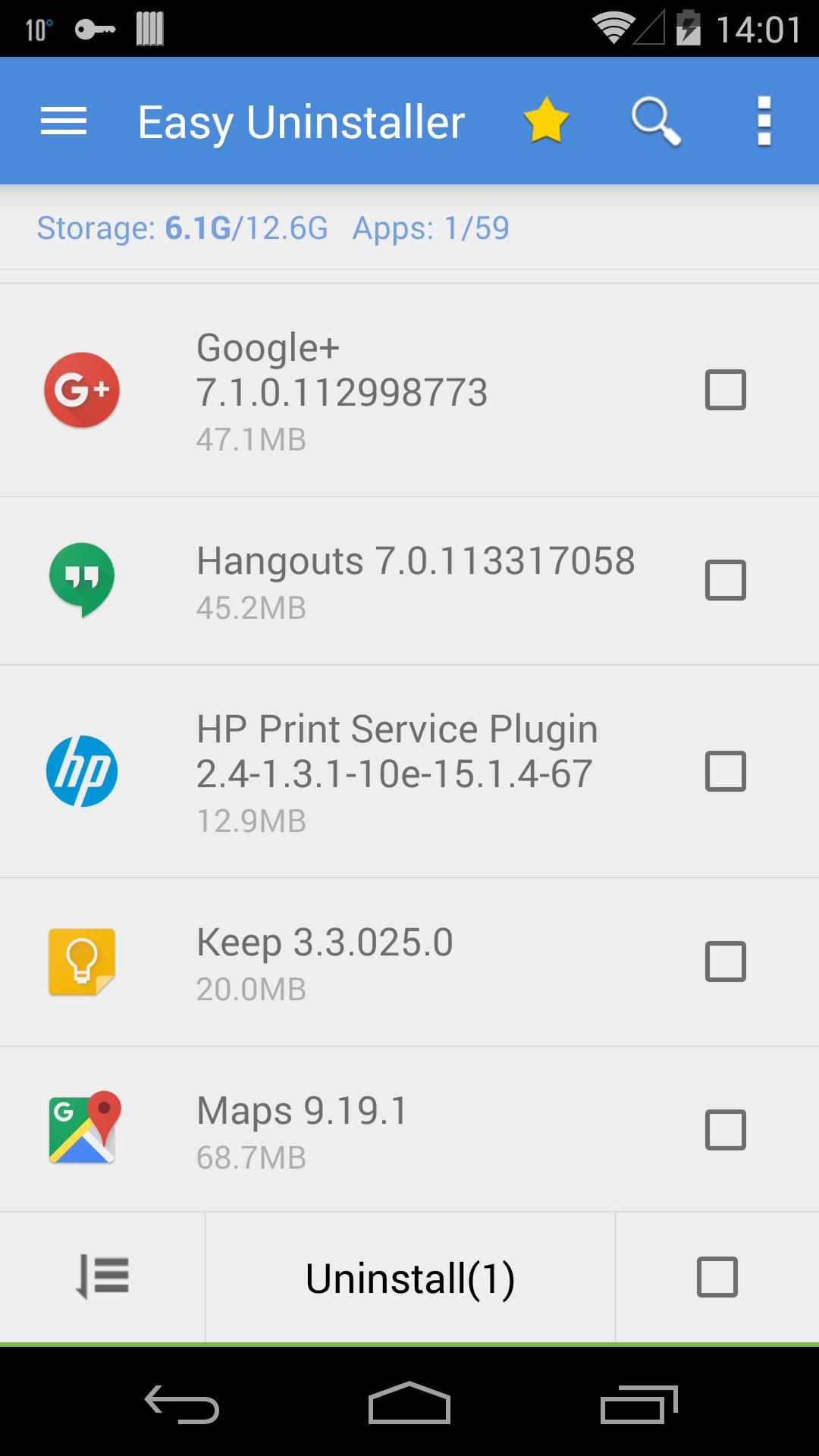
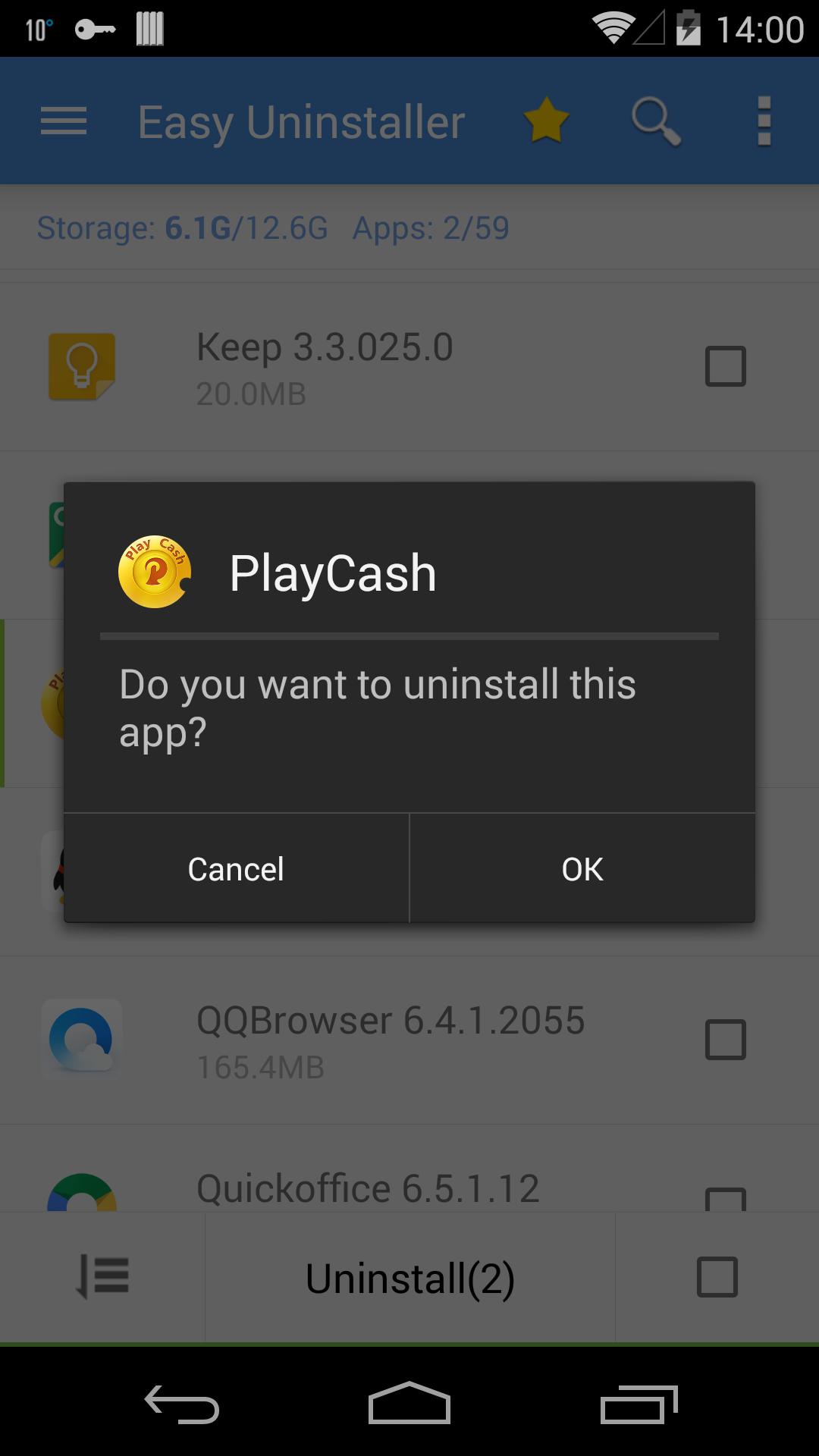
Easy Uninstaller lets you select several apps and remove them in a single run. This saves time when you want to reclaim storage fast. A cached list of installed apps helps the app load quickly so you can start uninstalls with one tap. Confirm the prompts as they appear and the tool continues to the next item automatically.
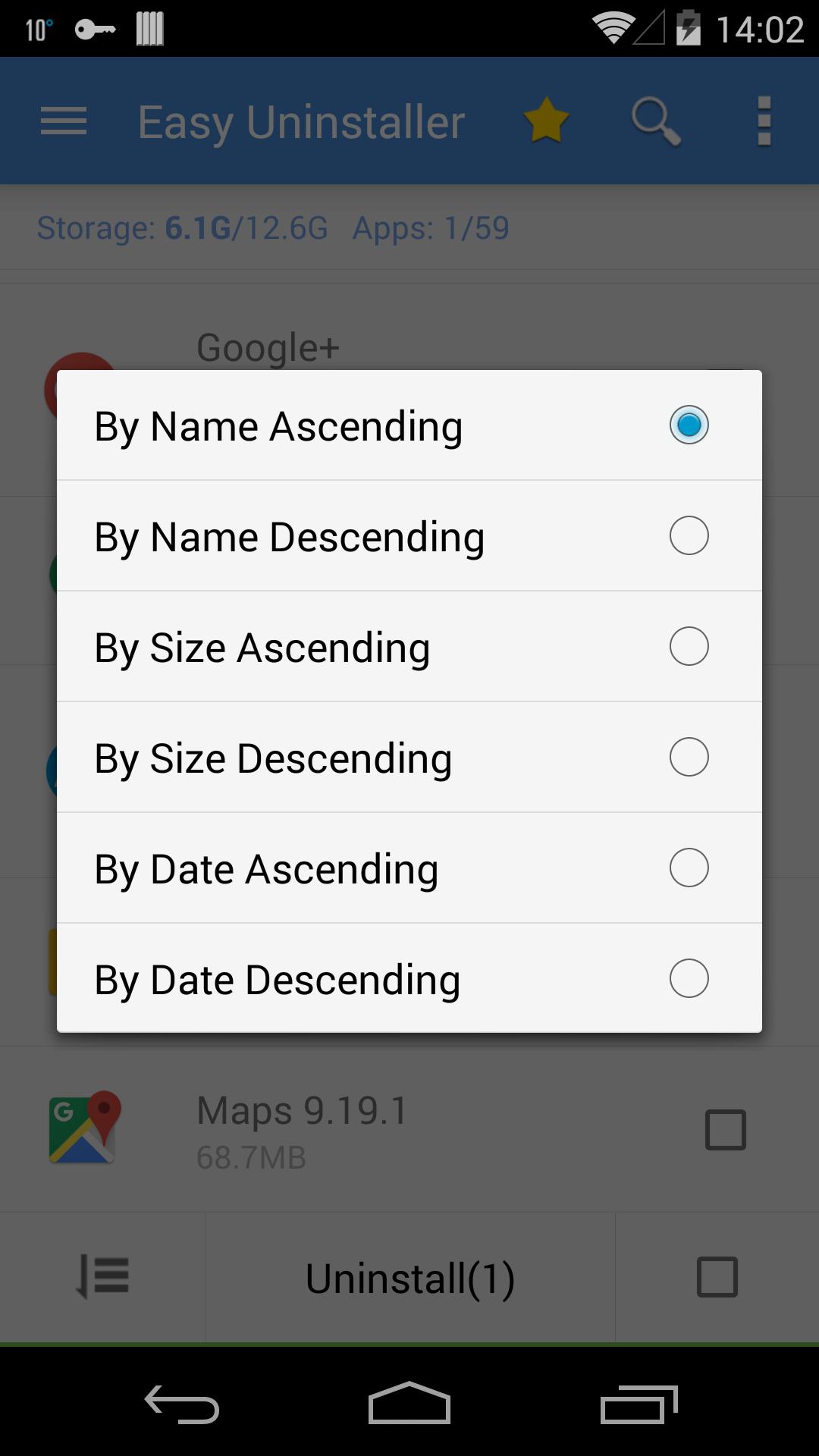
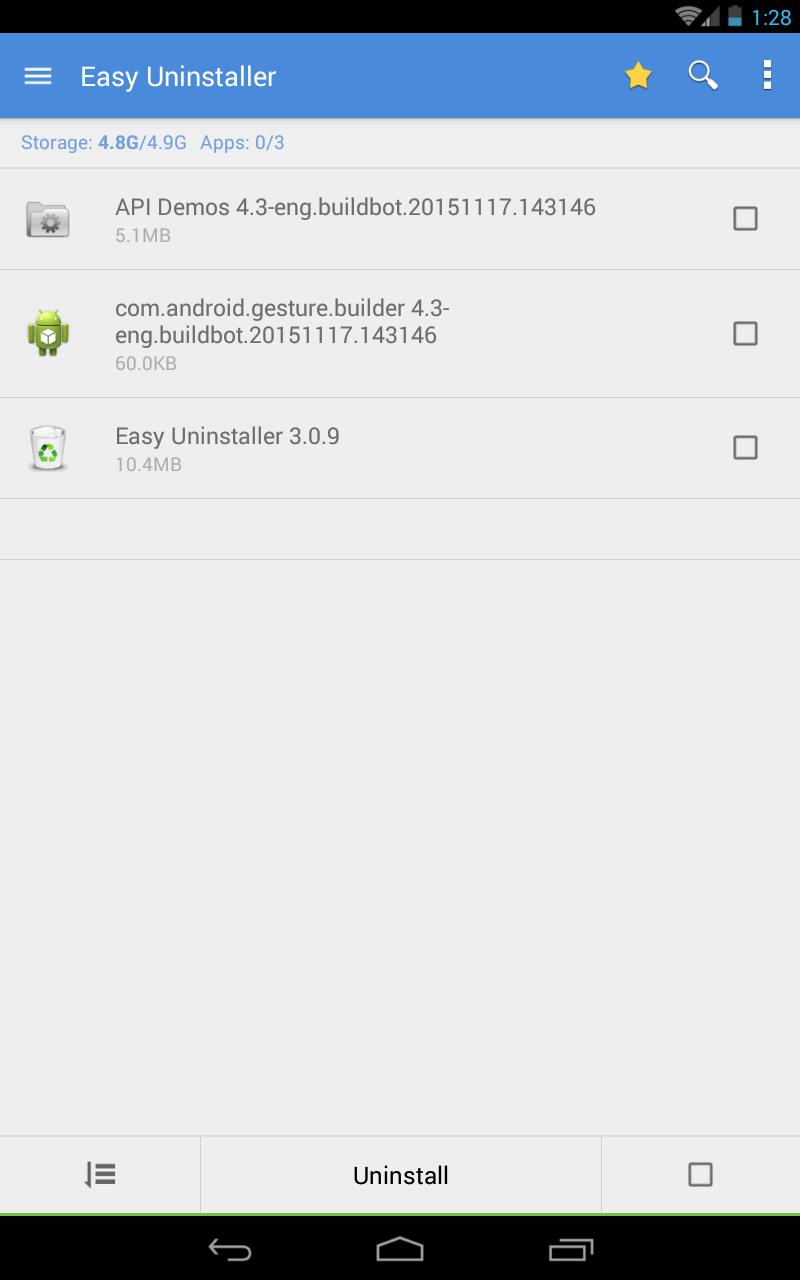
Search and sort to find targetsYou can locate apps by typing a name in the search bar. When you are not sure what to remove, sort the list by size, name, or update time to surface large or outdated installs. This makes it easier to spot candidates that take up space or have not been updated in a while. It streamlines the decision process before you uninstall.
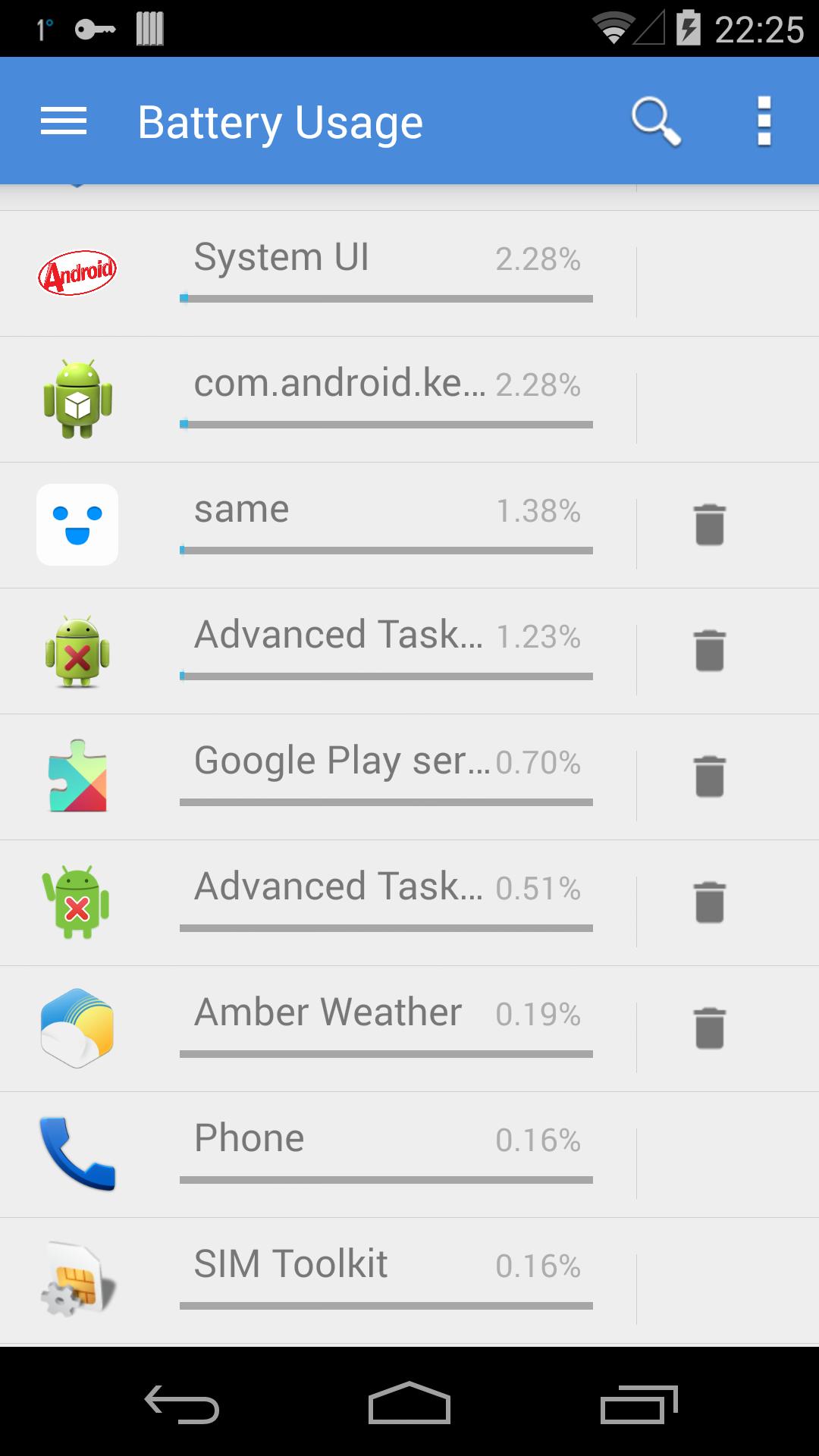
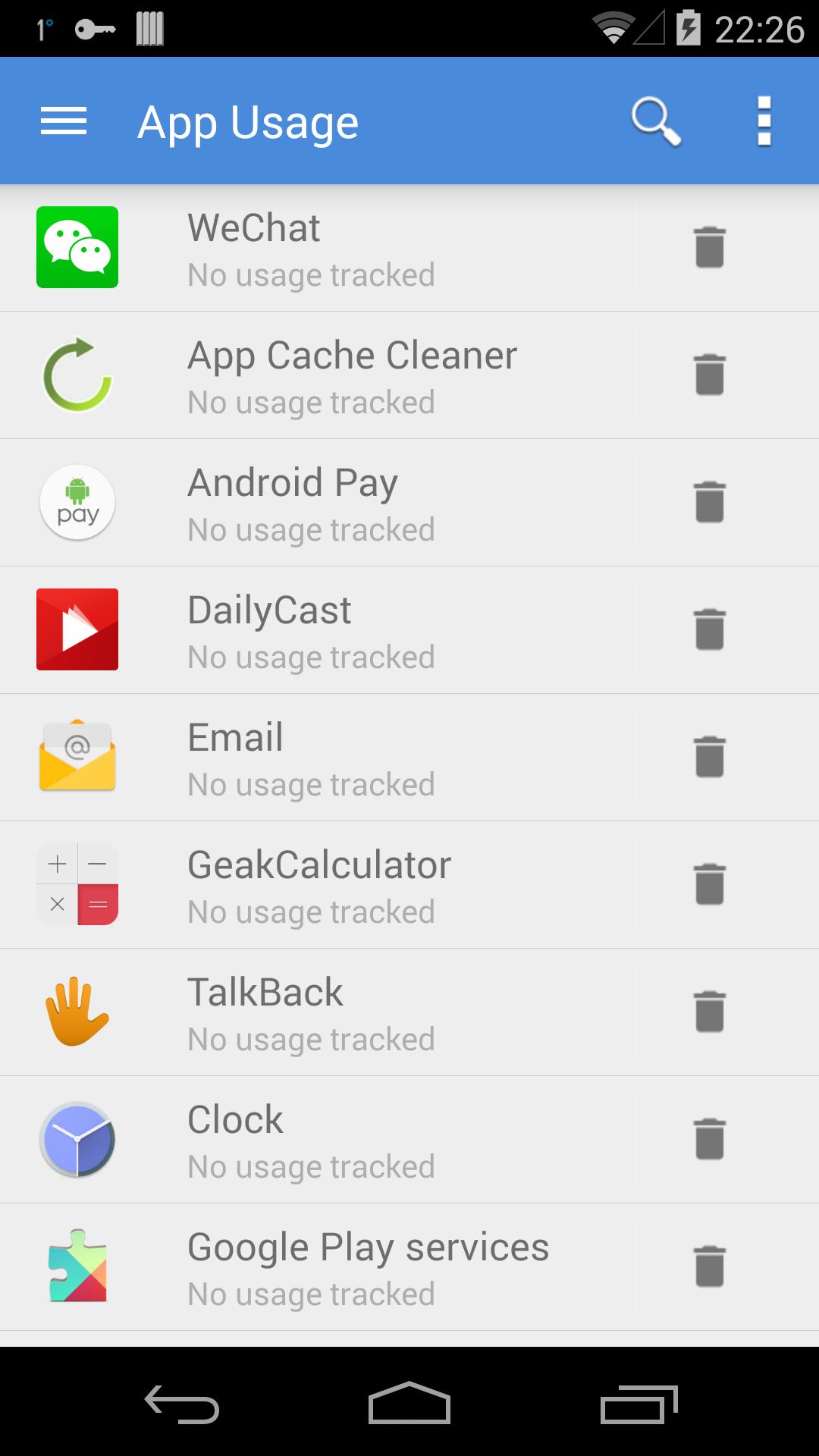
Detailed app insightsEasy Uninstaller shows key details for each app so you can make informed choices. You can review version, update time, and size at a glance. It also tracks app usage and battery usage, which helps you identify drains that you might not notice day to day. With this context, you can remove what you rarely use and keep what matters.
Safer cleanup with history and remindersYou can keep track of what you removed using Uninstall History, which works like a simple recycle bin log. It is useful when you want to confirm a cleanup or reinstall something later. In addition, Uninstall Reminder can prompt you to follow up on apps you planned to remove but postponed. These tools add clarity to your cleanup routine.
Practical app management toolsBeyond removal, Easy Uninstaller includes quick actions to manage installed apps. You can launch an app, share it with others, or open its details page directly from the list. It also supports App2SD where available, giving you another option to manage space on devices that allow moving apps to SD. These shortcuts reduce steps when you manage your library.
Preinstalled and system apps cannot be uninstalled without root due to Android system restrictions. Easy Uninstaller focuses on user installed apps and provides information and tools to help you decide what to remove. This scope helps set clear expectations before you begin a cleanup session.
Getting started is straightforward and takes only a few moments. For the best experience, ensure the app list loads fully before making selections. If you want the newest refinements, consider the Easy Uninstaller latest version when installing.
Easy Uninstaller offers straightforward tools to identify, select, and remove unwanted apps with clear context. It balances quick actions with helpful details so you can keep storage under control. To begin, download Easy Uninstaller and run a focused cleanup when you have a few minutes.
For reference, the official details are below.
Latest Version
3.3.9.173Uploaded by
احمد بغدادي
Requires Android
Android 5.0+
Category
Free Productivity AppContent Rating
Everyone
Security Report
Report
Flag as inappropriateLast updated on Jun 17, 2024
GDPR update




APKPure - A multi-platform app store primarily focused on Android, providing extensive app-related content. Discover the app you want easier, faster, and safer, with quick and efficient downloads and installations.