
Now it is very easy to take a screenshot, edit and share it. As soon as you enable the service by setting "easy screenshot" as your assist app you can take a screenshot by long pressing the home button of your phone. (You can always revert to any other assist app)
Features:
1) Long press to take a screenshot
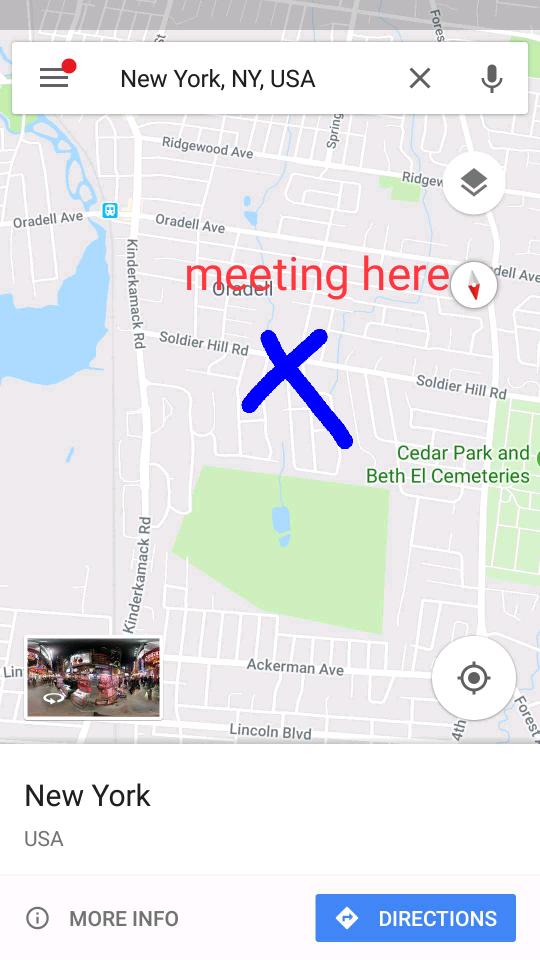
2) A full editor to manipulate and edit your screenshot. You can rotate, crop, paint or type some text.
3) Share by mail or to any social network.
Latest Version
1.3Uploaded by
Nguyễn Đạt
Requires Android
Android 6.0+
Category
Free Tools AppContent Rating
Everyone
Report
Flag as inappropriateLast updated on Feb 5, 2020
Added privacy policy in the app



APKPure - A multi-platform app store primarily focused on Android, providing extensive app-related content. Discover the app you want easier, faster, and safer, with quick and efficient downloads and installations.