Scan Date:May 22, 2026
Show More

Take a screenshot by swiping up from a bottom corner or by holding the Home button.
Features:
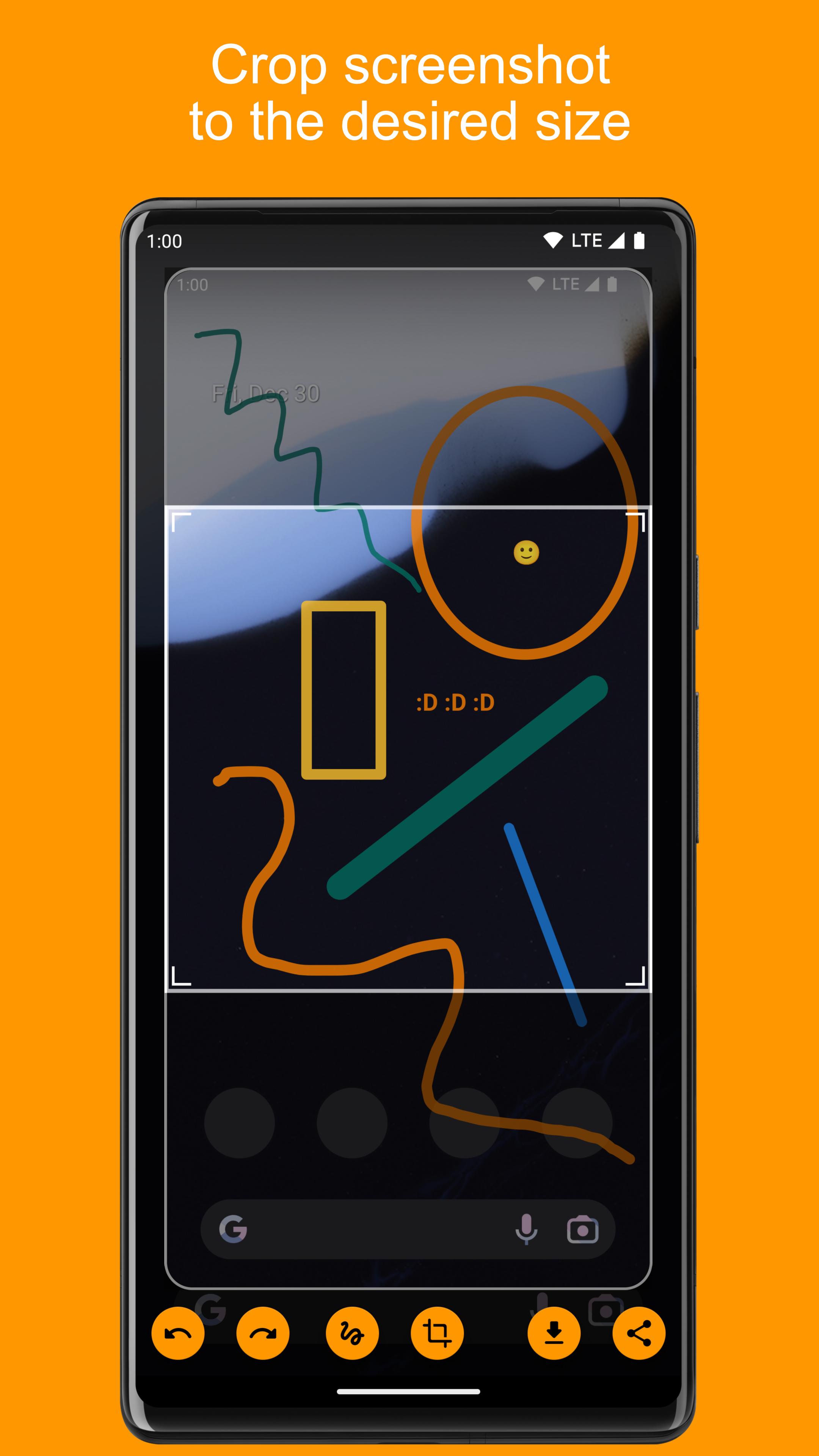
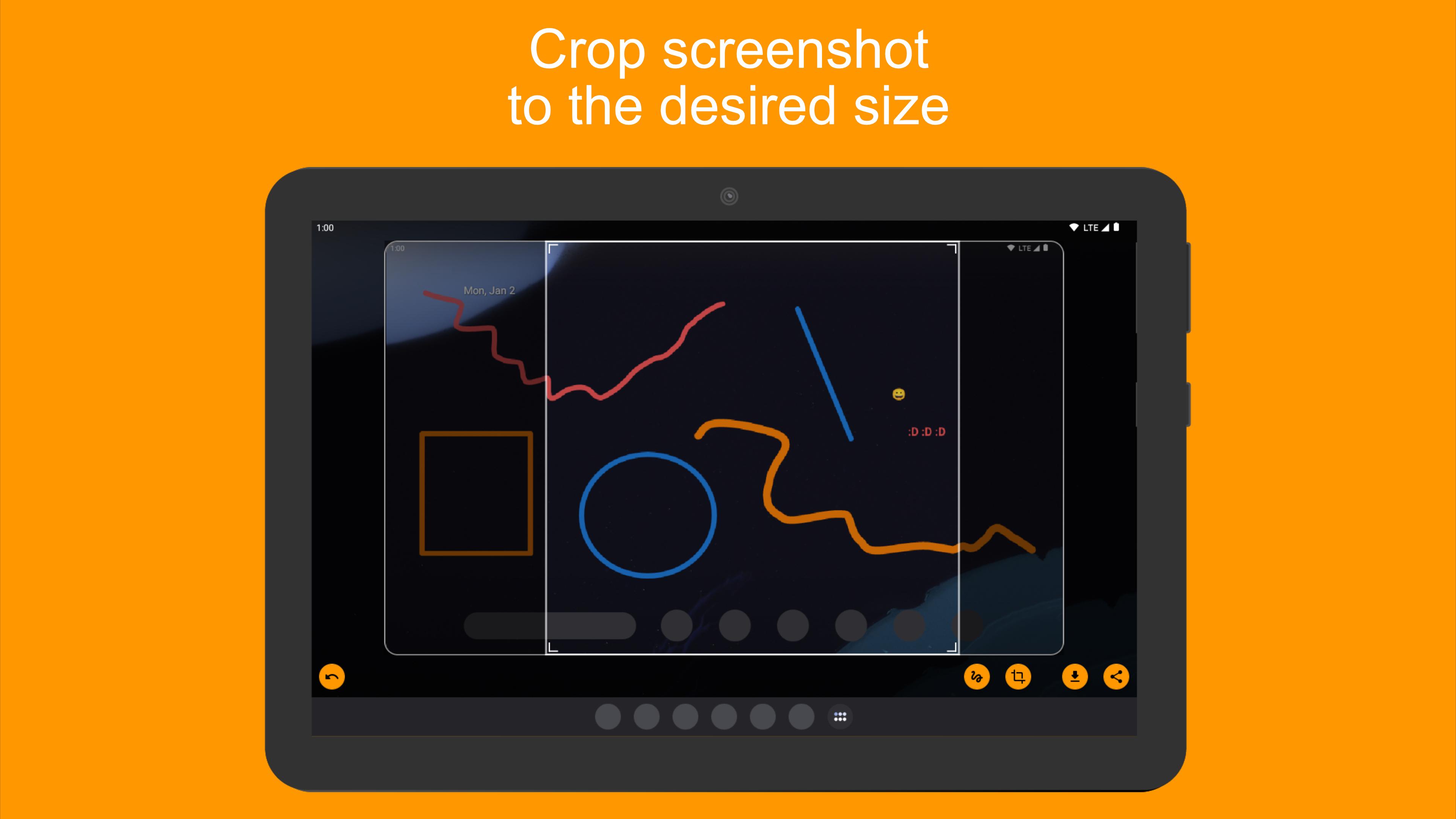
• Crop screenshot to the desired size
• Draw on screenshot
• Save screenshot to the device
• Share screenshot with your friends
How to configure the app:
• From the Home screen navigate to Settings
• Select Apps
• Press Settings icon in the upper right corner
• Select Assist & voice input
• Press Assist app and select Screenshot Assistant
Latest Version
5.4.66Uploaded by
Yasir Lone
Requires Android
Category
Free Tools AppContent Rating
Everyone
Security Report
Report
Flag as inappropriateLast updated on May 22, 2026
Version 5.2.64
- Ability to share photos from Gallery to Screenshot Assistant





APKPure - A multi-platform app store primarily focused on Android, providing extensive app-related content. Discover the app you want easier, faster, and safer, with quick and efficient downloads and installations.