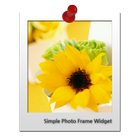
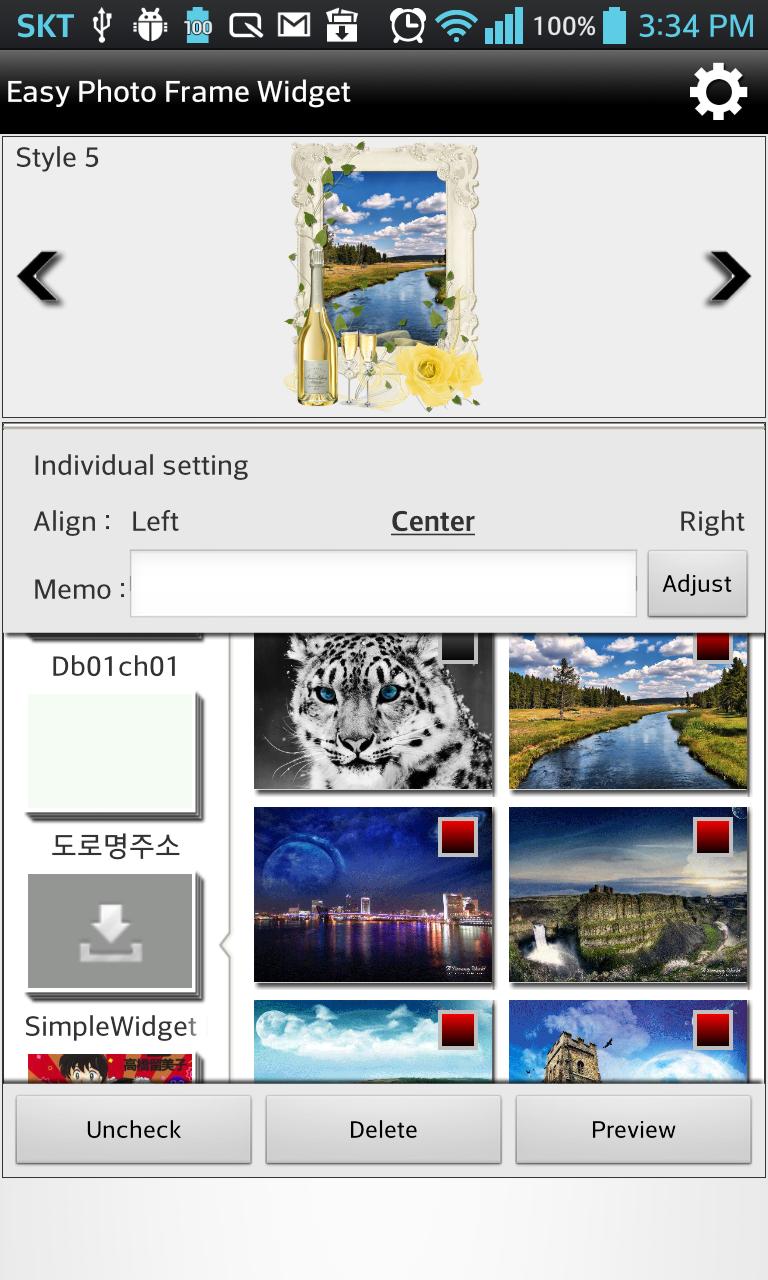
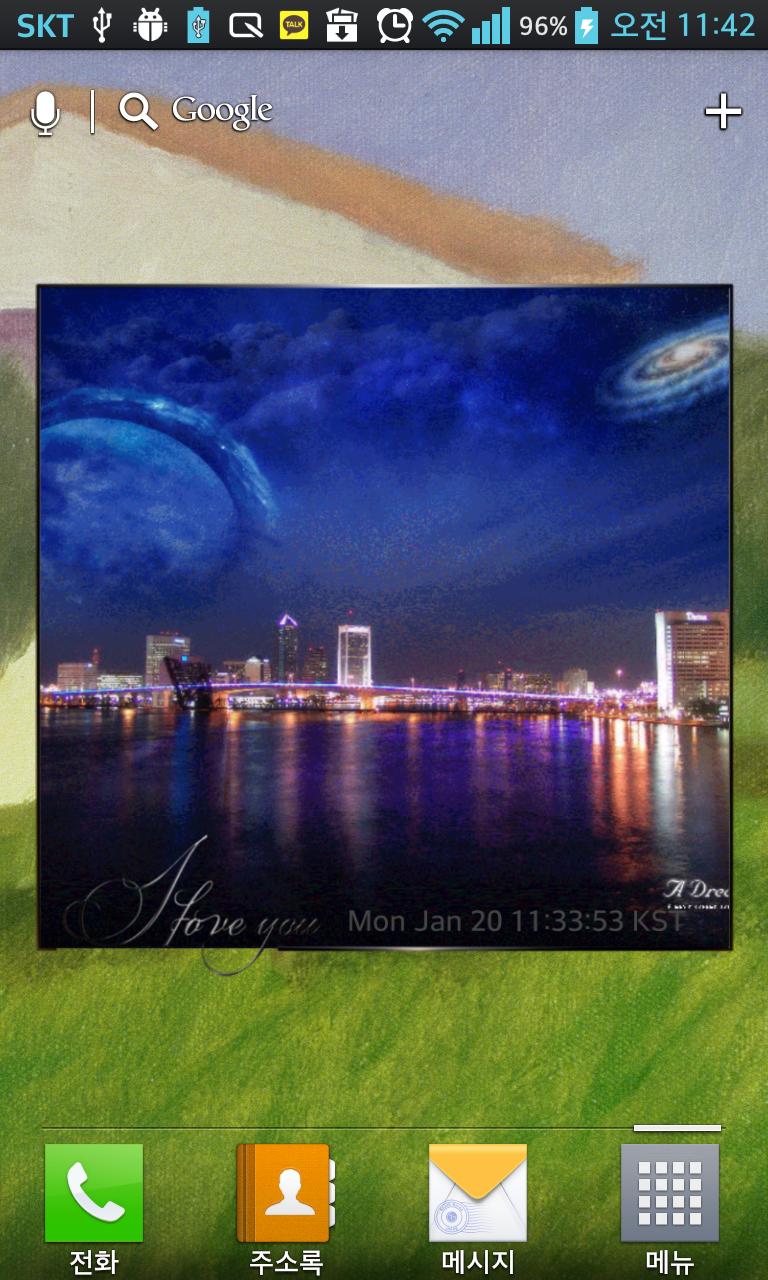
Easy Photo Frame Widget is an application to decorate a home screen with lots of photo frames inserting your precious pictures.
How to add Widget
1. Press space of Home screen for 2~3 secs.
2. Select Widget when shows Popup window or icon menu up.
3. Select Photo Frame Widget on the widget list. And it will put a frame widget into space of home.
Feature
1. 1x1, 2x2, 3x3, 4x4, 5x5 Size Frame
2. Auto change images by interval set.
3. Can add effect into a picture. (Grayscale, Sepia, Brightening, Darkening, Sharpening, Smooth etc..)
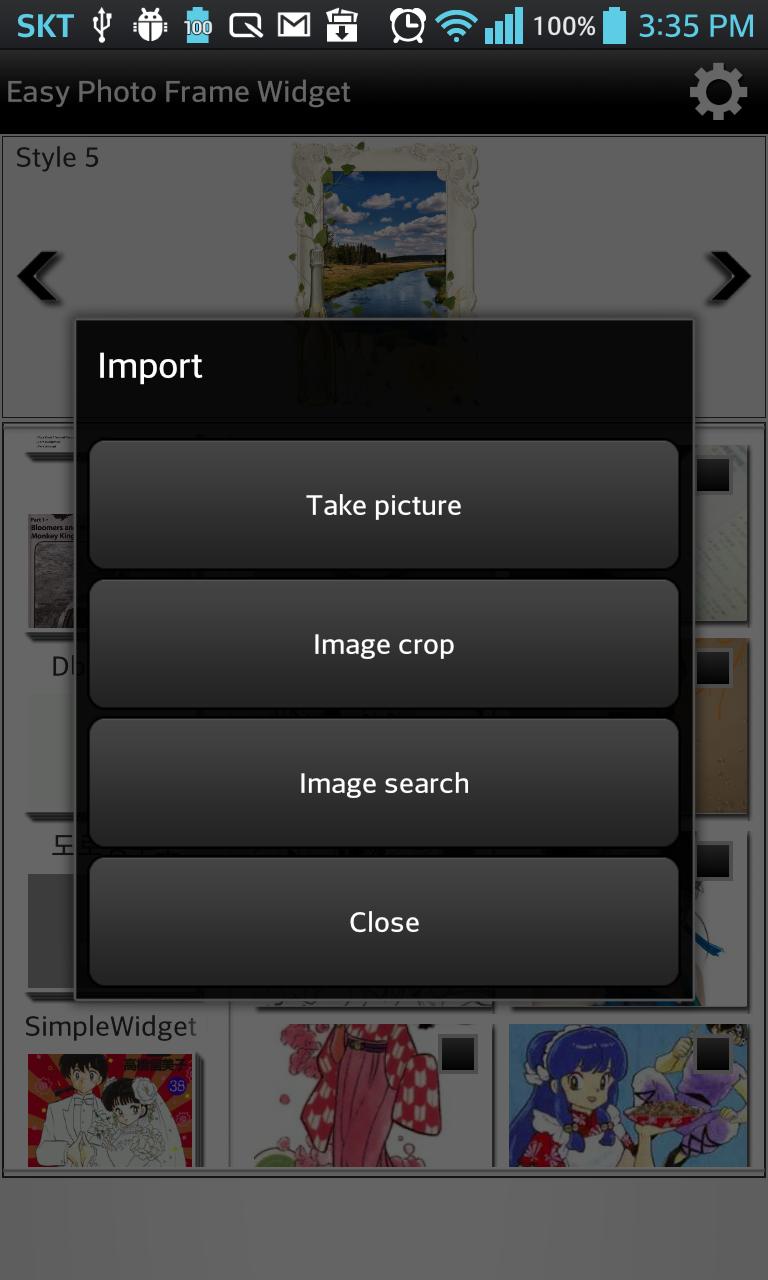
4. Search images by web and adjust those.
Latest Version
1.0.1.9Uploaded by
Gentholet
Requires Android
Android 2.3.2+
Category
Free Entertainment AppContent Rating
Everyone
Report
Flag as inappropriateLast updated on Feb 24, 2017
ver 1.0.1.4
1. Can add three image areas to custom frame.
ver 1.0.1.2
1. None image changing issue fixed
2. Image download error fixed
ver 1.0.1.1
1. Change the way to download image and frame.
ver 1.0.0.9
1. Custom frame added





APKPure - A multi-platform app store primarily focused on Android, providing extensive app-related content. Discover the app you want easier, faster, and safer, with quick and efficient downloads and installations.