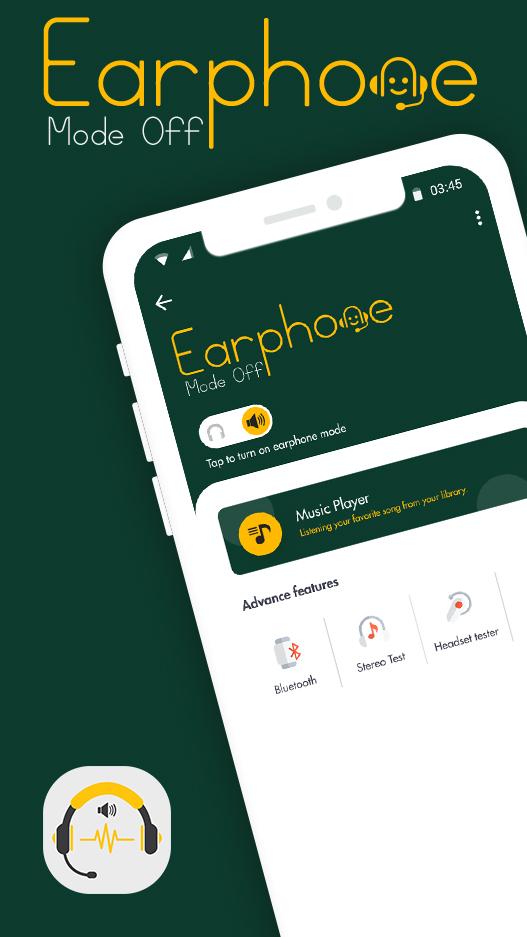
Earphone Mode Off or Disable Headphone app would be very helpful to all users experiencing problems with their headphone jack. With this app you can very easily play all your audio through your built in smartphone speakers bypassing the connected headphones just with the flick of a switc
Some mobiles shows earphone's plugged in but we cannot connect earphone to our device but Disable Headphone app has a solution for this problem. When your headset still shows plugged in, you can switch to the speaker mode and the sound will come from the phone speaker. Headset still plugged, you press a Speaker mode on, a sound will out on loudspeaker and your headset will mute.
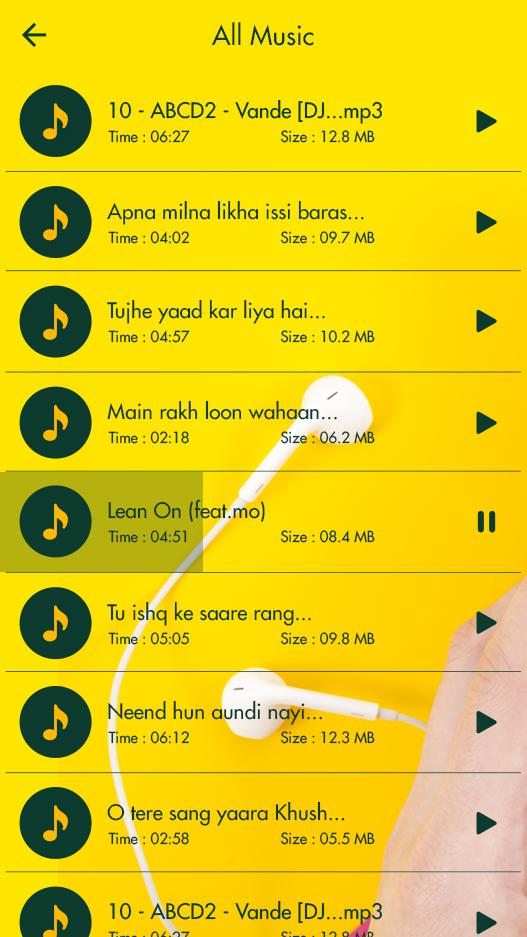
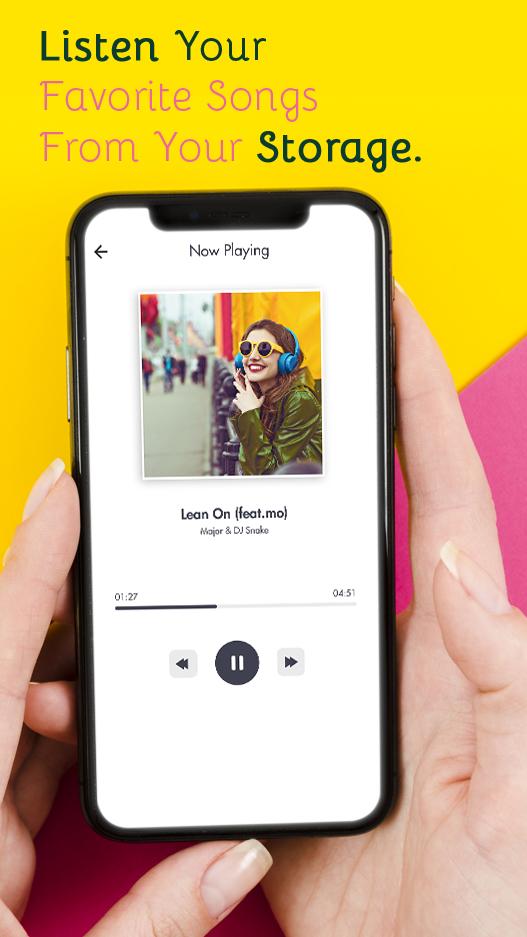
Music player lets you control songs or audio files played on the phone which makes it a flexible mp3 player option along with disable headphones functionality. You can also control the volume of the files. Earphone Mode Off or Disable Headphone app would be very helpful to all users experiencing problems with their headphone jack. With this app you can very easily play all your audio through your built in smartphone speakers bypassing the connected headphones just with the flick of a switch.
This problem is happen due to hardware issue headphone icon will be struck on home screen, and suddenly direct speaker will stop working, This problem is most common in most the Mobile like Nokia, Samsung, Htc, Vivo, Alcatel, Redmi, Lenovo etc, This app provides solution to such problems. This app will allow you to connect or disconnect direct speaker and loud speaker. test the app to know the result.
The microphone is added in the disabled headphone application that makes it different. Boost up your music is added to the application that will automatically collect data from your phone and will play as a music player. Go to audio and move to back whenever you want while using our disable headphone application. Go to the settings tab, find volume widget, and enable or disable it, it will give you access to volume controls, and you can minimize of maximizing the volume according to your needs.
Simply, install it and enjoy our disable headphones and forget not to share and rate it. Disable headphone permits to play sound through the telephone's speaker in any event, when your headset despite everything demonstrating stopped. The client will change to the speaker mode the sound will originate from the out-speaker regardless of the earphones associated with the gadget.
-: Features of Earphone Mode Off :-
🎧 This apps main purpose is to manage audio output or control audio output.
🎧 Switch to default device mode
🎧 Microphone - Enable or disable
🎧 Wireless Headphone (Earphone) - Enable or disable
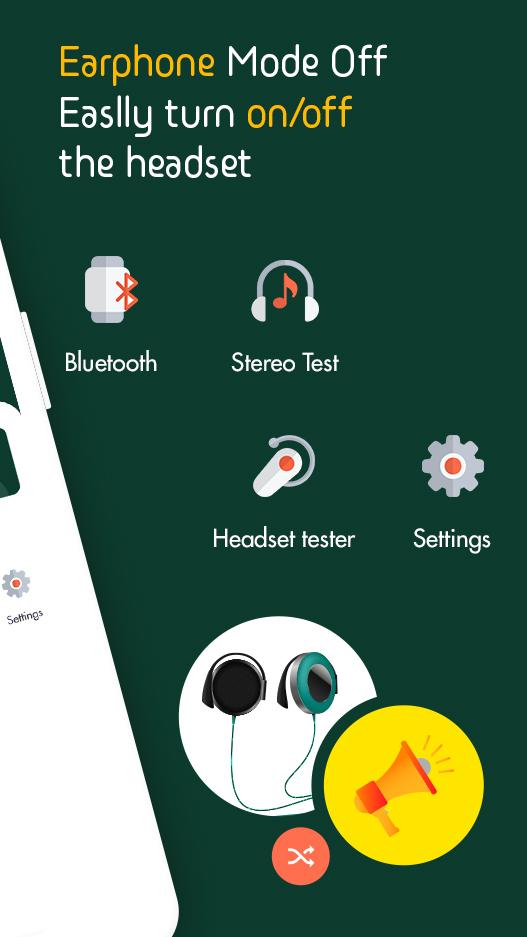
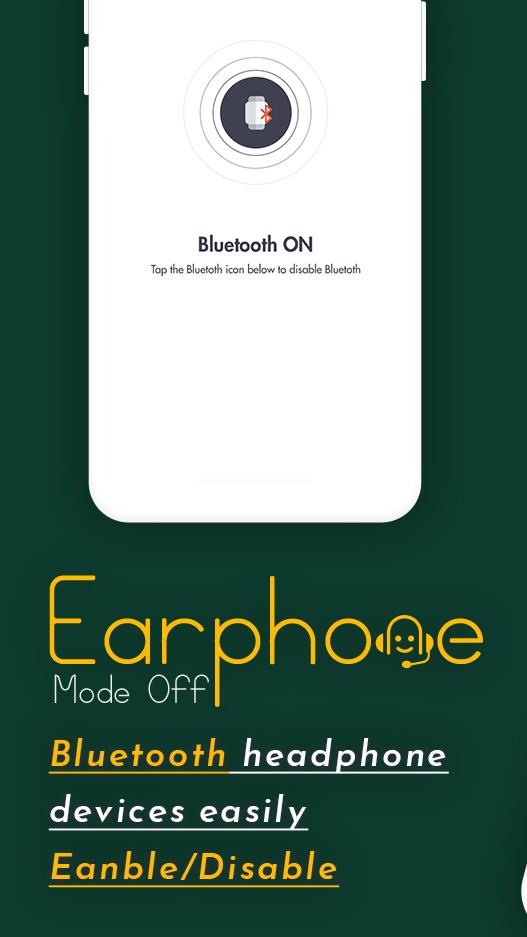
🎧 Bluetooth support - Enable or disable
🎧 You can use app to enable or disable headphones or speaker.
🎧 If headphone is plugged then also you can switch audio output as speaker.
🎧 You can Enable or Disable Bluetooth.
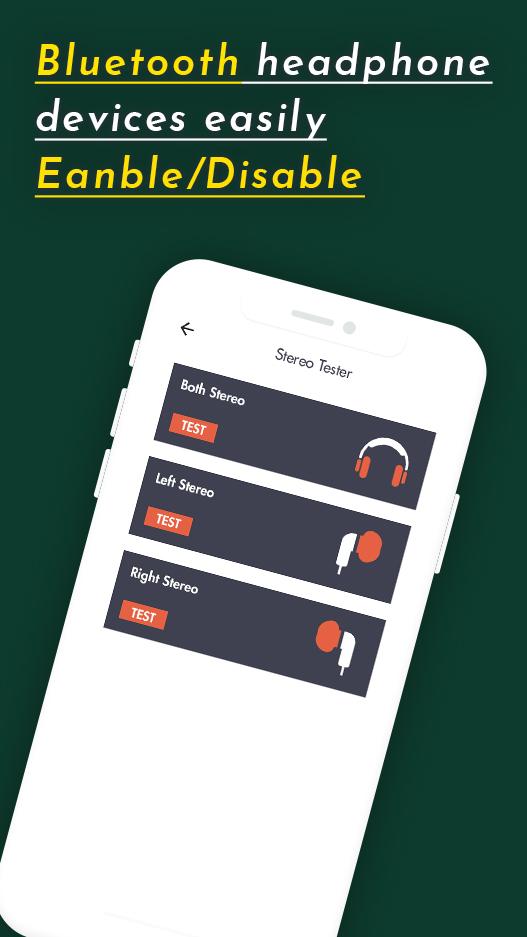
🎧 App provide sound testing features.
🎧 Microphone Test (You have to say 'hello' for checking microphone working or not)
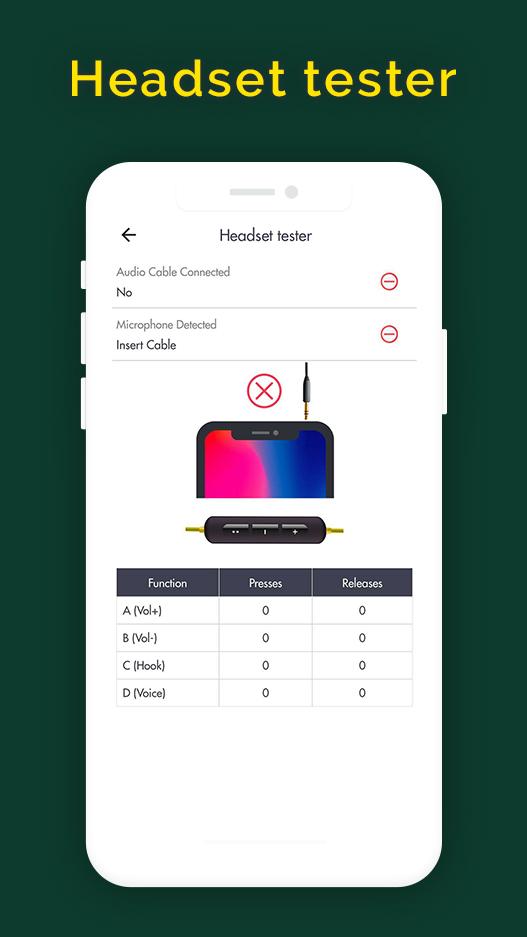
🎧 Headphone Test (You have to listen three digits through wired earphones or headphones and enter that number for check)
Thank you....
Latest Version
2.3Uploaded by
Faran Faran
Requires Android
Android 5.0+
Category
Free Music & Audio AppContent Rating
Everyone
Report
Flag as inappropriateLast updated on Aug 2, 2022
Minor bug fixes and improvements. Install or update to the newest version to check it out!


APKPure - A multi-platform app store primarily focused on Android, providing extensive app-related content. Discover the app you want easier, faster, and safer, with quick and efficient downloads and installations.