Scan Date:Apr 13, 2026
Show More


EA SPORTS FC™ 26 Companion supports club management when you are away from your console or PC. It connects to your EA Account so you can handle everyday tasks, keep your squad organized, and plan for upcoming matches. The layout focuses on quick access to club areas, which helps you act on time-sensitive activities. Whether you want to adjust your lineup or review recent activity, the app keeps core actions within reach. If you prefer direct installation, EA SPORTS FC™ 26 Companion APK is available for Android devices.
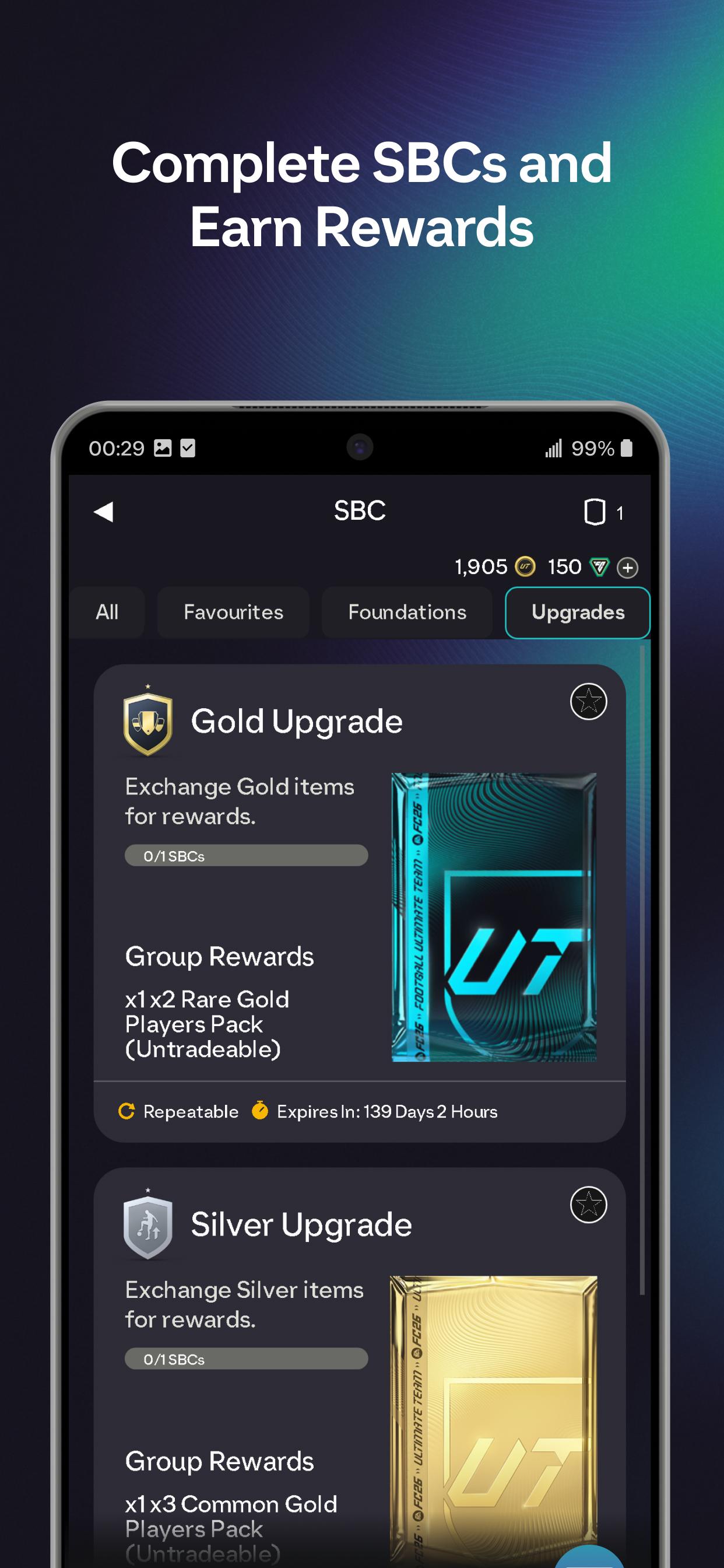
You can work through SBCs at any time to earn new Players, Packs, and club items. The app keeps requirements visible while you search your club, which helps you submit the right combination without switching screens. When a challenge is finished, you can claim the reward directly and move on to the next set.
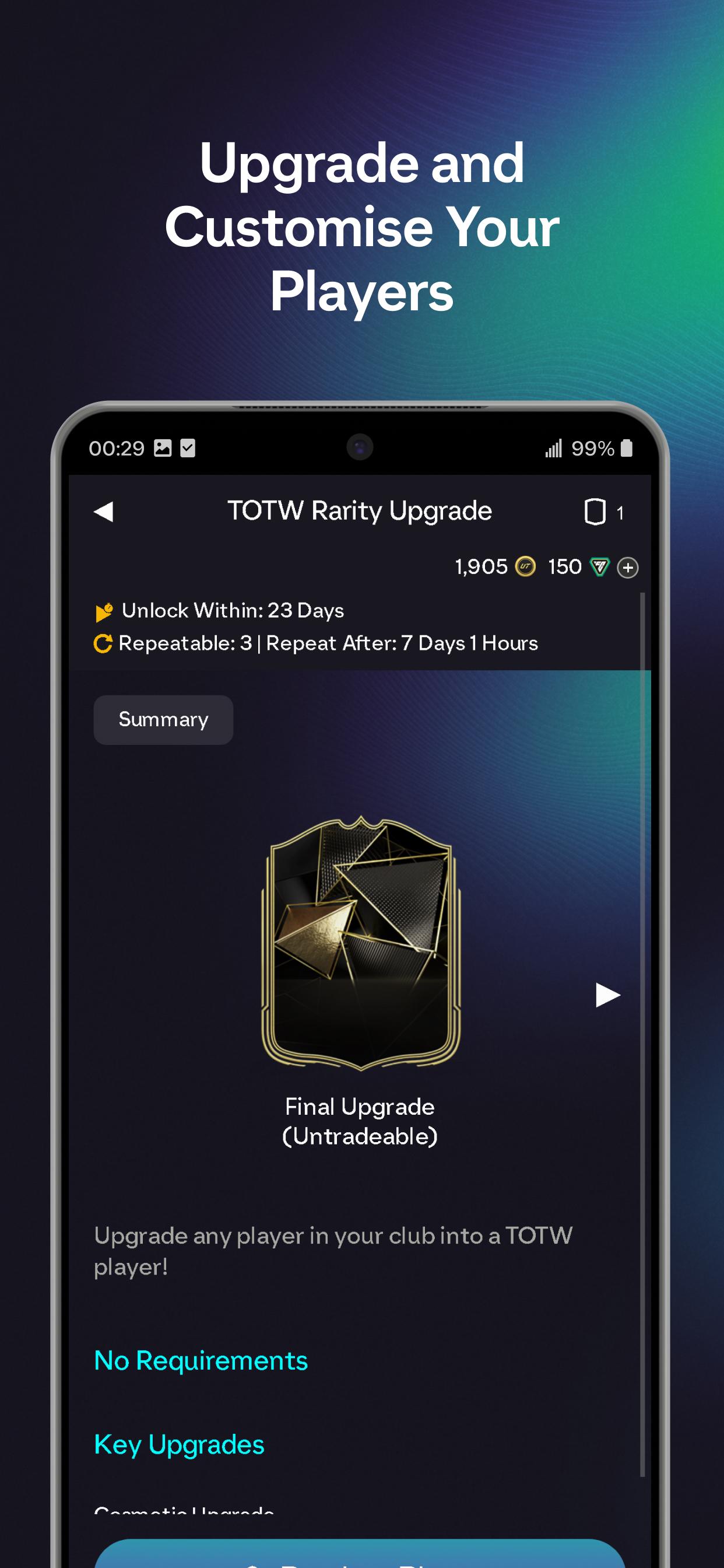
Evolve players with new optionsEA SPORTS FC™ 26 Companion lets you apply Evolutions to selected players. This includes goalkeeper-focused Evolutions and animation previews that show how upgrades will look before you commit. You can review requirements, choose eligible items, and confirm changes from your phone.
Claim mode rewards in one placeYou can collect earned rewards from Champions, Division Rivals, Squad Battles, and Ultimate Team Events inside the app. The rewards screen groups available items so you do not miss weekly or seasonal claims. After collecting, your balance updates in your club for later use.
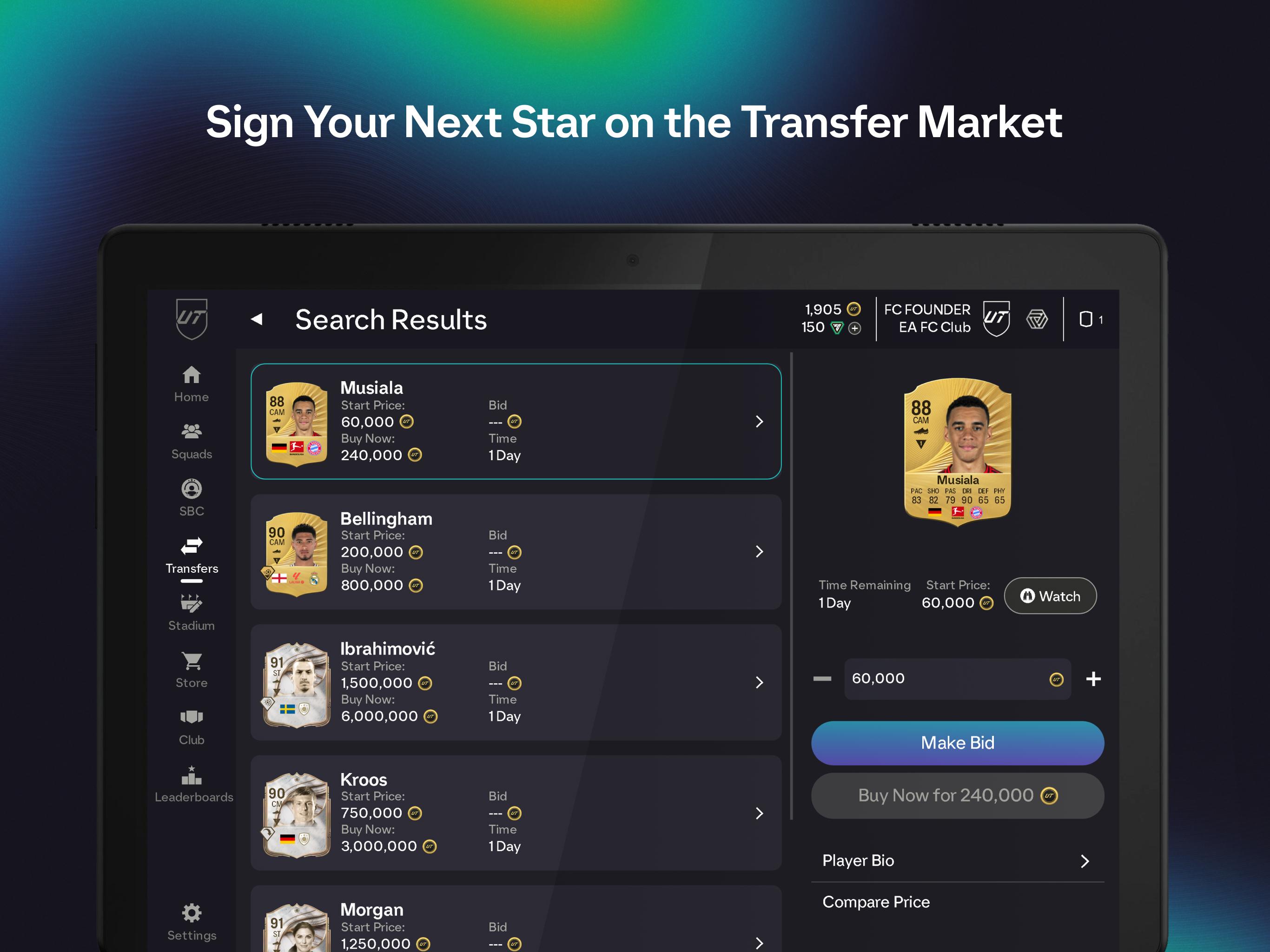
Trade on the Transfer MarketEA SPORTS FC™ 26 Companion provides search, bid, and buy options on the market to help you find players and consumables. You can list items, monitor active bids, and adjust prices while away from your console. Filters make it easier to narrow results by position, chemistry preference, or league.
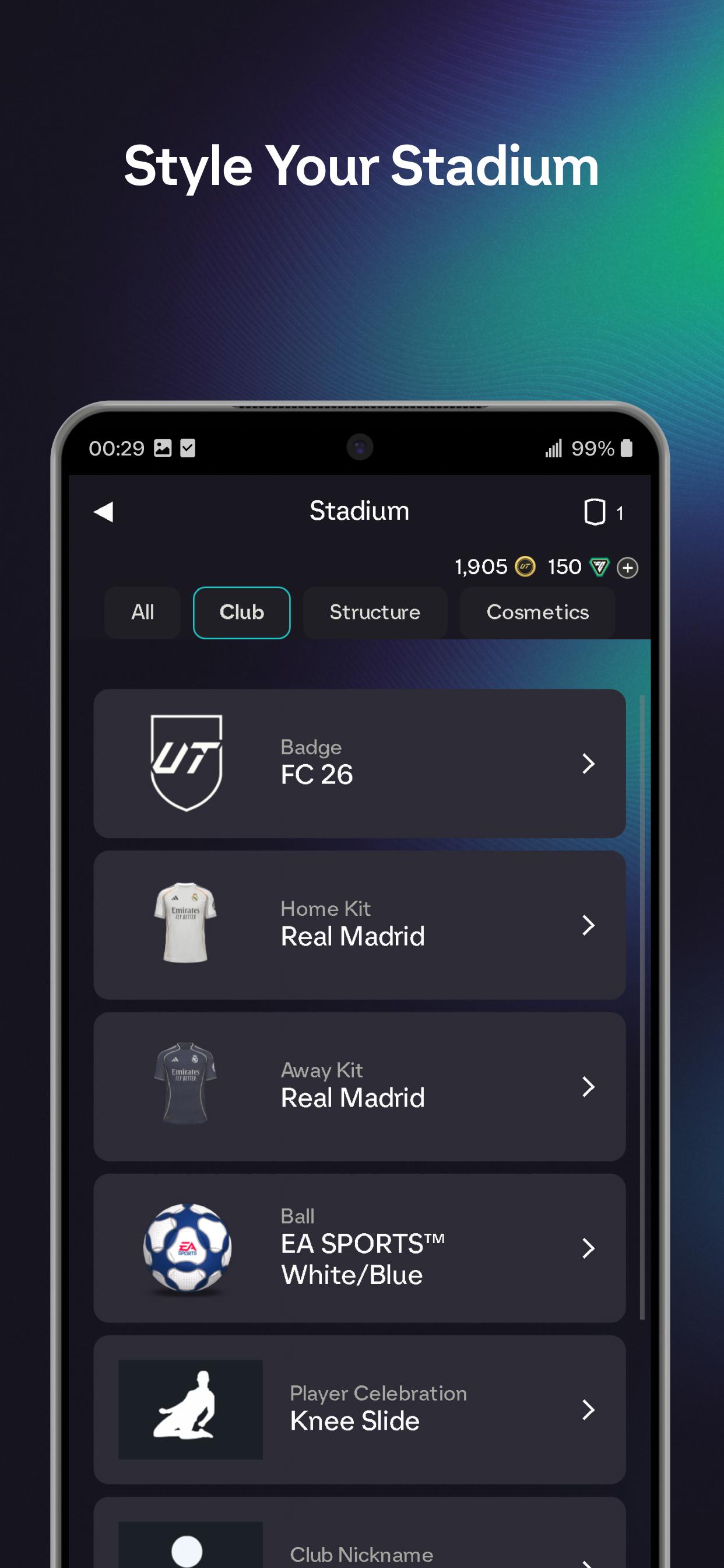
Set tactics and style your StadiumYou can set Roles and Focuses to tune how your starting eleven approaches upcoming games. The app also lets you customize your Stadium with walkout music, goal celebrations, pyrotechnics, and Tifos to reflect your progress. These changes carry into your console matches after you save.
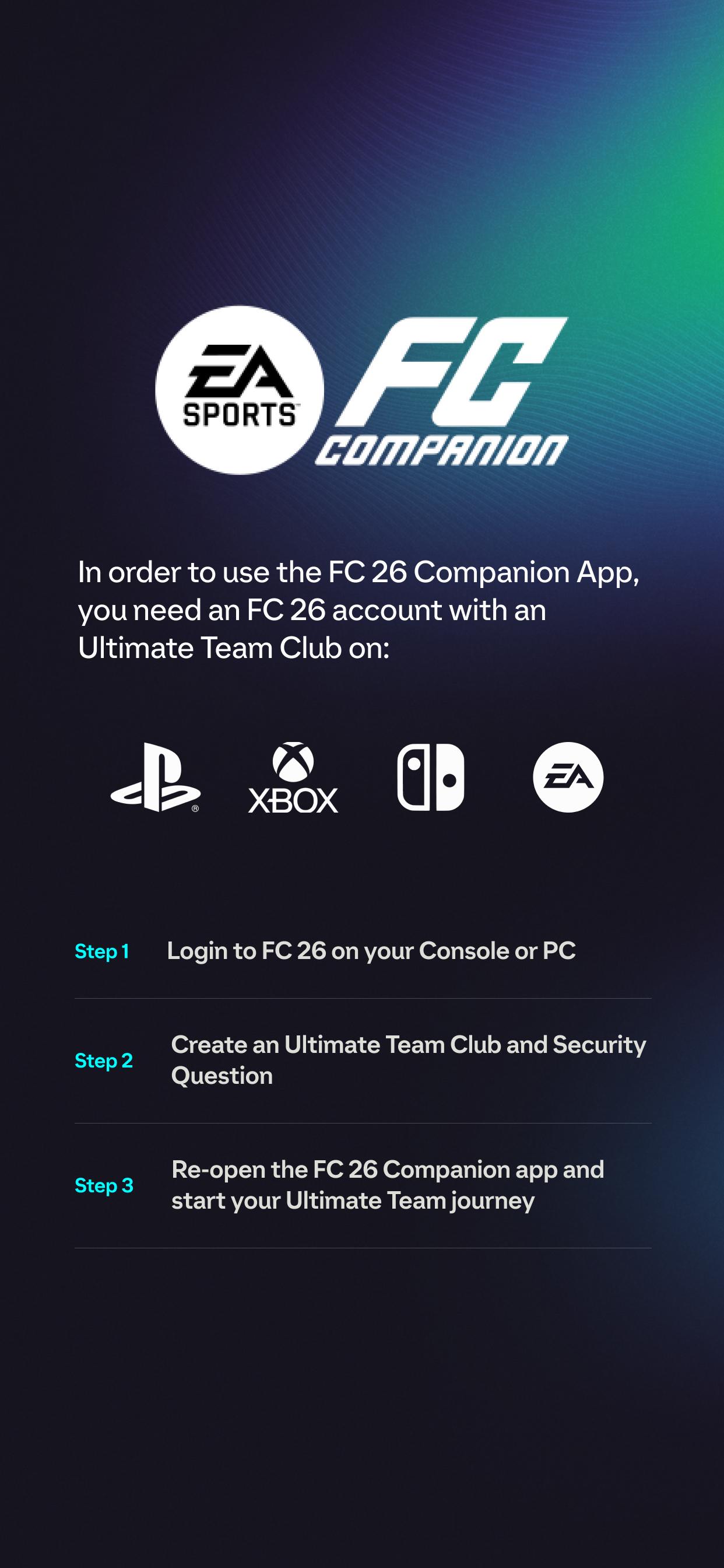
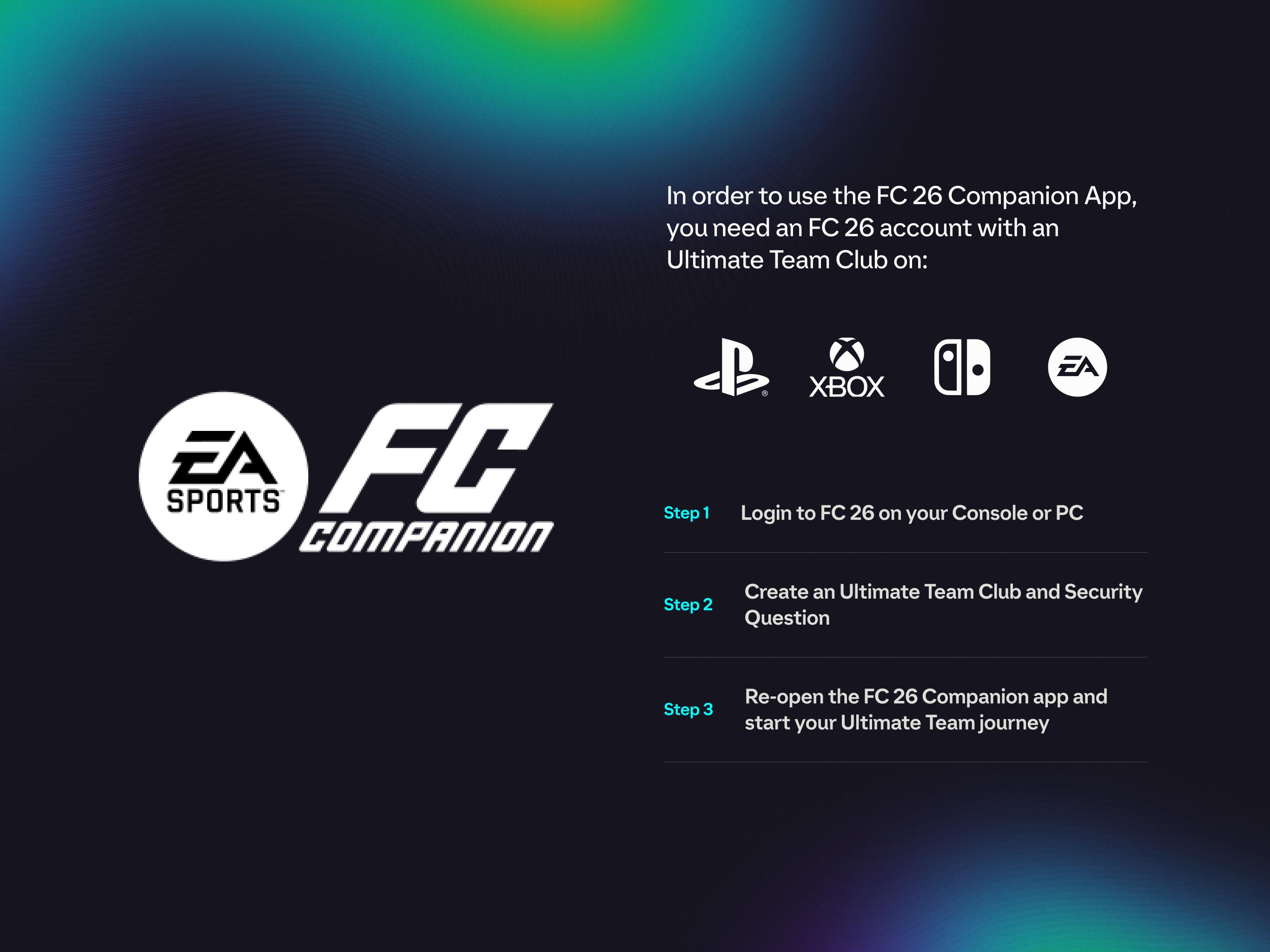
Certain items are required before login works in the Companion app. Checking these points first helps avoid access issues.
For timing details and account eligibility during early periods, see EA Help’s guidance in the official resources below.
First, verify that your account meets the prerequisites listed above. Then check your internet connection and try signing out and back in. If market access appears restricted, review any account messages in the app and consult the EA Help article linked below for status and steps.
After you download EA SPORTS FC™ 26 Companion, the app opens to a sign-in screen for your EA Account. Once logged in, you will see club areas such as Home, Squads, SBC, Transfer Market, and Stadium. From there, you can move between tasks without starting your console.
EA SPORTS FC™ 26 Companion focuses on quick, practical club management from your phone. For those who want the EA SPORTS FC™ 26 Companion latest version, this app helps you handle squad tasks, rewards, trading, and customization in one place.
For official resources and account guidance, visit the links below.
Latest Version
26.6.0.10664Uploaded by
Yar Zar Win
Requires Android
Android 10.0+
Category
Free Sports GameContent Rating
Everyone
Security Report
Report
Flag as inappropriateLast updated on Apr 13, 2026
We’re continuing to make improvements to the Companion App. In this patch we:
- Fixed an issue where not all players were displayed properly in Quick Sell Recovery.
- Made the chemistry overlay wider on landscape.
- Fixed cut off text in messages.
- Fixed stability issues that may have led to crashes on some devices.
- The Companion Team




APKPure - A multi-platform app store primarily focused on Android, providing extensive app-related content. Discover the app you want easier, faster, and safer, with quick and efficient downloads and installations.