

Download Hub, Video Downloader helps when you want to save authorized clips for offline viewing, keep browsing private, and manage saved files in one place. It focuses on clear controls and predictable behavior so you can choose a video quality that fits your data plan and storage. As you switch between sites, downloads and playback stay organized for later use. With a lightweight interface, it aims to make everyday downloading straightforward for new and experienced users. For installation details, refer to Download Hub, Video Downloader APK.
Smart media detection
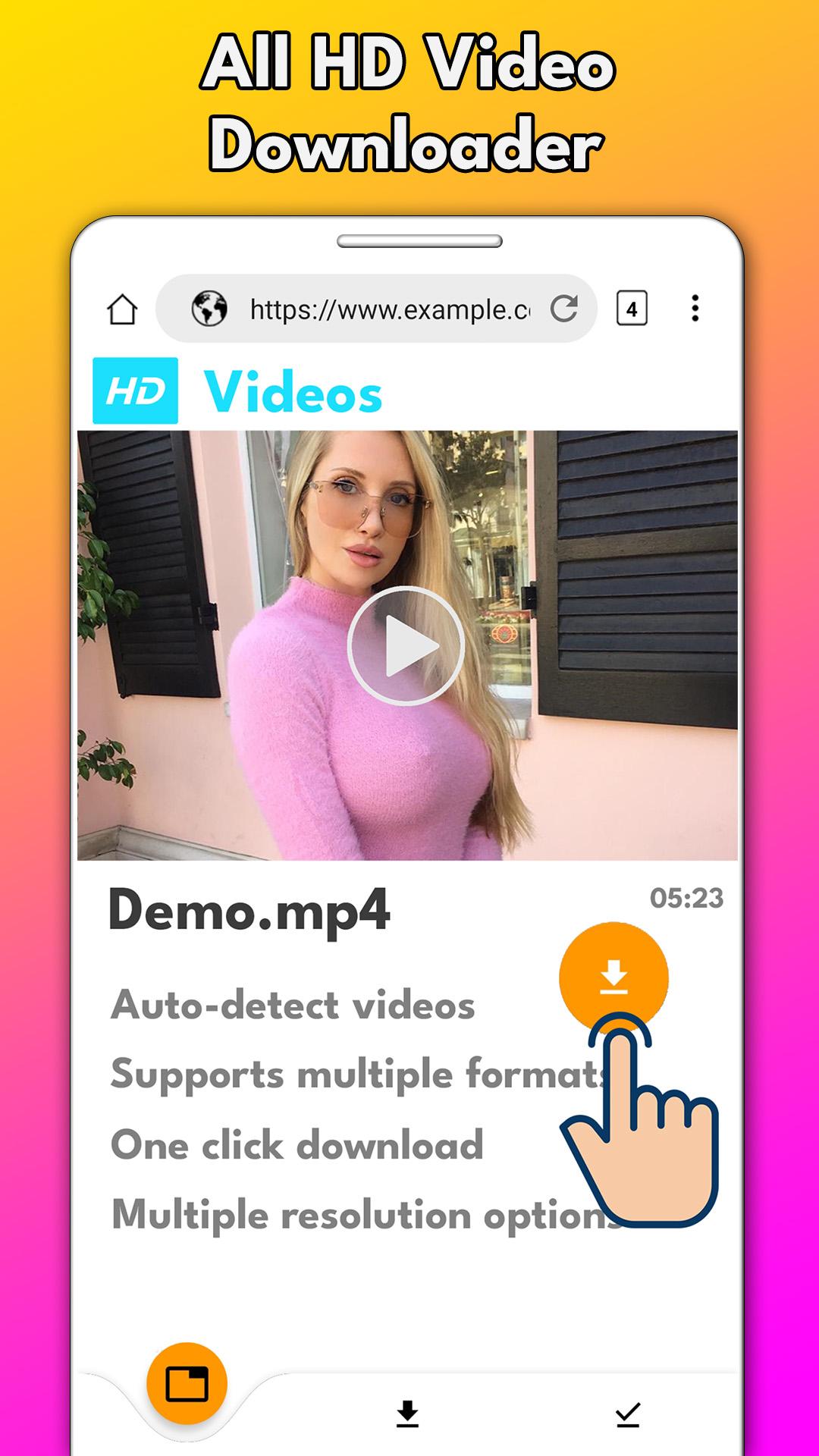
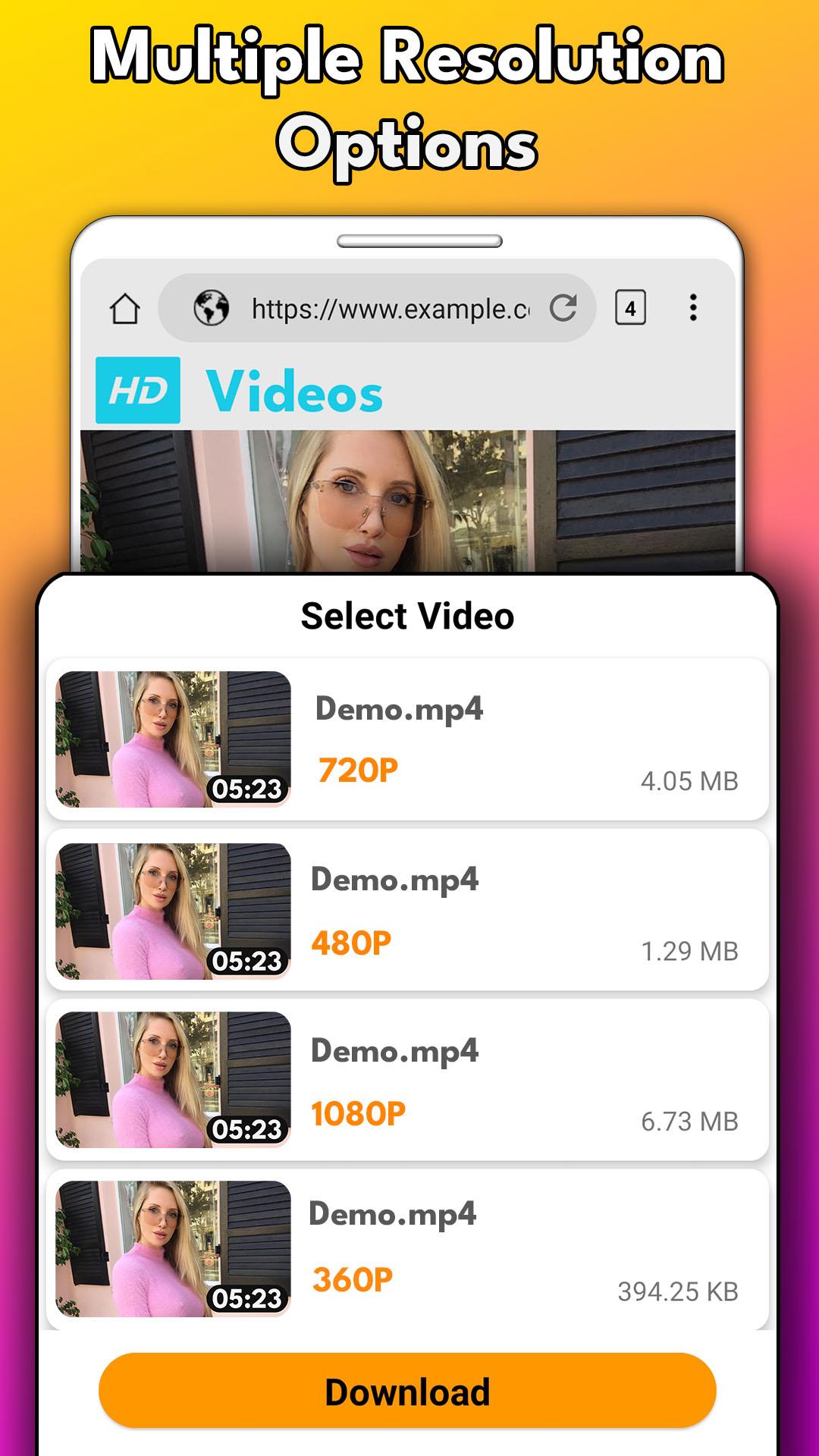
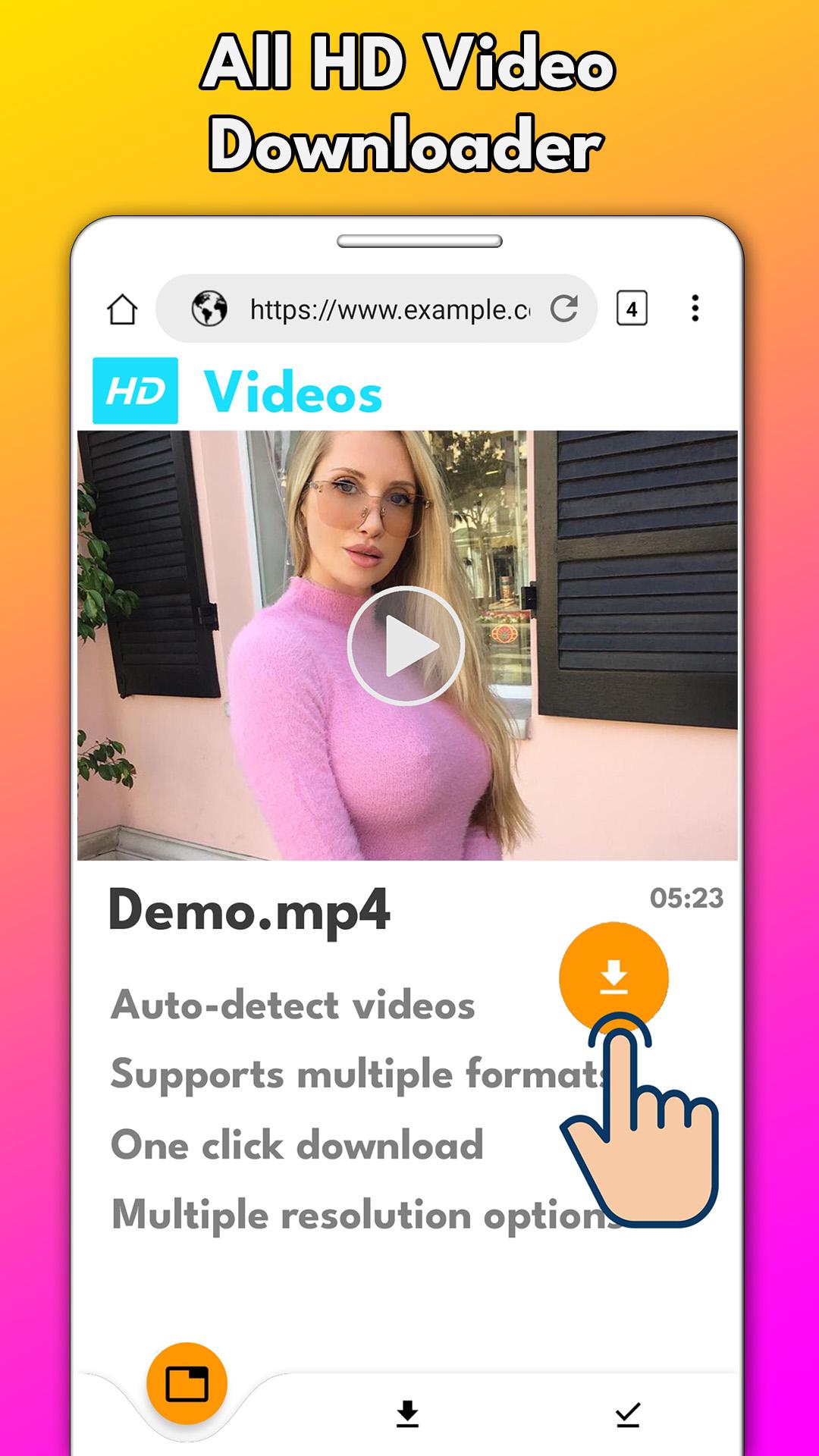
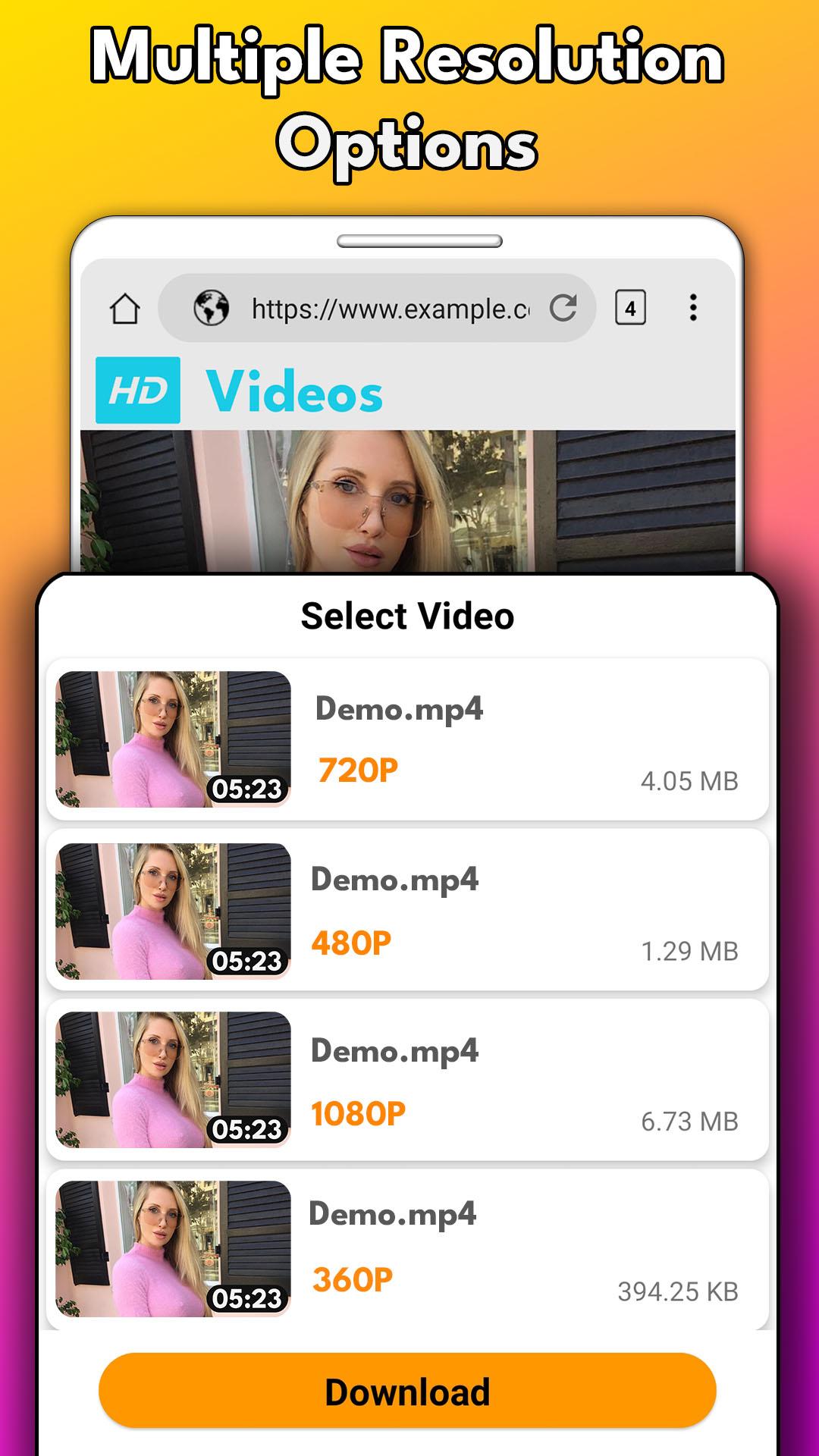
Download Hub, Video Downloader identifies downloadable videos as you browse and surfaces clear options before you commit to a download. It shows available formats, resolutions, file sizes, and thumbnails so you know exactly what you are saving. This reduces guesswork and helps you match each file to your device storage and network conditions.
Private browser with safety alerts
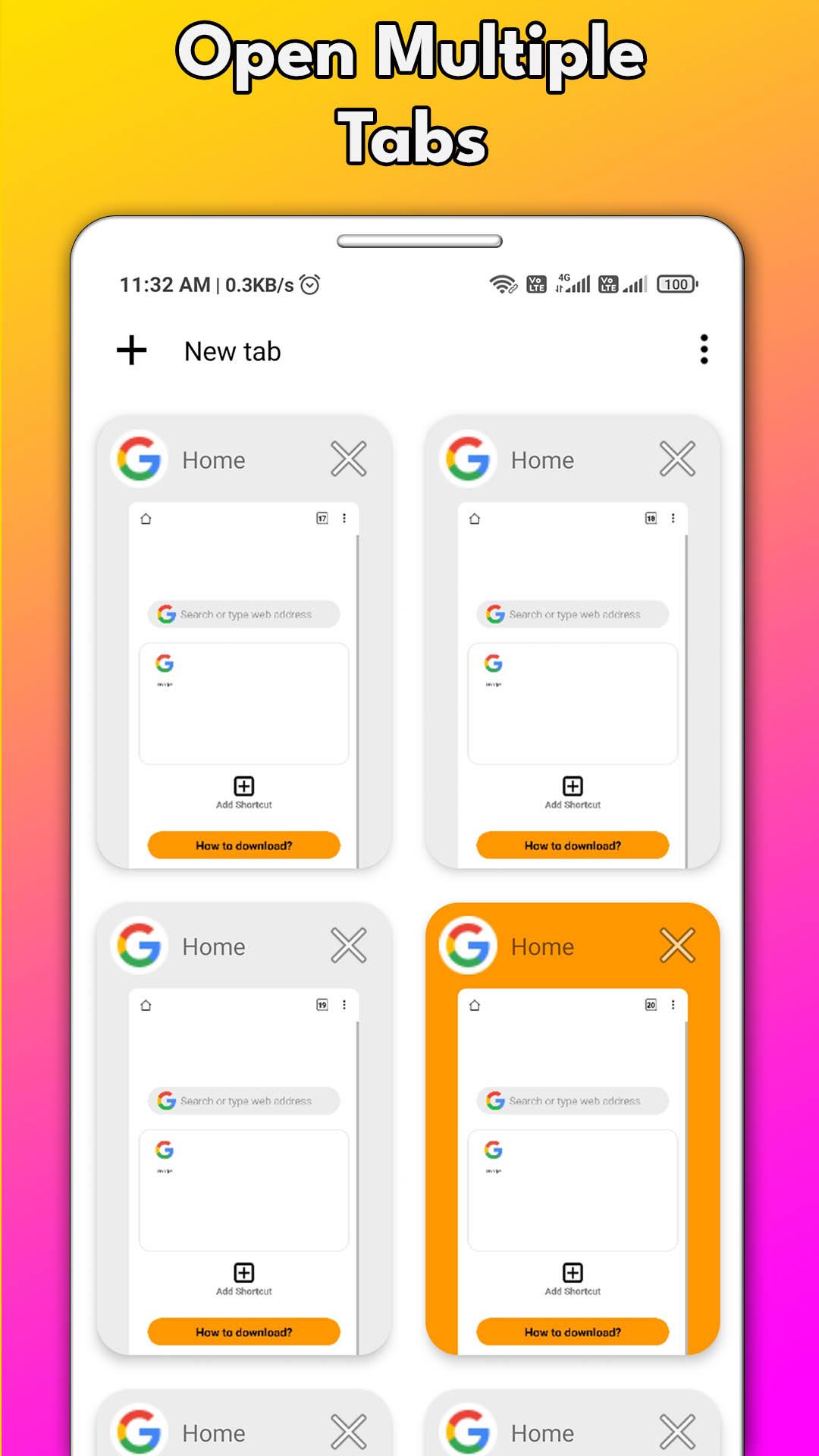
You can browse in a private multi tab environment and switch search engines when needed. Safe browsing alerts notify you about risky pages, while bookmarks, history controls, and a desktop site mode give you flexibility without extra steps. This setup supports casual viewing and focused searching in the same place.
Fast downloads with queue control
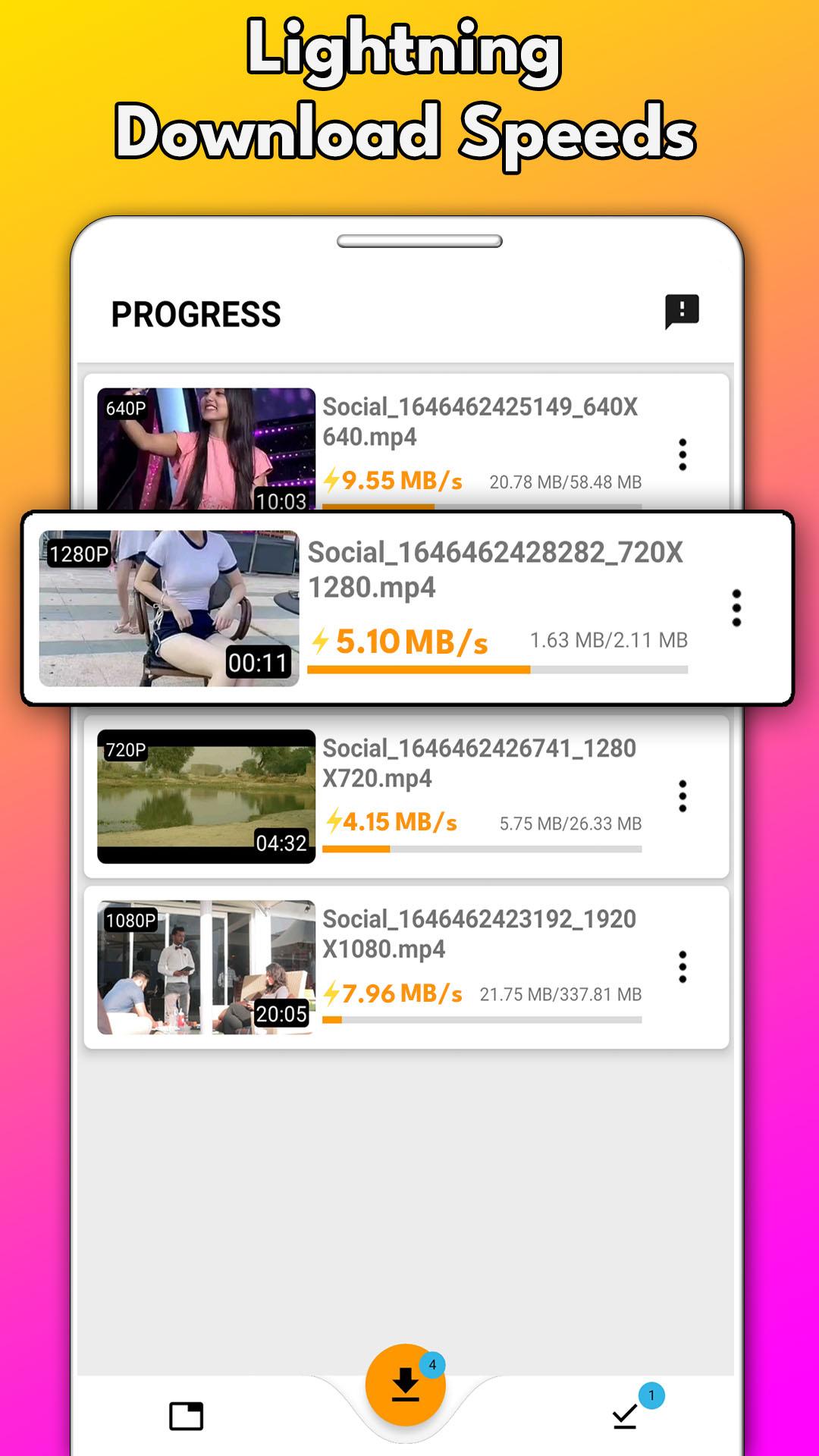
Download Hub, Video Downloader supports multithreaded downloading to improve speed on capable connections. You can grab multiple files at once and manage them with pause, resume, cancel, and retry options when the source server allows it. This behavior depends on the website’s support, so controls may vary by source.
Quality and site compatibility
You can pick output quality from SD and HD up to Full HD, 2K, or 4K when a site provides those options. The app works as an offline video downloader across many sites and social media clips, which helps with everyday saving for travel or areas with limited connectivity. Choosing the right resolution makes HD video download practical on different networks.
Built in player and file tools
The integrated offline HD player lets you watch videos while a download is still in progress. Files are organized inside the app and can be auto exported to your phone Gallery for easy access in other apps. A clean interface limits excess requests to help save data, and you can add home screen shortcuts for one tap access to favorite sites.
Only download content you have permission to save. Copyright may protect videos, and users are responsible for how they use this tool. This app does not support YouTube downloads. If a video cannot be saved, it may be due to site restrictions or missing permissions.
Supported formats include MP4, WEBM, OGG, M4S, and TS, depending on what a site provides. Pause and resume controls rely on server capability, so not every download will support those actions. Completed files can auto export to your Gallery for quick viewing and sharing through other apps. The app is free with ads, and an optional premium plan is available in app.
Getting started is simple and takes only a few taps. To begin, download Download Hub, Video Downloader, then open it and browse to a page with a video you are allowed to save.
Download Hub, Video Downloader combines private browsing, organized downloads, and an offline player in one place. If the feature set matches your needs, try Download Hub, Video Downloader latest version to evaluate it on your device.
Latest Version
5.0.3Uploaded by
Nguyễn Vy
Requires Android
Android 9.0+
Category
Free Video Players & Editors AppContent Rating
Everyone
Report
Flag as inappropriateLast updated on Jul 10, 2024
Updates :-
* Multi-thread support for each download.
* Download speed increase upto 400%.
* New UI design.
* More Subscription offers.
* New features and bug fixes..




APKPure - A multi-platform app store primarily focused on Android, providing extensive app-related content. Discover the app you want easier, faster, and safer, with quick and efficient downloads and installations.