Free remote desktop app for personal and commercial use. No limits.
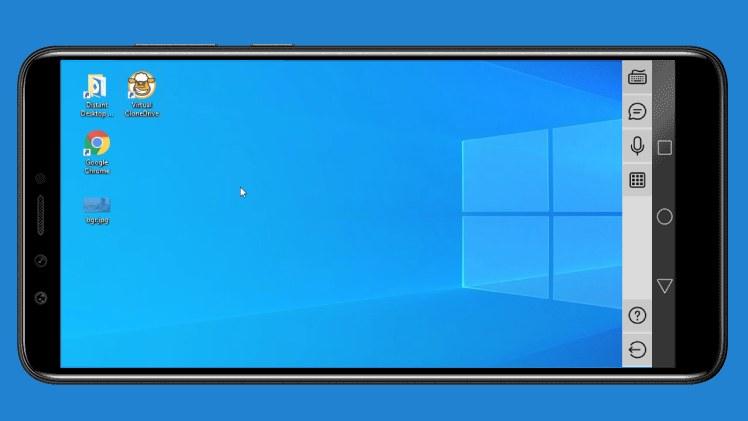
With Distant Desktop you can access and control Windows computers remotely. It's a handy tool for remote workers, network administrators, and remote support teams.
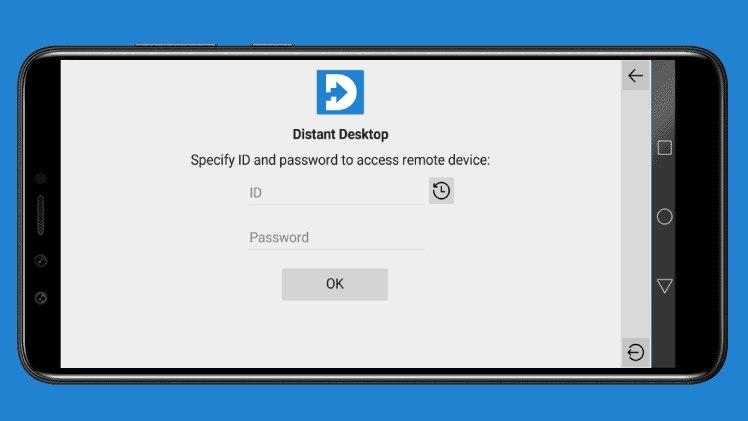
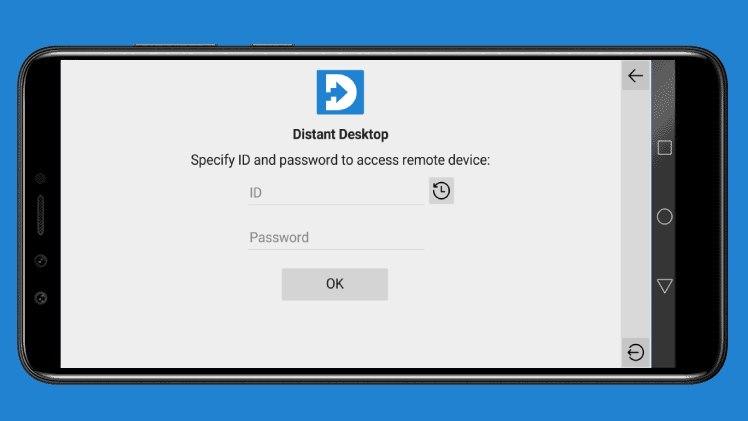
All you need is to install this app to your Android device, then download and run Distant Desktop for computer from www.distantdesktop.com. You will see automatically generated credentials. Use these credentials for remote connection to your PC.
Key features:
• Remote control of Windows PCs from your mobile device;
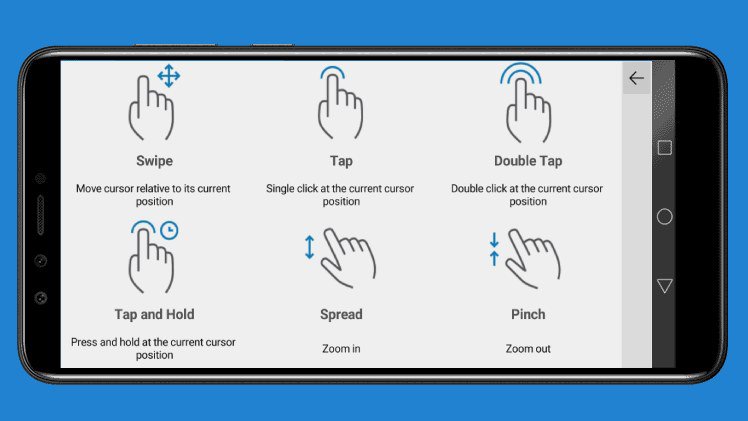
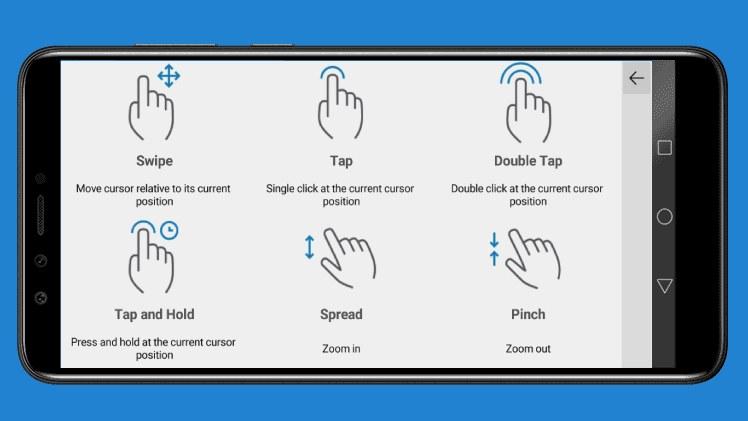
• Cursor and keyboard manipulation;
• Zoom in and zoom out;
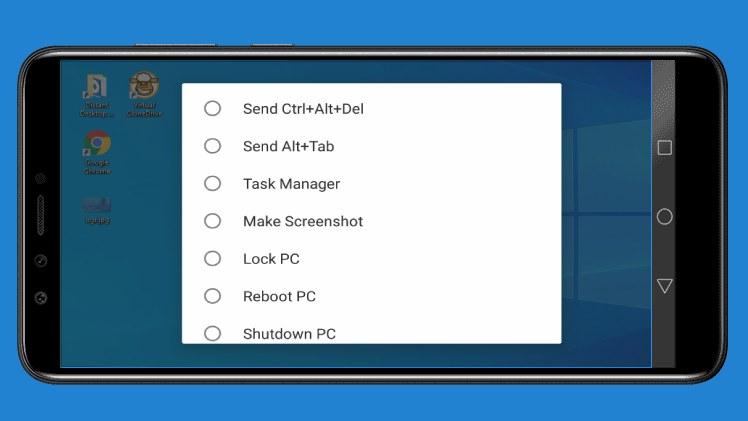
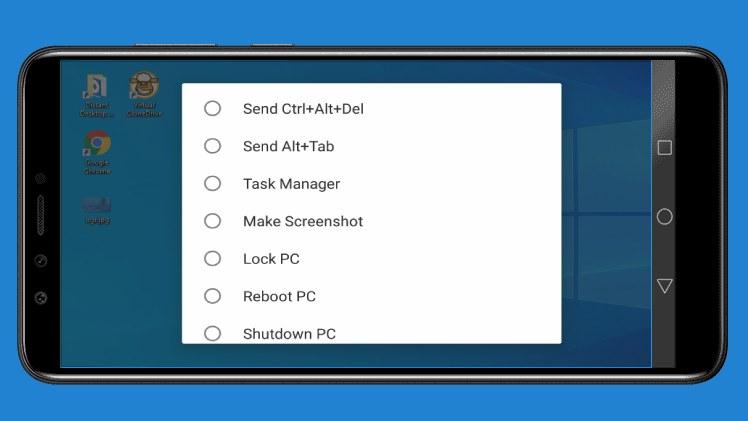
• Instant commands: send hot-key, lock, reboot or shut down PC;
• Voice communication with remote partner;
• Text chat.
Latest Version
2.4Uploaded by
Lwezi
Requires Android
Android 6.0+
Category
Free Tools AppContent Rating
Everyone
Report
Flag as inappropriateLast updated on Feb 20, 2023
Fixed connection issue.


APKPure - A multi-platform app store primarily focused on Android, providing extensive app-related content. Discover the app you want easier, faster, and safer, with quick and efficient downloads and installations.