Package Name:app.deckpointer
SHA-256:68416ee90c396f212c75ac67c98ce4d76ba450982a4231769f381970f5370141
Show More

Your phone controls all of this: a PC, a Mac, a Steam Deck or another handheld, a tablet and your TV. Deck Pointer turns your Android phone into a keyboard and mouse, a gamepad for PC games, a pad of shortcuts for your favorite apps and a remote for your TV.
MOUSE AND KEYBOARD
• Trackpad with left and right click, scrolling and a scroll strip.
• Live typing: type on the phone and the text appears on the other device as you go.
• Esc, Tab, Enter, Backspace and system keys one tap away.
FOR YOUR HANDHELD
• A mouse and keyboard for Steam Deck and other handheld PCs: launchers, sign-in fields, the browser, Desktop Mode.
A GAMEPAD FOR PC GAMES
• Two sticks, a D-pad, face buttons, bumpers and triggers in a landscape layout.
• For PCs, Macs and Steam Deck. Gamepad support depends on the game.
SHORTCUTS FOR YOUR FAVORITE APPS
• Ready layouts of macOS, Windows, iPad and Android tablet shortcuts: undo, copy, paste, find, switch apps and more.
• Layouts for video editing, streaming, calls, coding, DJ sets and 3D modeling, with big colored keys and icons.
• Use it as a Mac remote, a presentation remote for your slides or a macro pad on your desk.
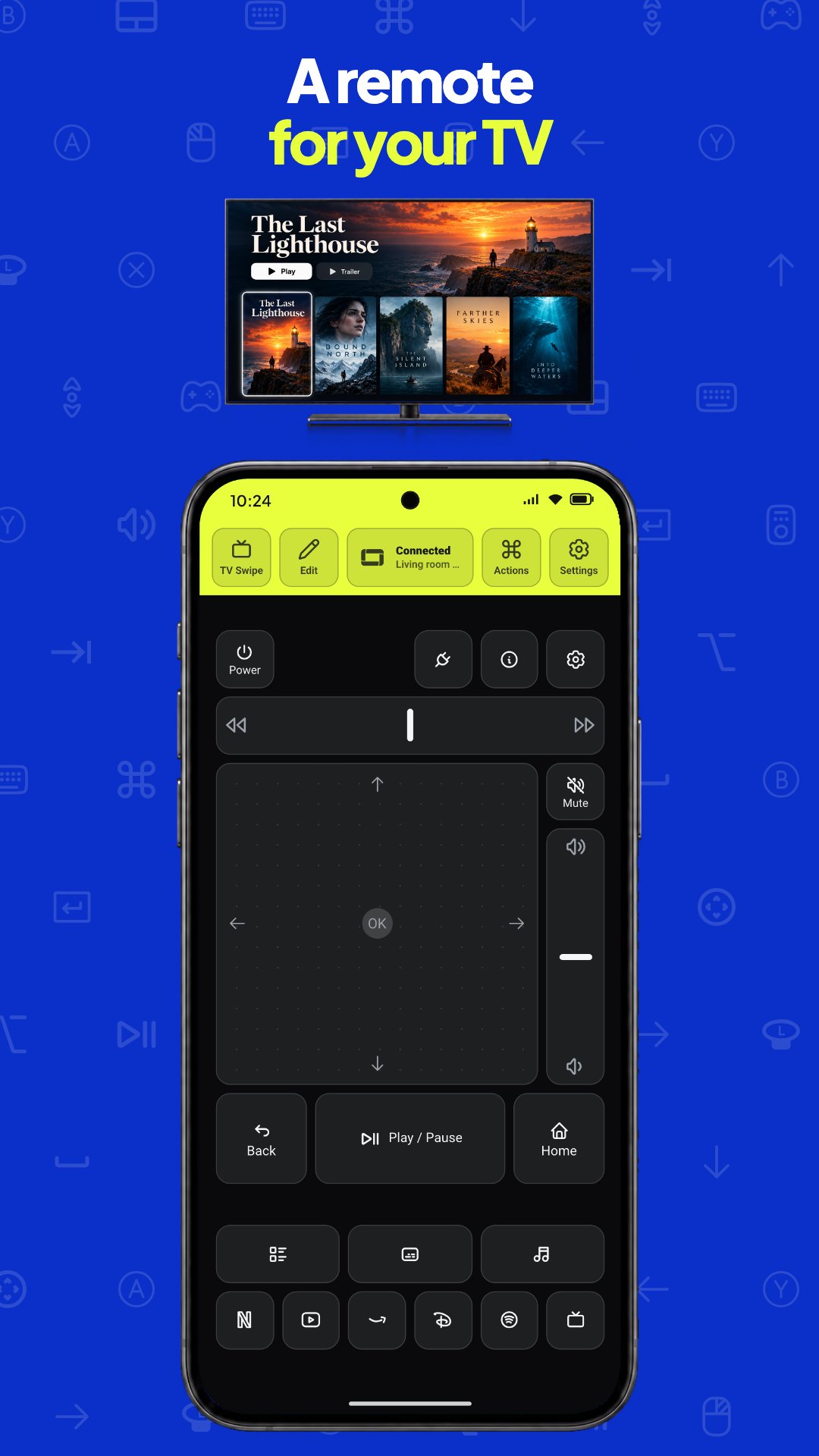
A REMOTE FOR YOUR TV
• D-pad, OK, back, home, volume and play/pause on your phone.
BUILD YOUR OWN LAYOUT
• Add keys, trackpads, sticks, scroll strips and text fields, resize them and give each key an icon and a color.
MACROS
• Record clicks, mouse moves, typed text, key presses and waits once, then replay the whole sequence with one tap.
CONNECT IN A MINUTE
• Pick your device in the app and follow the short steps.
• Save your devices and switch between them from one list. Deck Pointer controls one device at a time.
DECK POINTER PRO
• Without Pro you get the Trackpad, TV Remote and Gamepad layouts, live typing and one saved device.
• Deck Pointer Pro is an in-app purchase: a weekly or yearly subscription, or a one-time purchase. It adds editing layouts and building your own, macros, more than one saved device, and every other ready-made layout: shortcuts for Mac, Windows, iPad and Android tablets, TV buttons, live TV and YouTube, and layouts for Zoom, Slack, CapCut, Blender, streaming, coding and DJ sets.
• Everyone who used Deck Pointer before Pro keeps it at no cost.
Guides on our site show how to connect each device, set it up and fix common problems: https://deckpointer.com/guides/
Available controls depend on the device, its system and the game.
Support: hello@deckpointer.com
Privacy policy: https://deckpointer.com/privacy/
Deck Pointer is an independent app and is not affiliated with or endorsed by Valve, Apple, Microsoft or Google. Steam Deck is a trademark of Valve Corporation. Mac, macOS and iPad are trademarks of Apple Inc. Windows is a trademark of Microsoft Corporation.
Latest Version
1.3.0Uploaded by
Tiago Lopes Santos
Requires Android
Android 9.0+
Category
Free Tools AppContent Rating
Everyone
Security Report
Check Now
Report
Flag as inappropriateLast updated on Oct 24, 2026
Deck Pointer Pro is here: edit any layout, build your own, run macros, connect more devices, and use nine new ready-made layouts for Zoom, Slack, CapCut, Blender, streaming, coding and DJ sets. Trackpad, TV remote and gamepad don't need Pro. Everyone who used the app before Pro keeps it at no cost, forever. The app now speaks Turkish.





APKPure - A multi-platform app store primarily focused on Android, providing extensive app-related content. Discover the app you want easier, faster, and safer, with quick and efficient downloads and installations.