Scan Date:Jan 31, 2026
Show More


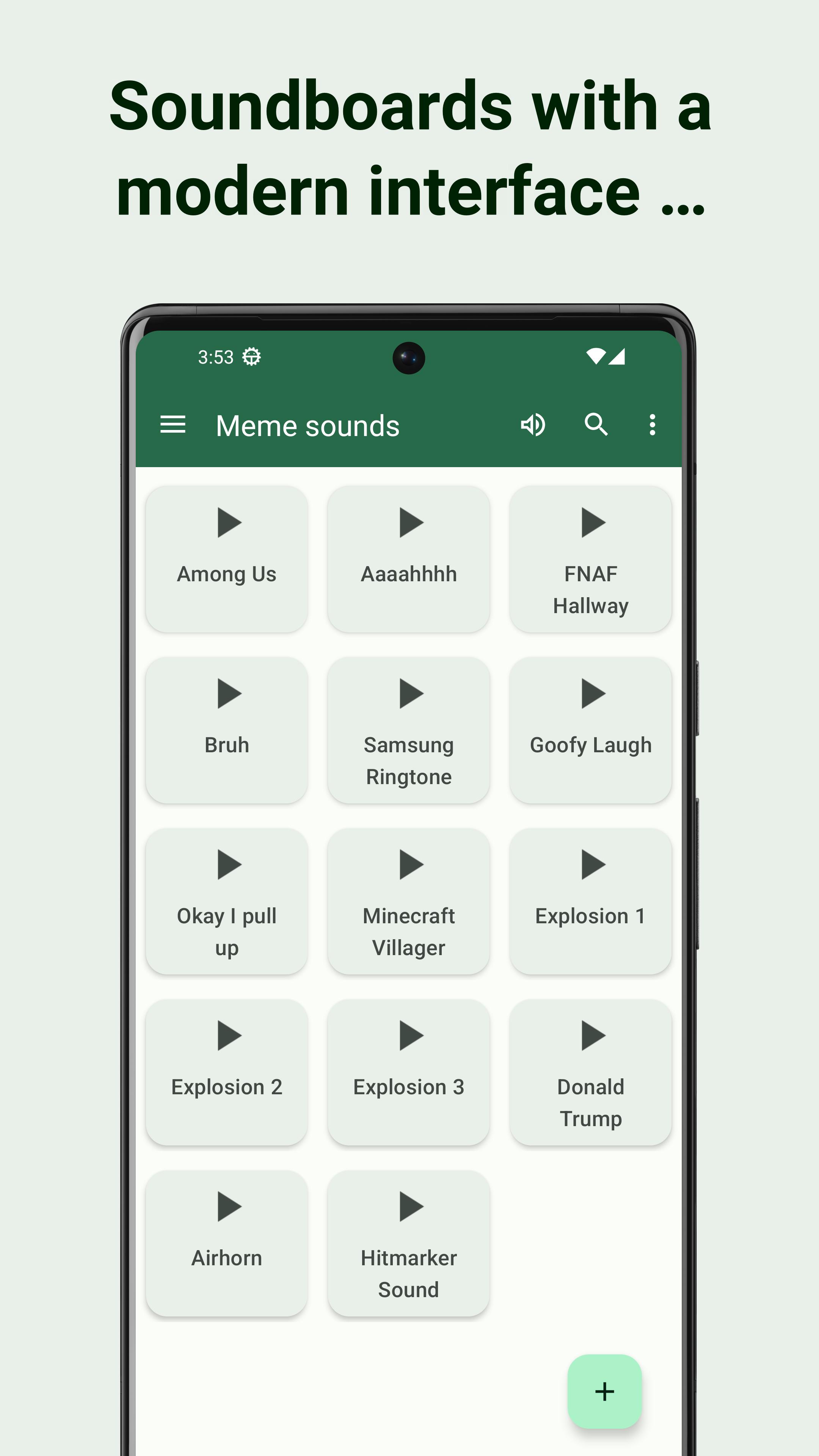
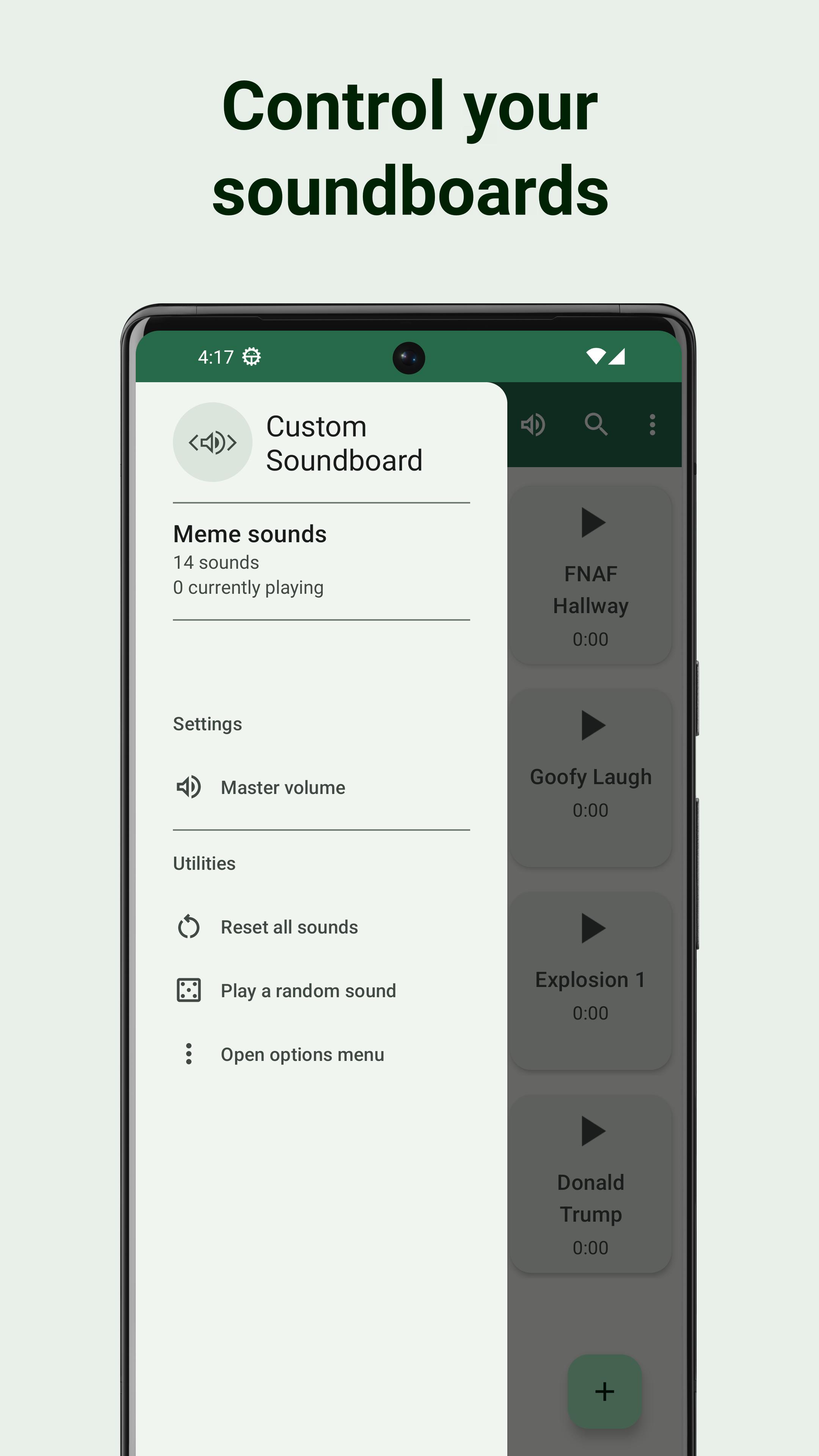
Custom Soundboard suits users who want organized sound sets for streaming, events, or casual fun. It focuses on straightforward creation and management so you can arrange clips the way you need. Moreover, it supports common workflows like adding audio and arranging buttons for simple playback. For installation details and updates, see the Custom Soundboard APK information available here. The layout is simple, and actions are clear, making setup and reuse practical.
Create as many boards as you need
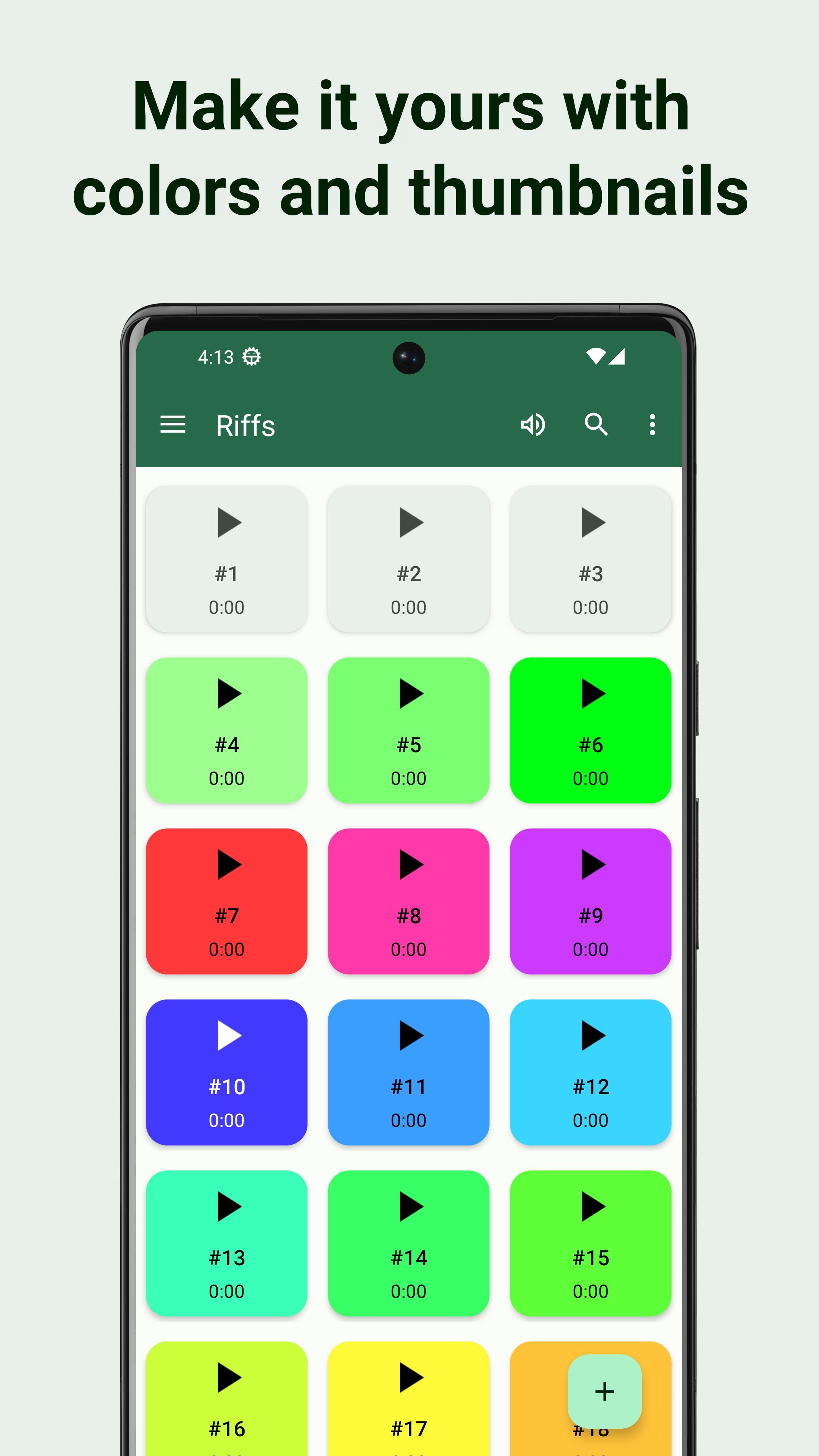
Custom Soundboard lets you build multiple boards for different contexts such as shows, podcasts, or games. Name and organize collections to keep related sounds together.
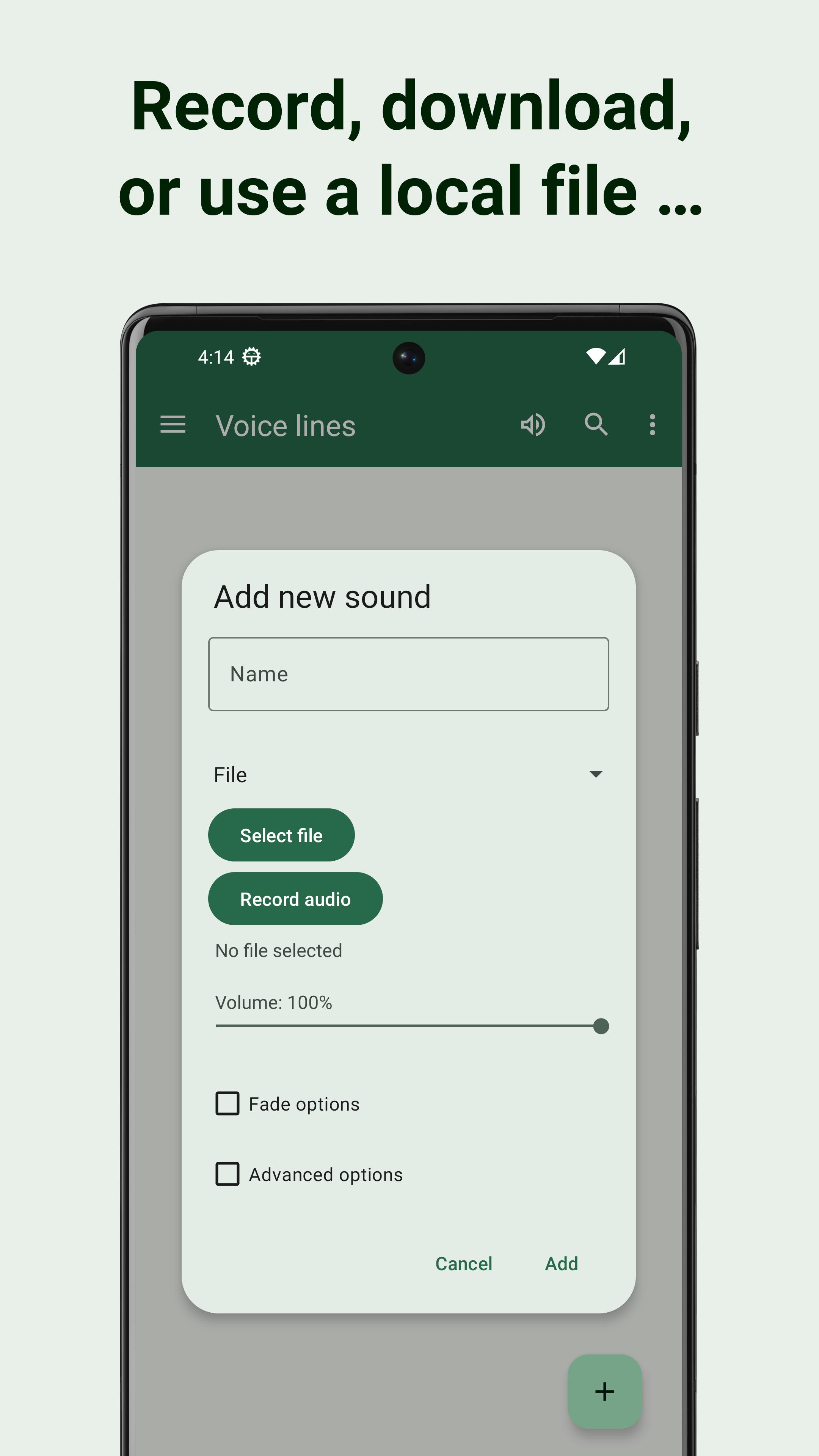
Import audio from files or URLs
After creating your boards, you can import audio from local files or direct URLs. Direct links to sound files work best. YouTube video URLs are not supported due to platform policies.
Fine-tune each sound
Once imported, fine-tune each sound with practical controls:
Layer, backup, and share
When your set is ready, play multiple sounds at the same time to layer effects. To prevent loss, back up boards to files, and share them with others when needed.
Custom Soundboard provides practical tools for building, refining, and playing your own sound sets. If you want reliable creation and backup in one place, install the Custom Soundboard latest version to begin. Review the notes on supported URLs before importing audio. Set up boards and start playback in minutes.
Latest Version
5.13.0Uploaded by
Muhannad Alshihabi
Requires Android
Android 5.0+
Category
Free Entertainment AppContent Rating
Everyone
Security Report
Report
Flag as inappropriateLast updated on Feb 19, 2024
Added a new welcome screen to help new users get started with the app.





APKPure - A multi-platform app store primarily focused on Android, providing extensive app-related content. Discover the app you want easier, faster, and safer, with quick and efficient downloads and installations.