Scan Date:Aug 31, 2025
Show More

Control your Crazyflie quadcopter from your Android device.
Connect to Crazyflie 2.0 using Bluetooth low energy and both the original Crazyflie and Crazyflie 2.0 using the USB Crazyradio dongle connected with a USB OTG cable.
Features:
- Control Crazyflie and Crazyflie 2.0 using Crazyradio on a USB OTG compatible device
- Control Crazyflie 2.0 using Bluetooth LE 4.0
- Control mode configurable
- Control sensitivity configurable
- Axis and button mapping configurable (only for game pad)
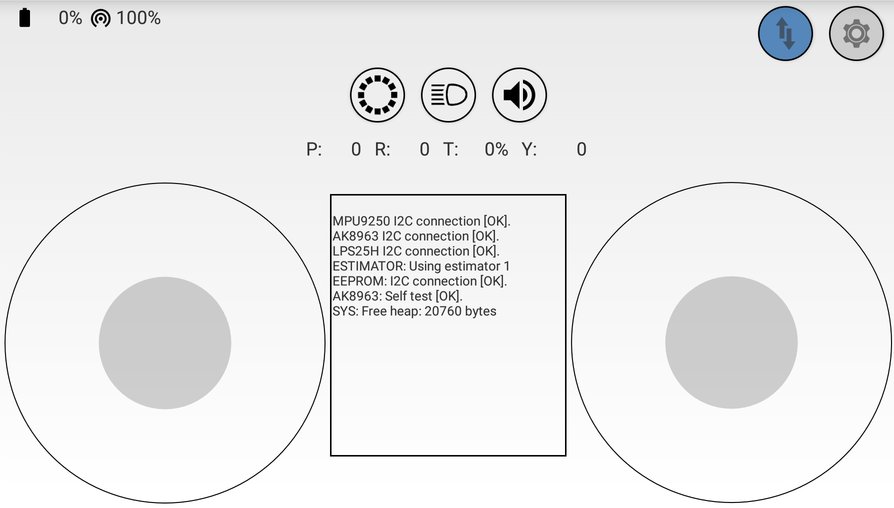
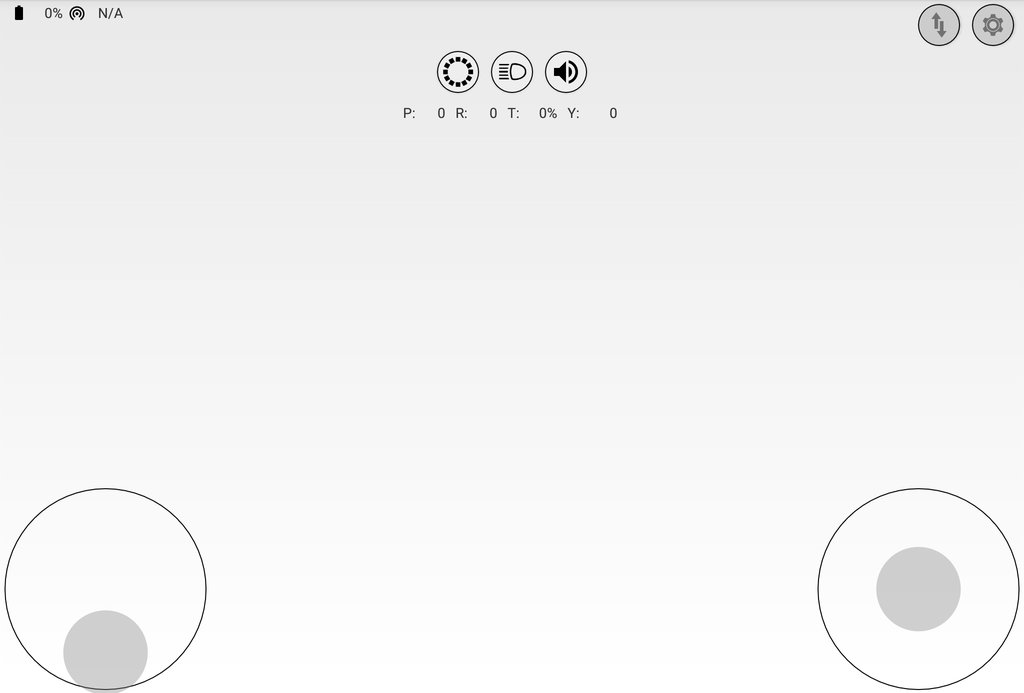
- Control Crazyflie using touch controls
- Control Crazyflie using game pad (connected via USB or Bluetooth)
- Control Crazyflie using the device's gyroscope
- Control LED ring effects (requires Crazyflie 2.0 and optional LED ring deck)
- Play the Imperial March melody on the buzzer deck (requires Crazyflie 2.0 and optional buzzer deck)
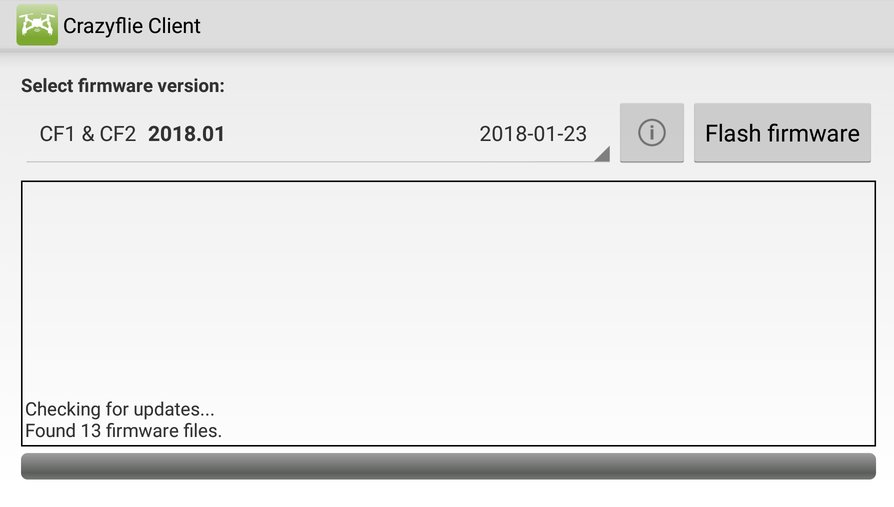
- Update Crazyflie using Crazyradio (experimental feature, update via BLE coming soon)
Please note:
This app is designed to control Crazyflie and Crazyflie 2.0. It requires either a Crazyradio, Crazyradio PA or a Bluetooth LE 4.0 compatible device running Android 4.4+. Only Crazyflie 2.0 can be controlled with Bluetooth LE.
Do not pair the Crazyflie via Bluetooth settings!
Distributors for Crazyflie and Crazyradio can be found on our distributor list: http://www.bitcraze.se/distributors/
This app is using JoystickView Widget from mobile-anarchy-widgets
(https://code.google.com/p/mobile-anarchy-widgets/wiki/JoystickView).
This app is open source, licensed under GPLv3. Source code is available on GitHub:
https://github.com/bitcraze/crazyflie-android-client
Contributions are welcome!
Please report any errors in the issue tracker:
https://github.com/bitcraze/crazyflie-android-client/issues
How to use the bootloader:
1. The list of firmwares should automatically be filled
• make sure you have a network connection
2. Select a firmware
• make sure you select the right one depending on which Crazyflie you want to update (CF1 or CF2).
3. Flash firmware
• for Crazyflie 1, click on "Flash firmware" and switch on the Crazyflie during the next 10 seconds.
• for Crazyflie 2, press the ON/OFF switch of the Crazyflie longer than 1.5 second until one blue LED blinks. Then release the button and both blue LEDs should blink. Then click on "Flash firmware"
4. After a successful flash the Crazyflie will automatically restart in firmware mode and is ready to use.
It's nearly impossible to brick the Crazyflie. In case of any problems during flashing, you can always try again or use the PC client to re-flash.
Permissions:
• Photo/Media/Files: This is required to save the firmware files on the device.
• Bluetooth connection information: This is required for connecting to Crazyflie 2.0 over Bluetooth.
• Location: This is required for Bluetooth LE scanning since Android 6.0.
Latest Version
0.7.6Uploaded by
Andrew T Arces
Requires Android
Android 8.0+
Category
Free Entertainment AppContent Rating
Everyone
Security Report
Report
Flag as inappropriateLast updated on May 5, 2025
Fix issue that prevented connecting to a Crazyflie with latest firmware over BLE.





APKPure - A multi-platform app store primarily focused on Android, providing extensive app-related content. Discover the app you want easier, faster, and safer, with quick and efficient downloads and installations.