Scan Date:Jan 24, 2026
Show More
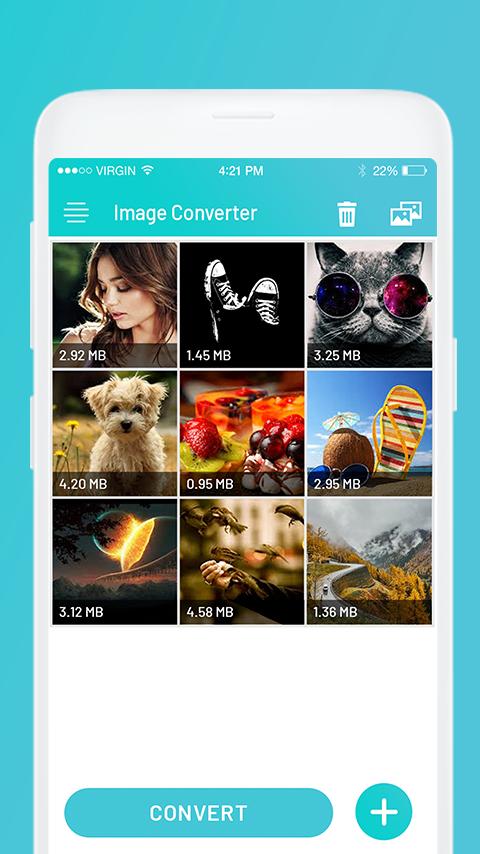
Image Converter - An application to convert images into various image formats
Steps to use:
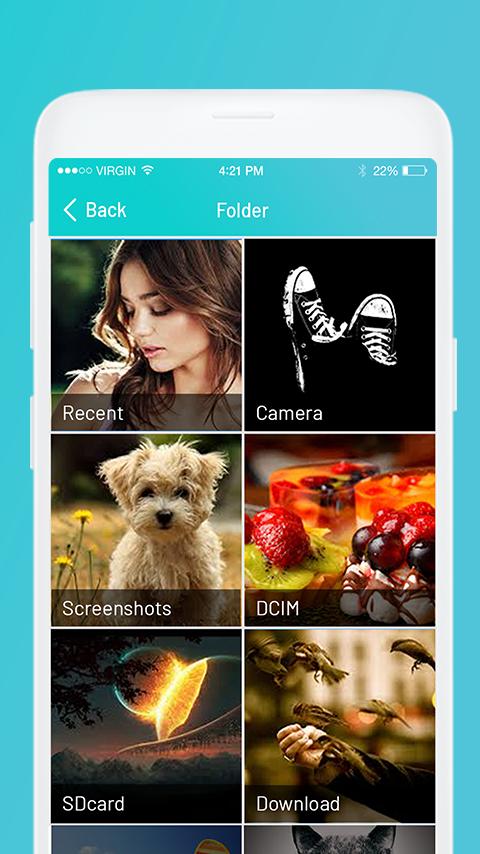
1. Select image/images from gallery with + icon.
2. Click on Convert.
3. Select output format from the list. This will create new images with specified format.
4. View list of all newly created images.
5. Share image(s) directly from list.
Supported output image formats:
JPG, JPEG, PNG, WEBP, BMP, TIF, TIFF, PSD and RGB
Latest Version
1.7Uploaded by
Soulaimane Lk
Requires Android
Android 7.0+
Category
Free Productivity AppContent Rating
Everyone
Security Report
Report
Flag as inappropriateLast updated on Dec 3, 2025
- Added support for Android 16
- Stability and Performance Improvements


APKPure - A multi-platform app store primarily focused on Android, providing extensive app-related content. Discover the app you want easier, faster, and safer, with quick and efficient downloads and installations.