ANNOUNCEMENT
A lot of user seem to misunderstand how this app work. This is not a magic app that will automatically connect to your development board. The board firmware MUST be programmed with proper library and initialisation. We have provided the library, and some example for you to use in our GitHub repository. Please check the steps below.
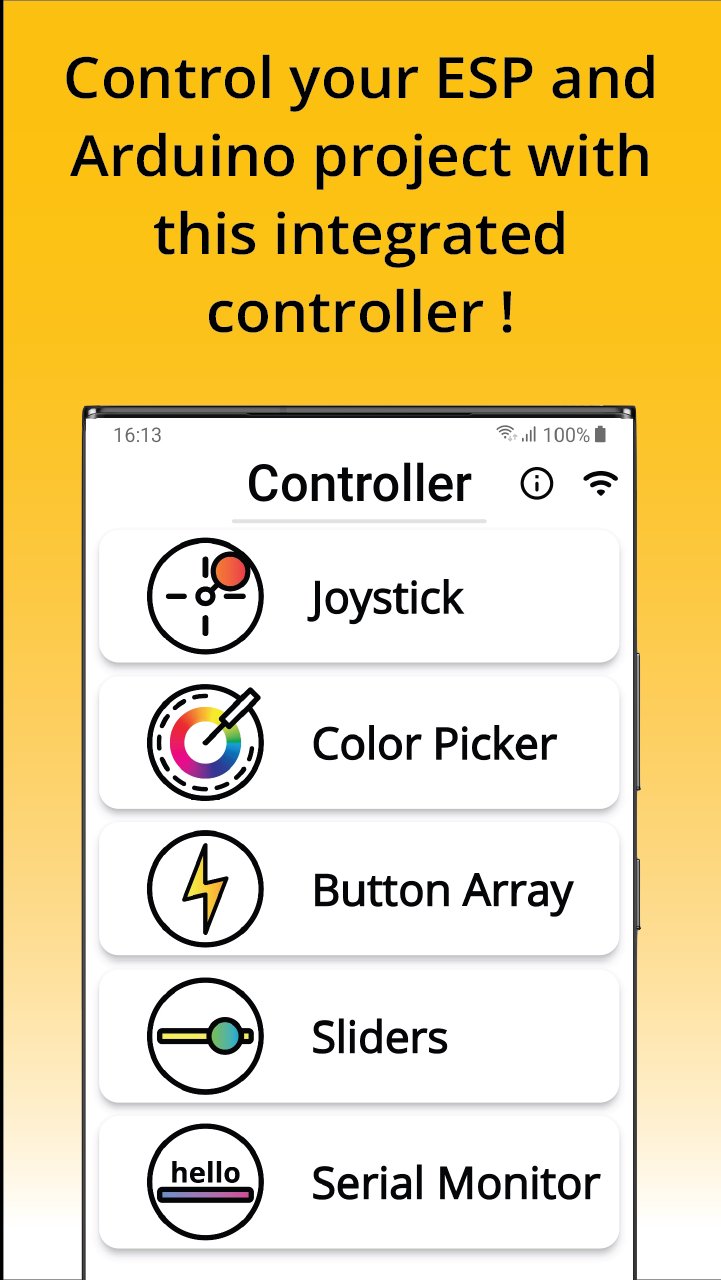
Controller lets you remotely control your development board, ESP8266 and ESP32 through WebSocket protocol. Control your connected peripherals, DC motor, stepper, robotic project, LEDs, relays, with this integrated controller.
Features
🔹 Joystick Control
🔹 Color Picker
🔹 Button Array
🔹 Sliders
🔹 Serial Monitor
🔹 Motion Control
Board Setup
1. Install this app
2. Go to our GitHub and clone or download the repository. Search for invoklab/InvokController. GitHub Repository
3. Follow instruction in GitHub to setup your development board.
How to use this app?
1. Setup ESP Wi-Fi by connecting to your ESP device (ESP_XXXXXX). You will be redirected to configuration portal.
2. Enter or select Wi-Fi SSID and password, and click connect.
3. In Controller app home page, tap Wi-Fi icon on top right corner, this will route you to connection setup page.
4. If ESP board is configured correctly, the device will show up in mDNS discovery tab. Select your device and the app will auto populate the IP address field.
5. Press Connect.
6. Status icon on top right corner will turn green when connection is established.
7. Test connection by sending message. Server will respond or echo back the same message.
Tips
You can reconnect or disconnect to ESP webserver through any controller screen by pressing the status icon button on top right corner.
Got feedback? We'd love to hear it!
You can send us your feedback or any inquiries to
invoklab@gmail.com