Control Center iOS 11 - Phone X Control Panel gives you instant access to the most important smartphone settings.
With Open Control Center simply swipe up like on iOS 11 control panel.
Control Panel is A Swiss Army Knife Tool for Your Android Phone. Control Center contain commonly used switches of Android system and all installed apps, you could quickly toggle your switch and open your favorite apps with control center.
With Control Center, you can quickly access multiple settings and apps.
-Notification Lock screen & Notification Center ios 11
Display notification information on lock screen like iOS 11
- Notification bar Phone 8 plus
Swipe down to display notification bar like Phone 8
- Easy to use Phone Launcher iOS 11
Deleting apps and moving apps around is much easier.
✱ QUICK SETTINGS
★ Control panel for Internet Settings
★ Quick settings for Airplane Mode
★ Quick settings disturb
★ Quick settings for Wifi
★ Quick settings for Bluetooth
★ Quick settings access modem settings
★ Quick settings for network
★ Quick settings portrait
★ The Key Feature of the Control Panel – Control Center Phone X
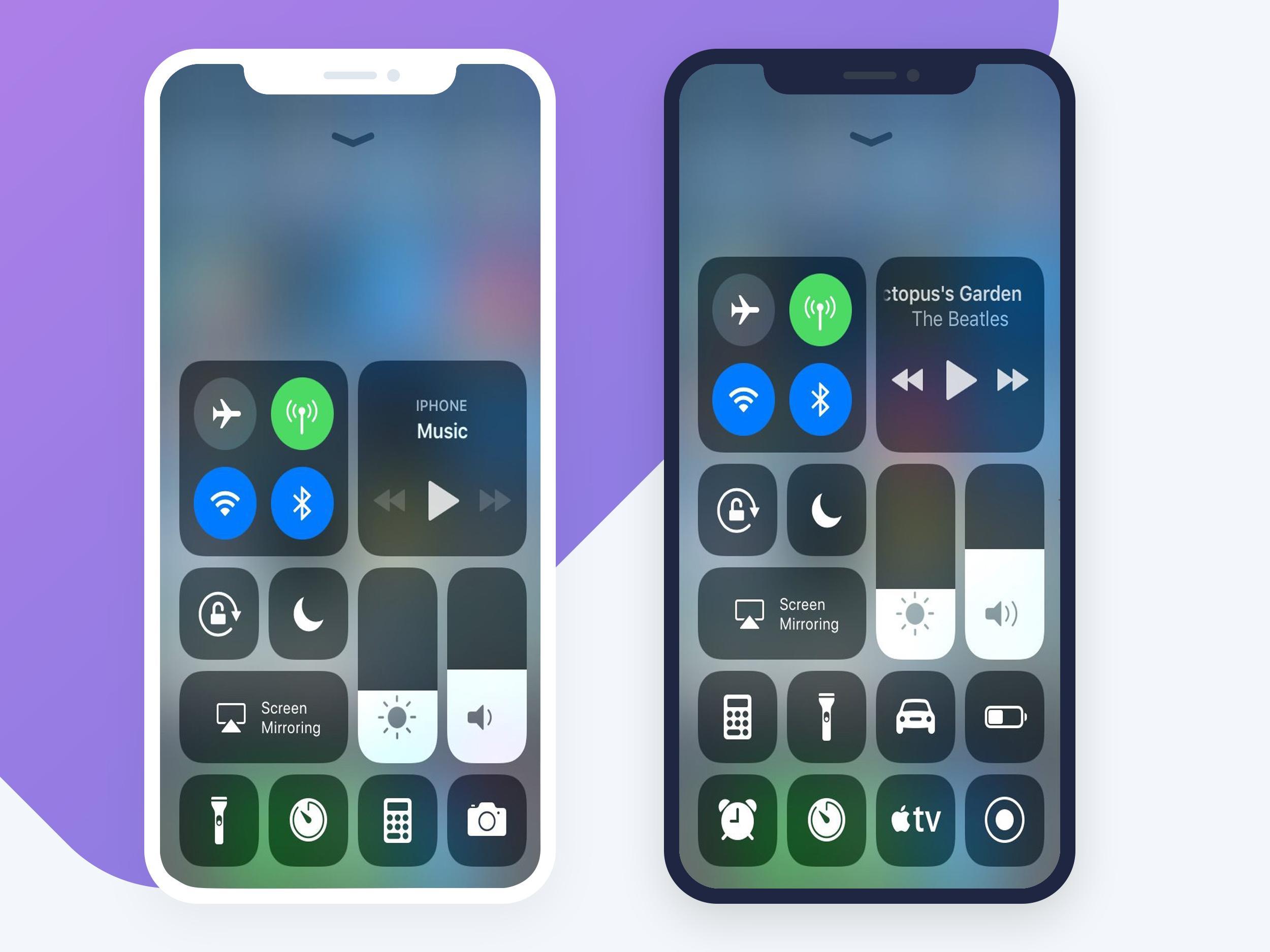
✱ Airplane Mode: Use Airplane Mode to instantly turn off Bluetooth, Wi-Fi, and cellular connections on your android device.
✱ Wi-Fi: Turn on Wi-Fi to browse the web, stream music, download movies, and more.
✱ Bluetooth: Connect to headphones, car kits, wireless keyboards, and other Bluetooth-enabled devices.
✱ Do Not Disturb Silence calls, alerts, and notifications that you receive while your device is locked.
✱ Portrait Orientation Lock: Keep your screen from rotating when you move your device.
✱ Adjust brightness: Adjust the brightness of your display from any screen.
✱ Flashlight: The LED flash on your camera doubles as a flashlight, so you can get extra light when you need it.
✱ Alarms and Timer: Set an alarm, timer, or stopwatch, or check the time in another country or region.
✱ Calculator: Tap numbers and functions in Calculator, just like a standard calculator.
✱ Camera: Never miss a moment to take a picture with quick access to your camera.
✱ Control audio: From here, you can quickly play, pause, and control volume of your favorite song, podcast, and more.
With Control Center app, you can customize more style, such as size, color, position, vibration.
Thanks very much Smart Control Center OS 11 !!
Please install my application and enjoy it.
We want give you the best of application about control. Leave your comment , request or feedback help we make my application better.
Latest Version
3.0Uploaded by
Logan Schmitt
Requires Android
Android 4.4+
Category
Free Tools AppContent Rating
Everyone
Report
Flag as inappropriateLast updated on Nov 1, 2018
Fix Record Screen From Home screen



APKPure - A multi-platform app store primarily focused on Android, providing extensive app-related content. Discover the app you want easier, faster, and safer, with quick and efficient downloads and installations.











