
Samsung Radio focuses on simple, reliable access to local broadcasts on Galaxy devices that support FM radio. It opens quickly, helps you find nearby stations, and keeps playback stable even when you do not have an internet connection. You can mark stations to return to them later and revisit important programs through in app recordings. The layout is easy to read on small screens, and controls are straightforward. Permissions are limited to what is needed for recording and saving files. This approach makes Samsung Radio a practical choice for news, sports, and music on the go.
Offline FM listening
Samsung Radio plays live FM radio without mobile data or Wi Fi on supported Galaxy models. This is useful when you want local updates in areas with poor connectivity or when you want to save data. It keeps audio going as you move between places with limited service.
Simple tuning and quick gestures
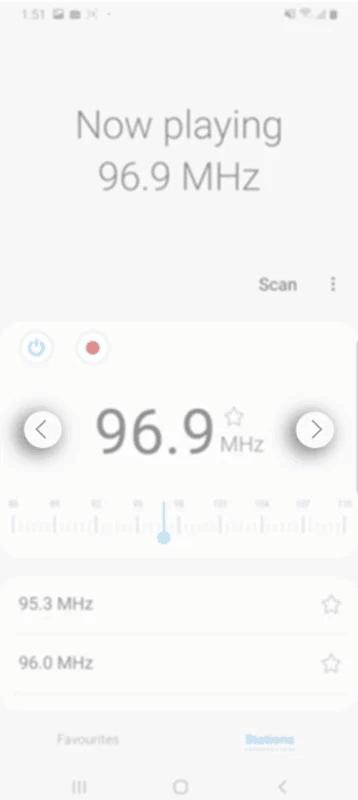
The tuner is clean and easy to adjust, so you can move across frequencies fast. You can tap to fine tune or jump between presets without extra steps. Therefore, finding a clear signal feels natural on a small screen.
Record live radio to listen later
Samsung Radio can record a show as it plays, and it saves the file directly to your device. You can revisit news segments or music sets whenever you want. In addition, recordings stay available even when you are offline.
Favorites and home screen shortcuts
You can bookmark stations for quick access and organize them the way you prefer. After that, add a station shortcut to your home screen for one tap playback. This makes your daily station simple to start without opening the full app.
Sleep timer for auto stop
Set a timer to stop playback after a set period. This works well for bedtime listening or short breaks. Also, it helps conserve battery when you fall asleep.
Official app with minimal permissions
Samsung Radio is an official Samsung app designed to be lightweight. It requests Microphone permission only for recording and Storage permission only to save files. Moreover, day to day listening works without signing in or using data on supported devices.
Samsung Radio works on compatible Galaxy phones that include FM radio functionality. Availability can vary by model, region, and carrier settings. Some newer devices released after 2021 may not include FM capability, so the app may not appear or may not function on those models.
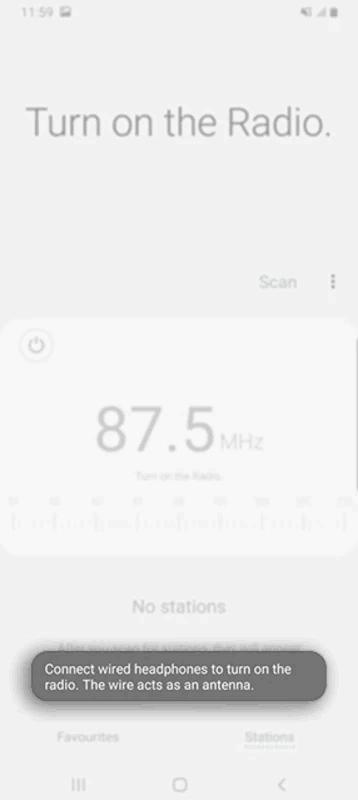
Offline playback relies on the device hardware rather than the internet. If your phone does not support FM radio, Samsung Radio will not receive stations. In that case, the app may not install or may close during tuning.
Get the Samsung Radio APK latest version on APKPure to check if your device can run it. You can also find earlier builds that may suit older Galaxy models.
Samsung Radio uses Microphone permission only when you start a recording. Live listening does not require microphone capture. Storage access is used to save and manage recordings on your device.
You can review and manage these permissions in your phone settings at any time. Therefore, you keep control over what the app can access while using offline radio.
Adding a station to favorites helps you return to it in one tap from the Favorites tab. You can also place a station shortcut on the home screen for direct playback.
The sleep timer is helpful if you listen before bed. Choose a duration, start playback, and the app will stop automatically when the timer ends.
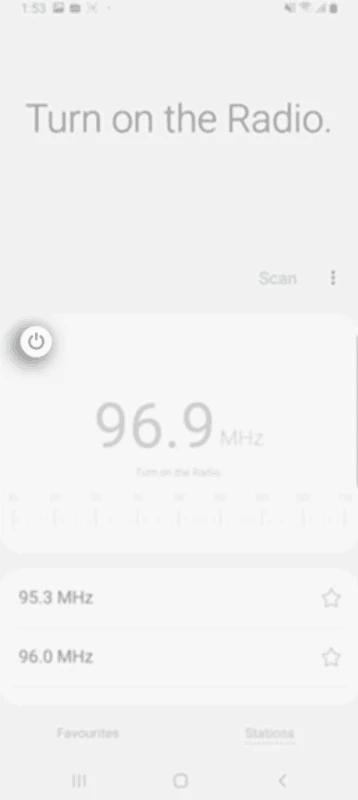
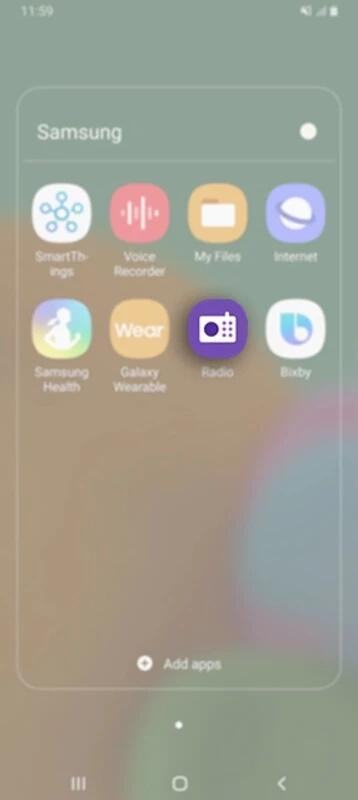
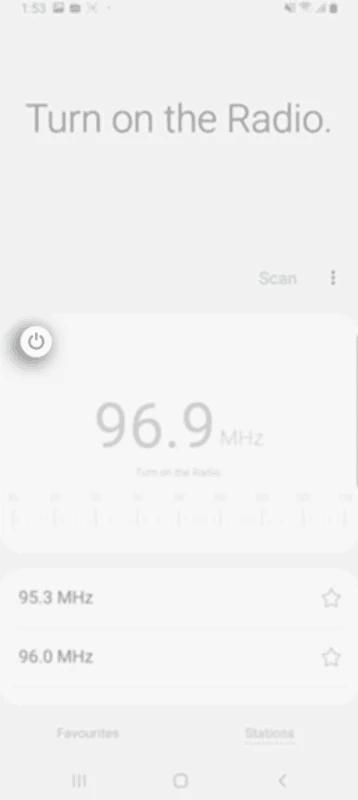
Follow these steps to start listening to offline FM on a supported Galaxy device. The process is simple and takes only a moment.
Samsung Radio delivers local FM without data on supported Galaxy phones, with simple controls, recording, and a sleep timer. Get the Samsung Radio APK latest version on APKPure to start listening right away.
Can I get radio on my Samsung phone?
Yes, you can listen to FM radio on compatible Galaxy devices that include FM hardware using Samsung Radio. Availability varies by model, region, and carrier settings. If the app is not preinstalled, download Samsung Radio APK on APKPure to check compatibility and start tuning local stations.
Is Samsung Radio free to use?
Yes, Samsung Radio is free to use, and live FM listening does not consume mobile data on supported devices. Recording is also free and saves files locally. You can download Samsung Radio from APKPure at no cost.
Does Samsung have FM?
Some Samsung Galaxy models include an FM tuner, and Samsung Radio relies on that hardware for offline listening. However, certain devices and regions, especially newer lines after 2021, may not support FM. If your phone lacks FM capability, Samsung Radio will not receive stations.
How do I install Samsung Radio on Snapdragon S10 phones?
Download Samsung Radio APK on APKPure, then install and open it on your Snapdragon based Galaxy S10. Grant the requested permissions and scan for stations. If your carrier or region disables FM functionality, the app may not tune stations even though it installs correctly.
The app crashed on my device. Do I need an older version?
Try clearing the app cache, then reinstall the Samsung Radio APK from APKPure. If the issue persists, install an earlier version available on APKPure that better matches your device. Crashes can also occur on models without FM support, so confirm that your Galaxy phone includes FM capability.
Latest Version
12.5.00.15Uploaded by
Samsung Electronics Co., Ltd.
Requires Android
Available on
Samsung Electronics Co., Ltd.
Category
Free Tools AppReport
Flag as inappropriateLast updated on Nov 10, 2025
This release includes minor bug fixes and general improvements. Update to the latest version for the best experience.


APKPure - A multi-platform app store primarily focused on Android, providing extensive app-related content. Discover the app you want easier, faster, and safer, with quick and efficient downloads and installations.