Scan Date:May 4, 2026
Show More

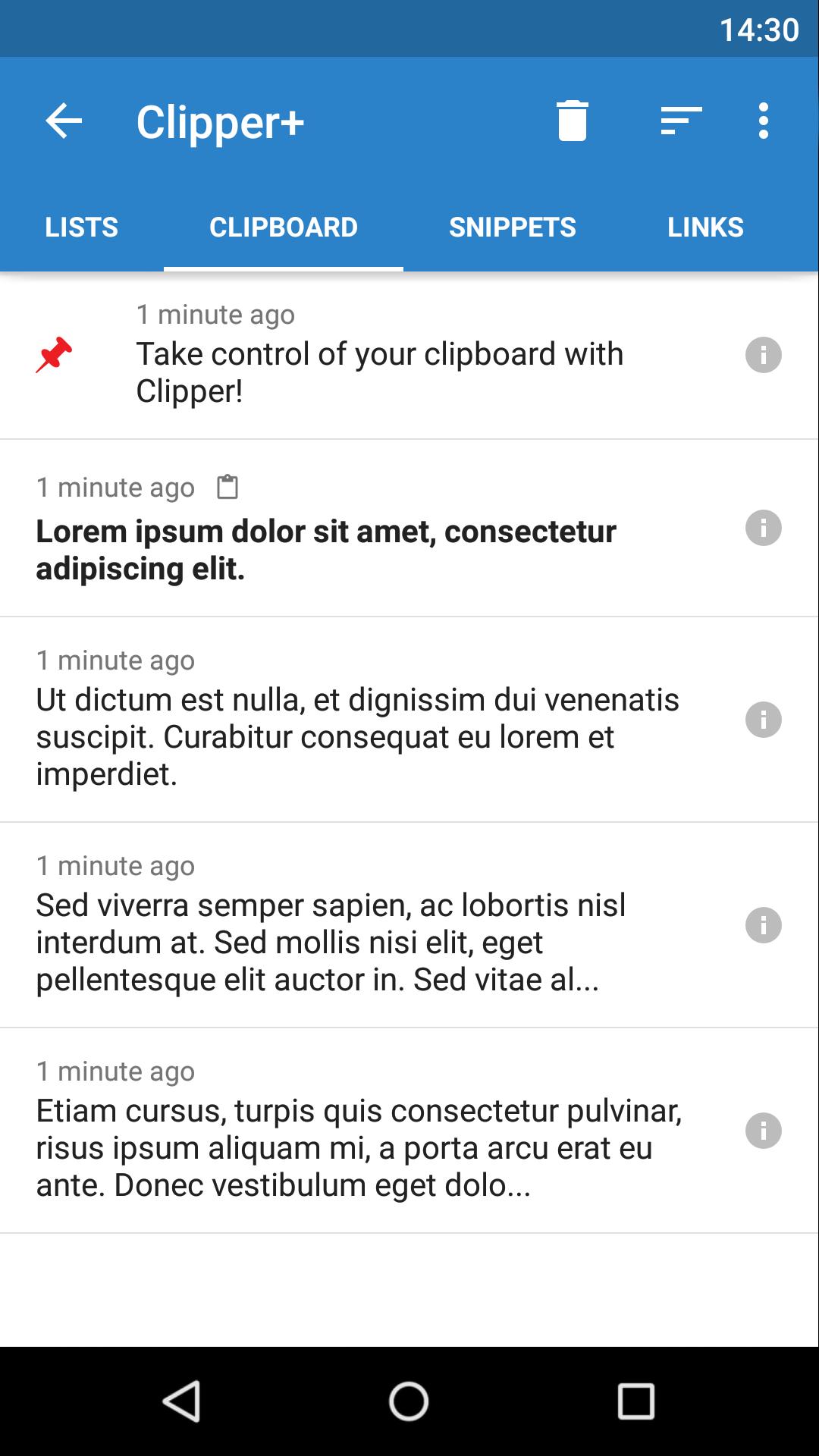
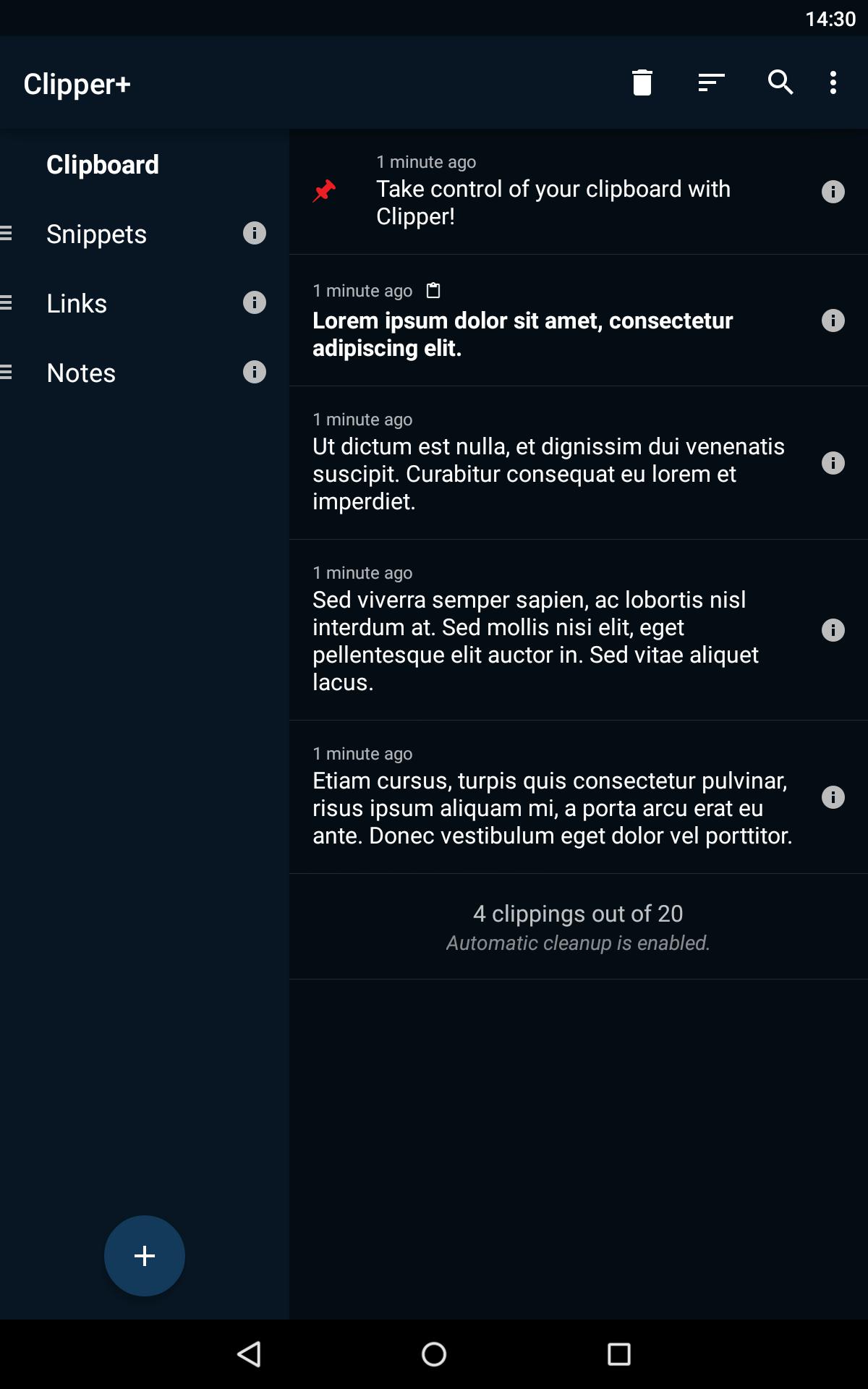
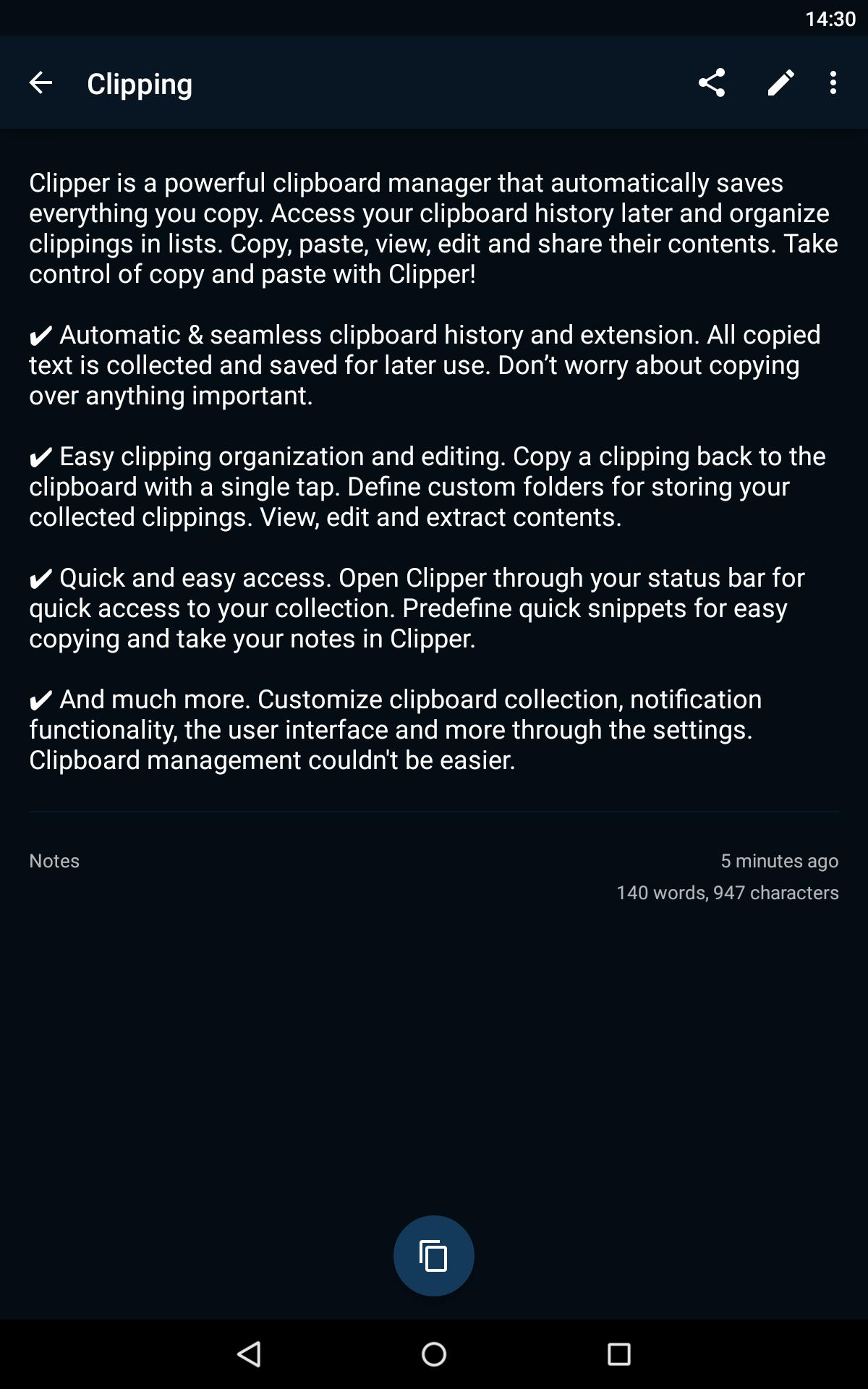
Clipper is a powerful clipboard manager that automatically saves everything you copy. Access your clipboard history later and organize clippings in lists. Copy, paste, view, edit and share their contents. Store repetitive pieces of text in Clipper and copy them whenever you need to. Take control of copy and paste with Clipper!
✔ Automatic & seamless clipboard history and extension. All copied text is collected and saved for later use. Don’t worry about copying over anything important.
✔ Easy clipping organization and editing. Copy a clipping back to the clipboard with a single tap. Define custom folders for storing your collected clippings. View, edit and extract contents.
✔ Quick and easy access. Open Clipper through your status bar for quick access to your collection. Predefine quick snippets for easy copying and take your notes in Clipper.
✔ And much more. Customize clipboard collection, notification functionality, the user interface and more through the settings. Clipboard management couldn't be easier.
+ Upgrade to Clipper Plus to get unlimited clippings, search, dynamic values and new options.
Copy and Paste 2.0 is here!
(After installing Clipper, you will need to start it once to activate monitoring. You will see a quick start tutorial. Task killers may interfere with Clipper.)
If you need help or have any suggestions or complaints, please don’t hesitate to e-mail us at clipper@rojekti.fi. Your feedback is invaluable to us.
Used permissions:
✔ Photos/media/files: import & export backup functionality to internal storage or SD card
Latest Version
3.0.12Uploaded by
Bryan Dylan
Requires Android
Android 6.0+
Category
Free Productivity AppContent Rating
Everyone
Security Report
Report
Flag as inappropriateLast updated on May 6, 2026
Updates and fixes for latest Android versions.




APKPure - A multi-platform app store primarily focused on Android, providing extensive app-related content. Discover the app you want easier, faster, and safer, with quick and efficient downloads and installations.